




Office Suite Kit, Microsoft 365 to LibreOffice (Cut-the-Cord)
Microsoft 365 costs $99.99 a year. 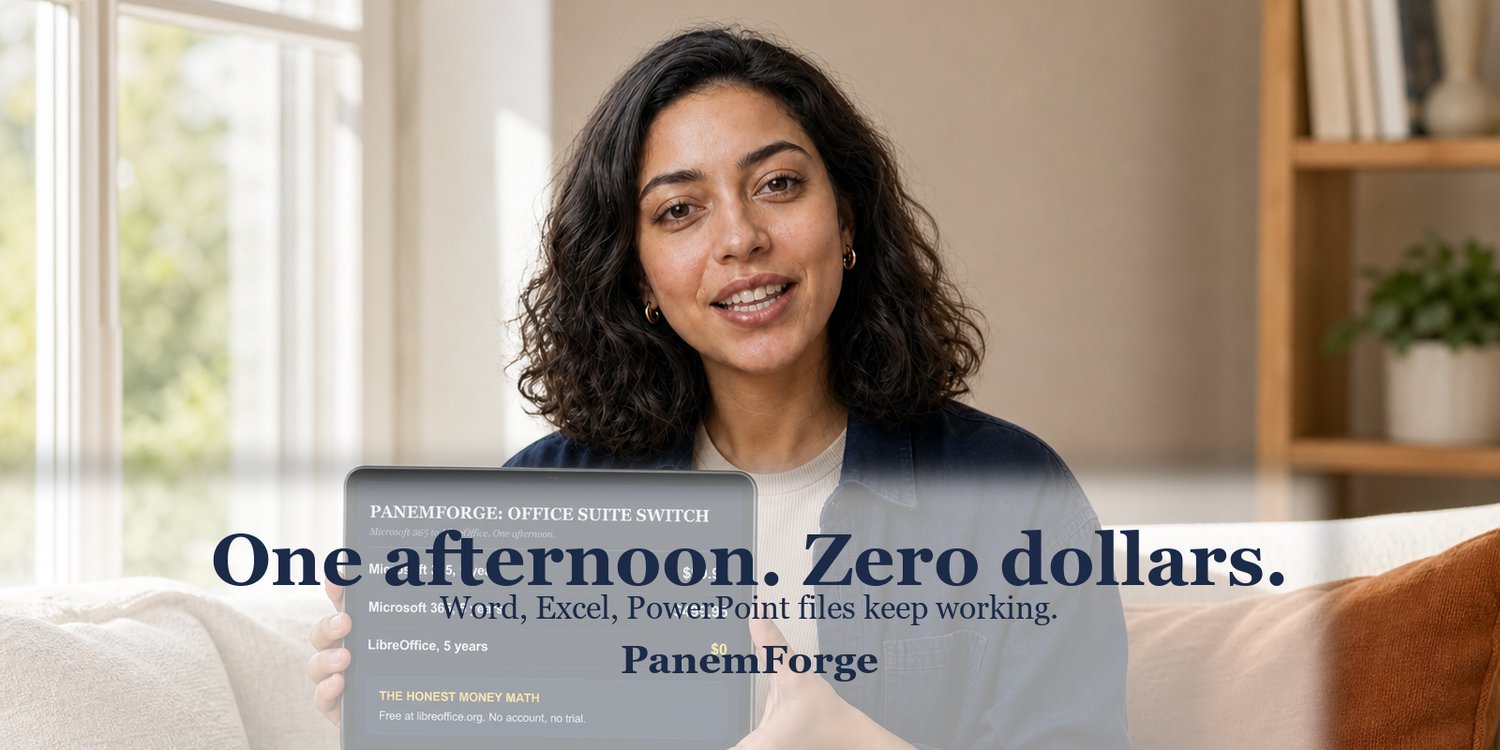 When you stop paying, your own documents open in read-only mode, which means you can view them but not edit them.
Switch once, do it properly, and use a free, open-source office suite that stays yours forever on every file you already own.
This is a complete switch kit: four short, plain-English guides that take you from "I've heard of LibreOffice" to using Writer, Calc, and Impress with your Word, Excel, and PowerPoint files, fonts, and formats intact. No subscriptions, accounts, or cloud storage. Everything runs on your own computer.
WHAT YOU GET: 6 downloads covering 4 files. The AI Prompt Pack comes as both a polished PDF and a copy-paste plain-text version:
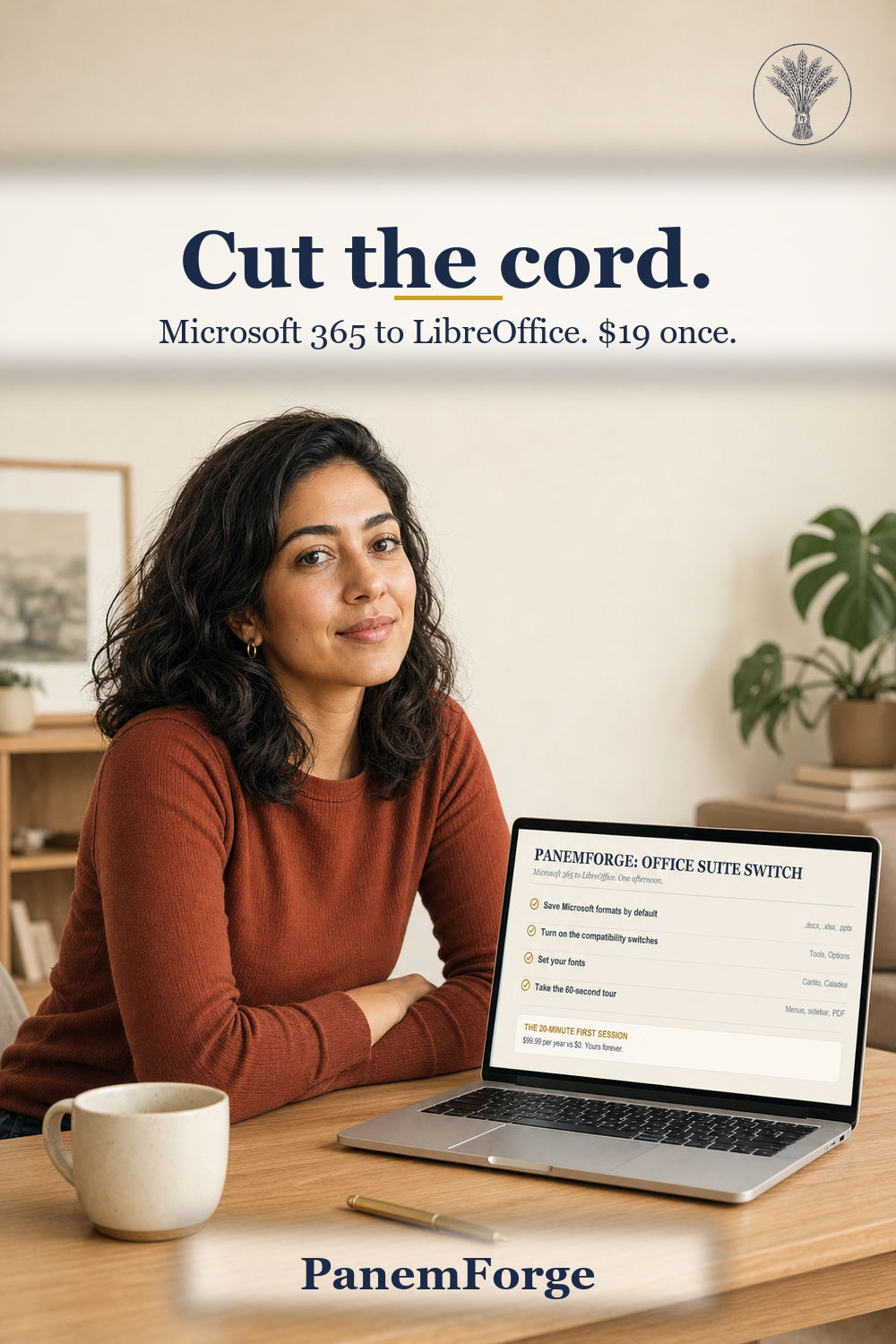
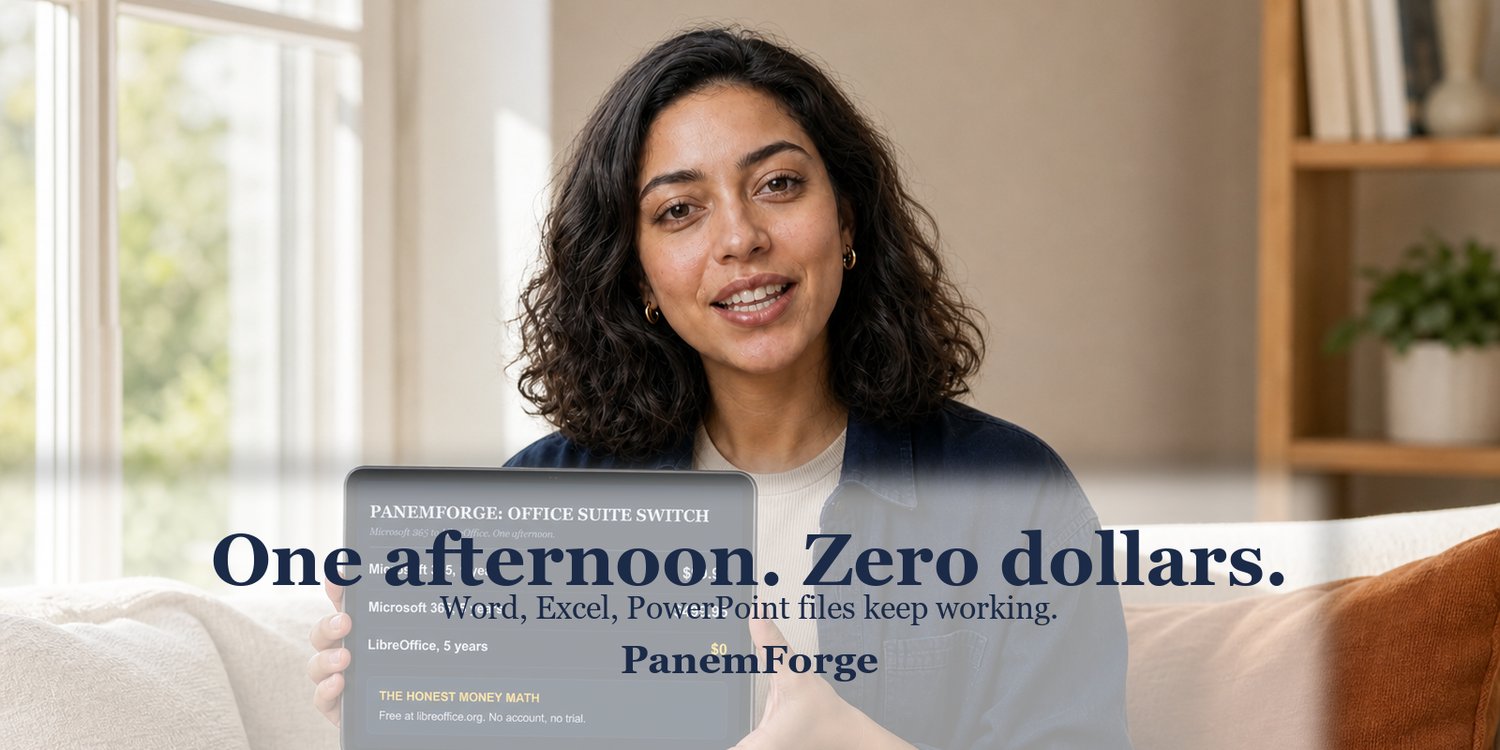
- The LibreOffice Switch Guide (PDF): Learn what LibreOffice actually is, the honest money math ($99.99/yr vs. $0, five years at a glance), how to install it on Windows and macOS, and how to use the 20-minute first-session checklist. The checklist covers save-as-.docx defaults, compatibility switches, and font handling. It is designed to prevent 90% of surprises.
- The Migration Playbook (PDF): Move from Word to Writer, Excel to Calc, and PowerPoint to Impress. Learn the six things worth knowing in each app, find menu paths for tasks you used to do with the ribbon, and review common problems with fixes. It also covers the fact that VBA macros, small programs built into some workbooks, mostly don't run, plus what to do about them.
- The Compatibility Cheat Sheet (PDF): See what opens, what saves, and what makes a clean round trip. "Round trip" means opening a file, editing it, saving it, and opening it again in the original program. The Honesty Table shows what survives the switch cleanly, what changes a little, and what does not come over.
- The AI Prompt Pack (PDF + TXT): Get ten copy-paste prompts that turn any AI you already use, ChatGPT, Claude, Gemini, Copilot, or a local model, into a LibreOffice tutor. The prompts cover feature translation, formula writing, document repair, automation without macros, and a compatibility check before you send a file to a Microsoft user.
- README Quick Start: Follow the 10-minute setup path, plus the short weekly rhythm.
WHY IT'S DIFFERENT: Most "ditch Microsoft" content is either a rant or a fan wiki. This is a working manual from a publisher whose whole catalog runs on free, local software. It explains the trade-offs plainly:
- Real-time co-editing, where people work in the same document at the same time: you lose it.
- Workbooks that depend heavily on VBA: move them to LibreOffice or keep Excel for those files.
- Everyday documents, formulas, and presentations: they move cleanly.
The honesty is the product. You'll know what switching costs before you spend a minute on it.
WHO IT'S FOR: This kit is for freelancers, small offices, students, and families who pay for Microsoft 365 mostly to write, calculate, and present, and want to stop.
It is not for people whose employers require Microsoft software or whose work depends on specific Microsoft add-ins. The Cheat Sheet helps you check this in five minutes.
IMPORTANT FACTS: LibreOffice is free, open-source software maintained by the non-profit Document Foundation. Download it yourself at libreoffice.org. This kit provides the guidance, not the software.
PanemForge is an independent publisher, not affiliated with or endorsed by The Document Foundation or Microsoft. Product names are trademarks of their owners.
Prices and version facts verified October 2026: LibreOffice 26.8.1; Microsoft 365 Personal $99.99/yr with read-only mode after expiry (per Microsoft's own page).
REQUIREMENTS: You need a Windows, macOS, or Linux computer that runs LibreOffice, which is free at libreoffice.org. The guides are PDFs, and the prompts are plain text. Nothing else is needed.
SALES POLICY: All sales are final. Digital files can't be returned. If a file won't open or is damaged, reply to your purchase email, and we'll send a fixed or replacement file, free.
FAQ
 Q: Is this the LibreOffice software?
A: No. LibreOffice is free at libreoffice.org and always has been. This kit provides the guidance: guides, checklists, and prompts that are meant to make the switch take an afternoon instead of a month of trial and error.
Q: Will my existing Word, Excel, and PowerPoint files still work?
A: Yes. That is the main purpose of File 3. Modern .docx/.xlsx/.pptx files open, save, and make a clean round trip for everyday documents, standard formulas, and basic charts. The Honesty Table lists the few things that change and how to handle them.
Q: What about my VBA macros?
A: Stated plainly, because most guides avoid it: VBA macros mostly don't run in LibreOffice. Simple ones sometimes work through a compatibility layer, which is a software bridge between systems. Complex ones fail. If a business process depends on a heavy macro, keep that workbook in Excel or have it moved to another system. Everything else moves fine.
Q: Do I lose real-time co-editing with my team?
A: That is the one genuine loss, and the kit says so. Your options are shared folders with the free OneDrive desktop app or a web editor for that specific need. Most solo users and small offices never miss it.
Q: Which AI does the prompt pack work with?
A: Any capable AI chat, including ChatGPT, Claude, Gemini, Copilot, or a local model on your own machine. The prompts are plain text. Paste and go.
Q: Is it really $0 forever, or free-with-catch?
A: Really $0. LibreOffice is open-source software maintained by a non-profit. There is no account, trial, or locked feature. If it saves you money, the kit's final page suggests donating to the project. That is the entire "catch."
Q: What if it doesn't work for me?
A: Digital files can't be returned, so all sales are final. If a file won't open or is damaged, reply to your purchase email. We'll send a fixed or replacement file for free, no forms.
See the tools in action: Watch short commercials on YouTube (youtube.com/@PanemForge) and daily pins on Pinterest (pinterest.com/panemforge).