



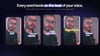




Glow Captions
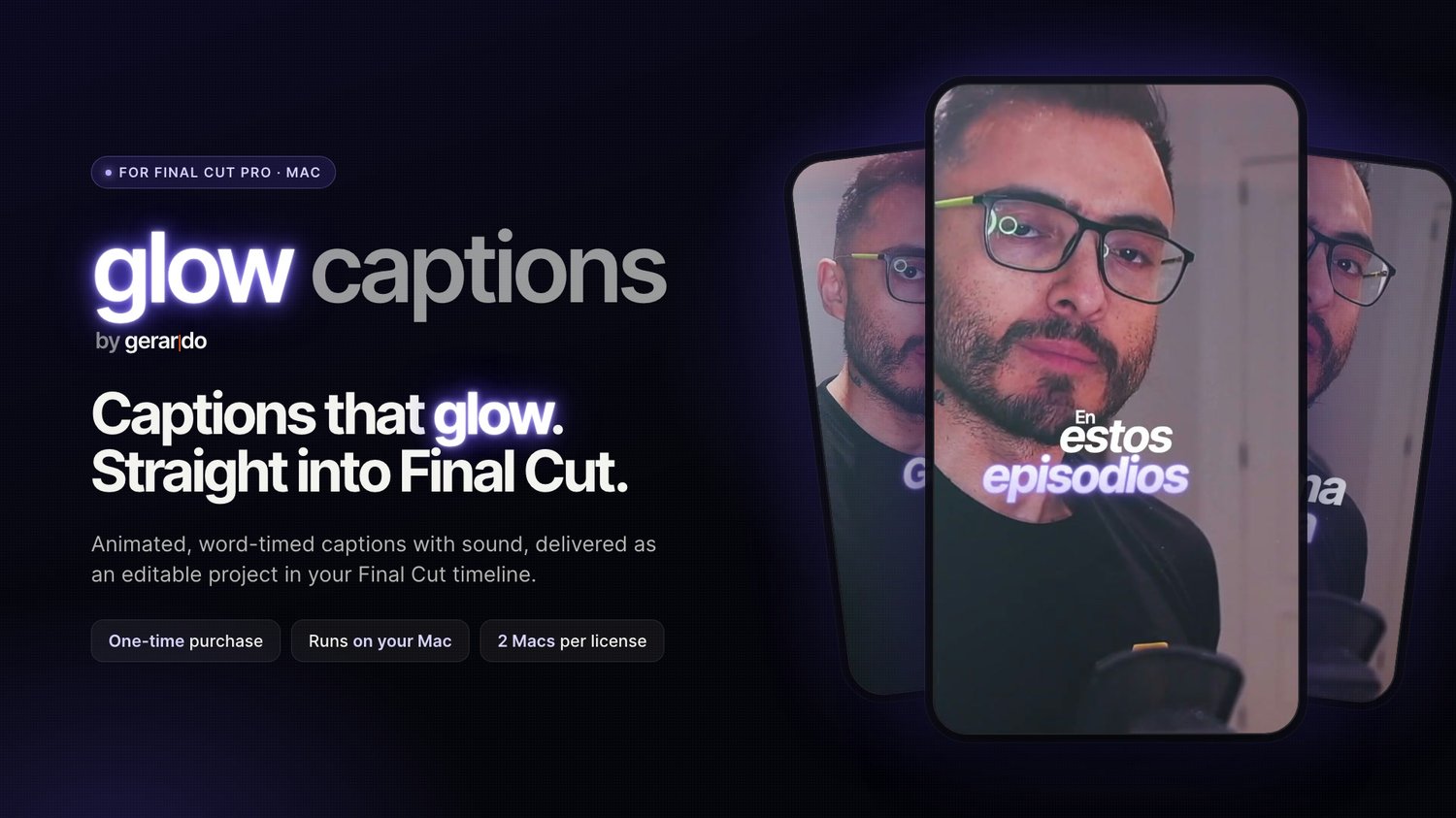
Captions that glow. Straight into Final Cut.
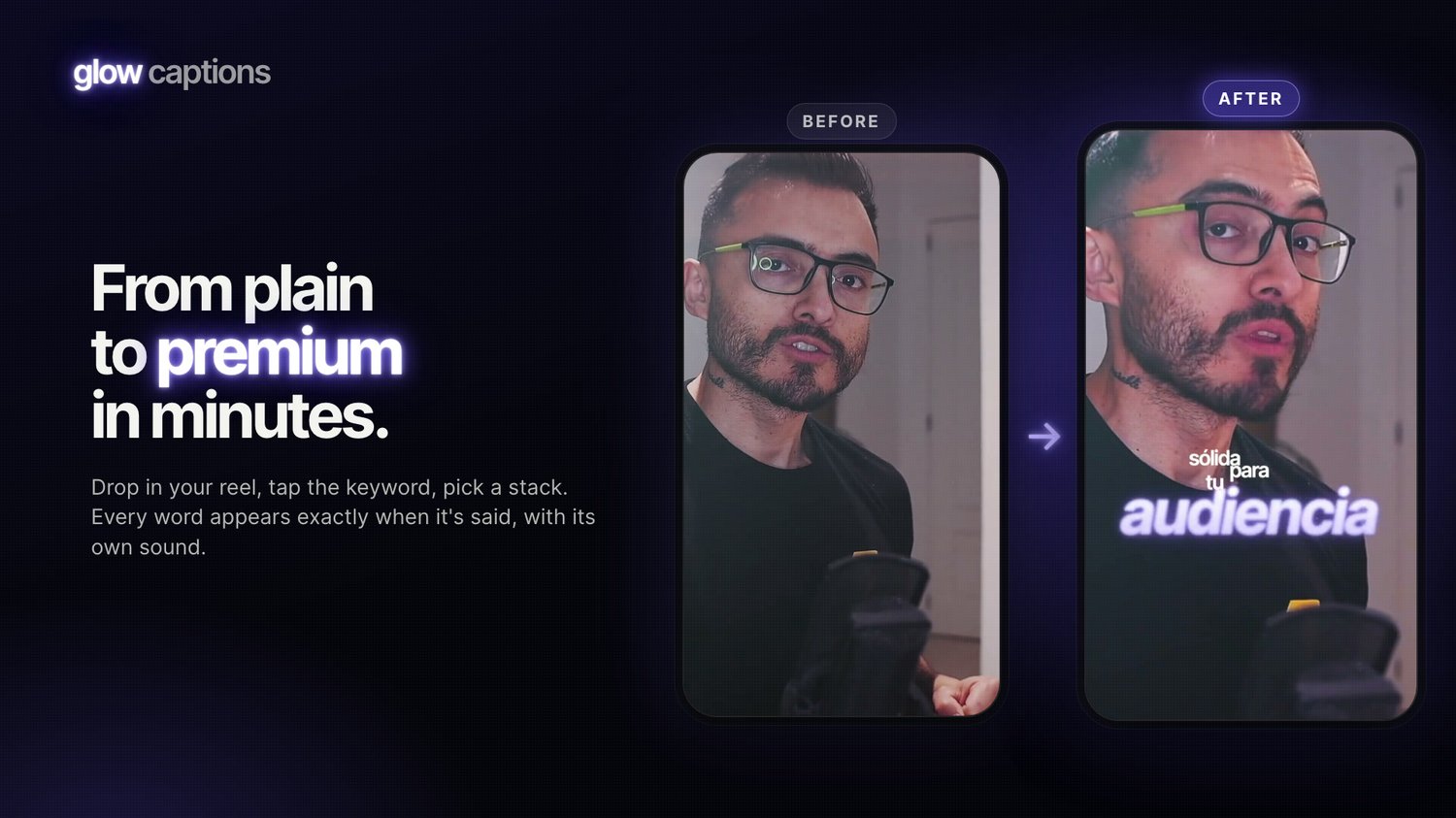
Glow Captions is a Mac app that turns your talking-head videos into premium animated captions. Every word appears exactly when it's said, the keywords glow, and each word gets its own sound. When you're done, it delivers everything as an editable project in your Final Cut Pro timeline.
HOW IT WORKS
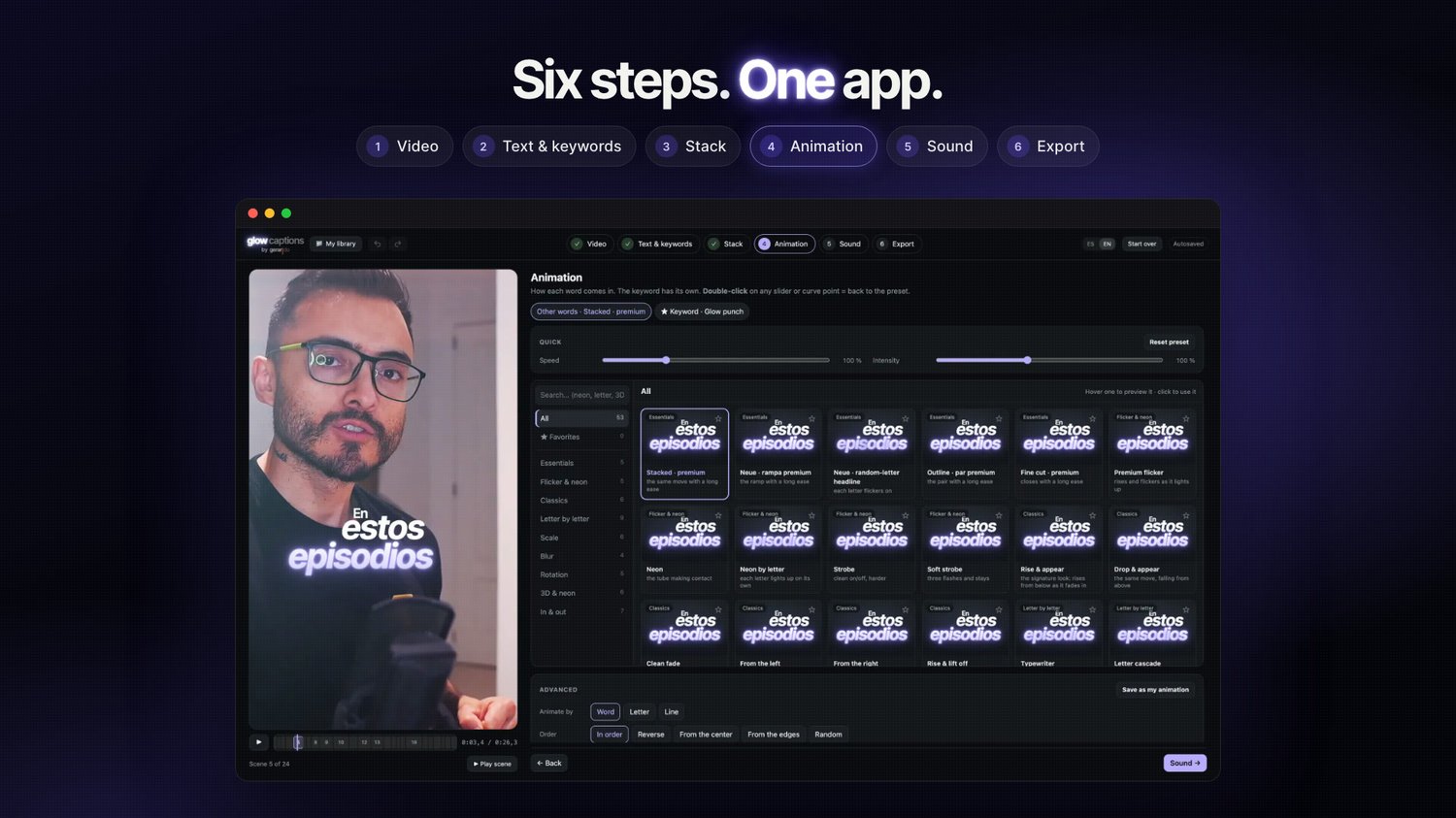
1. Video: drop in your reel (vertical, horizontal, 4:5 or square).
2. Text & keywords: the app transcribes it word by word. Fix any word and tap the ones that should glow.
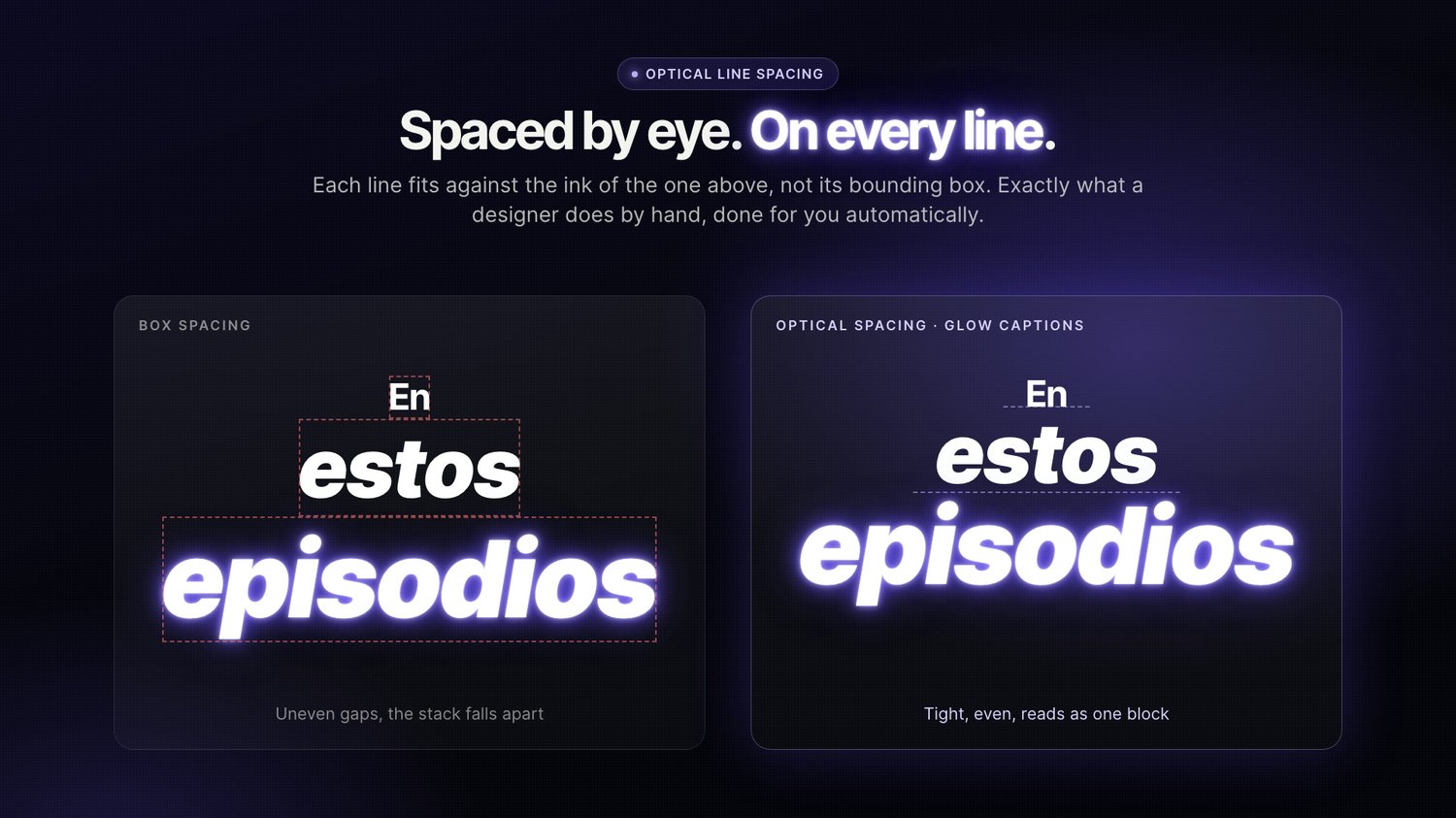
3. Stack: pick how the lines are stacked, and move or resize them inside the safe zone.
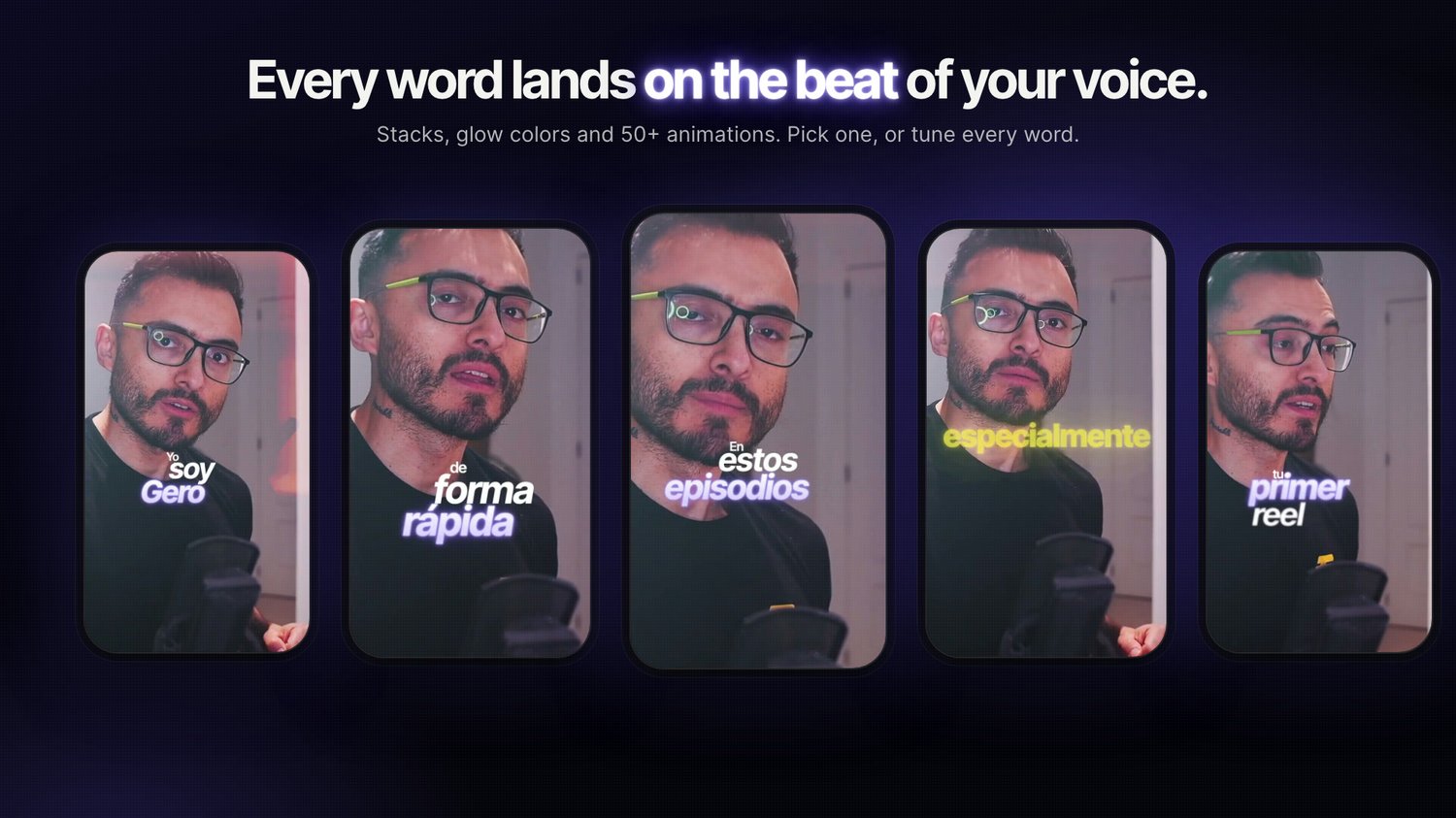
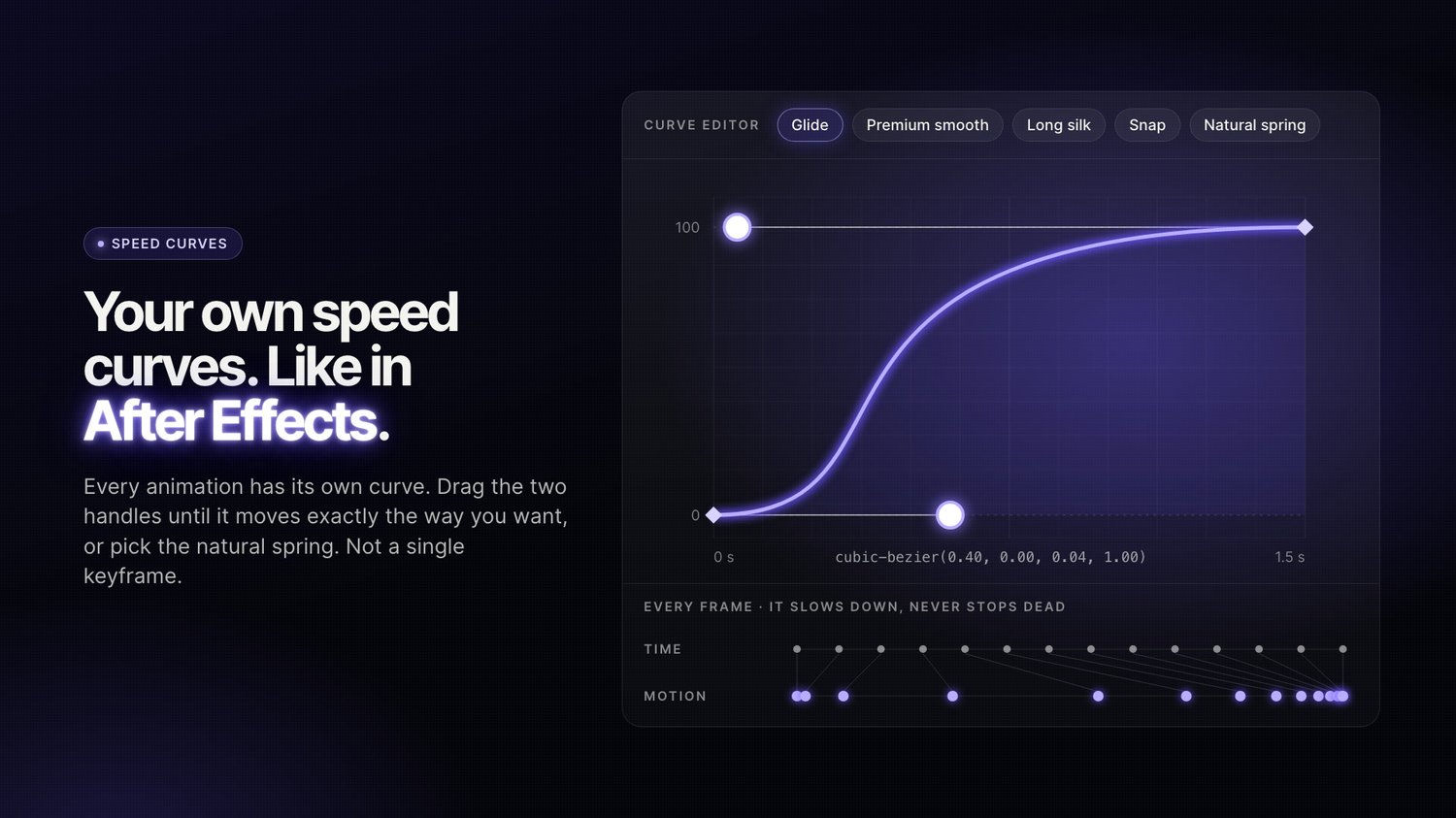
4. Animation: 50+ animations, with speed curves and a natural spring bounce.
5. Sound: whooshes, pops and risers placed on each word, already mixed.
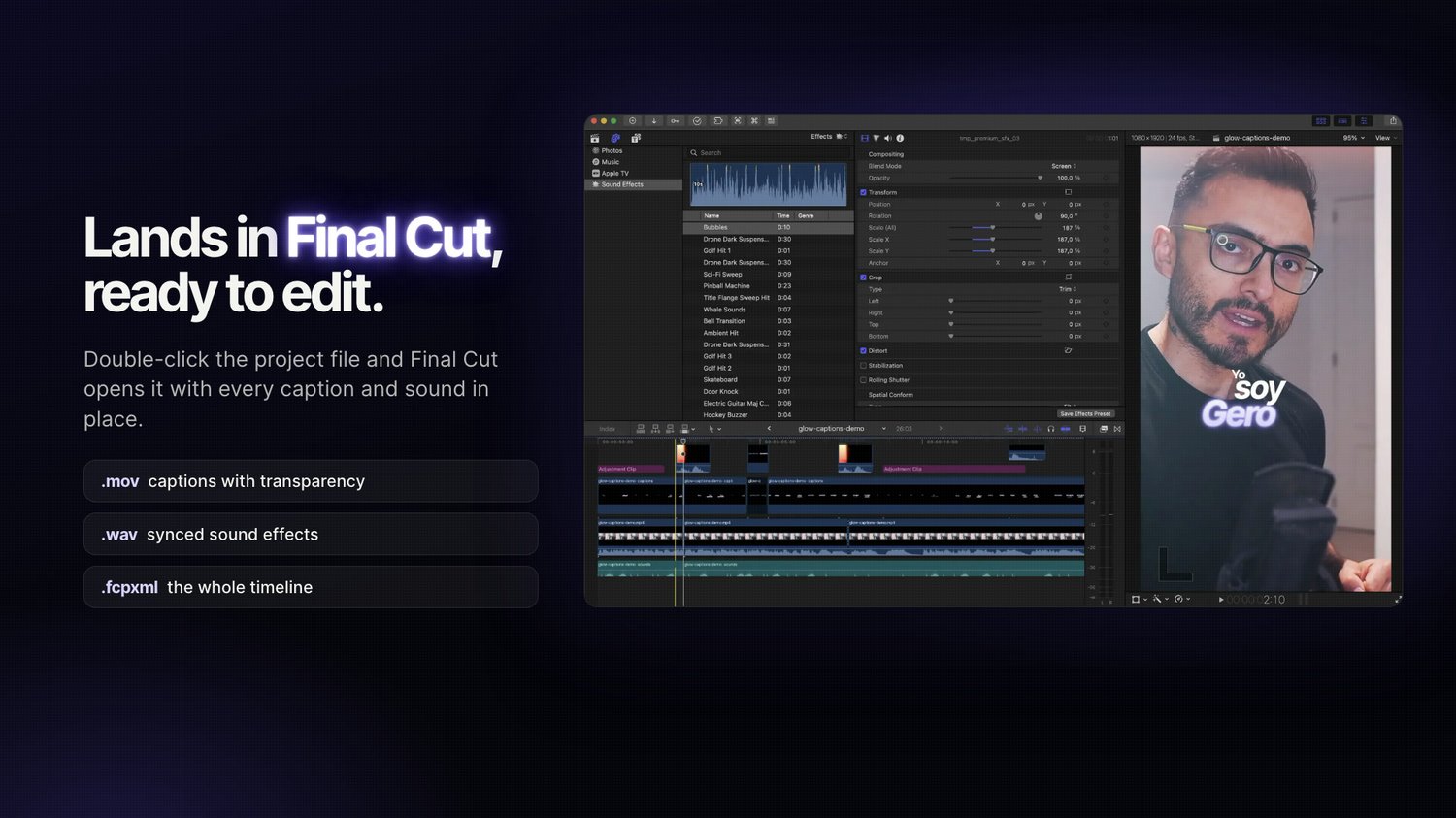
6. Export: double-click the .fcpxml file and Final Cut opens it with every caption and sound in place.
WHAT YOU GET
• Captions as .mov files with transparency, sound effects as .wav, and the whole timeline as .fcpxml
• Export for After Effects too
• Glow colors, stacks and the full animation library
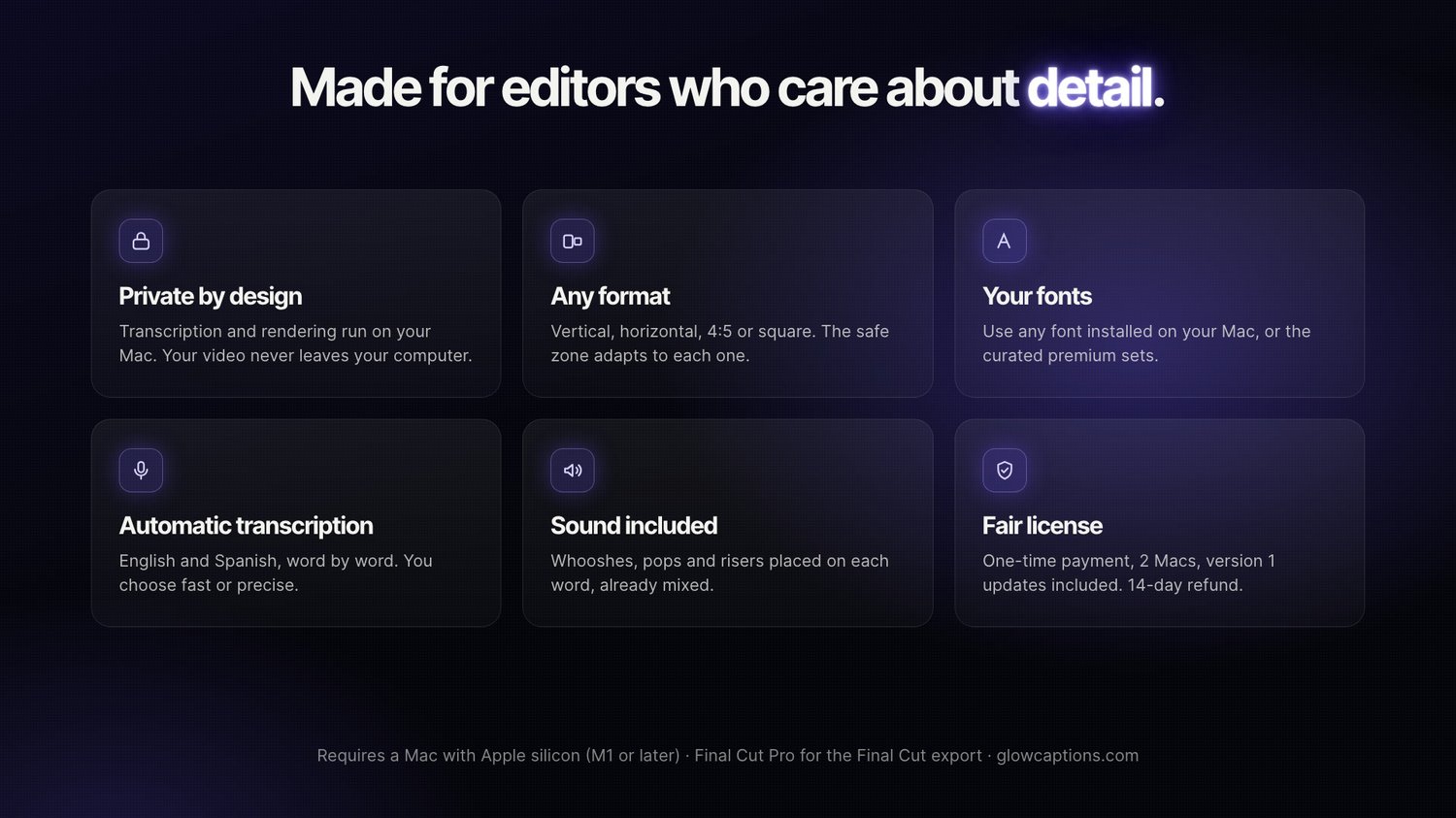
• Use any font installed on your Mac
• Automatic transcription in 6 languages: Spanish, English, Portuguese, French, German and Italian (choose fast or precise)
• Runs 100% on your Mac: your video never leaves your computer
• App in English and Spanish
LICENSE
• One-time payment, no subscription
• Use it on 2 Macs (you can move it to another Mac at any time)
• All version 1 updates included
• 14-day refund, no questions asked
FOUNDER PRICE (EARLY ACCESS)
This is the early-access version at the founder price. You'll get every update for free as it comes out.
REQUIREMENTS
• A Mac with Apple silicon (M1 or later)
• Final Cut Pro for the Final Cut export (or After Effects)
INSTALLING
Unzip the file and drag Glow Captions to your Applications folder. The first time you open it, macOS may say it can't verify the developer. Go to System Settings › Privacy & Security and click "Open Anyway". You only need to do this once. A step-by-step PDF guide is included.
Questions? hello@glowcaptions.com · glowcaptions.com
————————————————————
Subtítulos que brillan. Directos a Final Cut.
Glow Captions es una app para Mac que convierte tus vídeos hablando a cámara en subtítulos animados de calidad premium. Cada palabra aparece justo cuando se dice, las palabras clave brillan y cada una lleva su sonido. Al terminar, te lo entrega todo como un proyecto editable en tu línea de tiempo de Final Cut Pro.
CÓMO FUNCIONA
1. Vídeo: arrastra tu reel (vertical, horizontal, 4:5 o cuadrado).
2. Texto y palabras clave: la app lo transcribe palabra por palabra. Corrige lo que quieras y toca las palabras que deben brillar.
3. Stack: elige cómo se apilan las líneas y muévelas o cambia su tamaño dentro de la zona segura.
4. Animación: más de 50 animaciones, con curvas de velocidad y rebote natural.
5. Sonido: whooshes, pops y risers en cada palabra, ya mezclados.
6. Exportar: doble clic en el archivo .fcpxml y Final Cut lo abre con todos los subtítulos y sonidos en su sitio.
QUÉ INCLUYE
• Subtítulos en .mov con transparencia, efectos de sonido en .wav y la línea de tiempo entera en .fcpxml
• También exporta para After Effects
• Colores de glow, stacks y toda la librería de animaciones
• Usa cualquier fuente instalada en tu Mac
• Transcripción automática en 6 idiomas: español, inglés, portugués, francés, alemán e italiano (elige rápida o precisa)
• Funciona 100 % en tu Mac: tu vídeo no sale de tu ordenador
• App en español e inglés
LICENCIA
• Pago único, sin suscripción
• Úsala en 2 Macs (puedes pasarla a otro Mac cuando quieras)
• Todas las actualizaciones de la versión 1 incluidas
• Reembolso en 14 días, sin preguntas
PRECIO FUNDADOR (ACCESO ANTICIPADO)
Es la versión de acceso anticipado a precio fundador. Recibirás gratis cada actualización según salga.
REQUISITOS
• Un Mac con Apple silicon (M1 o posterior)
• Final Cut Pro para exportar a Final Cut (o After Effects)
INSTALAR
Descomprime el archivo y arrastra Glow Captions a la carpeta Aplicaciones. La primera vez, macOS puede decir que no puede verificar al desarrollador. Ve a Ajustes del Sistema › Privacidad y seguridad y pulsa «Abrir igualmente». Solo hay que hacerlo una vez. Incluye una guía en PDF paso a paso.
¿Dudas? hola@glowcaptions.com · glowcaptions.com