


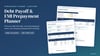
Debt Payoff Planner: Snowball vs Avalanche Spreadsheet (Excel & Google Sheets)
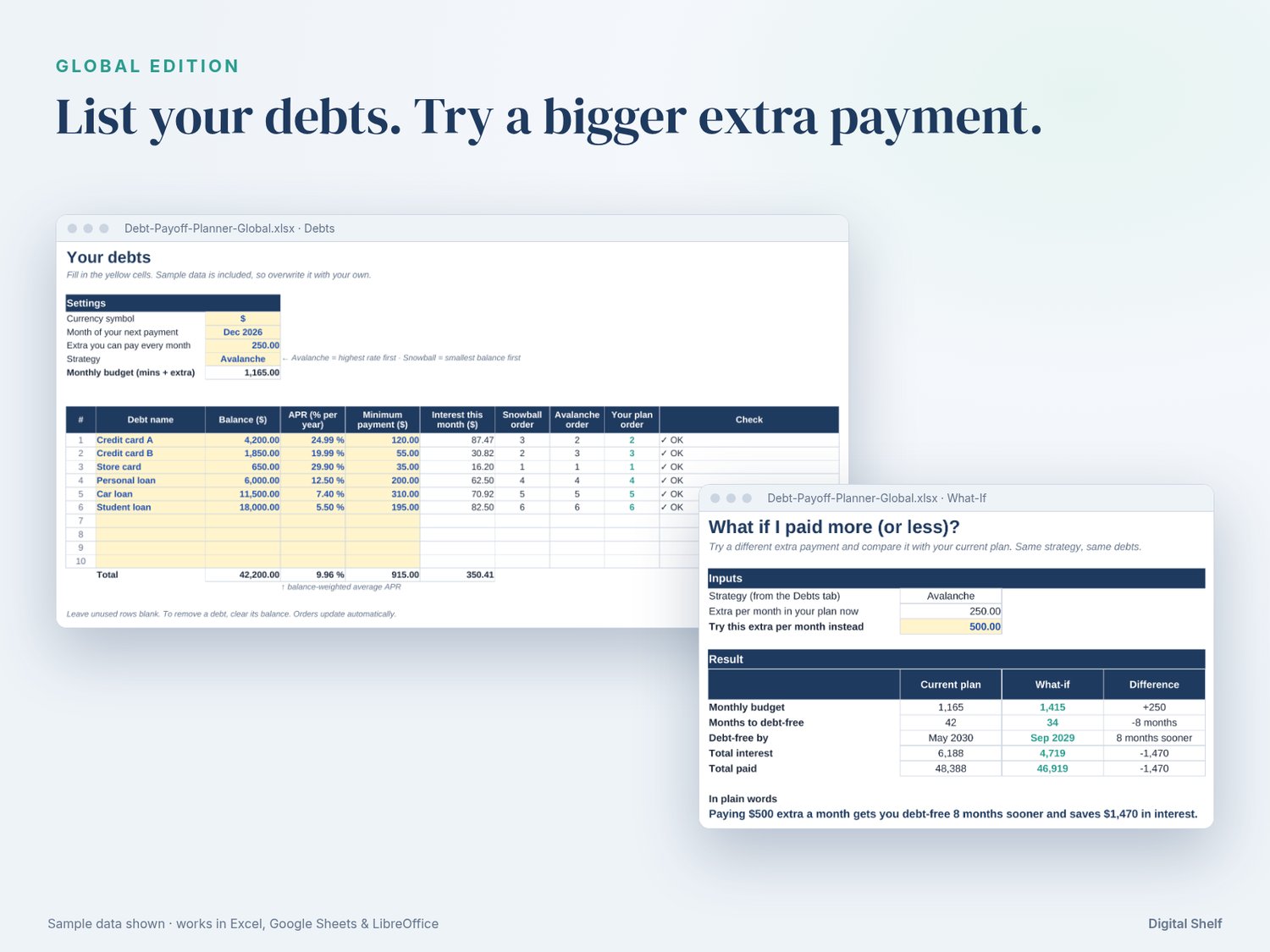
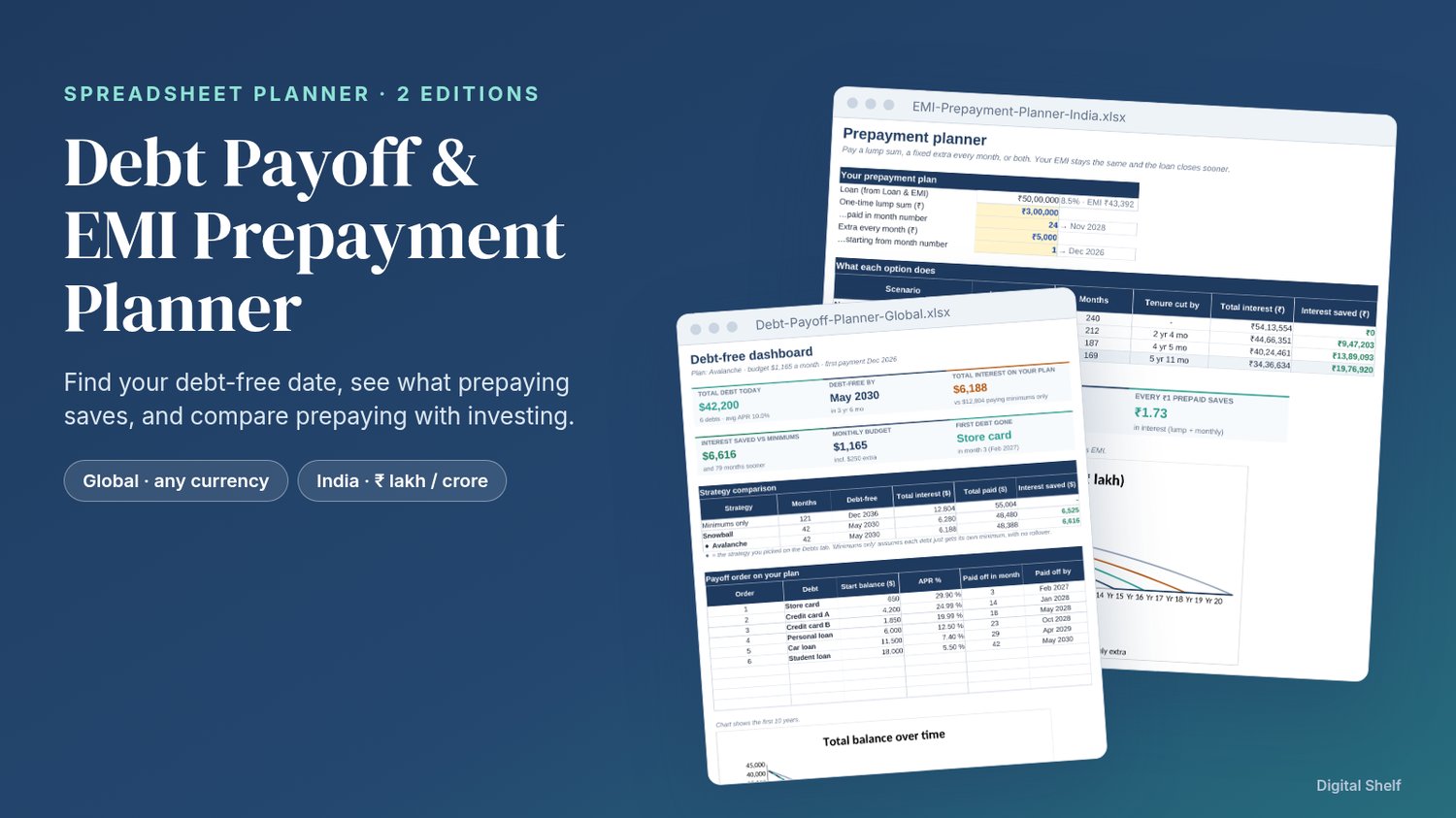
Find the date you'll be debt-free and what each extra payment saves. Type into the yellow cells and everything else updates. No macros, no add-ins, nothing locked.
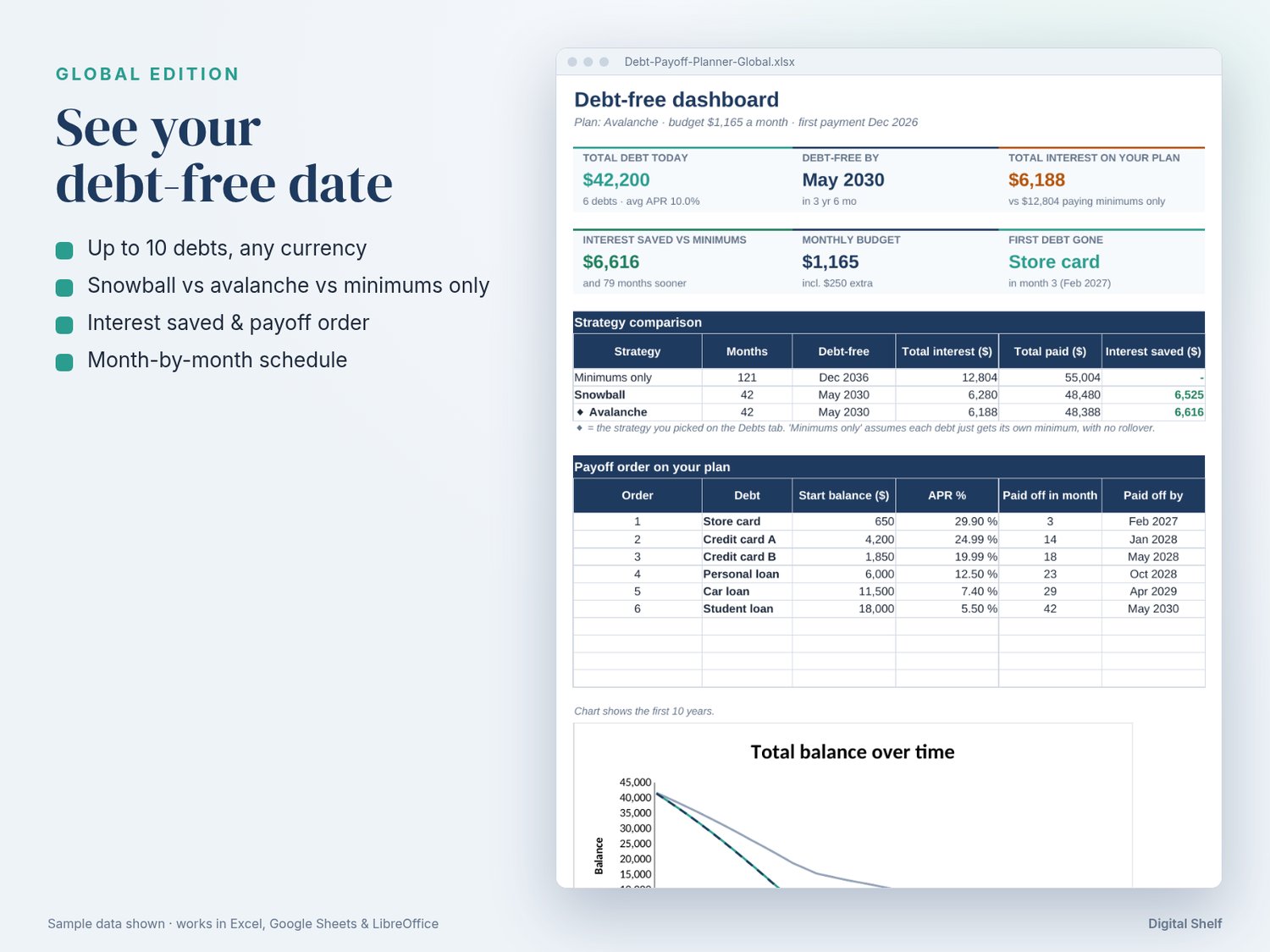
• Up to 10 debts in any currency: credit cards, personal, car and student loans
• Snowball vs avalanche vs minimums only: months, debt-free date, total interest, interest saved
• Your payoff order, with the month each debt is cleared
• Month-by-month schedule for up to 30 years, with freed-up minimums rolling over
• What-If tab: pay X more a month and see how many months sooner you finish
• Progress tracker: enter what you actually paid and compare it with the plan
• 8-page PDF user guide, with sample data in every tab
Works in Microsoft Excel 2016+ / Microsoft 365, Google Sheets and LibreOffice Calc. Best on a laptop.
This is a planning calculator, not financial advice. Results are estimates based on the numbers you enter. Lenders calculate interest slightly differently, so confirm figures with yours.
Because this is an instant digital download, all sales are final and we don't offer refunds. If a file doesn't open or a formula looks wrong, use the contact form on the Digital Shelf store page (https://payhip.com/ShelfHive) and we'll fix it or send a corrected file.