
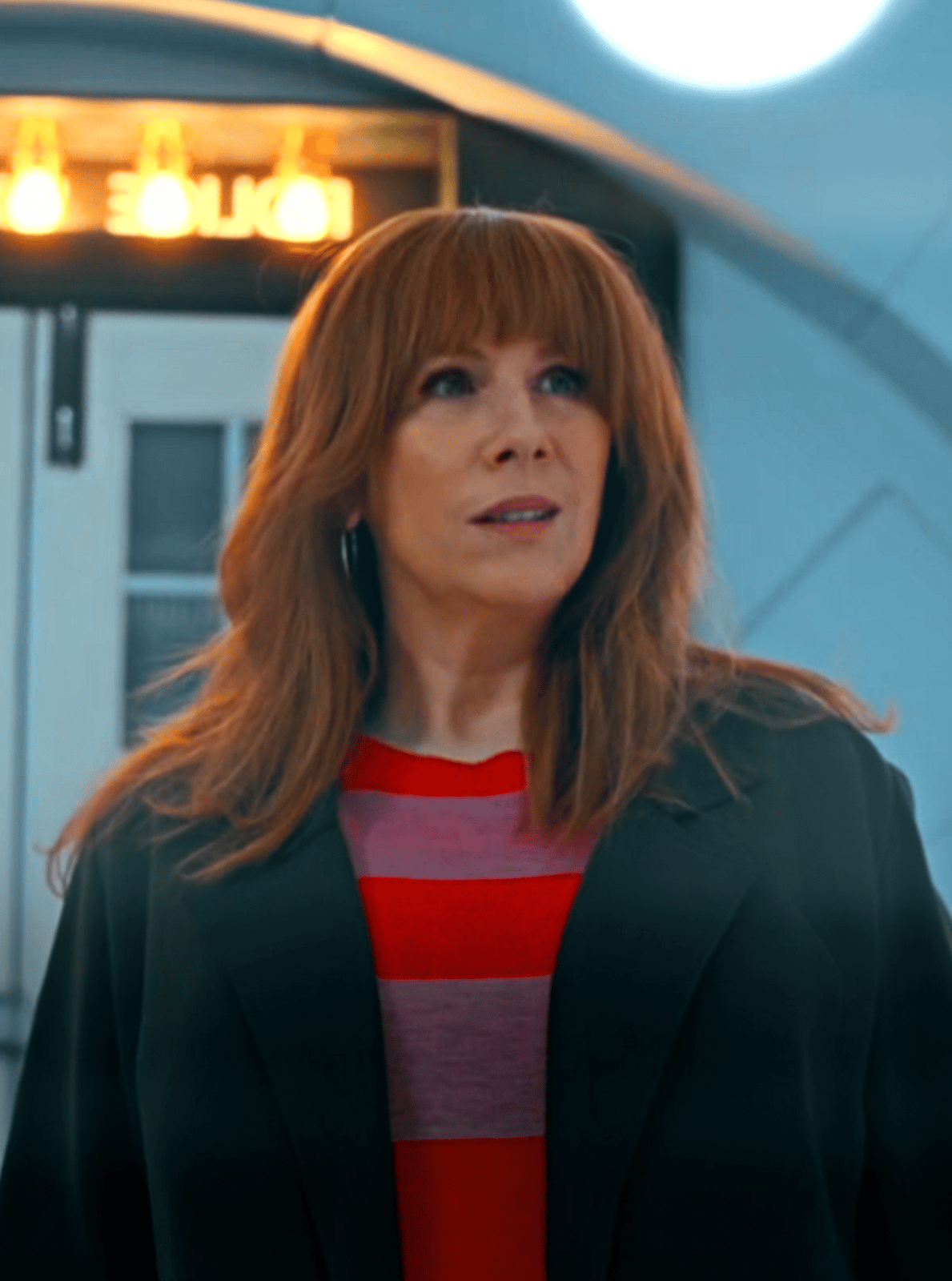
BADWOLF COLOURING
On Sale
£3.00
£3.00
SLIDE 1: With grain
SLIDE 2: Without
What You Need:
- Adobe After Effects
- MagicBulletLooks
- BCC
How To Add To After Effects:
Locate your After Effects folder within your computer, find your presets folder, move the file into the presets folder. It should then be imported to your After Effects, and can be found under the Effects & Presets panel.