
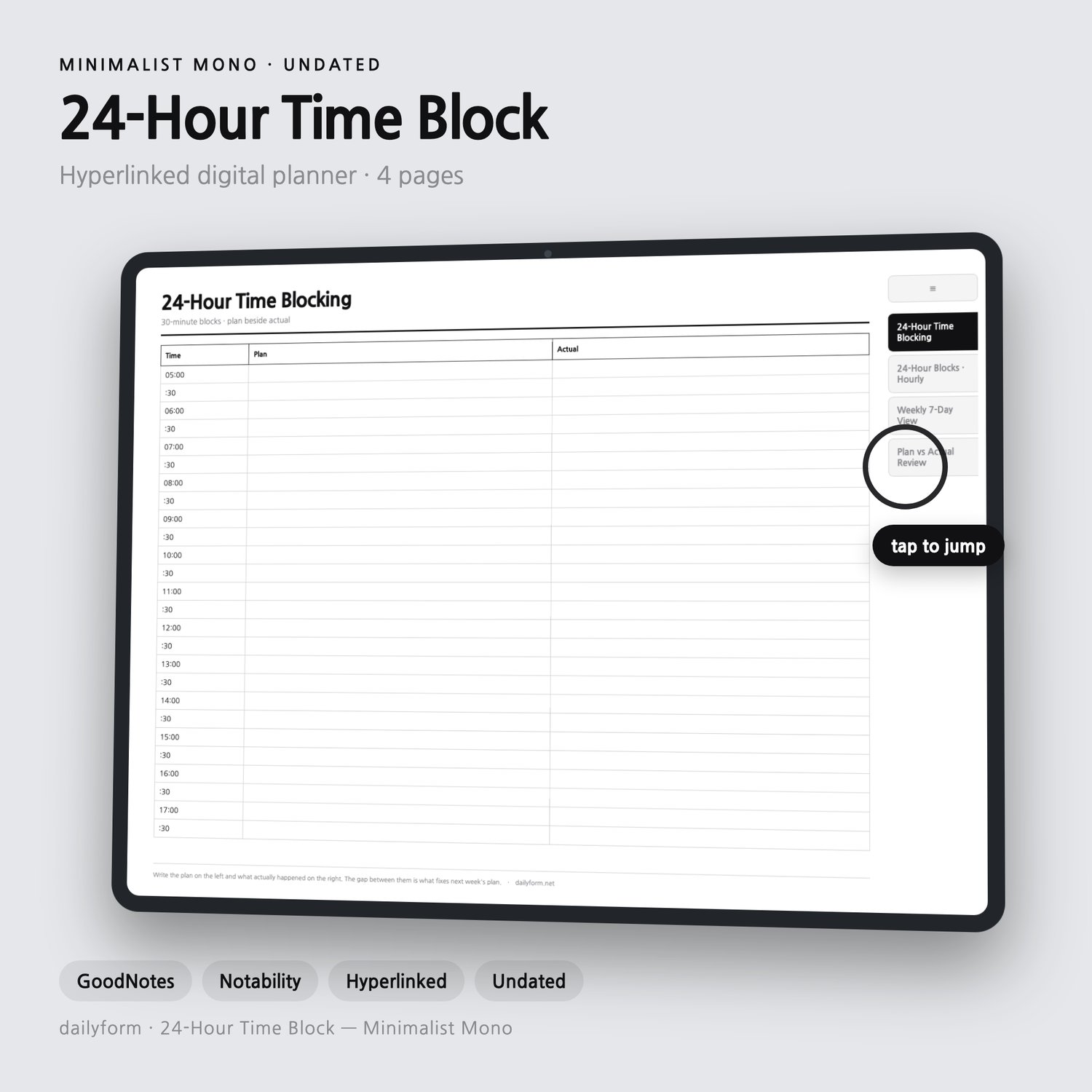
24 Hour Digital Planner | Hyperlinked - GoodNotes & Notability | 4 Colors | 4 Pages | Instant Download
24 Hour Digital Planner - 4 Color Editions Included
Four linked pages that cover a day, a week, the review, and the priority call. Tap a side tab and you are there.
Made for students, freelancers, and shift workers on an iPad. All four color editions are included in one purchase: Minimalist, Soft Pastel, Beige, and Dark Mode.
--------------------
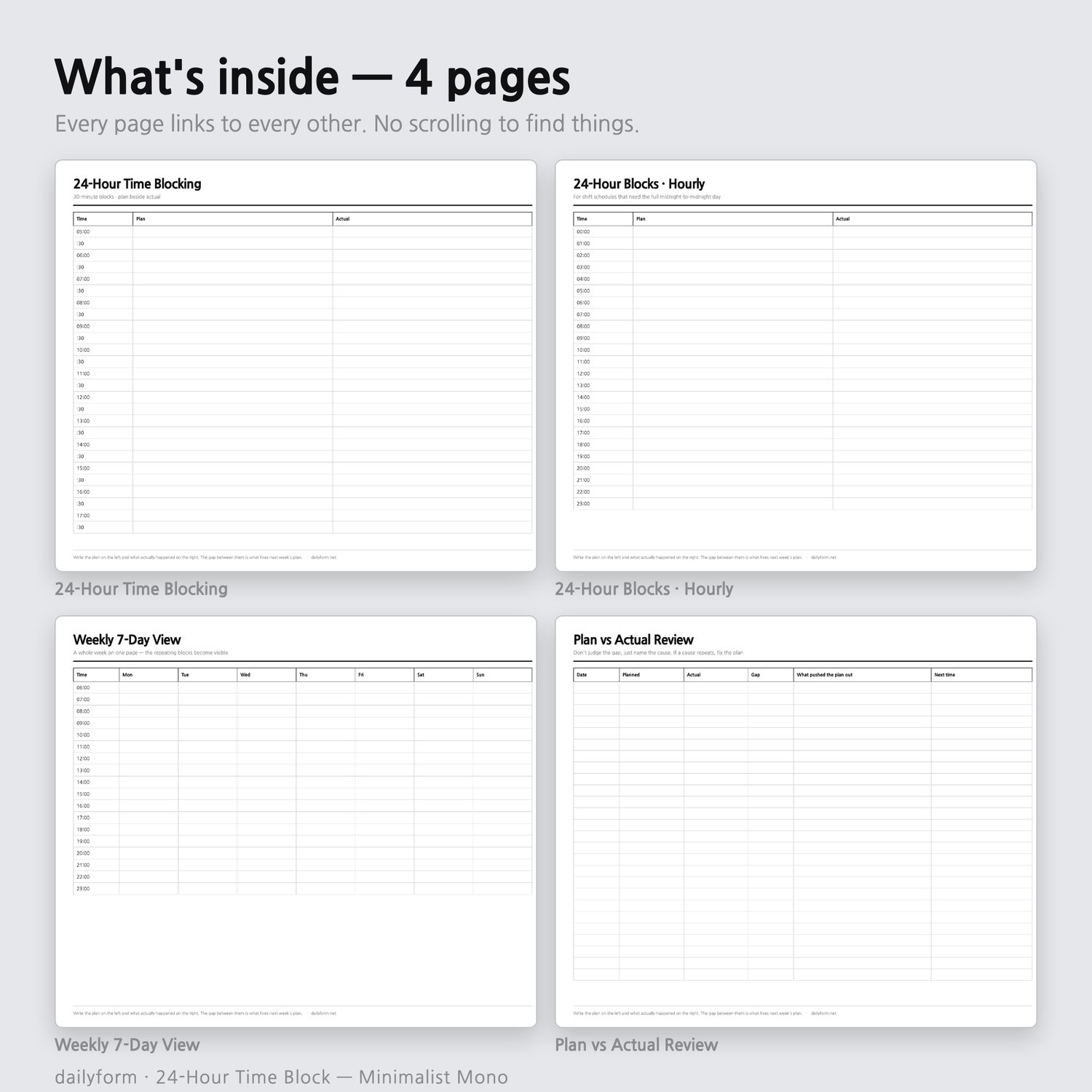
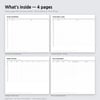
WHAT'S INSIDE - 4 pages + cover
--------------------
01. 24-Hour Time Blocking
02. 24-Hour Blocks - Hourly
03. Weekly 7-Day View
04. Plan vs Actual Review
--------------------
WHY THIS ONE
--------------------
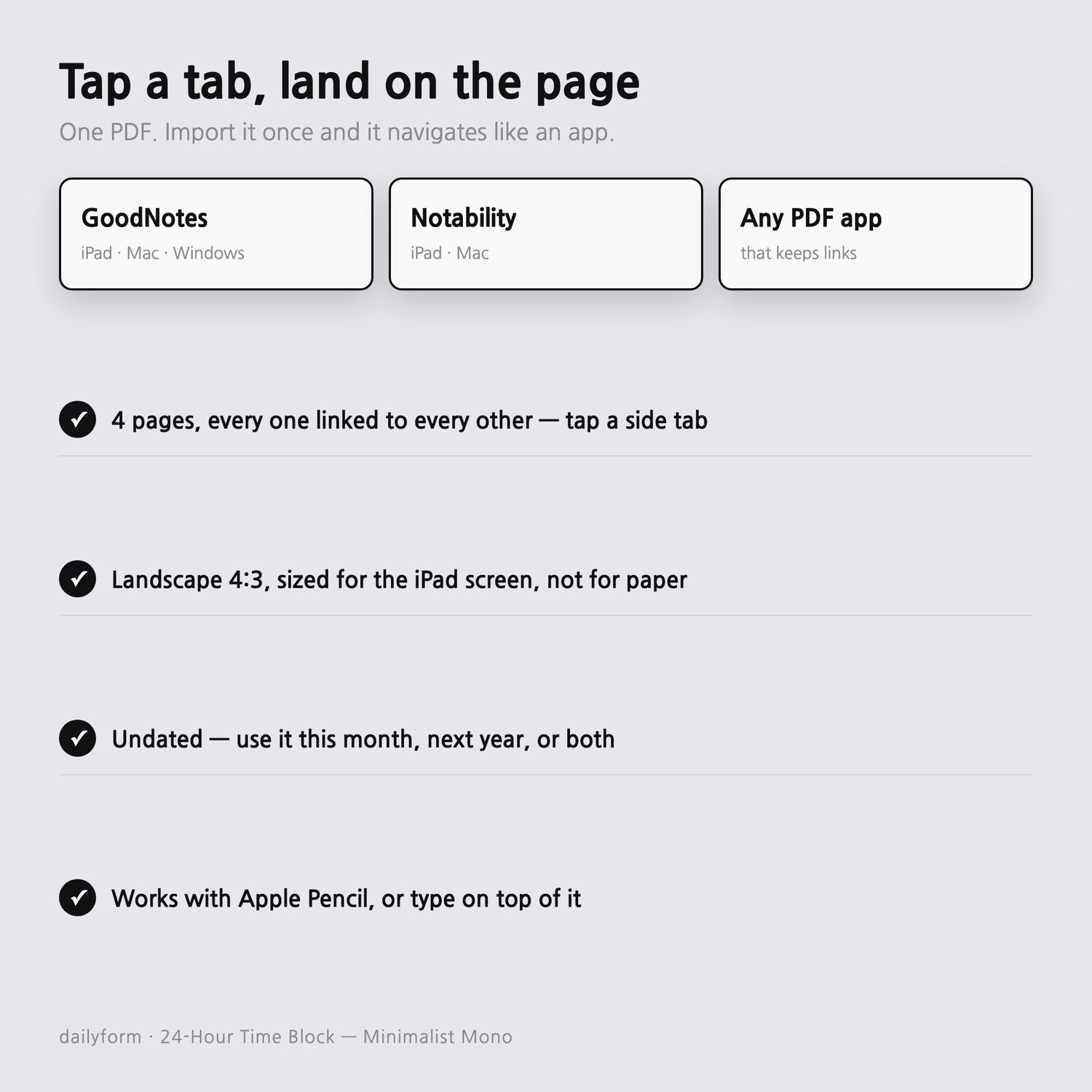
- Every page links to every other - no scrolling to find a page
- Landscape 4:3, sized for the iPad screen rather than for paper
- Undated, so it does not expire in January
- 30-minute blocks plus an hourly page that runs midnight to midnight
--------------------
HOW IT NAVIGATES
--------------------
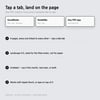
Tabs run down the right edge of every page. Tap one and you land on that page -
from anywhere, including the cover. The cover also lists every page as a link.
There is no page you have to scroll to.
--------------------
WHAT YOU GET
--------------------
- FOUR hyperlinked PDFs - Minimalist, Soft Pastel, Beige, Dark Mode
- Landscape 4:3 - sized for the iPad screen, not for paper
- Works in GoodNotes, Notability, Noteshelf, and any app that keeps PDF links
- Apple Pencil or typed text, whichever you prefer
- UNDATED - it does not expire in January, and you never re-buy it next year
- Instant download
--------------------
BEFORE YOU BUY
--------------------
- DIGITAL DOWNLOAD ONLY. Nothing is shipped, and no physical planner is included.
- NOT editable as a document - it is a PDF you write on in your tablet app.
- Instant downloads can't be returned. If a file won't open or something looks wrong,
message me first - I will fix it or refund you.
- It is undated on purpose. If you want pre-filled 2026 dates, this is not that file.
- Import it once: open the PDF in your notes app and choose Import / Open in.
- For personal use. Please don't resell or redistribute the file.
- Write the plan on the left and what actually happened on the right. The gap between them is what fixes next week's plan.
Thank you for supporting a small shop.
- DailyformPaper - dailyform.net