


Select Relay — Photo Filename List Matcher
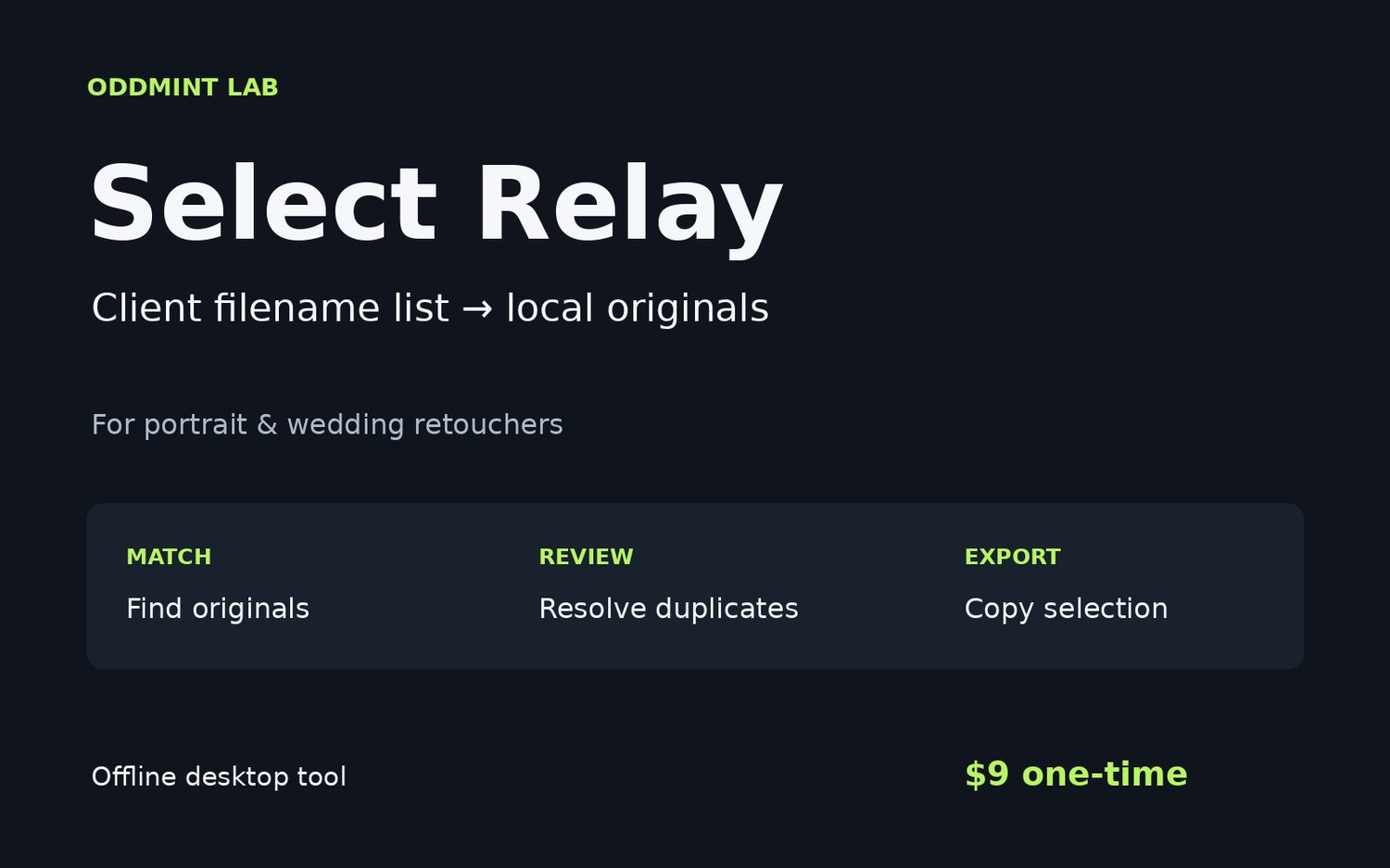
Your client sends a list of chosen photo filenames. Select Relay helps you find the matching originals without hunting through the shoot one image at a time.
HOW IT WORKS
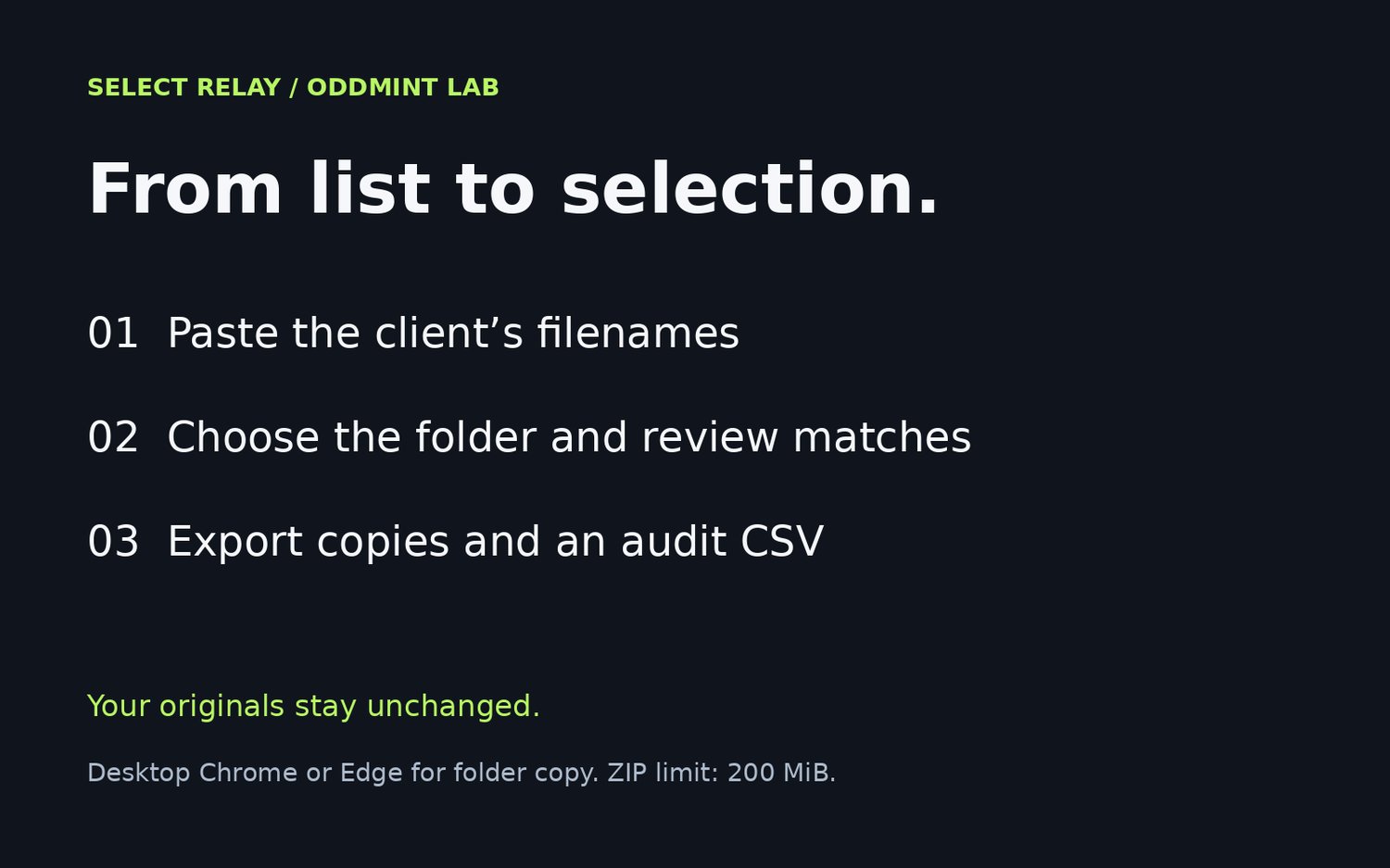
1. Paste the filenames and choose your local shoot folder.
2. Review missing names and choose between duplicate matches.
3. Copy the selection to a new folder, or save a small ZIP, then keep an audit CSV.
FOR INDEPENDENT PORTRAIT & WEDDING RETOUCHERS
Match identical basenames across JPG and RAW extensions, or use full-filename matching. If several files share a name, you decide which ones belong. Folder export preserves relative paths. The app processes files locally and does not upload your photos. Your source files stay unchanged.
BEFORE YOU BUY
Use desktop Chrome or Edge for folder copy; browser permissions apply. ZIP export is limited to 200 MiB and 10,000 files. Maximum source folder: 50,000 files. Maximum list: 10,000 entries. Paste one filename per line or one spreadsheet/CSV column without a header. Excel workbooks are not directly imported. Mobile and Safari/Firefox folder copy are not supported.
This tool matches filenames. It does not recognize faces, edit or recover photos, rename files, or match unrelated filenames by appearance. If your current Lightroom, Capture One or gallery selection workflow already handles this smoothly, you may not need this tool.
WHAT YOU RECEIVE
A ZIP containing the self-contained Select-Relay.html app, START-HERE.txt, LICENSE.txt and practice files. Extract the ZIP and open the HTML in your desktop browser. Try the included example before your first client job.
$9 one-time purchase, by Oddmint Lab. Version 1.0 for one person on their own computers, including paid client work. No subscription, custom setup service or promise of future updates is included. For purchase or download issues, use the seller-contact option provided with your purchase.