






005 . CALAMANSI — [ 𝚕𝚍 ]
On Sale
$8.00
Pay what you want:
(minimum $8.00)
$
005 . CALAMANSI — [ 𝚕𝚎𝚖𝚘𝚗 𝚍𝚊𝚢𝚍𝚛𝚎𝚊𝚖 ]
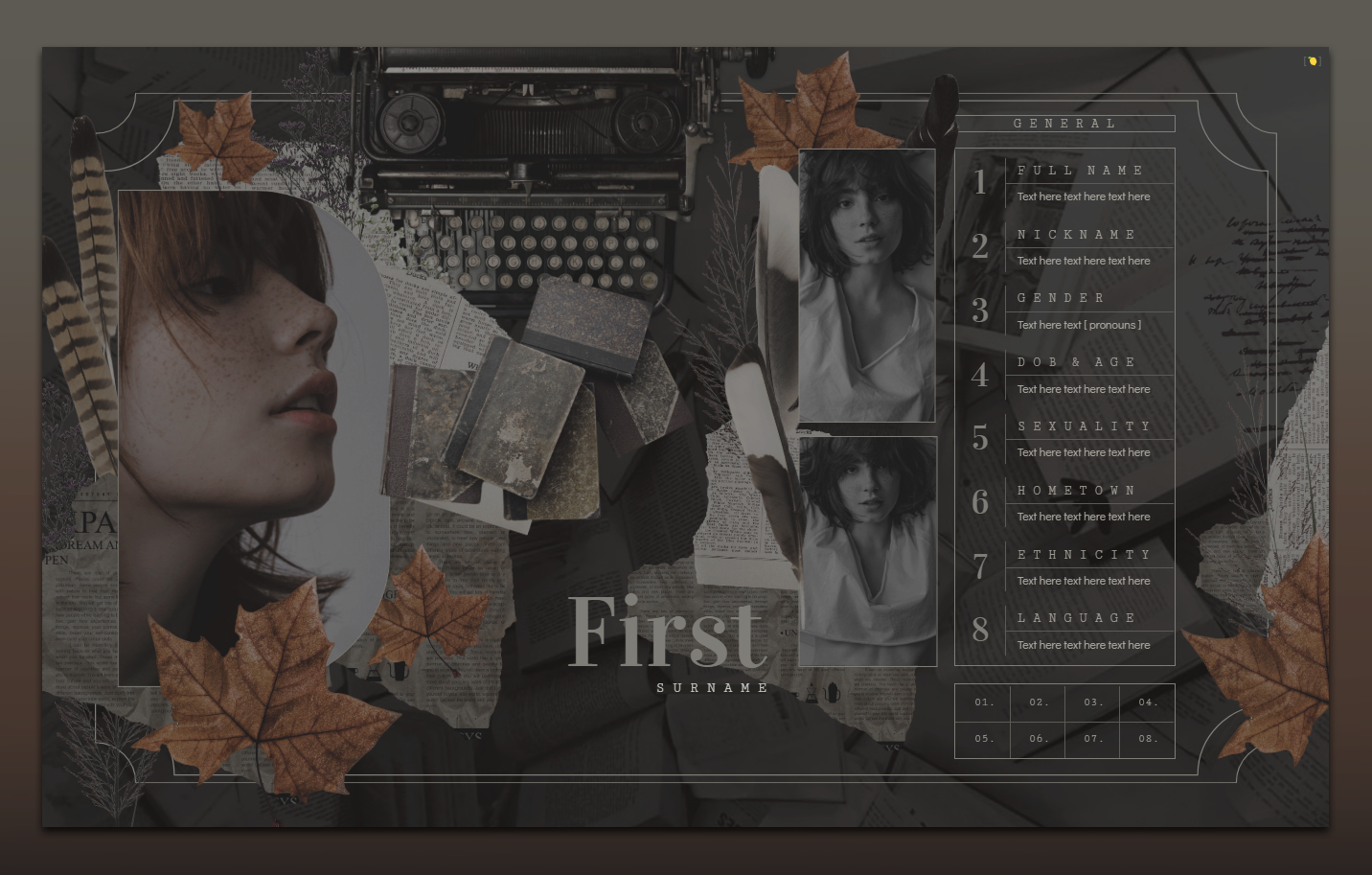
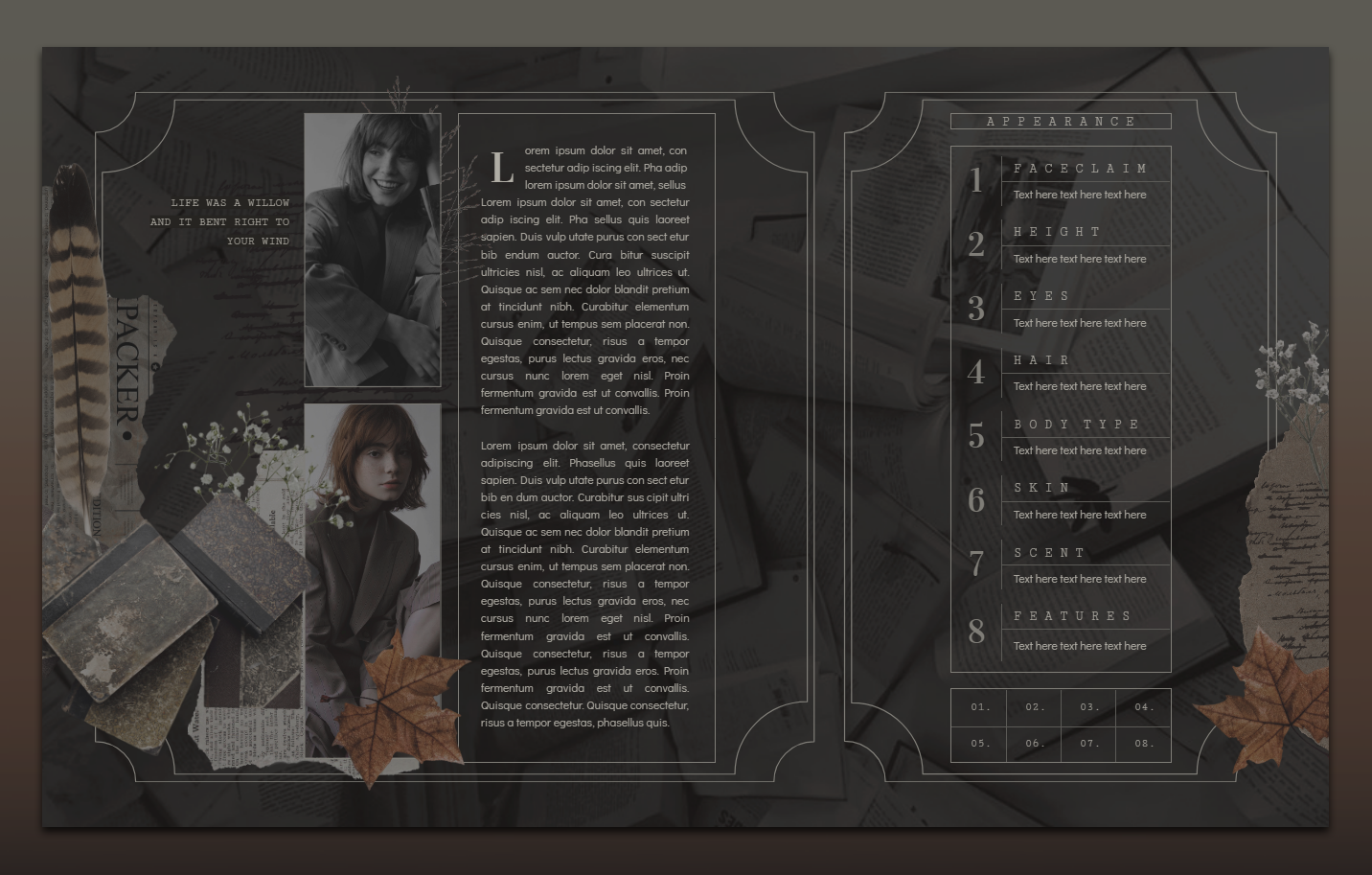
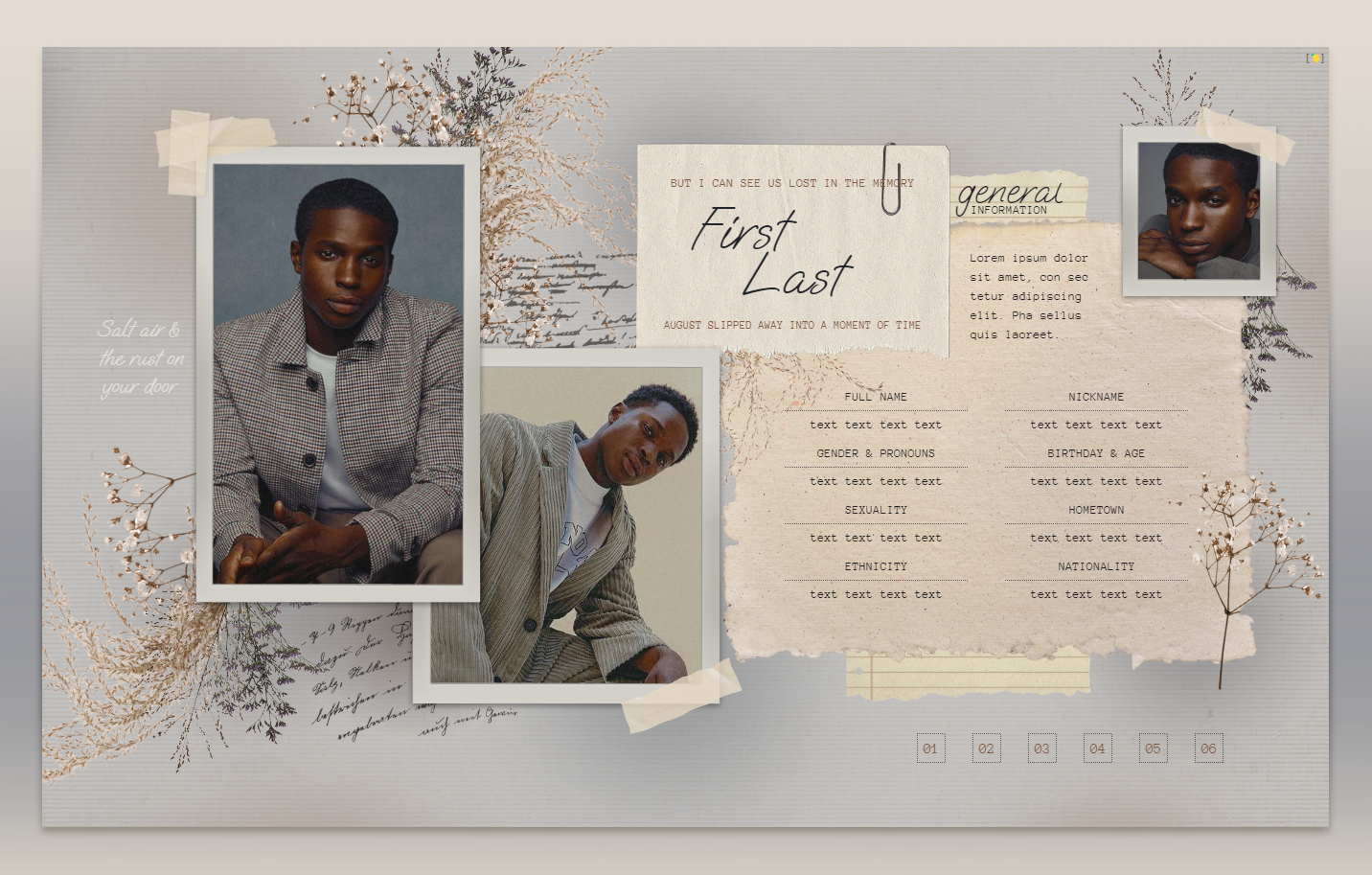
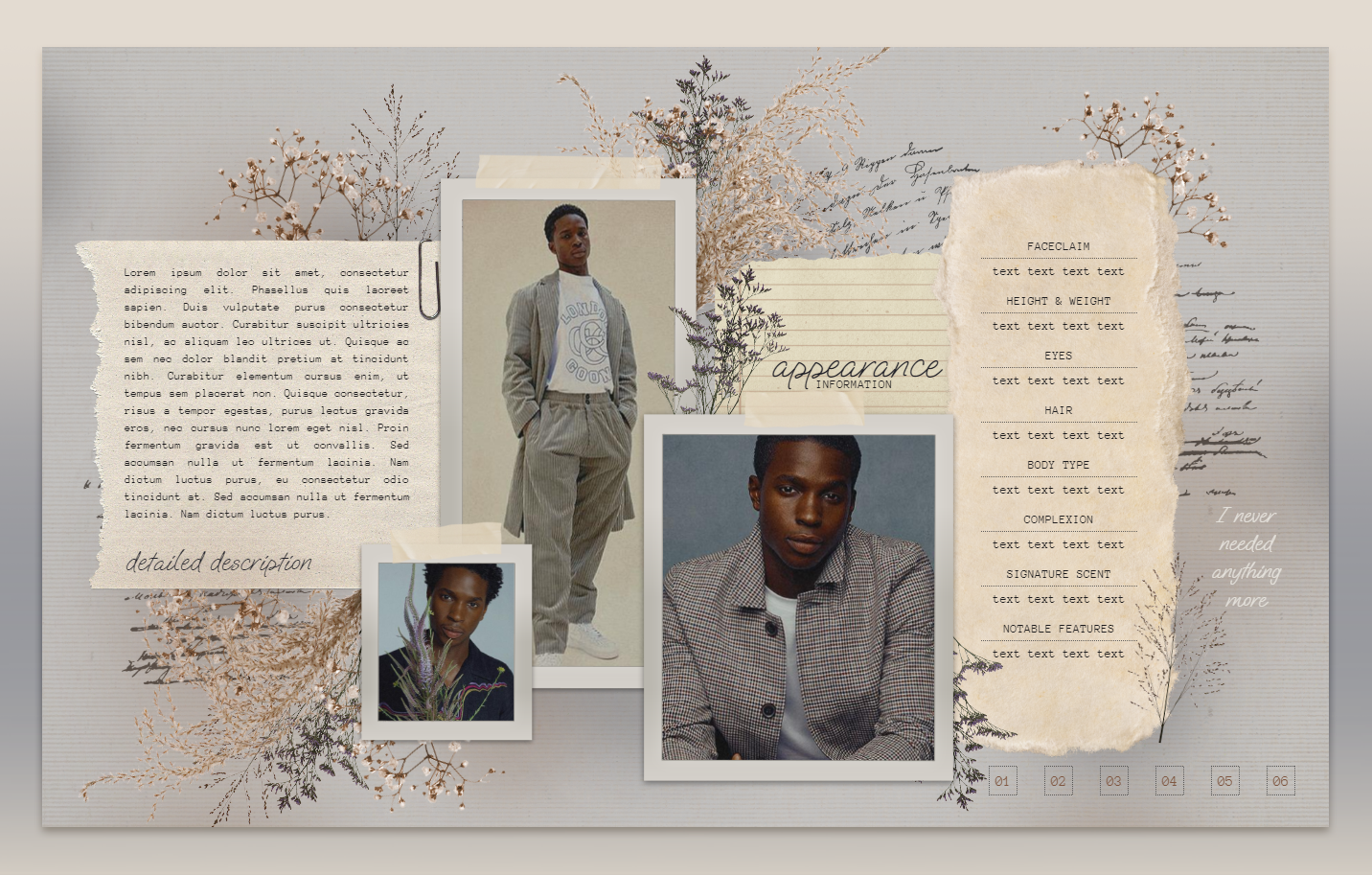
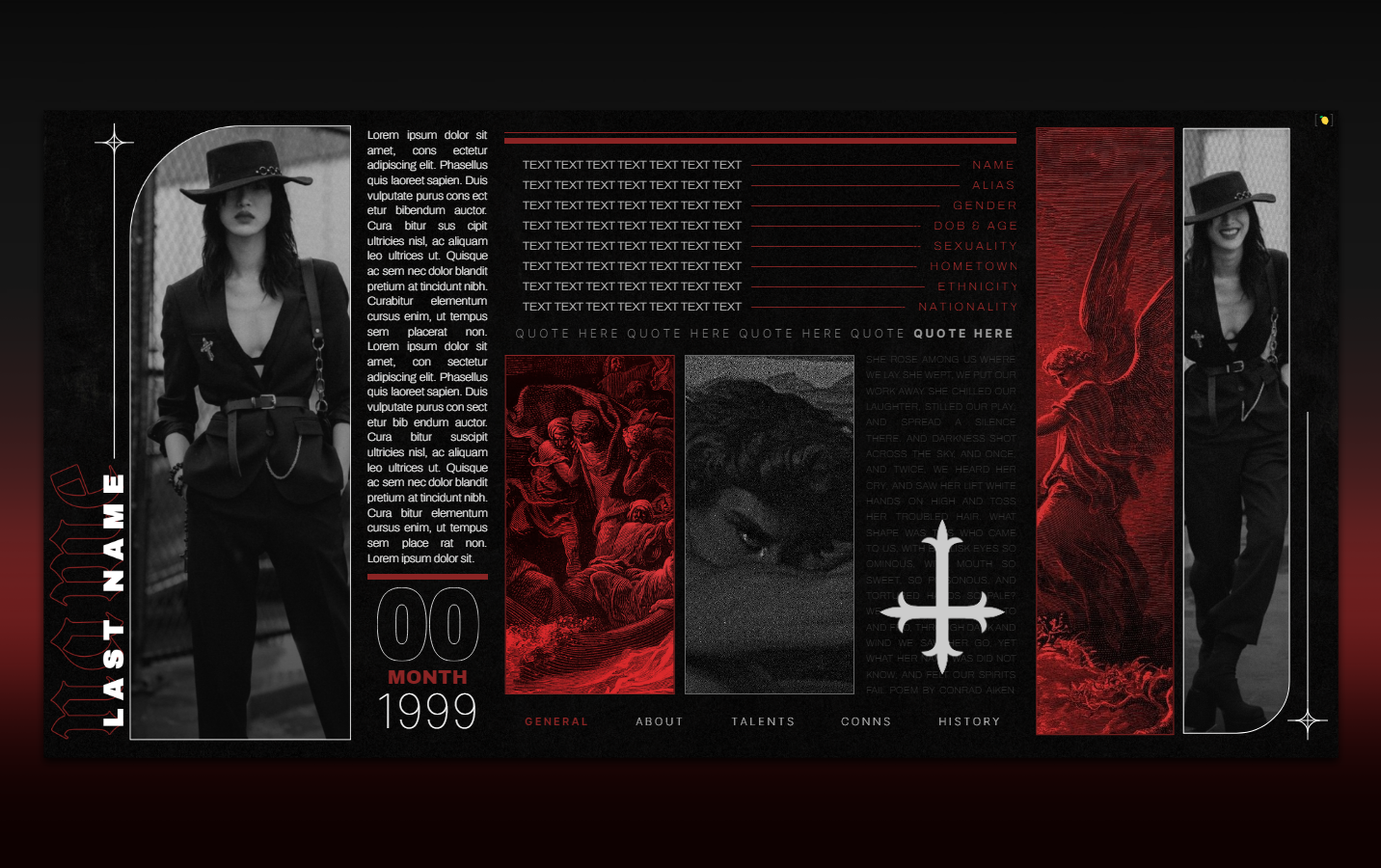
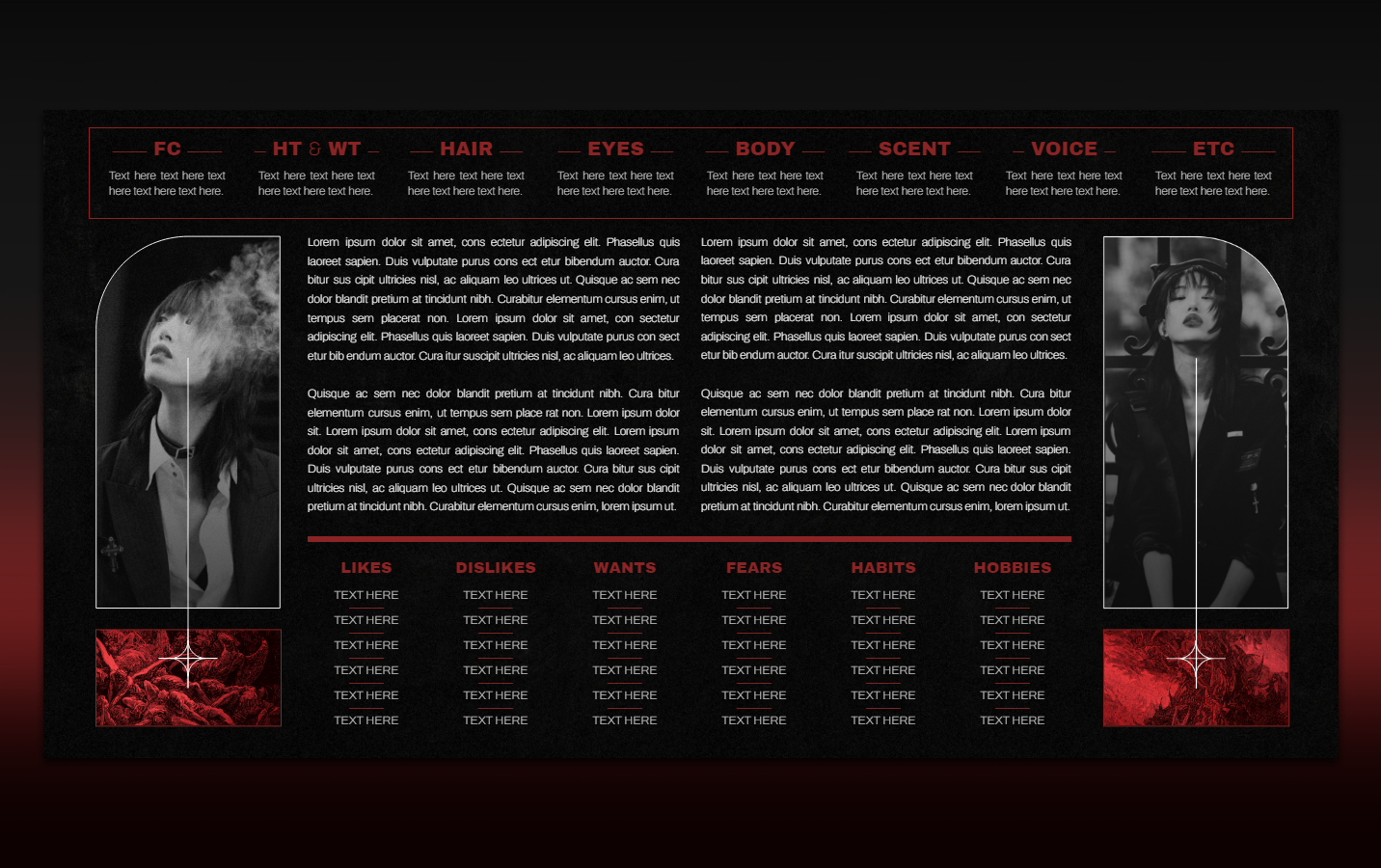
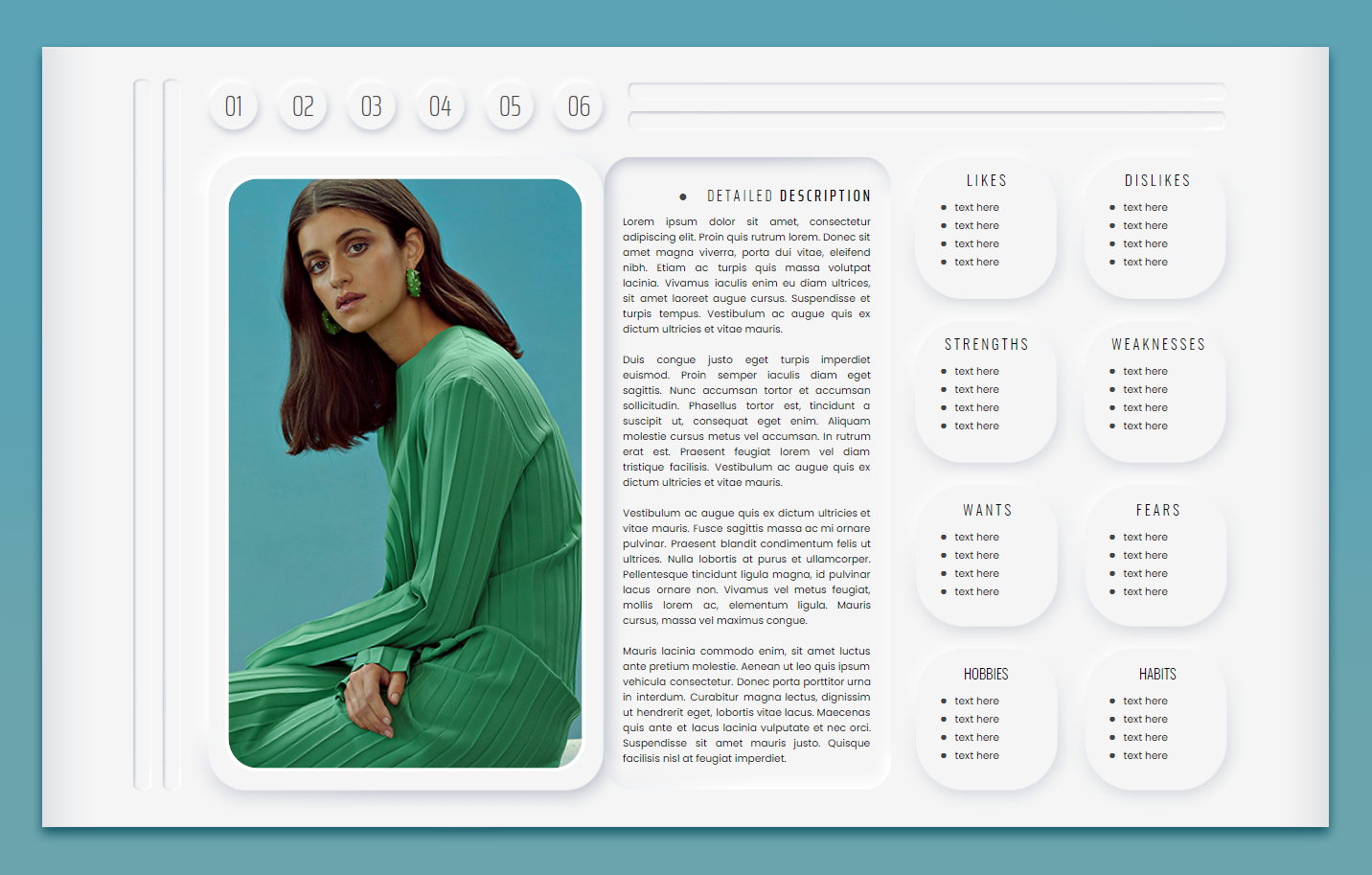
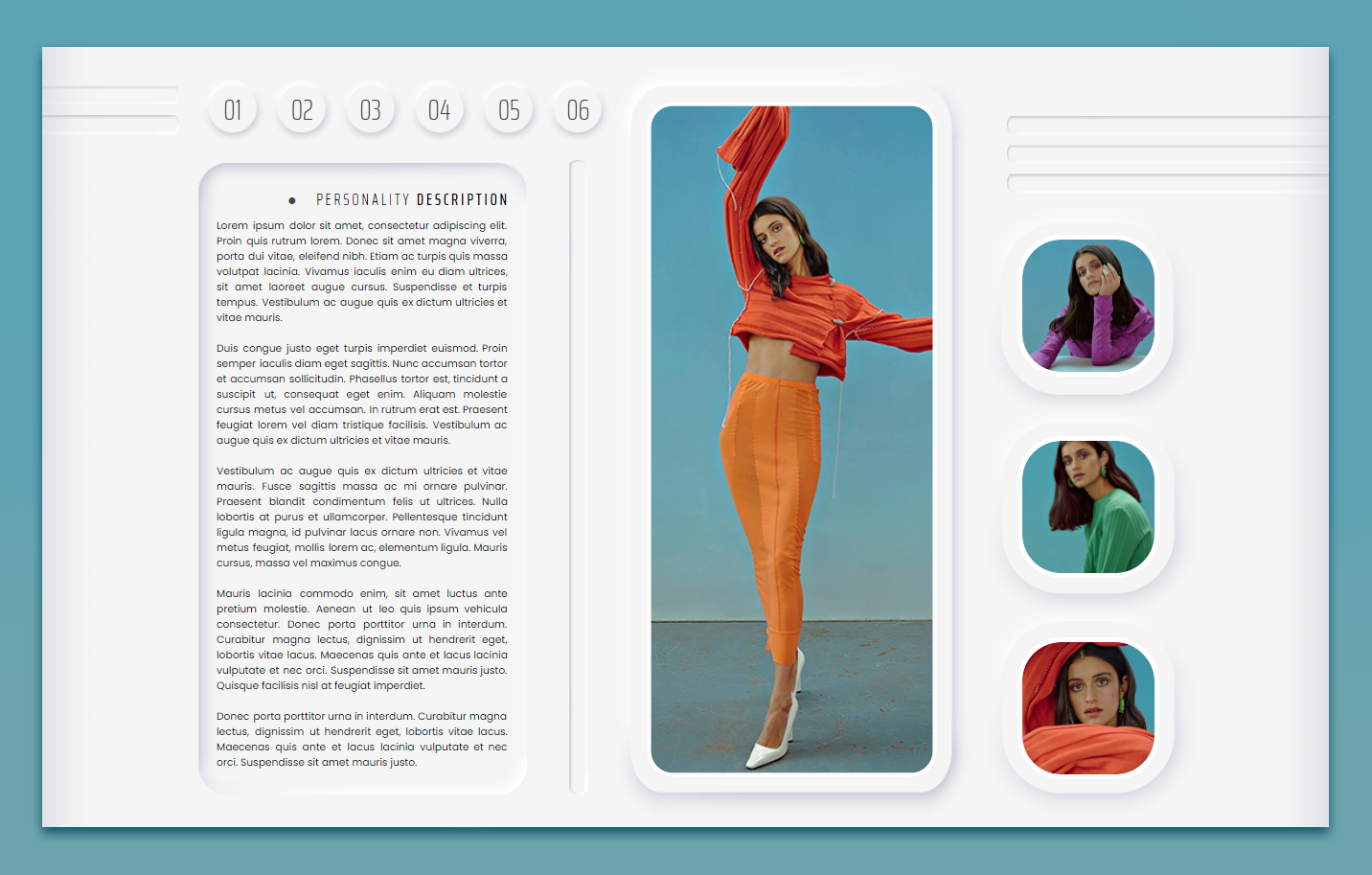
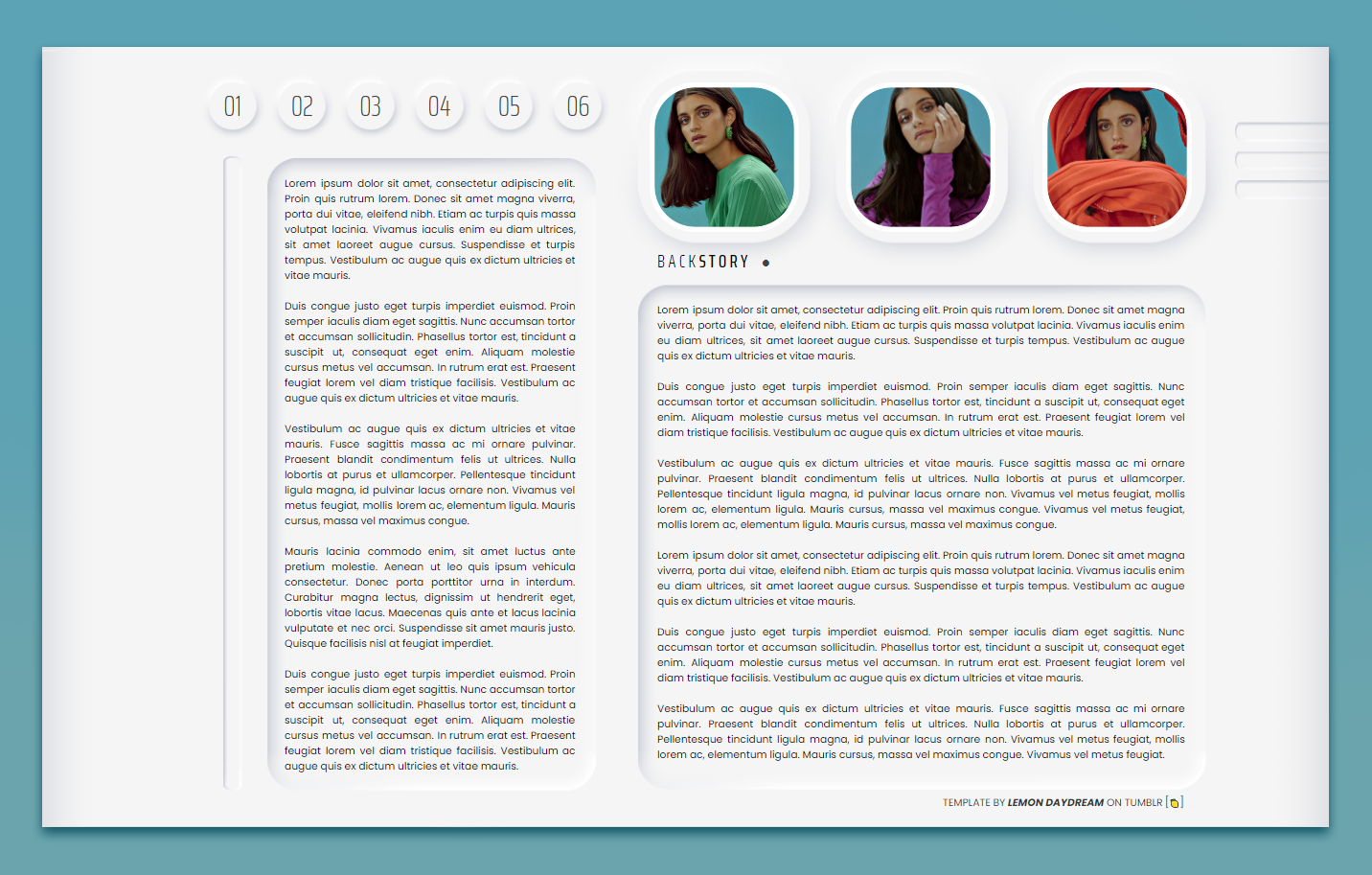
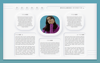
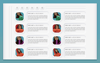
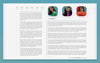
It. Changes. Colors. CALAMANSI, first-ever color-changing doc of its kind. Created in a neomorphic style, this doc is futuristic and smart and clean. With downloads of the background pages available, use this doc and make it entirely your own. Feel free to edit it in any way, shape, or form just please, please don’t remove my credit and link to lemondaydream.
These are meant to be only used by the purchaser or as a gift for another person. Allowing others to make copies off of your copy is stealing.
how to use
how to edit
Thank you so, so much for your support!
Back to lemondaydream.
It. Changes. Colors. CALAMANSI, first-ever color-changing doc of its kind. Created in a neomorphic style, this doc is futuristic and smart and clean. With downloads of the background pages available, use this doc and make it entirely your own. Feel free to edit it in any way, shape, or form just please, please don’t remove my credit and link to lemondaydream.
These are meant to be only used by the purchaser or as a gift for another person. Allowing others to make copies off of your copy is stealing.
how to use
- After accessing the full Google doc through the link on the PDF, select “file” and then “make a copy”
- Do not remove the credit from the top and bottom of the template
how to edit
- This document has "Drawing" elements! To edit a "drawing" simply right-click, "select image," and the box that pops up underneath has a button that says "edit." Edit will bring you to a pop-up window that will allow you to change color, text, every part of it you like.
- All pictures on this template are Drawings! To edit them, enter the Drawings window, click the image circle, and then select "replace image" at the top. Gifs do not animate on Drawings at this time. - To change the colors of the background image, click the background in a place where there's no text (top right usually works, if not, right-click > "select image") then click "image options" and drop the side open the dropdown for "recolor." You will have to change every page individually.
- If you want to make it the dark mode/negative version, change it to black and then on the content of the page either highlight it all or press ctrl+a to select all and change the font to a visible color.
- Resizing any images on the doc will cause things to move or elements of the design to be hidden.
- The pictures are of Anya Chalotra, please change them to your fc, they are just placeholders.
- You are welcome to change the font but it may cause tables to shift and move so beware. Resize as necessary.
- The tables are structured in a way that will move pages and elements if their limit is exceeded, if you need more space, I highly recommend linking to a continuation at the end of that space.
Thank you so, so much for your support!
Back to lemondaydream.