
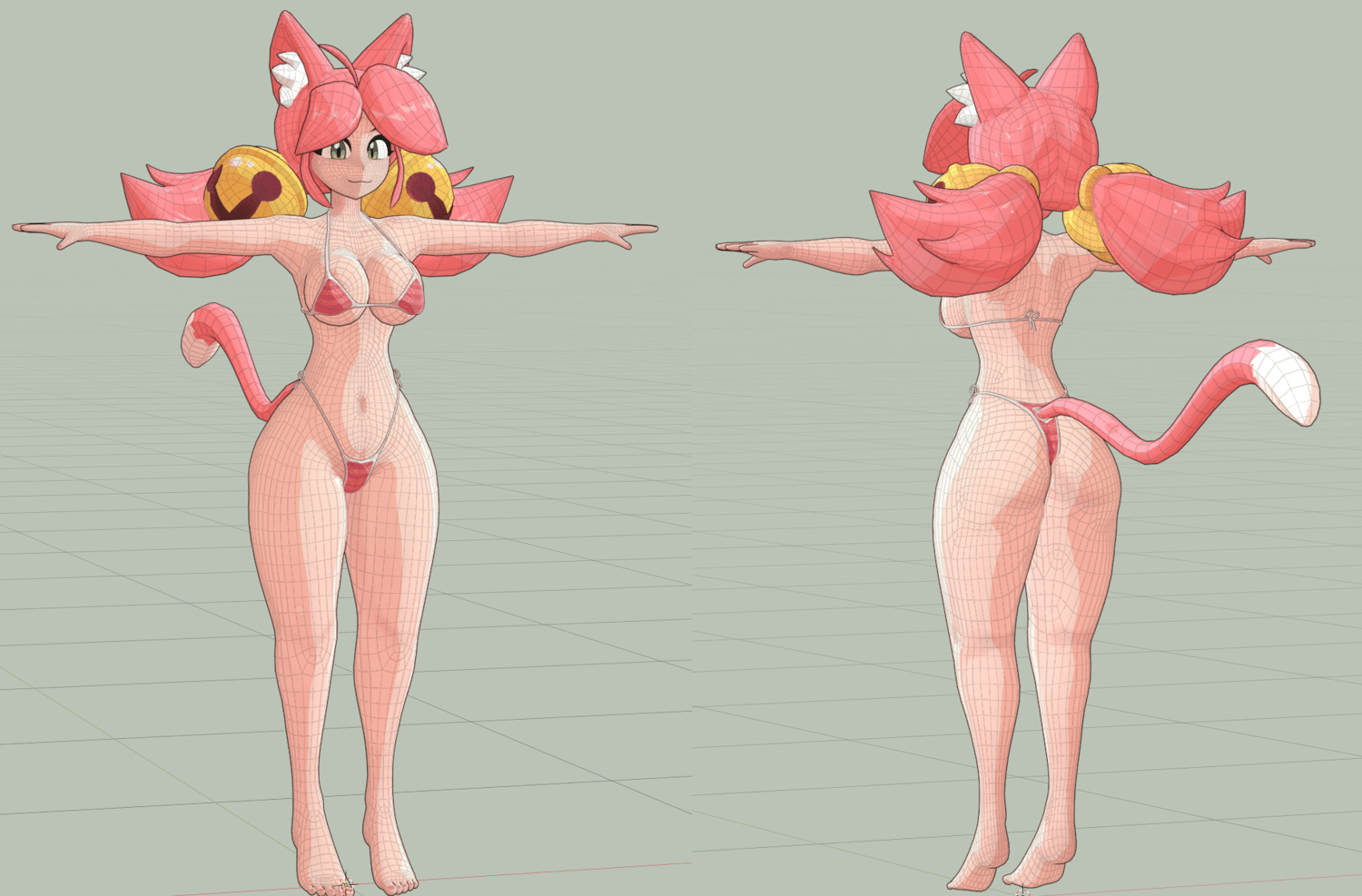
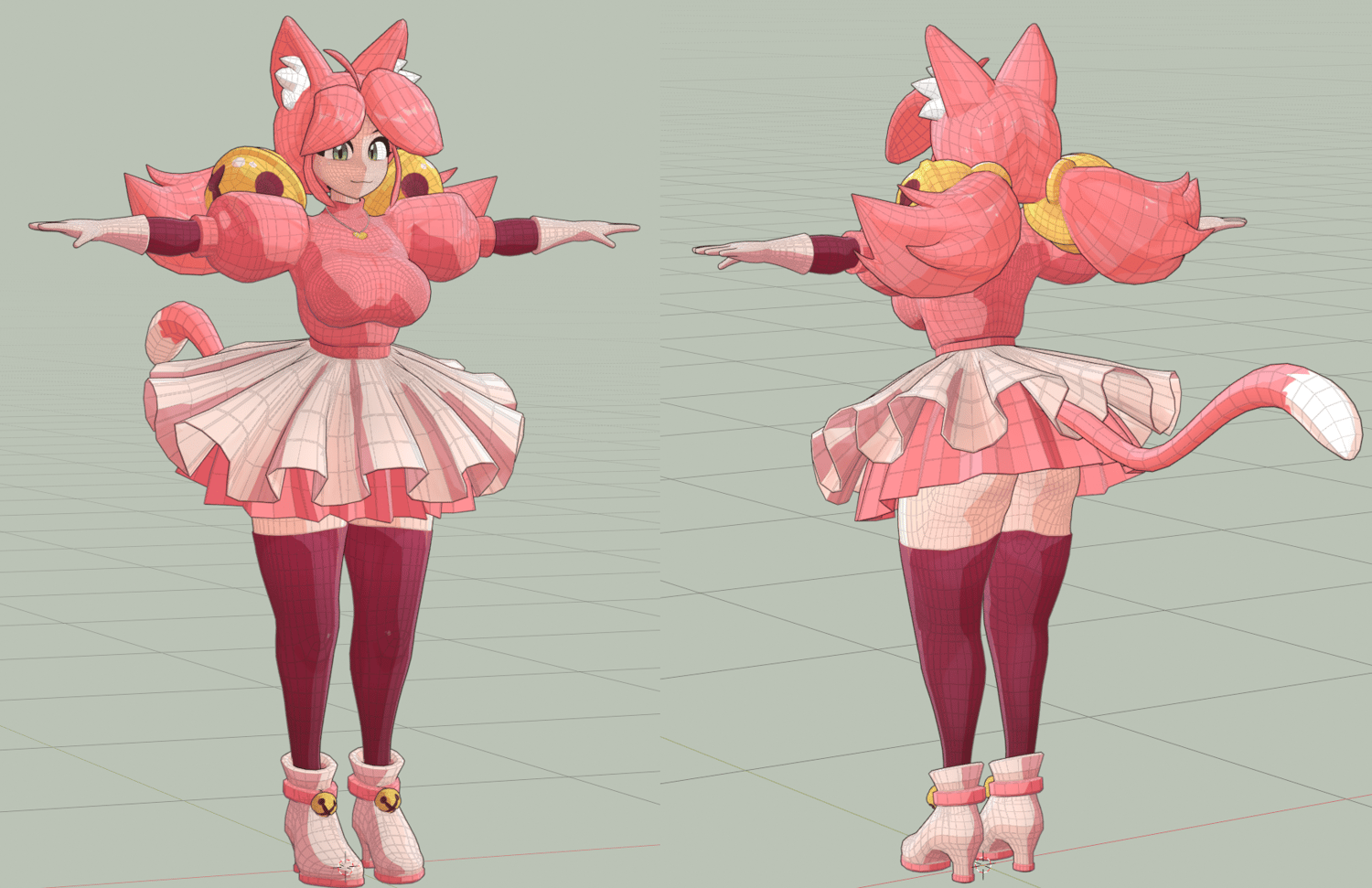
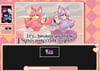
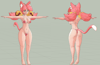
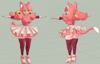
Mew Mew VRChat Full Body Tracking 3D Model
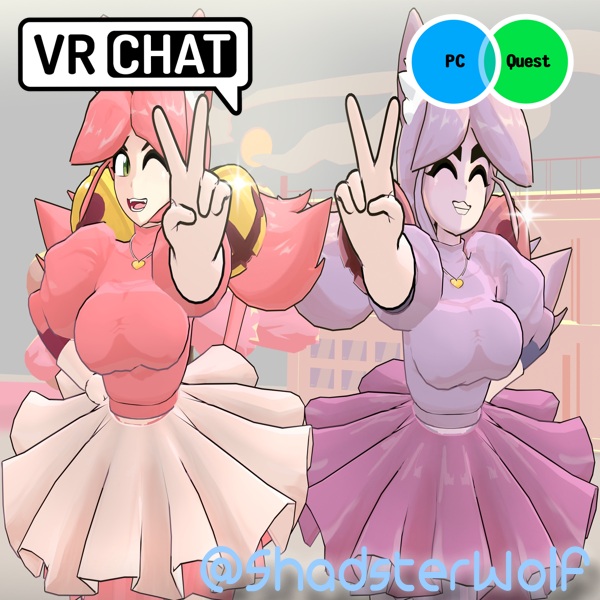
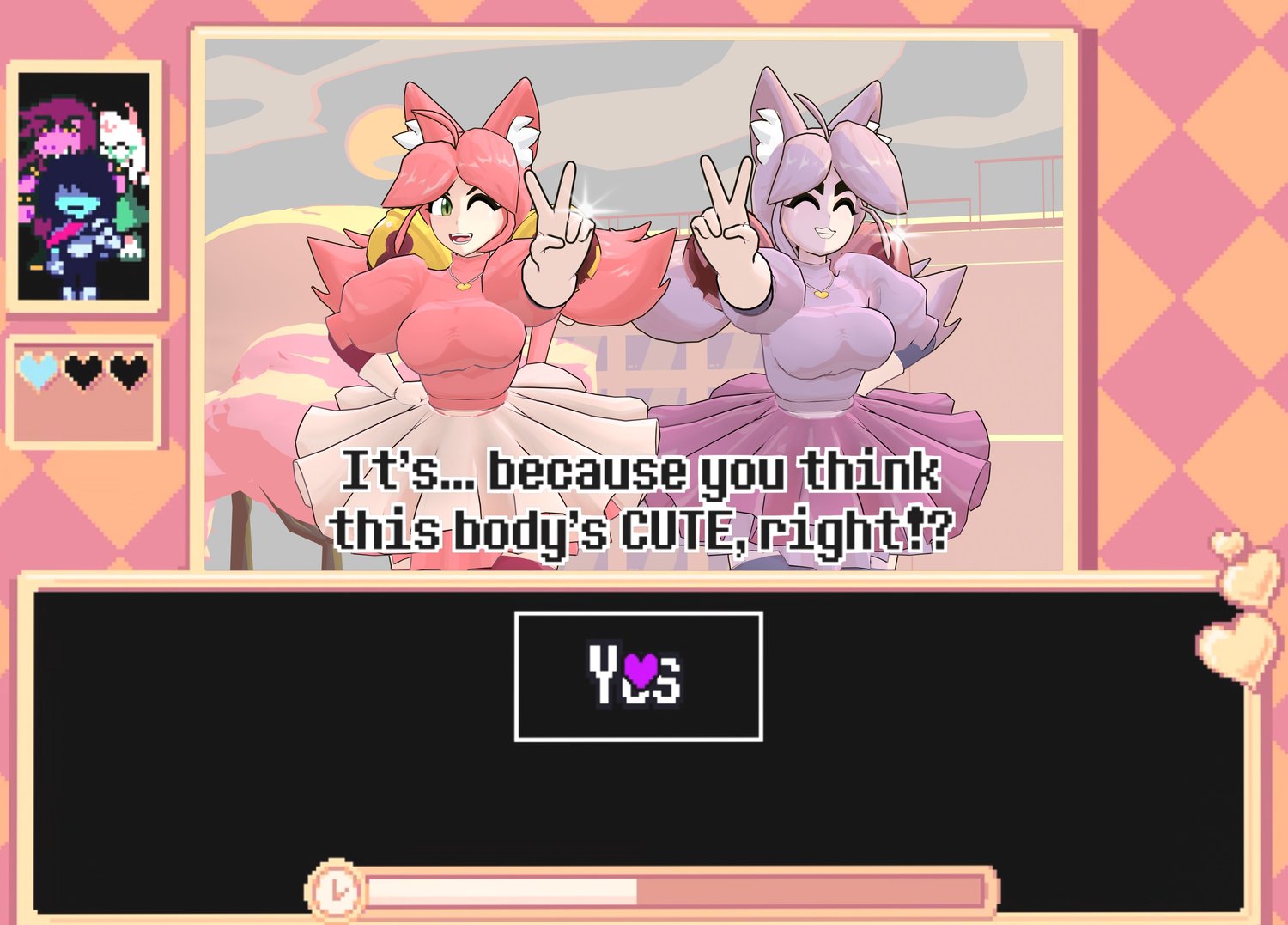
Mew Mew character model designed for VRChat!
Model Specs & Features
- PC & Quest Support
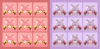
- Pink and Ghost skins
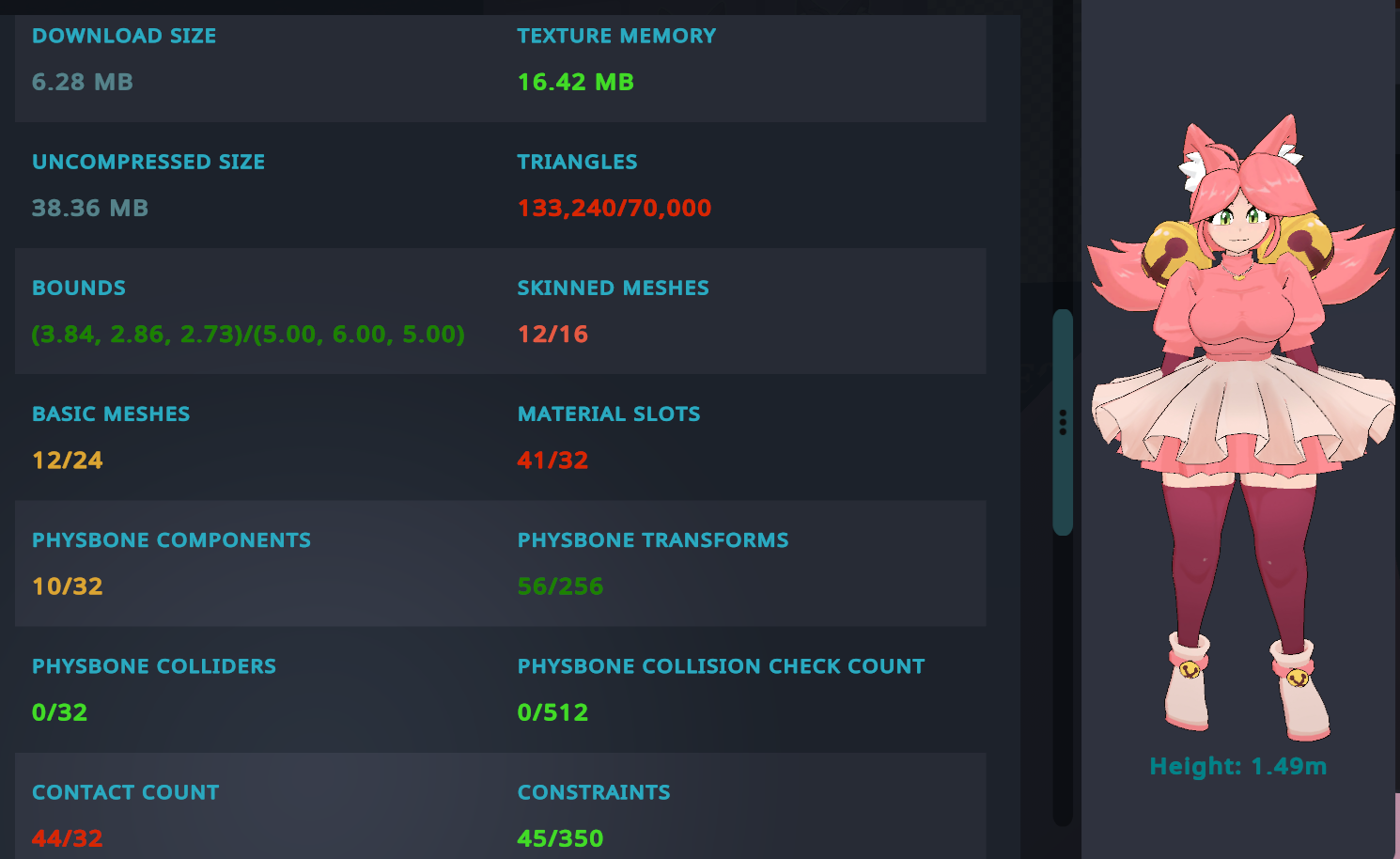
- 133k tris
- 4 Materials
- Full Body Tracking
- Physbone Support
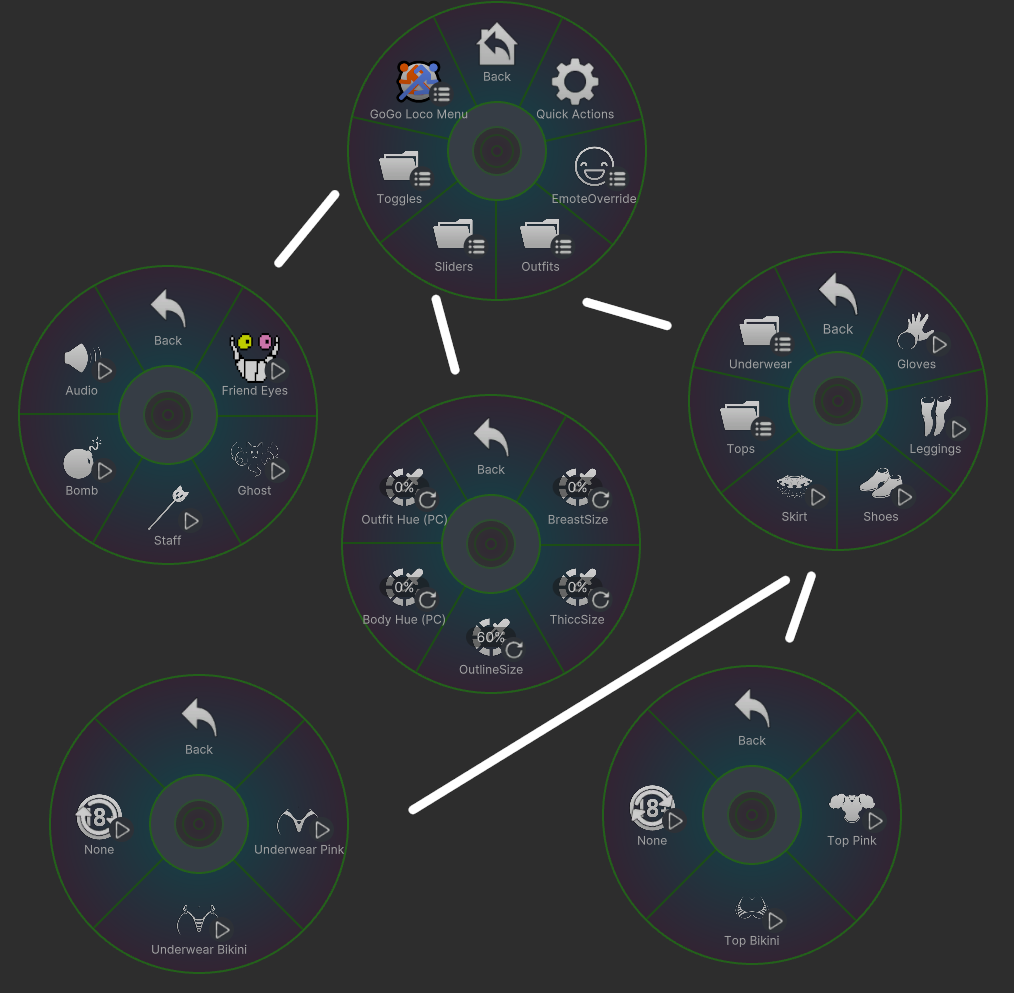
- Pink Dress & Swimwear Outfit toggles
- Bomb & Staff Props
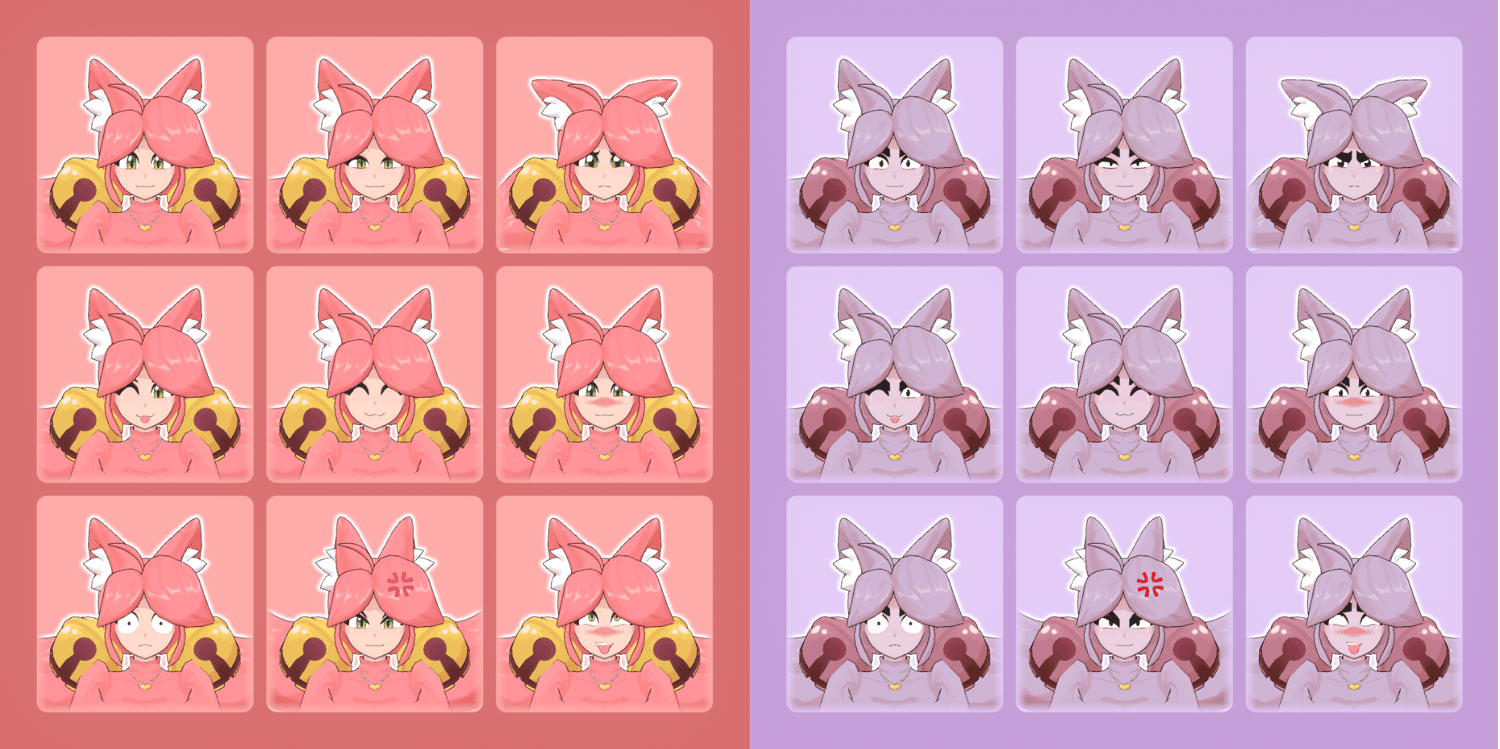
- 9 Custom Facial Gestures
- Viseme Support
- Breast Size Slider
- Thicc Size Slider
- Outline Size Slider
- Hue Slider (PC)
- Gogo Loco by Franada
- SDK3 (+ Unity 2022)
- Poiyomi Toon Shader
- VRCFury w/Wholesome SPS
Changelog
INSTRUCTIONS FOR VRCHAT PC
1 Download Unity Hub
2 Make a new Avatar project with VRChat Creator Companion (VCC)
https://vrchat.com/home/download
3 (Optional) Import VRCFury for SPS
4 (Optional) Import Poiyomi Toon Shader (8.1):
https://github.com/poiyomi/PoiyomiToonShader/releases
5 Import my provided .unitypackage file
6 Open Avatar_PC scene, login using the VRChat SDK, build & upload!
INSTRUCTIONS FOR VRCHAT QUEST (CONT.)
1 Copy the Avatar ID that generated after uploading to PC
(In the VRChat SDK, click on the Content Manager tab, you'll see "Copy ID")
2 Click on the Avatar_Quest scene and attach/paste the Avatar ID
(In the Inspector, on the Pipeline Manager component, you'll see "Blueprint ID", then click Attach)
3 Click on File > Build Settings... > Android > Switch Platform
(Delete _PoiyomiShaders folder if you imported to help speed up the process)
4 Open the VRChat SDK and build & upload again!
(If VRCFury prompts about write defaults, select "skip")
Please do not make public.
Please do not redistribute.
Contact
Twitter: https://twitter.com/Shadsterwolf
Discord: Shadsterwolf