

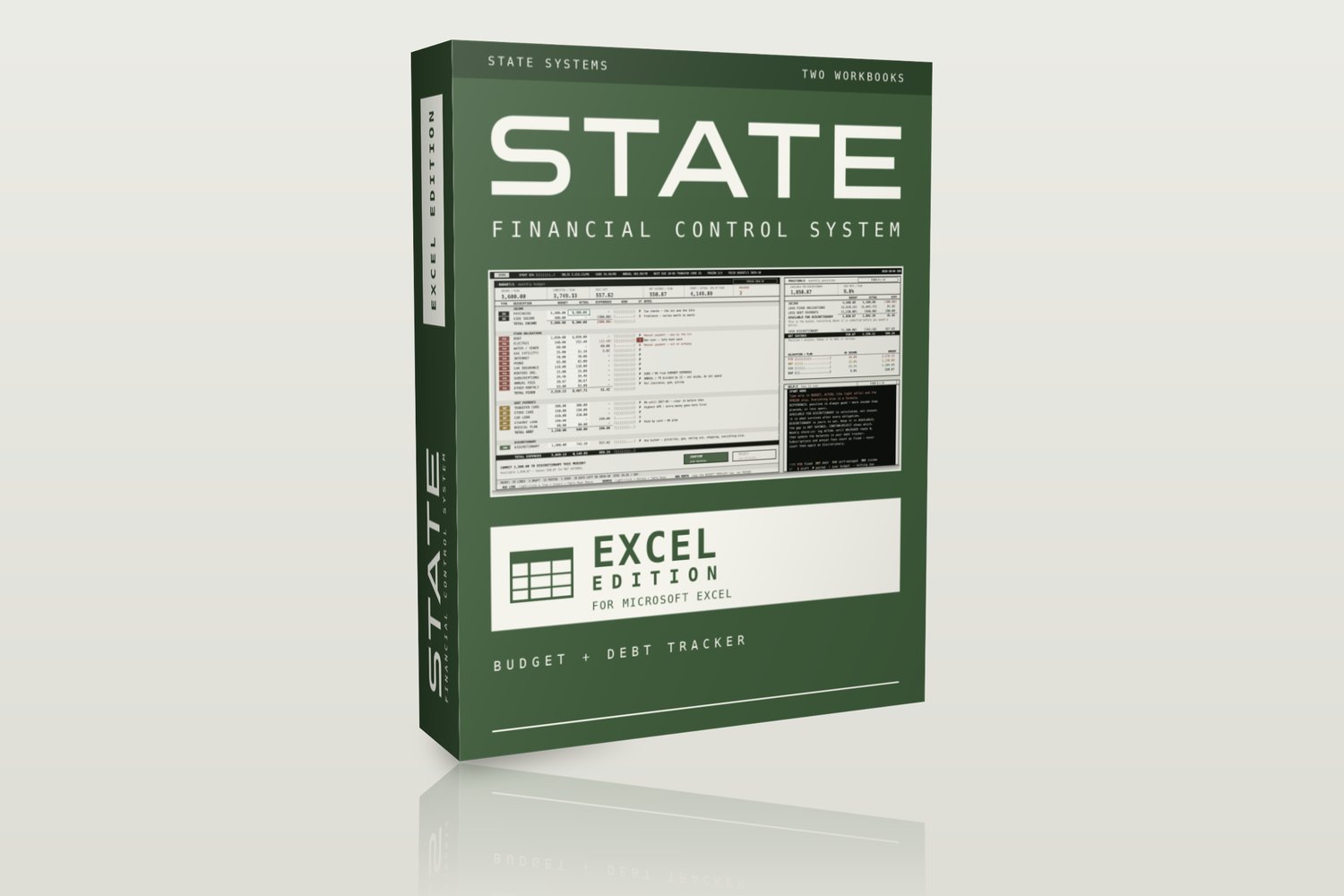
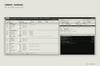
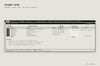
STATE Finance - Budget & Debt Tracker | Excel Edition
Stop tracking every coffee. Track what actually matters.
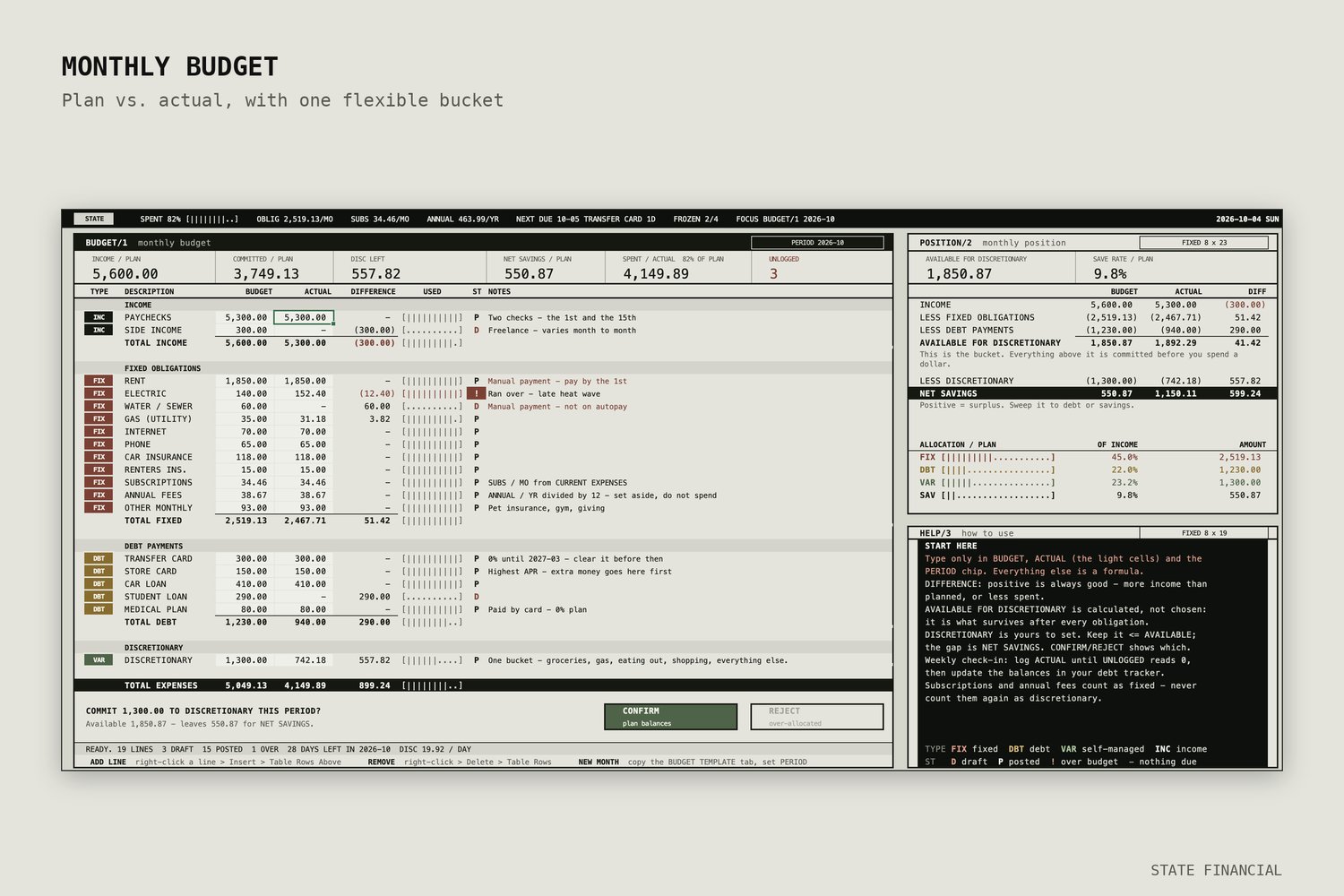
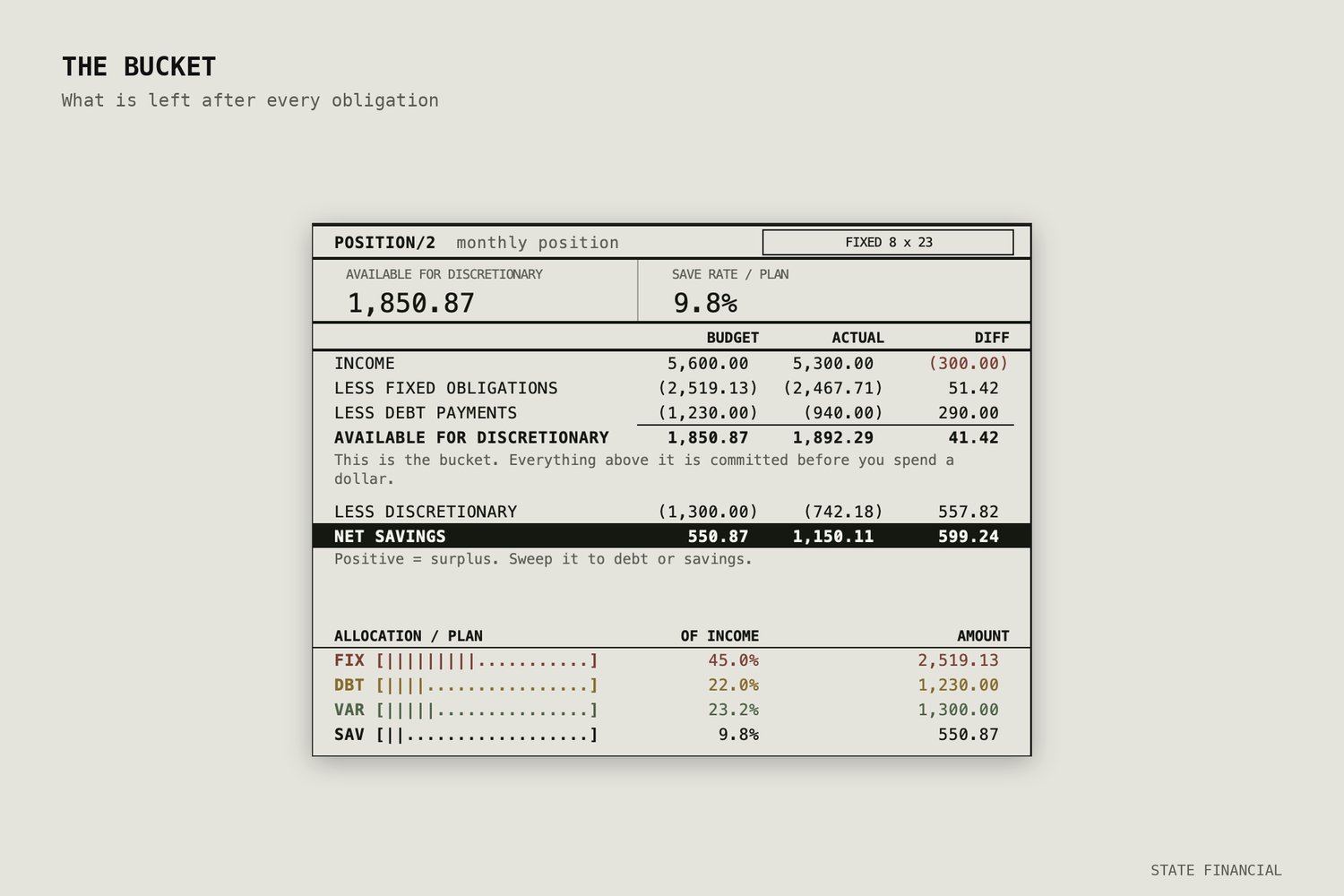
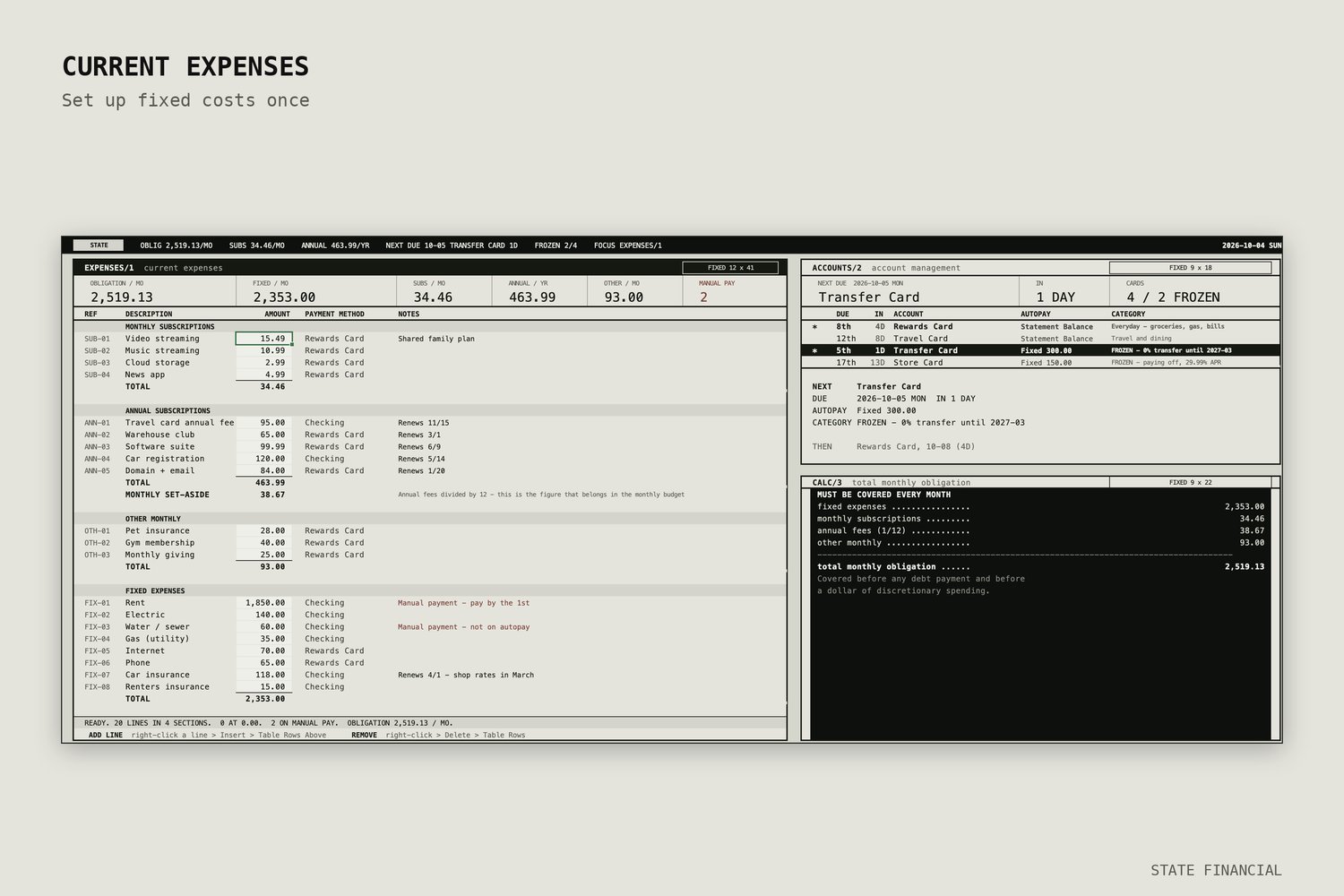
Most budget templates make you categorize every purchase and log every transaction. This one doesn't. You set up your fixed costs once, track your bills, and manage everything else as a single discretionary number. Less to maintain means you'll actually keep using it.
What you get
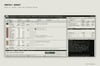
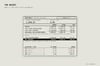
- Monthly Budget Tracker: Fixed obligations, debt payments, and one flexible bucket, with a live view of what's left to spend.
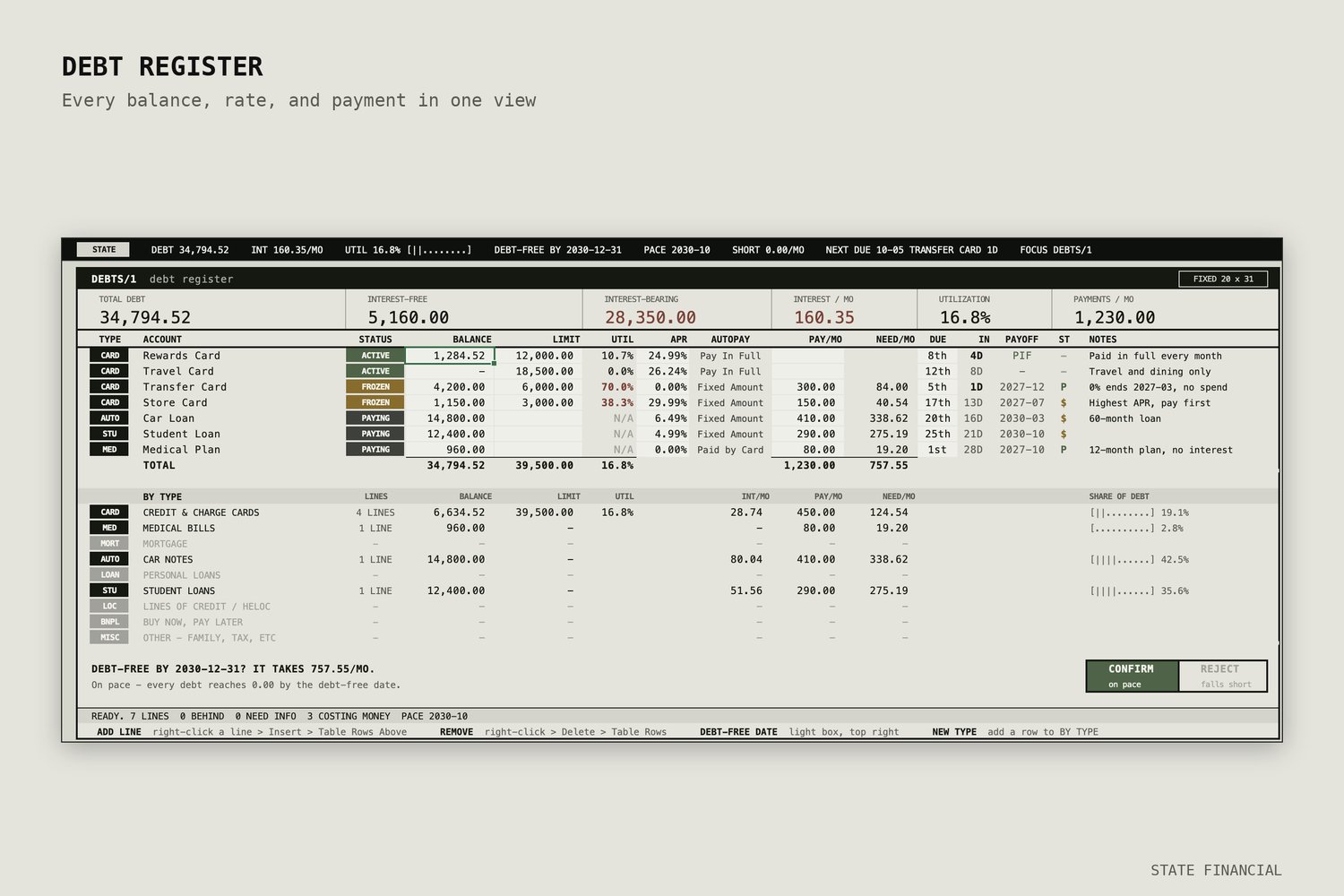
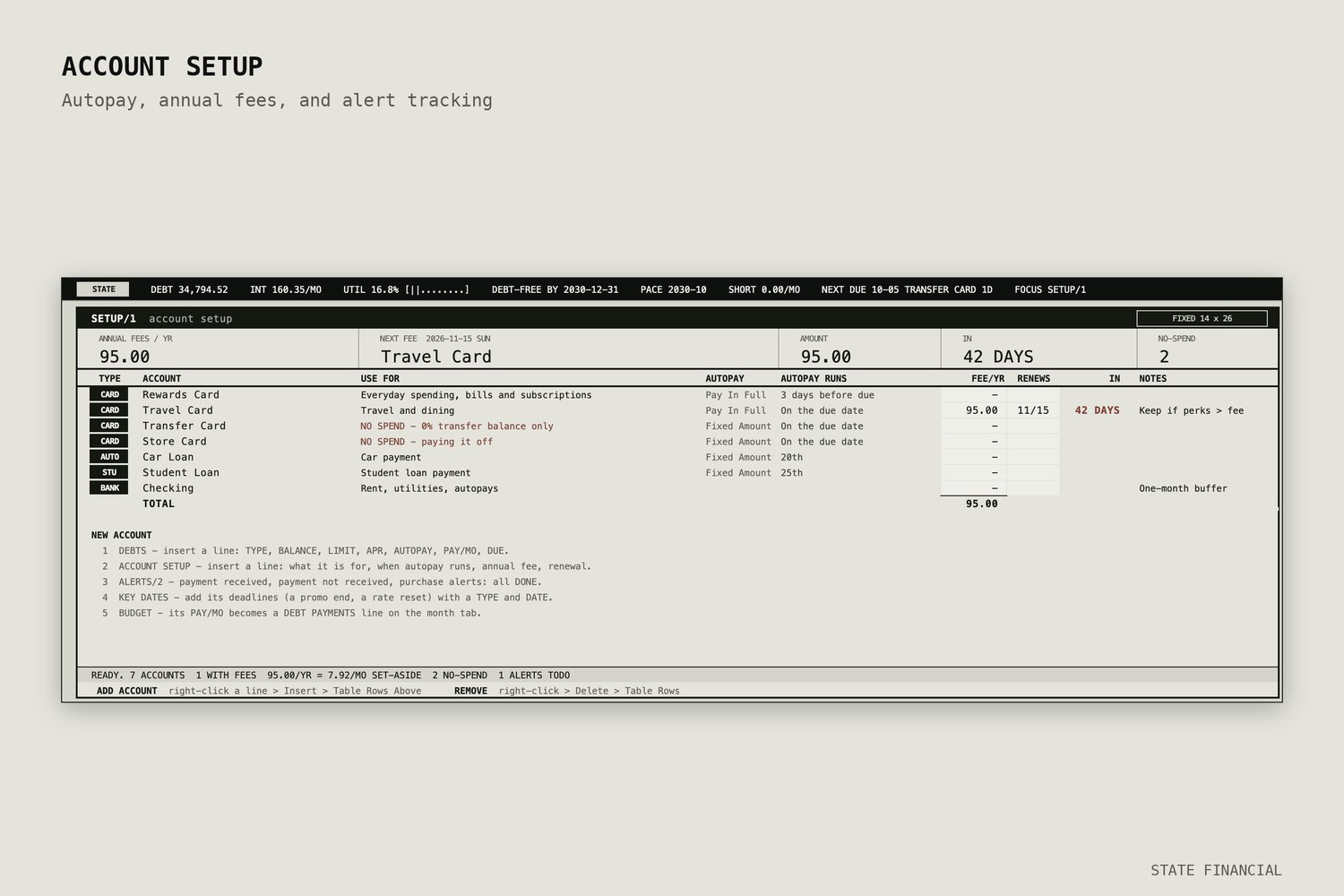
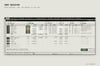
- Debt Tracker: Credit cards, medical bills, mortgages, auto loans, student loans, and personal loans. Set a debt-free-by date and see what it takes to get there.
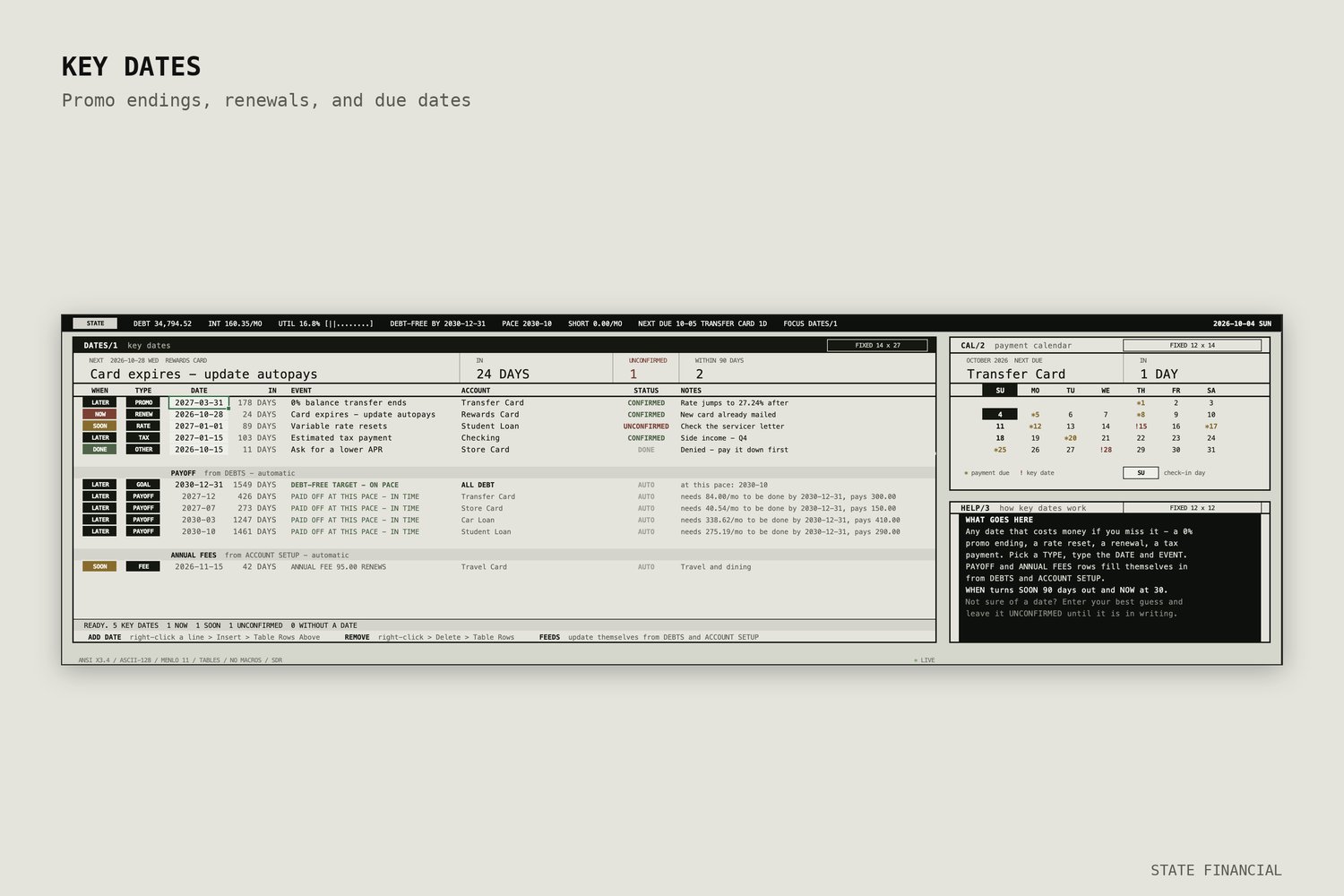
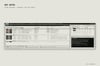
- Key Dates tab: Due dates and deadlines in one place.
- Mac and Windows editions of both workbooks, with fonts chosen so they display properly on each platform.
- Illustrated 8-page READ ME (PDF) with setup steps and how to run it.
Built to last
- Rows are Excel Tables, so you can insert or delete bills and debts without breaking a formula.
- No macros, no add-ins, no external links, and only long-standing Excel functions, so it should keep working across Excel versions.
- Rename the third budget category to whatever fits your life.
The look
A retro terminal interface: black status bar, monospaced type, ASCII-style meters, and red/amber/green indicators. Your finances should be easy to read and a little fun to open.
Who it's for
You'll like this if you want to understand your fixed obligations, don't want to categorize every purchase, and like a distinctive look. If you want automatic bank syncing or per-category spending reports, this isn't that tool.
Requirements
Microsoft Excel (desktop). Instant digital download.
This is a planning tool, not financial advice.