

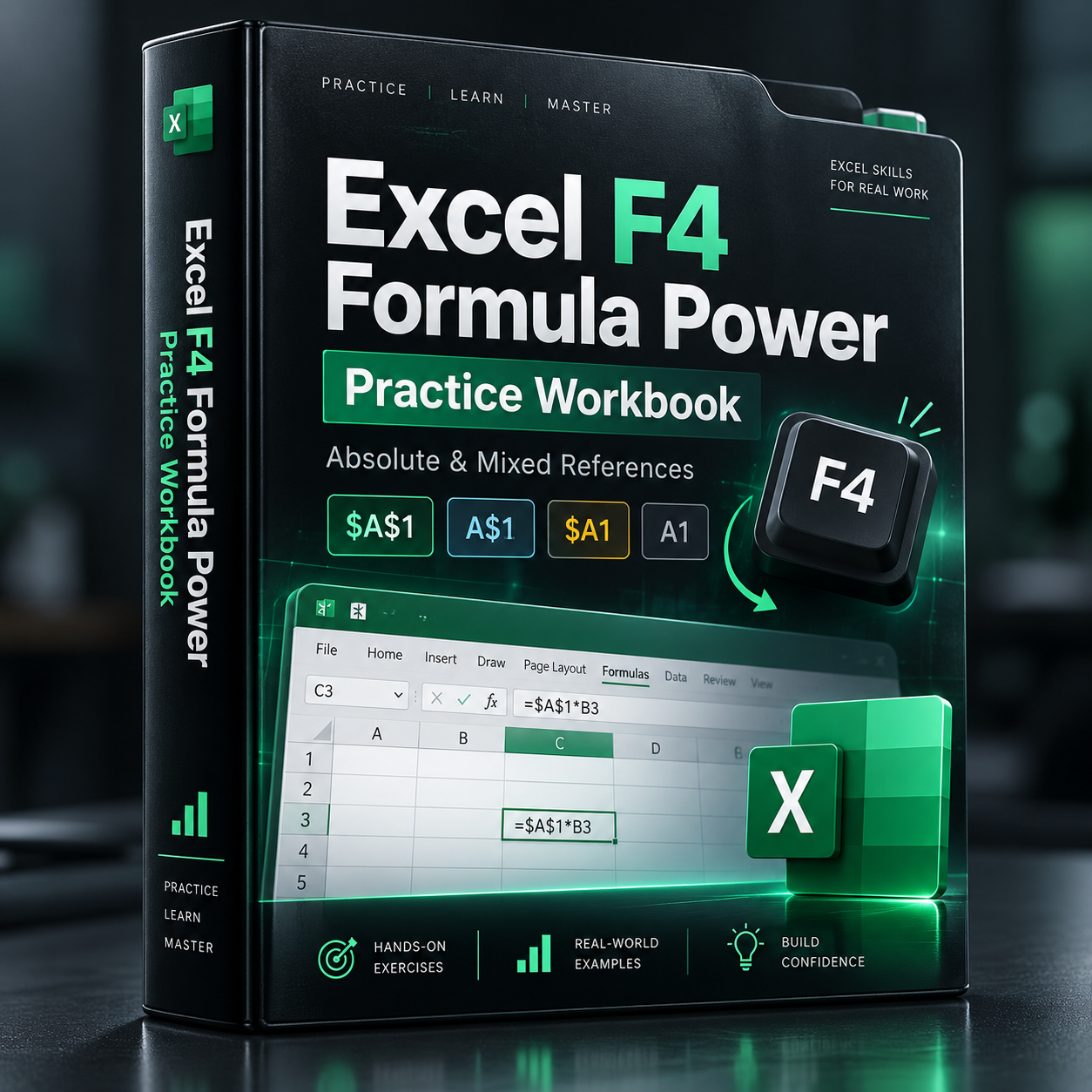
Excel F4 Formula Power — Absolute & Mixed References Practice Workbook
On Sale
$2.79
$2.79
Stop typing dollar signs manually and start using Excel formulas faster with F4.
This practical workbook is designed to help you master one of the most useful Excel shortcuts for formulas: F4 reference locking.
You’ll practice how to use absolute and mixed references correctly, understand what actually moves when a formula is copied, and build the habit of choosing the right reference type without guessing.
What’s included
- Trick 1 — Lock a Fixed Reference
- Practice absolute references such as $B$4 and learn how to keep rates, assumptions, and control values fixed when copying formulas.
- Trick 2 — Mixed References
- Learn patterns like $A4 and B$3 and use one formula across entire two-dimensional tables.
- Trick 3 — Master the F4 Cycle
- Practice all four reference modes:
- A1 → $A$1 → A$1 → $A1
- Bonus Business Lab
- Work with a larger realistic sales model using:
- VAT
- commission rates
- exchange rates
- revenue calculations
- fixed assumptions
- mixed-reference scenarios
- Answer Key included
- Check your formulas after completing the exercises.
Perfect for
Excel beginners, analysts, students, finance professionals, and anyone who wants to stop manually typing $ signs into formulas.
Workbook features
- No macros required
- Clear practice structure
- Realistic business examples
- Immediate hands-on exercises
- Bonus 60-row sales dataset
- Complete answer key
You’ll learn how to
Use F4 faster, lock formulas correctly, copy formulas without breaking them, understand absolute vs mixed references, and build more reliable Excel models.