




Desktop CRM Calendar – Appointments & Client Management for Windows
On Sale
$12.99
$12.99
Stop wasting time searching for customer information, keeping track of appointments in different places, and worrying about missed details. Keep everything organized and easy to find in one desktop program.
- Windows Desktop Only — Designed for one user on one computer. Not a web-based or mobile app.
Who Is It For?
- Small business owners, freelancers, independent service providers, church administrators, and individuals who manage customer records, appointments, and schedules.
Features That Make Your Workday Easier:
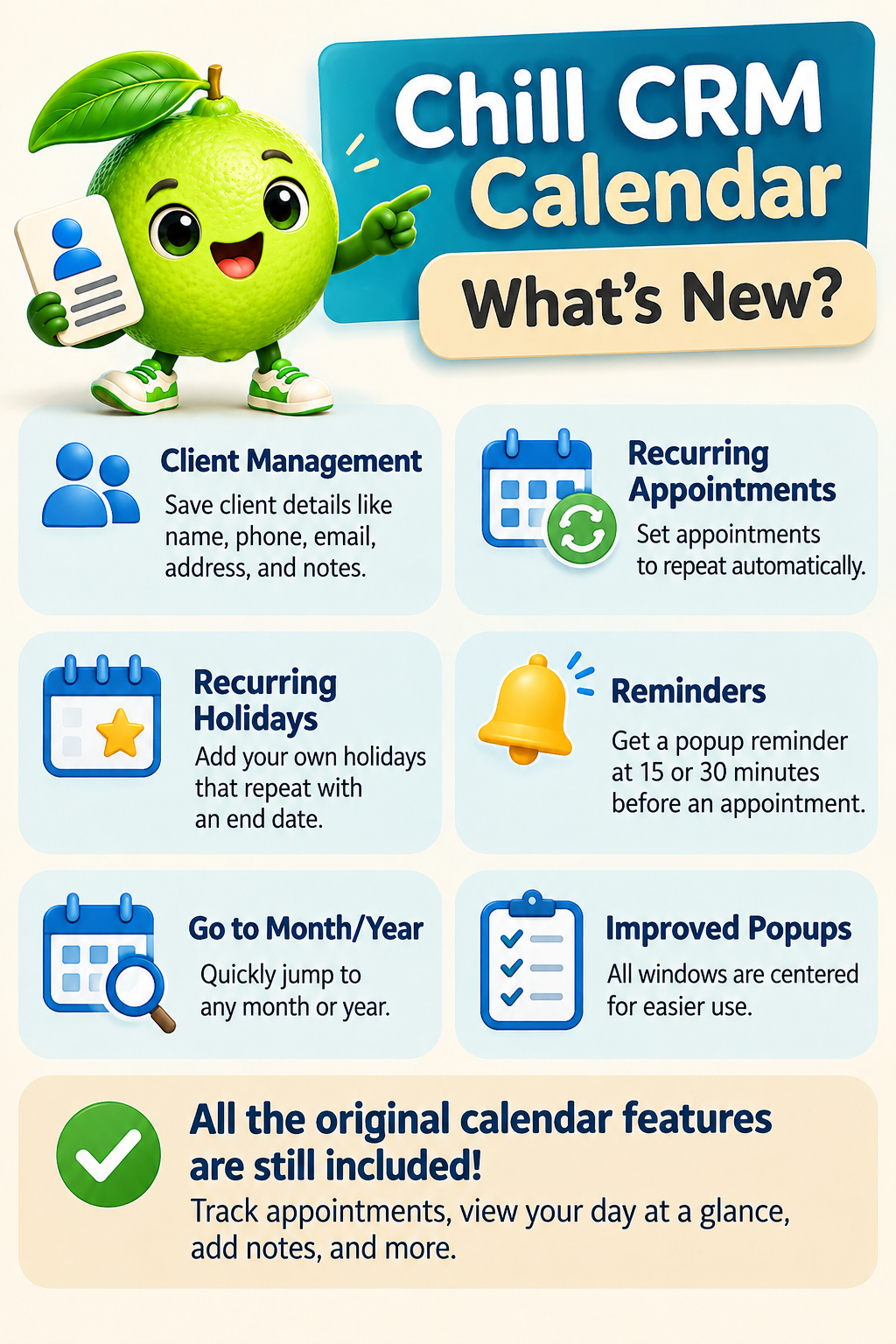
- Customer Records at Your Fingertips: Keep names, phone numbers, addresses, emails, notes, and emergency contacts together.
- Know Your Customer History: Review past appointments without digging through paperwork.
- Set Recurring Appointments: Set daily, weekly, monthly, or yearly recurring appointments.
- Reminders That Keep You on Track: Get appointment alerts even when the program is minimized.
- Your Day at a Glance: See scheduled appointments and important details in one convenient view.
- Find Any Month Quickly: Jump straight to the month and year you need.
- Keep Special Dates in Sight: Add holidays and recurring dates with an end date.
- Your Information Stays Yours: Work completely offline with records stored on your computer.
- Pay Once, Use It Without Monthly Fees: No subscriptions, accounts, ads, or cloud services.
System Requirements: Windows 11
One user, one computer. No cloud syncing or remote access.
Your Purchase Includes: Downloadable Windows desktop software and setup instructions.
Windows only. Not a fit? Email me within 14 days for a refund.