

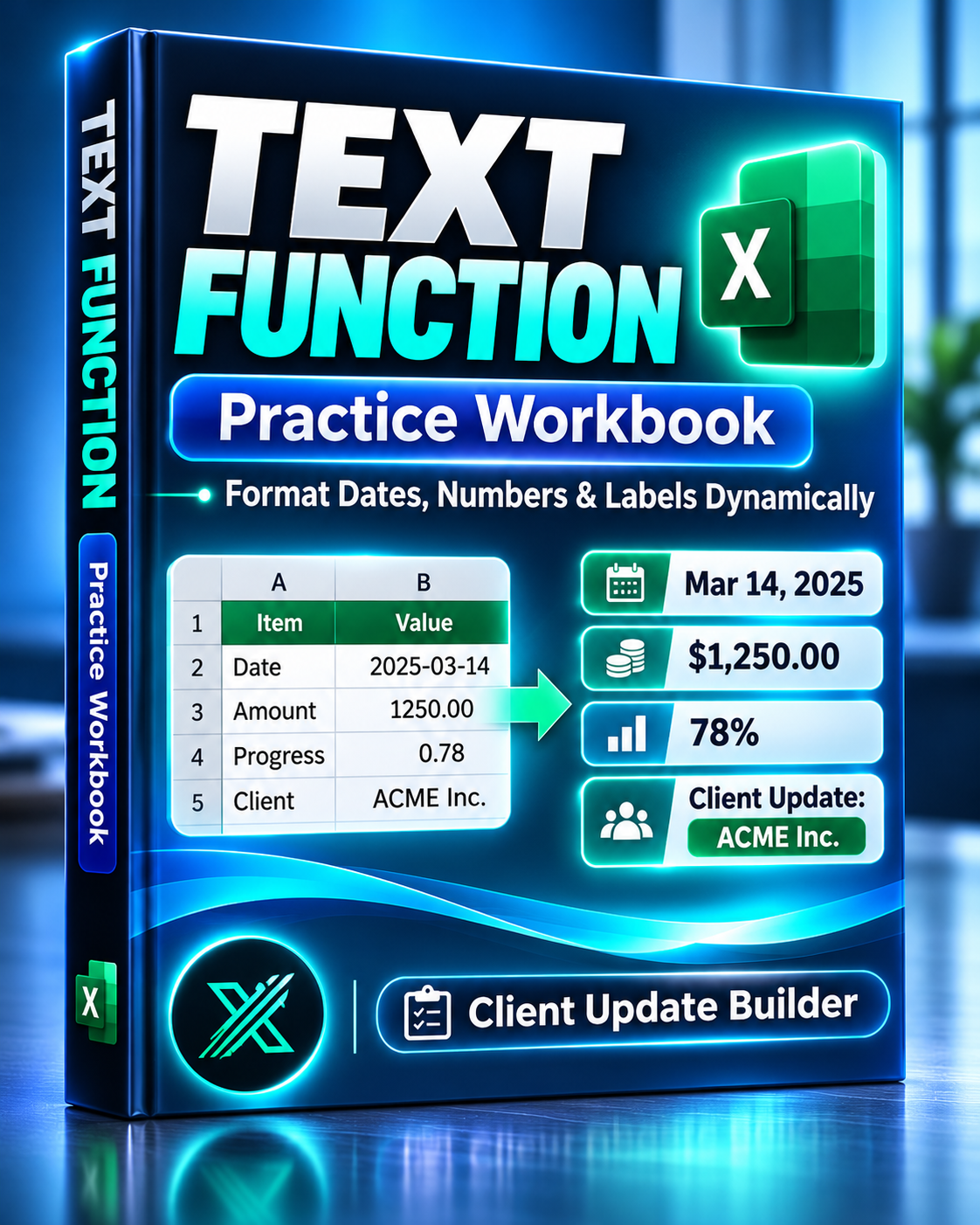
Excel TEXT Function Workbook — Dynamic Labels & Client Update Builder
Excel TEXT Function Workbook — Dynamic Labels & Client Update Builder
Turn raw dates, numbers, and percentages into professional, consistent client updates — automatically.
Tired of manually formatting dates, rewriting project summaries, or copying financial figures into client messages?
The Excel TEXT Function Workbook combines practical Excel exercises with a reusable client update generator that transforms structured project data into clear, readable text.
Learn the TEXT function, explore formatting patterns, and build consistent project updates without rewriting every message manually.
What's Included
1. Hands-On TEXT Function Practice
Learn how to:
- Format Excel dates using custom TEXT patterns
- Display monetary values with currency symbols and decimal places
- Convert numeric progress values into percentages
- Combine text and numbers using the & operator
- Build dynamic project labels from multiple cells
- Keep original values numeric for calculations and reporting
Includes a prepared practice sheet and a completed example for comparing results.
2. Ready-to-Use Client Update Builder
Go beyond basic formula exercises with a reusable business tool.
Enter project information and generate consistent, formatted updates containing:
- Client names and project details
- Project dates
- Service descriptions
- Calculated fees
- Progress percentages
- Formatted message text
The workbook includes 18 sample project records to demonstrate the workflow.
3. Customizable Formatting Settings
Adjust the way information appears in your generated text.
- Date display patterns
- Currency formatting
- Percentage precision
- Reusable formatting rules
Change the presentation without manually rewriting individual project updates.
4. Input Validation & Quality Checks
The workbook includes formula-based checks to help identify common data problems, including:
- Missing required information
- Duplicate project IDs
- Progress values outside the expected range
Invalid records are flagged so they can be corrected before using the generated text.
5. Project Overview
Review a summary of your project data, including:
- Total project value
- Number of generated updates
- Records requiring attention
- Overall project information
6. TEXT Formatting Reference
Explore 13 practical formatting examples for dates, numbers, and percentages.
Use the reference when adapting formulas to other worksheets or business reports.
Why Choose This Workbook?
Learning a formula is useful. Having a reusable workflow saves time.
Instead of manually formatting project data or rebuilding formulas from scratch, you get a structured workbook that combines learning, automation through formulas, and real business applications.
Use it to practice Excel's TEXT function, prepare project status summaries, or create consistent text for client communications.
Who Is It For?
- Business and financial analysts
- Freelancers and consultants
- Project coordinators
- Office professionals
- Excel beginners and intermediate users
- Anyone preparing recurring project or client updates
How to Get Started
- Open the workbook and review START_HERE.
- Practice the formulas using VIDEO_START.
- Compare your work with VIDEO_FINISHED.
- Explore the CLIENT_UPDATES generator.
- Adjust formats in FORMAT_SETTINGS.
- Replace the sample project information with your own data.
- Review the generated messages and quality indicators.
File Details
- One Excel workbook (.xlsx)
- 7 organized worksheets
- Starter practice and completed examples
- Reusable client update generator
- Customizable formatting settings
- Project overview and validation checks
- TEXT formula reference library
- Designed for Excel 2021
- No VBA macros required
Format once. Generate consistent updates. Spend less time rewriting routine project information.
Digital download. Microsoft Excel recommended. This workbook generates text inside Excel; it does not automatically send emails or connect to external messaging platforms.