
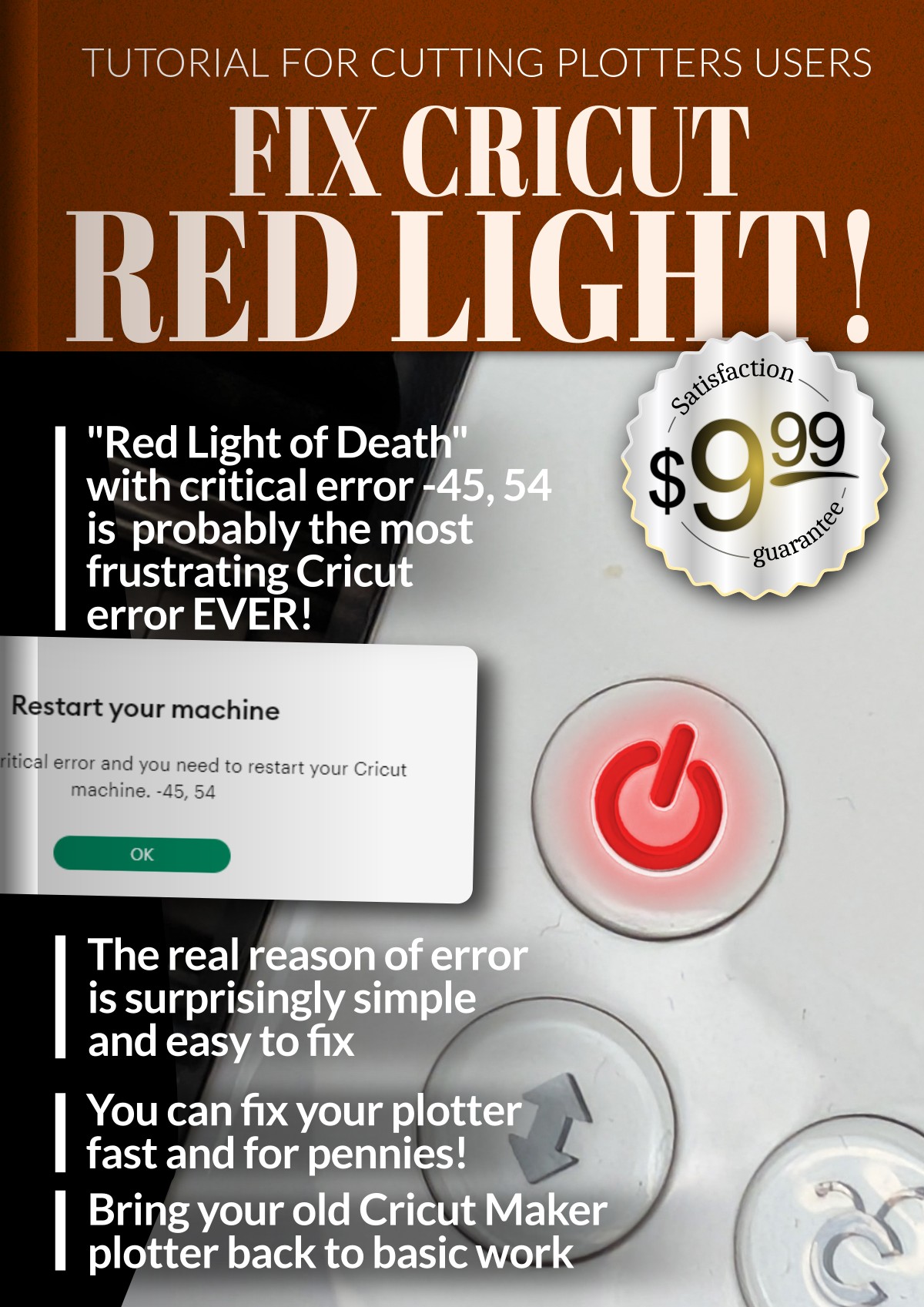



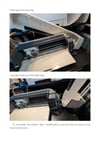


Fix Cricut Red Light!
Hello, I sincerely hope that this guide will save the expense of a new plotter, or at least postpone the purchase of a new one for a long time just like in my case. After reading, please kindly share your thoughts in the comments.
Link to download free fix guide preview PDF
Example content:
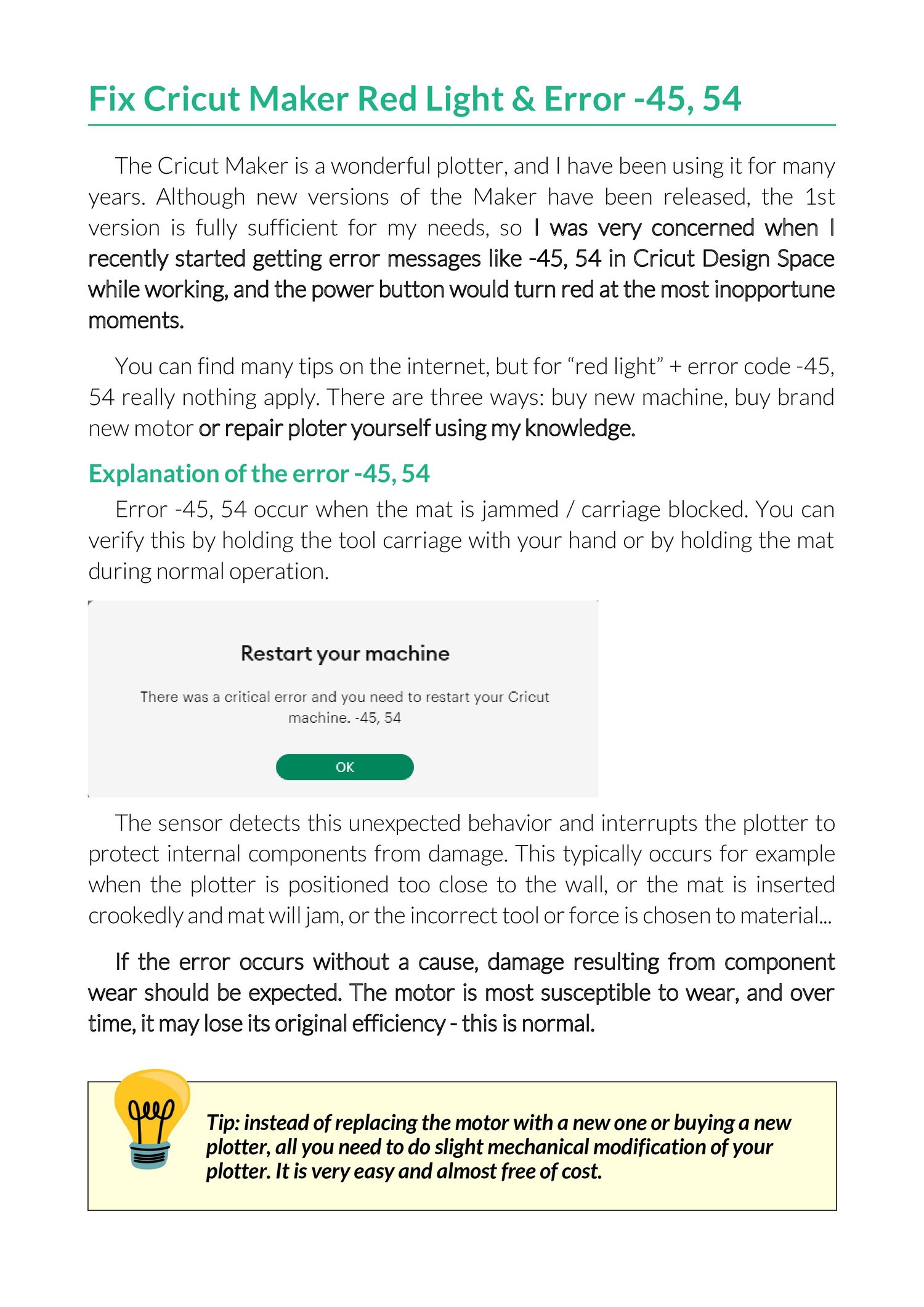
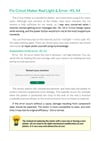
Fix Cricut Maker Red Light & Error -45, 54
"[...] The Cricut Maker is a wonderful device, and I have been using it for many years. Although new versions of the Maker have been released, the first version is still sufficient for my needs, so I was very concerned when I recently started getting error messages like -45, 54 in Cricut Design Space while working, and the power button would turn red at the most inopportune moments.
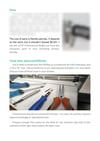
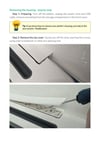
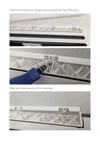
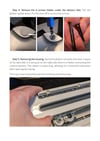
You can find many tips on the internet, but when you see error code -45, 54 nothing applies. This slight modification is cheap about 0,5$ and fast (very well illustrated)
Explanation of the error -45, 54
Error -45, 54 occur when the mat is jammed / carriage blocked. You can verify this by holding the tool carriage with your hand or by holding the mat during normal operation. The sensor detects this unexpected behavior and interrupts the plotter to protect internal components from damage. This typically occurs when the mat is inserted crookedly or the incorrect tool is selected for the material and the tool gets stuck. If the error occurs without a cause, damage resulting from component wear should be expected. The motor is most susceptible to wear, and over time, it may lose its original efficiency.
Device diagnosis
If the plotter starts normally and starts cutting but stops during operation in a random or relatively repetitive place, it is unlikely that something is physically blocking the motors, but just in case, before you continue, carefully inspect the cutting chamber to see if any material remains are blocking the carriage and you can move it freely left and right...
[...]"
Disclaimer
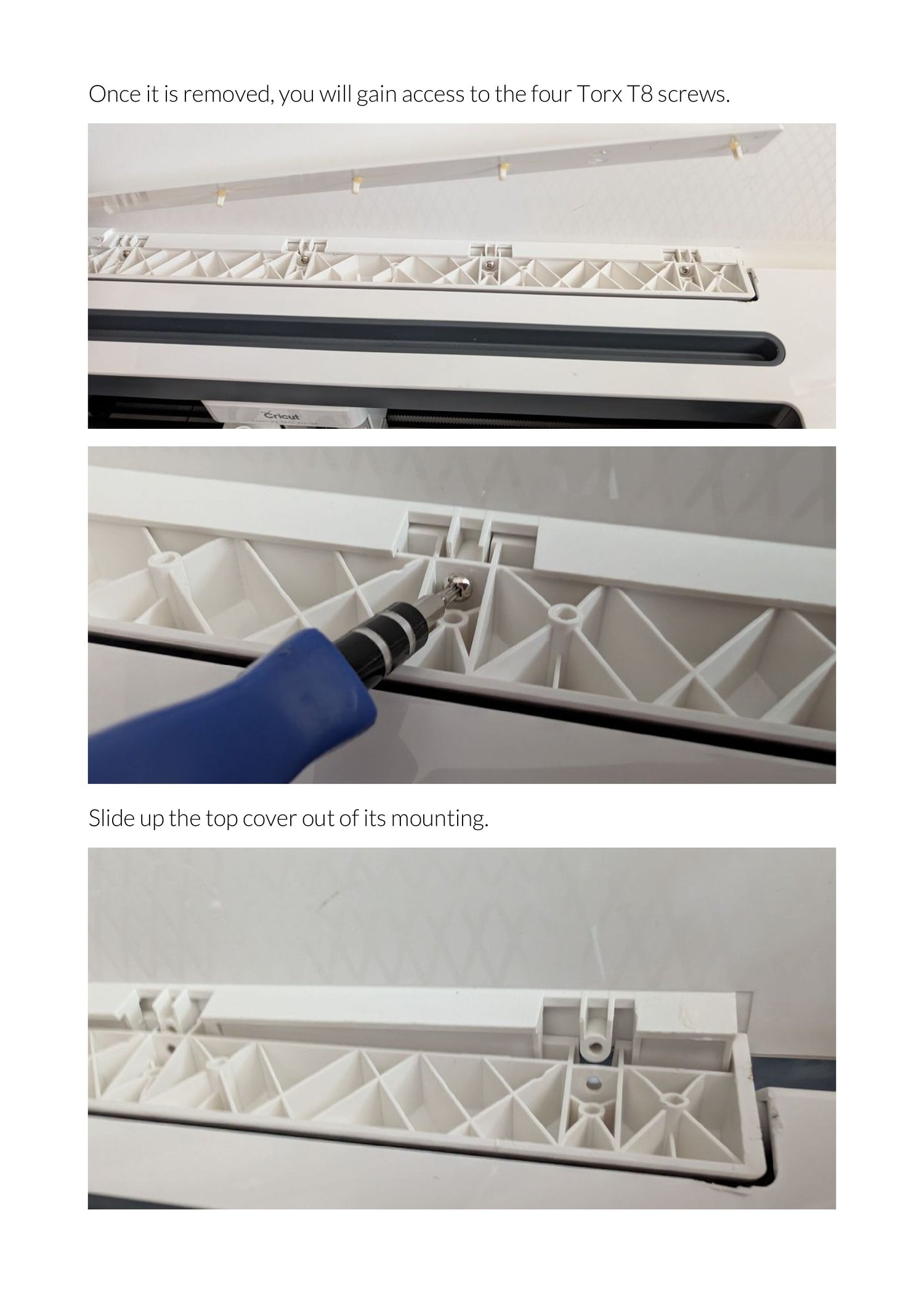
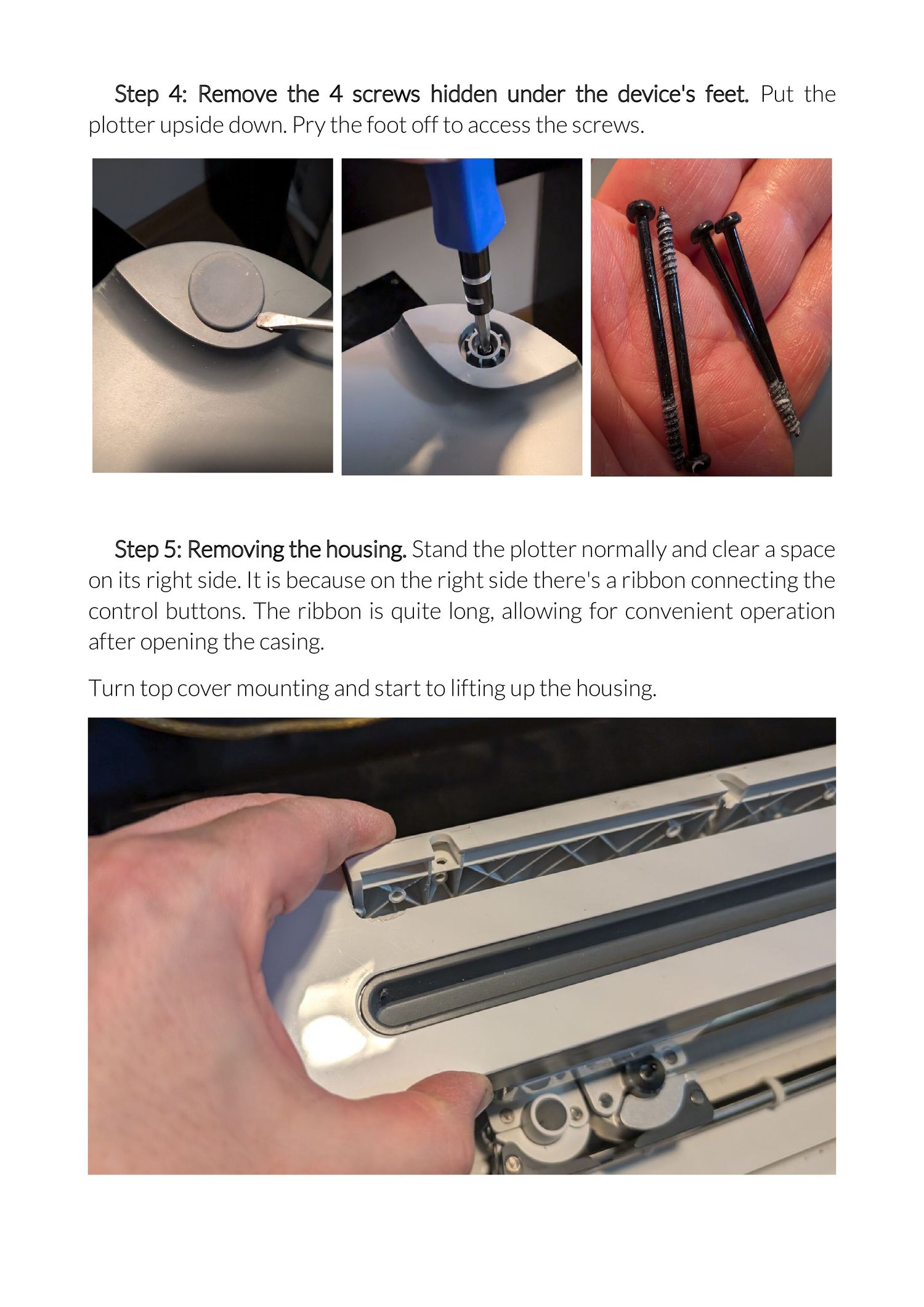
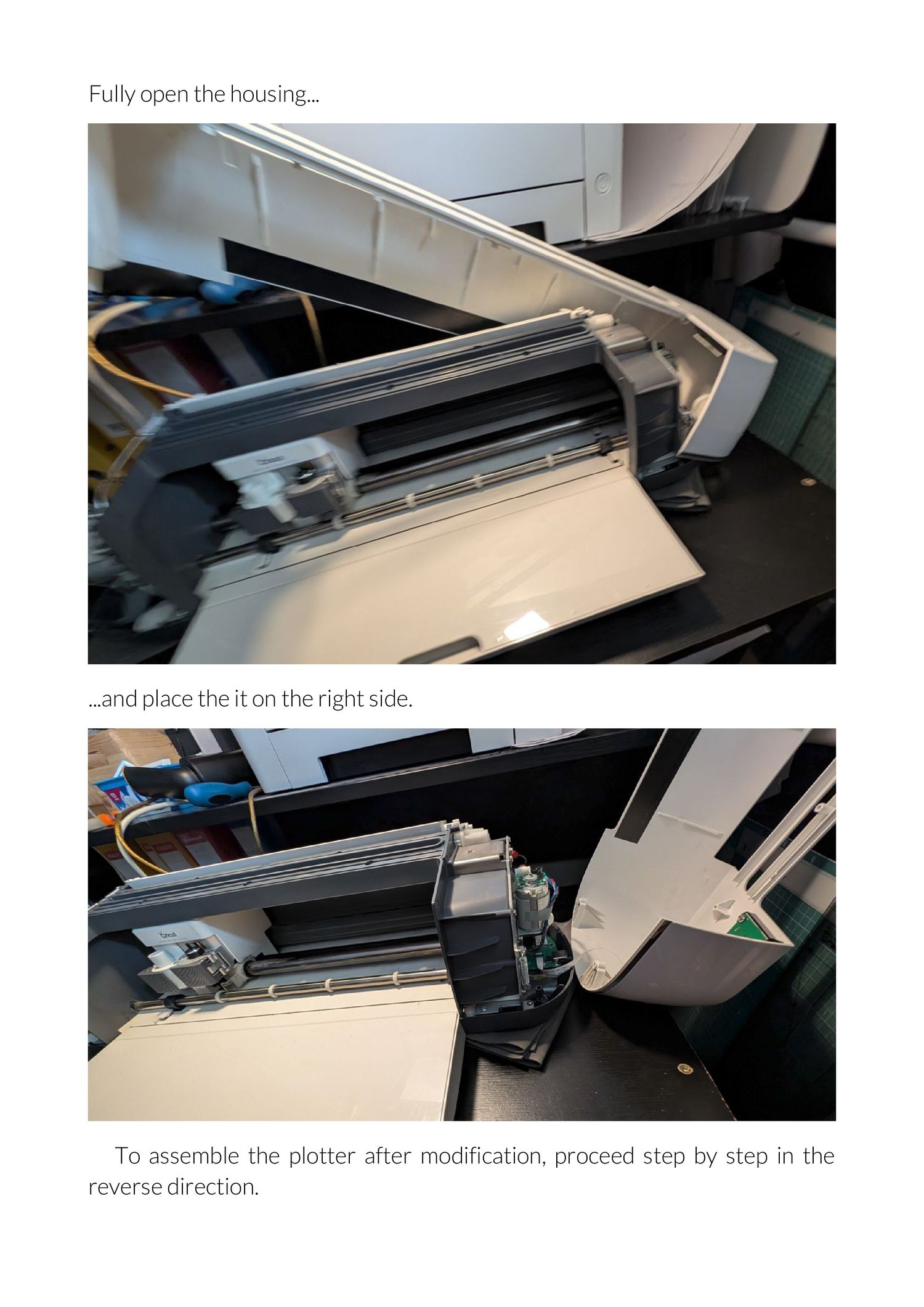
This document is not repair or operation manual, but detailed illustrated guide to fix specific problem. This is fix by slight modification the device, based on the author's experience with using the Cricut Maker plotter 1st version available in 2018 on the UK market, therefore your device may differ in details from the guide shown in the photos. It is very likely that the solution will work on other Cricut models and also on plotters from other brands based on a similar operating principle and construction to the discussed Cricut Maker 1st edition.
Please remember, all activities related to modification and any possible deterioration of the operation of your plotter are performed at your own risk.
About me
My name is Piotr Połomski, I live in Krakow, Poland, I have many years of experience in operating computers and peripherals - printers, scanners. plotters, lasers and other devices, servers, networks... I started my adventure with computers many years ago with 8bit computers :)
If you wish to support my work please join to Payhip Affiliate Program with this link https://payhip.com/auth/register/af6891d7140fa7e and start promote my guide as Payhip Partner. If you are active in social media, thanks to Payhip and this helpful ebook you can earn some money :) Best! Piotr