


Real Estate Transaction Tracker Spreadsheet | Offer to Close Checklist, Deadline Countdown and Commission Tracker for Agents
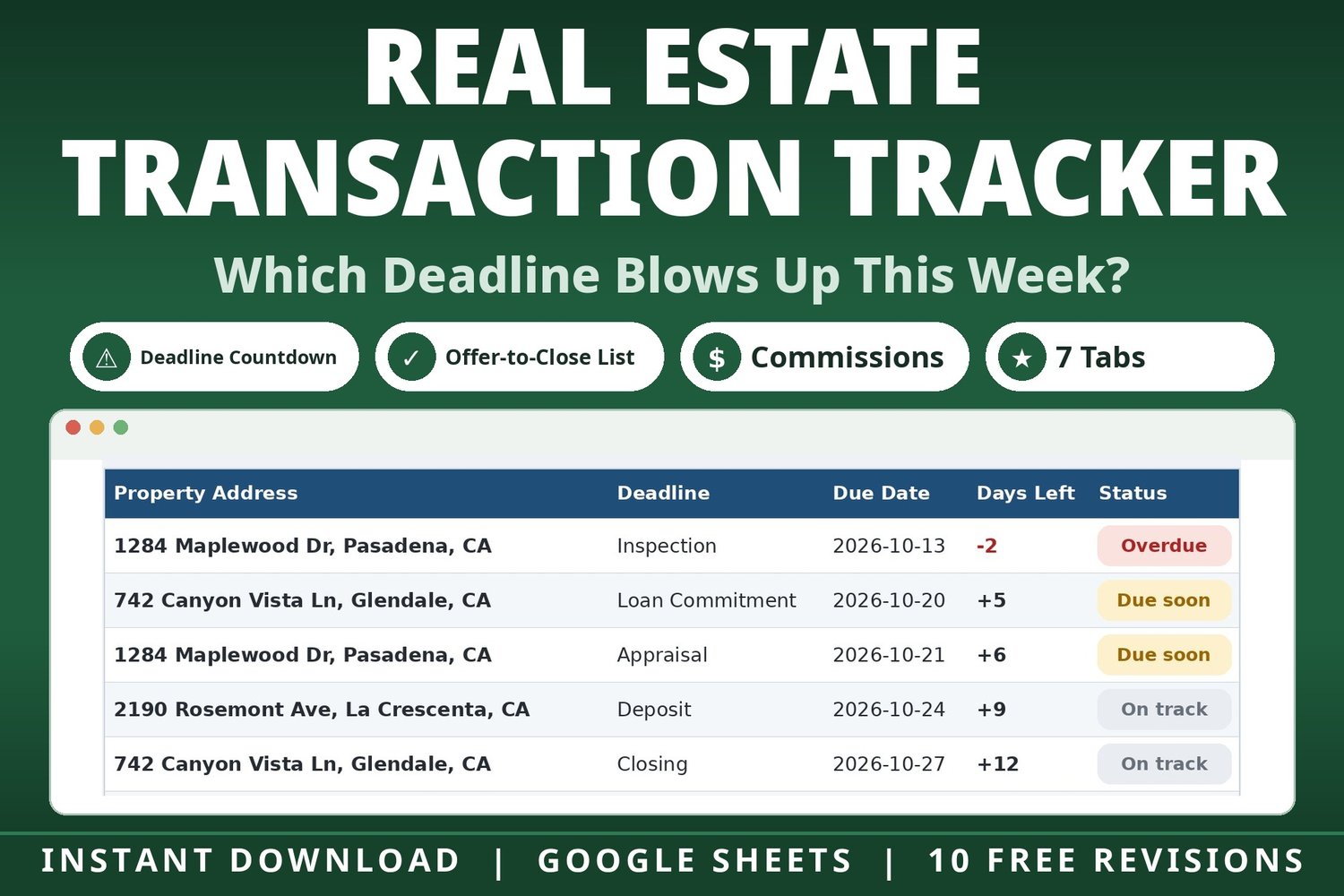
Which deadline blows up this week?
If you run real estate deals, that question decides your mornings. A missed inspection deadline or a loan commitment that slips doesn't just cost stress — it can cost the whole transaction. This tracker puts every deal's deadlines on one triage screen, sorted by what needs you first.
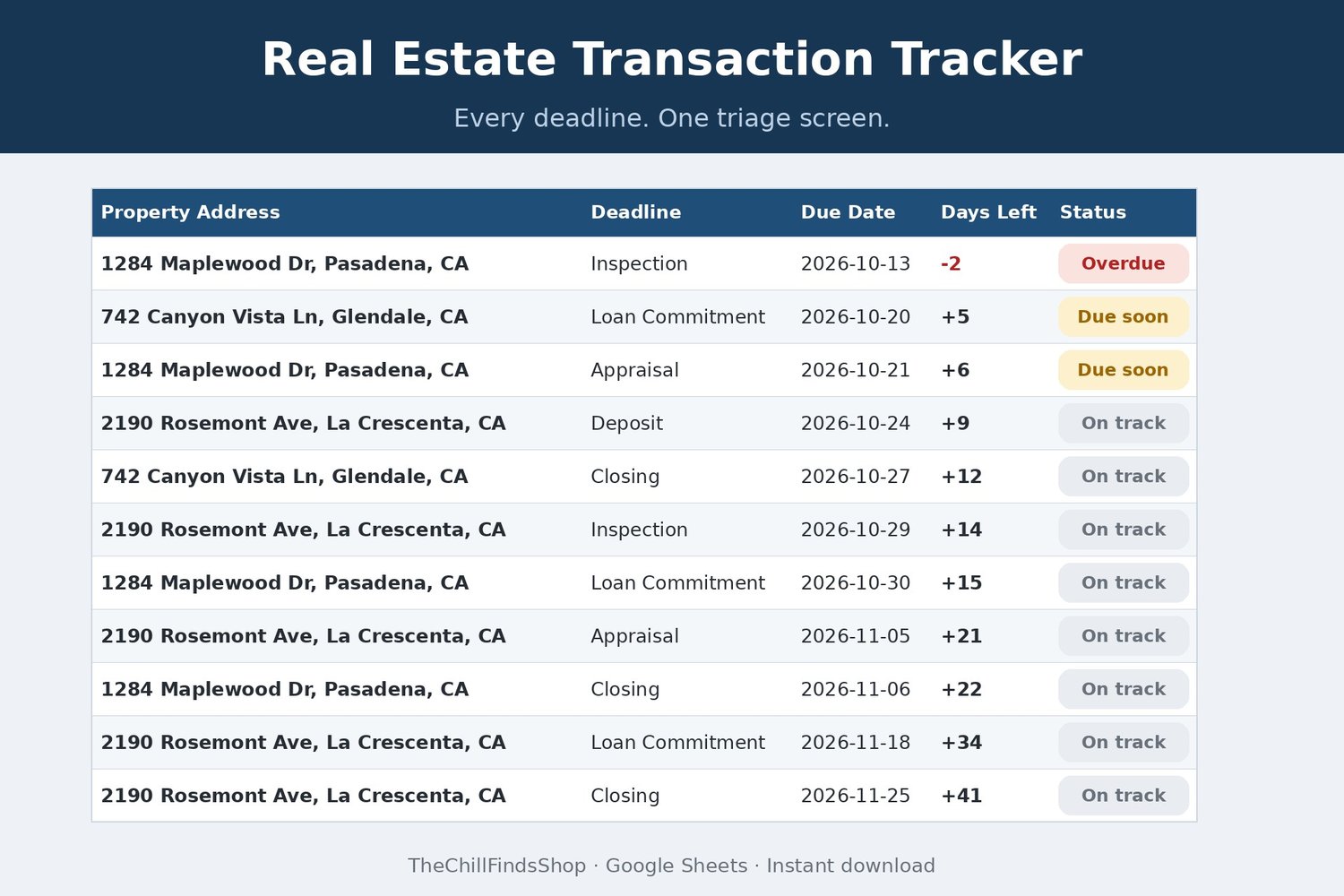
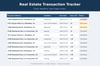
Each deal gets an offer-to-close checklist with deadlines that count down by themselves. Open the Dashboard and you see every open deadline across all your deals, soonest first — with overdue and due-this-week called out before they become emergencies.
Transparency note: this spreadsheet was designed with AI assistance, then hand-built and formula-tested by our shop.
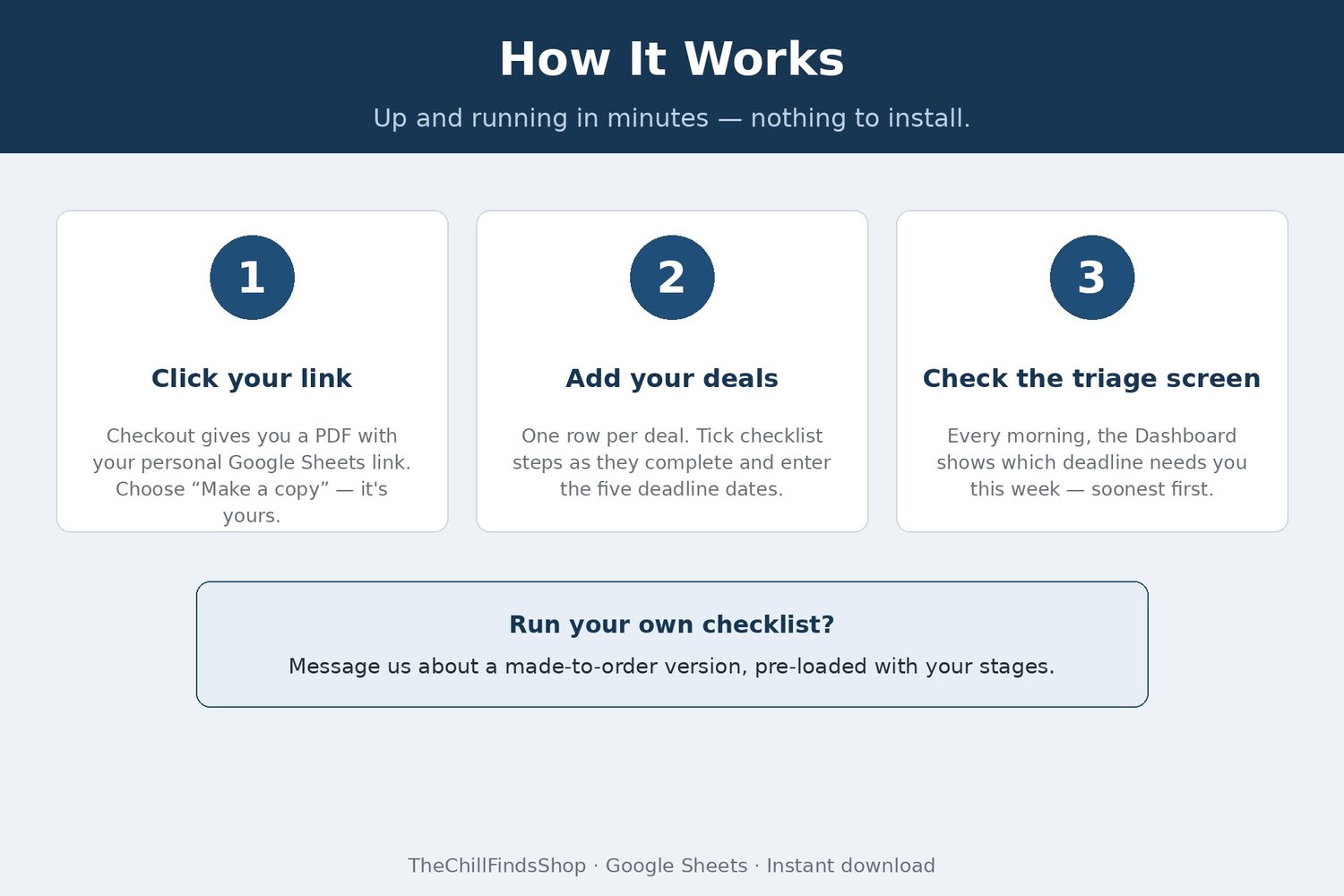
HOW IT WORKS
1. Download the PDF instantly after checkout and click your personal Google Sheets link.
2. Choose "Make a copy" — it's yours.
3. Add your deals, tick checklist steps as they complete, and enter each deal's five deadline dates. Days Left counts down on its own, every day.
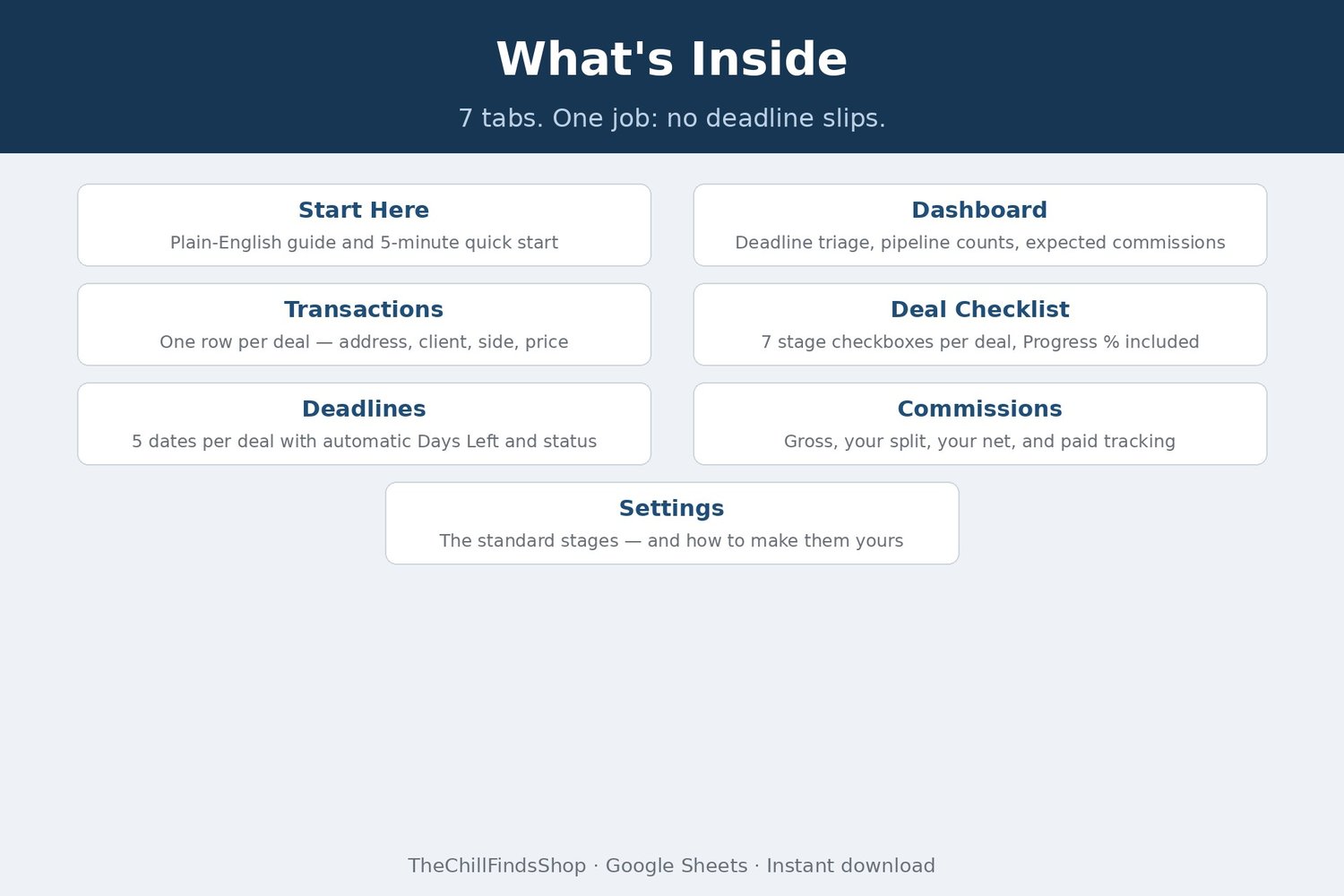
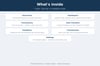
WHAT YOU GET — 7 tabs:
• Start Here — plain-English guide and quick start
• Dashboard — deadline triage: every open deadline across all deals, soonest first, plus overdue and due-in-7-days counts, your pipeline by next step, and expected commission totals
• Transactions — one row per deal: property address, client, buyer or seller side, contract price, commission percentage (the stage fills itself in from your checklist)
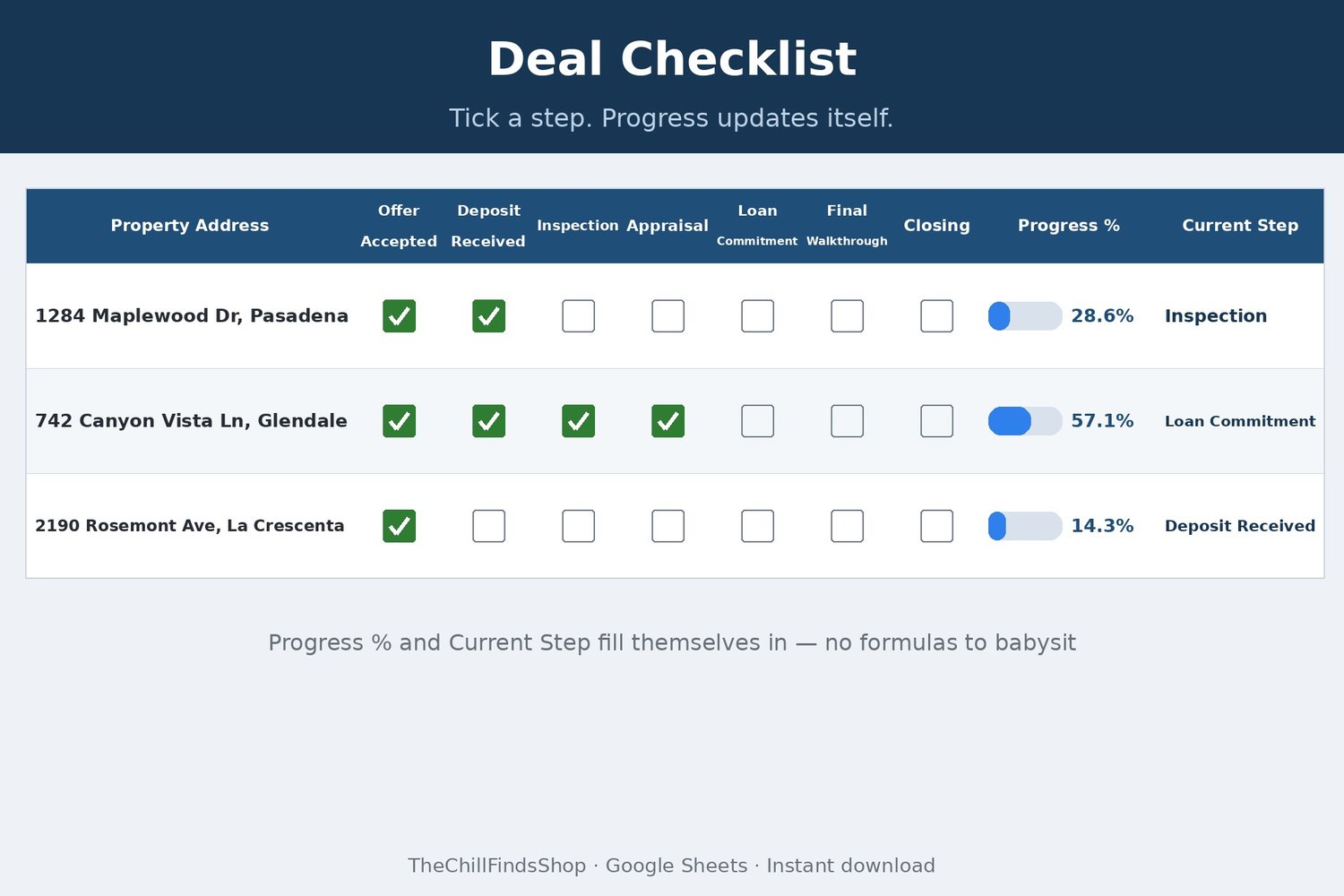
• Deal Checklist — one checkbox per stage: Offer Accepted, Deposit Received, Inspection, Appraisal, Loan Commitment, Final Walkthrough, Closing — Progress % and Current Step update themselves
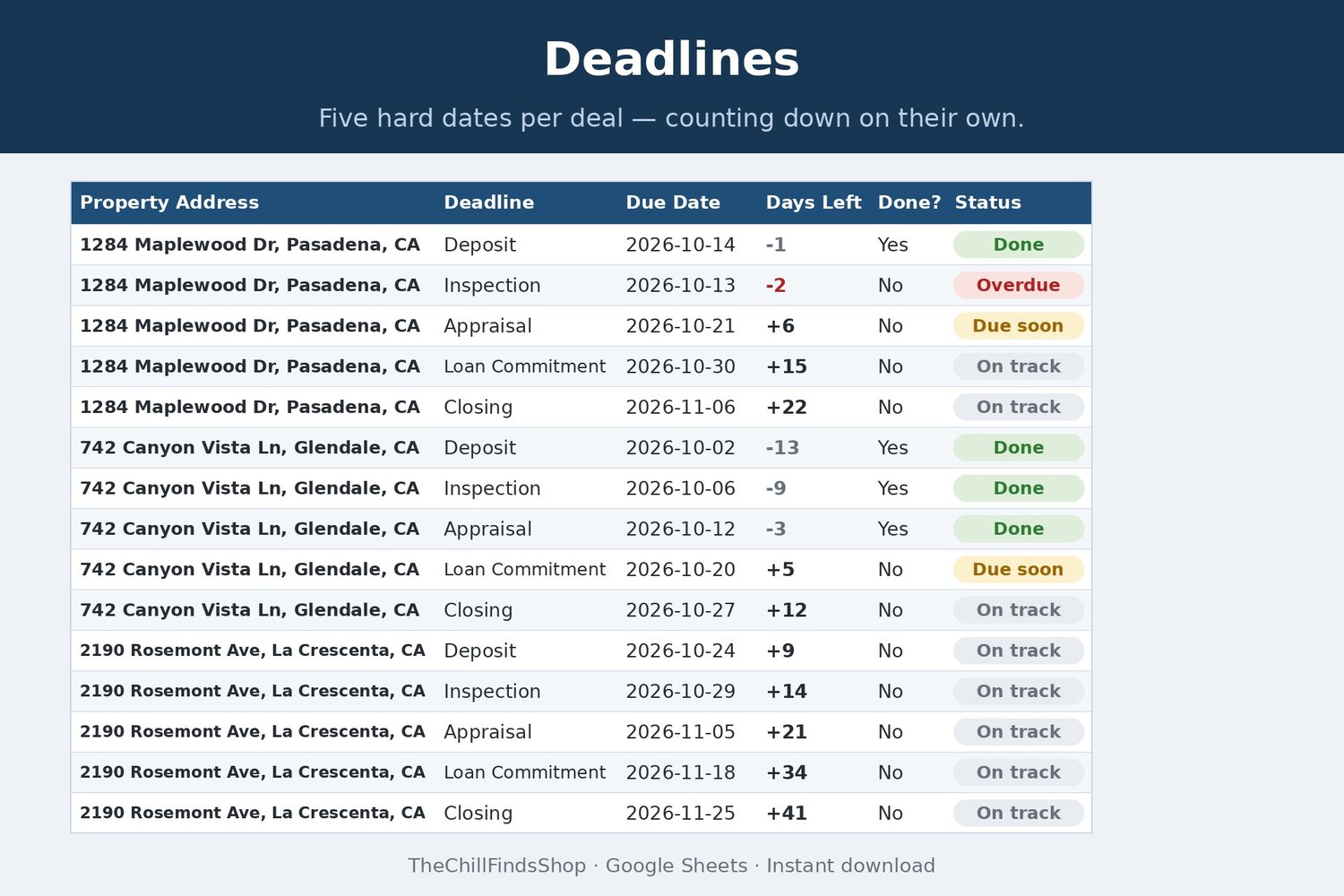
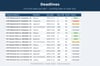
• Deadlines — deposit, inspection, appraisal, loan commitment, and closing dates per deal, each with automatic Days Left and a status flag: Overdue, Due soon, On track, or Done
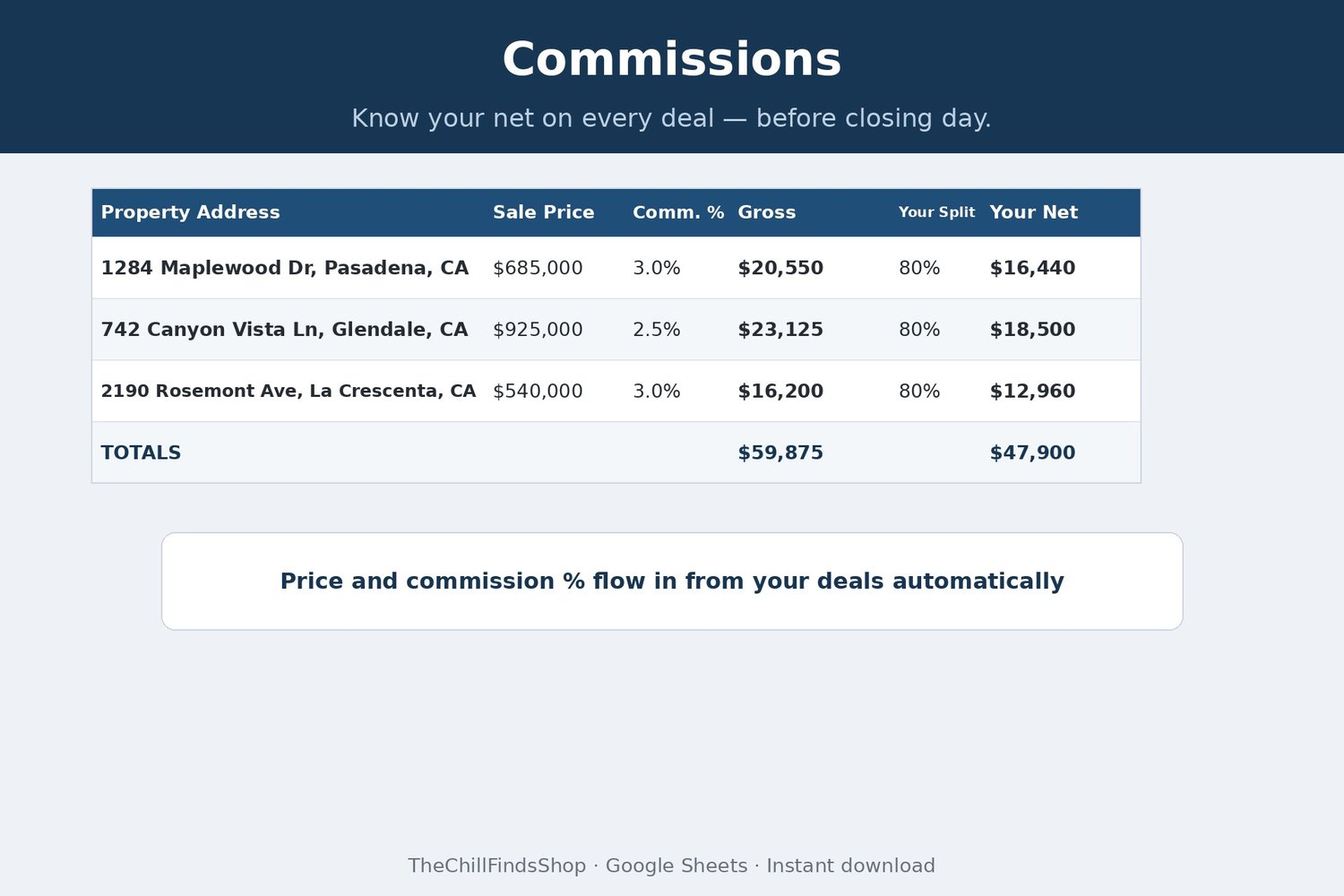
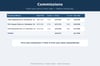
• Commissions — sale price and commission percentage flow in automatically; add your broker split and see your net per deal, with a Paid checkbox for when the check clears
• Settings — the standard stage list, plus how to rename stages to match your own brokerage's checklist
BUILT FOR HOW AGENTS AND COORDINATORS ACTUALLY WORK
• A deadline flags itself Done the moment you tick its checklist step — no double entry
• Works for buyer-side and seller-side deals side by side
• Rename the stages to your own transaction timeline (the Settings tab shows how) — Progress % follows the headers
• Runs in Google Sheets at the office, at home, and on your phone — nothing to install
A NOTE ON WHAT THIS IS: this is an organization and tracking tool. It is not legal, brokerage, tax, or financial advice, and it doesn't replace your brokerage's own compliance requirements or checklists.
FINISHED FILE — This listing is a digital item, delivered instantly as a file at checkout. The file is finished and ready to use — nothing is customized or personalized. If anything ever breaks or a formula misbehaves, message us and you will receive a corrected file free — forever, no time limit.
REQUIREMENTS: a free Google account.
This is a digital product — no physical item will be shipped, and all sales are final (we can't accept returns or cancellations on digital downloads). Your files are available instantly after checkout. But don't worry: if anything isn't working right, message us anytime and we'll fix it for you — no time limit.