








CanopyNav (14 Day Trial)
Try every feature free for 14 days.
No credit card, no sign-up, no trial key. Download, install and fly. The trial starts the first time you launch CanopyNav, and every feature is unlocked.
You'll get a small page with the download link and a 3-step install guide.
What is CanopyNav?
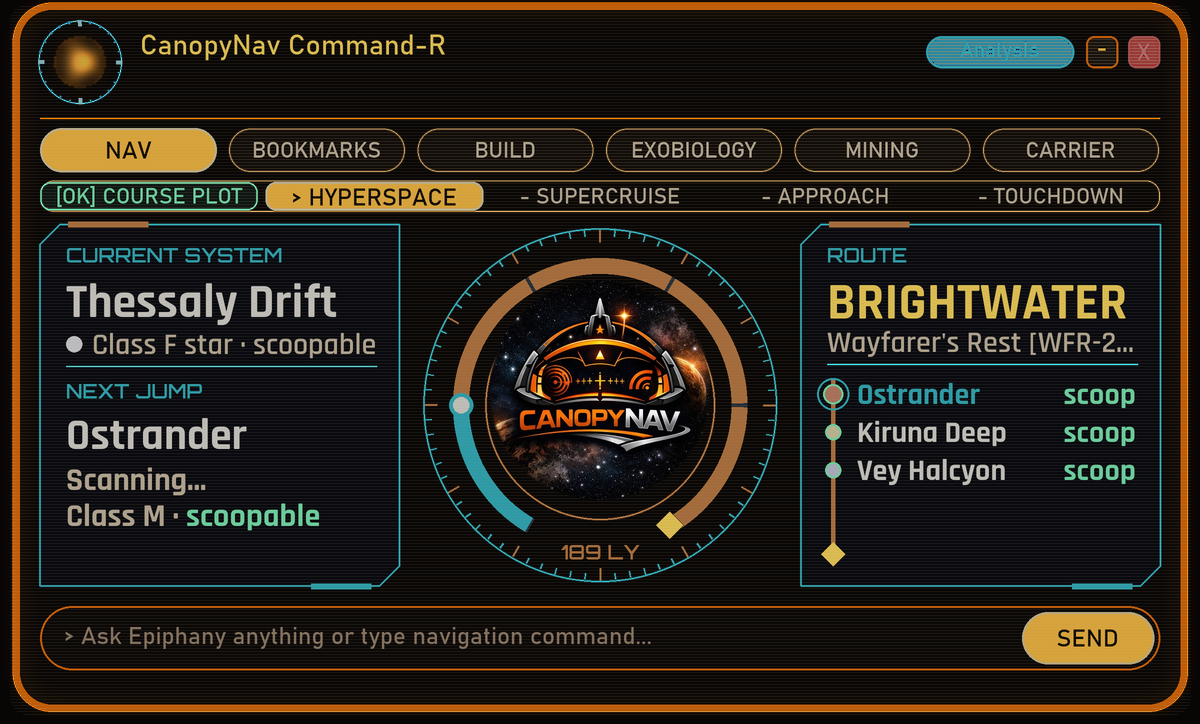
A voice assistant and cockpit HUD for Elite Dangerous: Odyssey. Say "Computer", ask for a route, a market, a module, a bio report or your carrier's status, and the answer is spoken to you and shown on a see-through panel over your cockpit. No alt-tab, no second monitor.
• Install and fly: no setup, no accounts, no AI key needed.
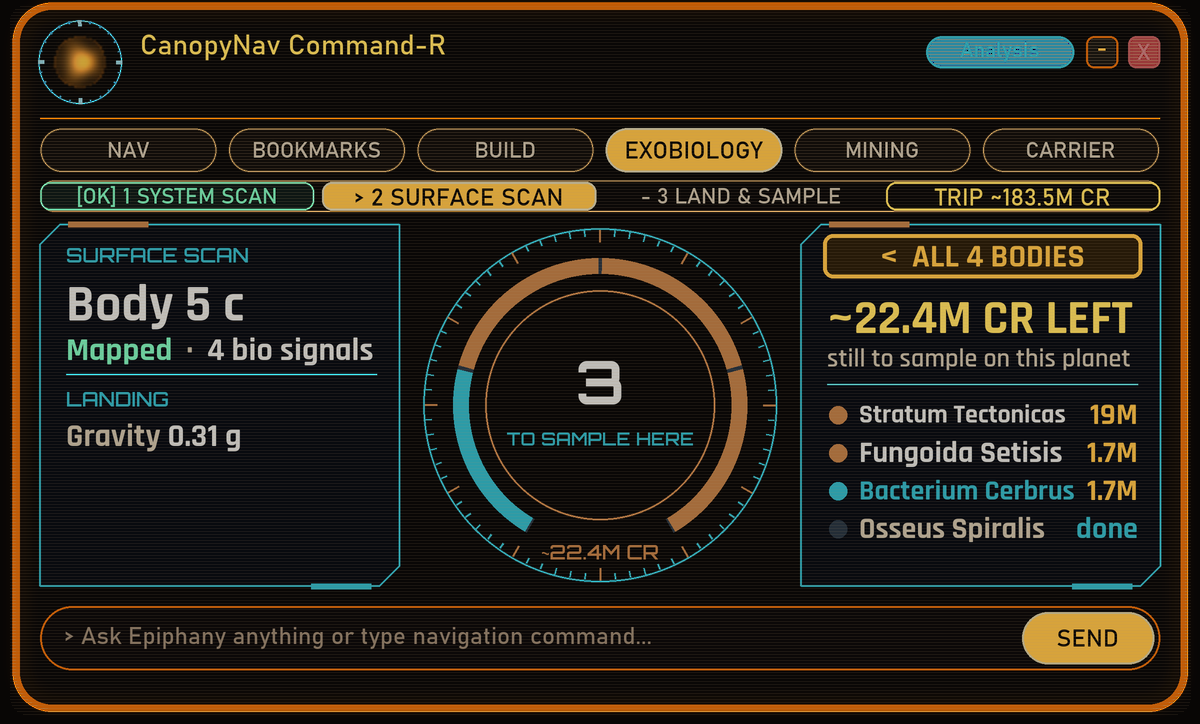
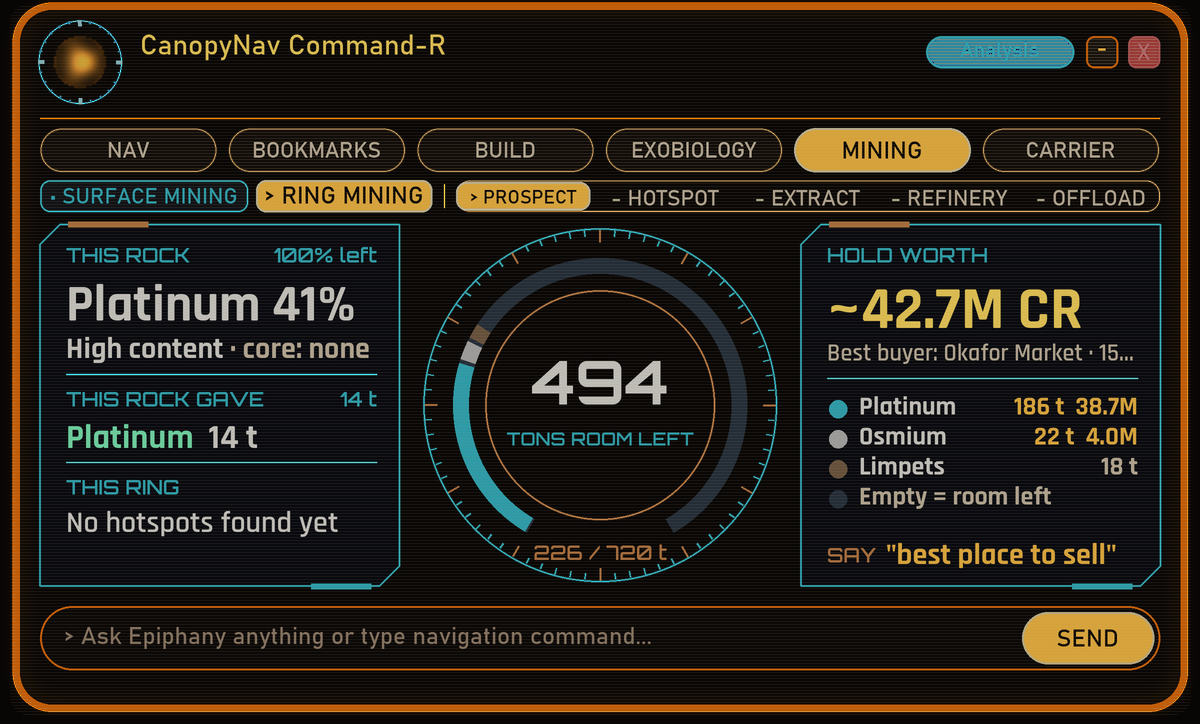
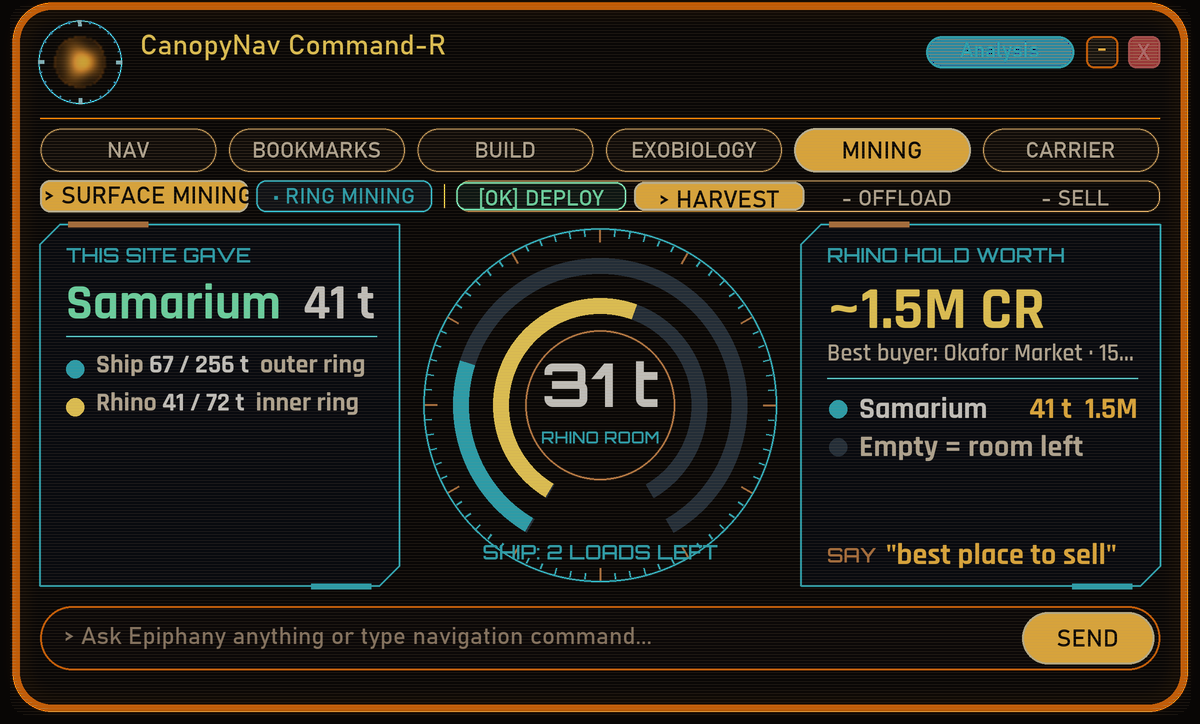
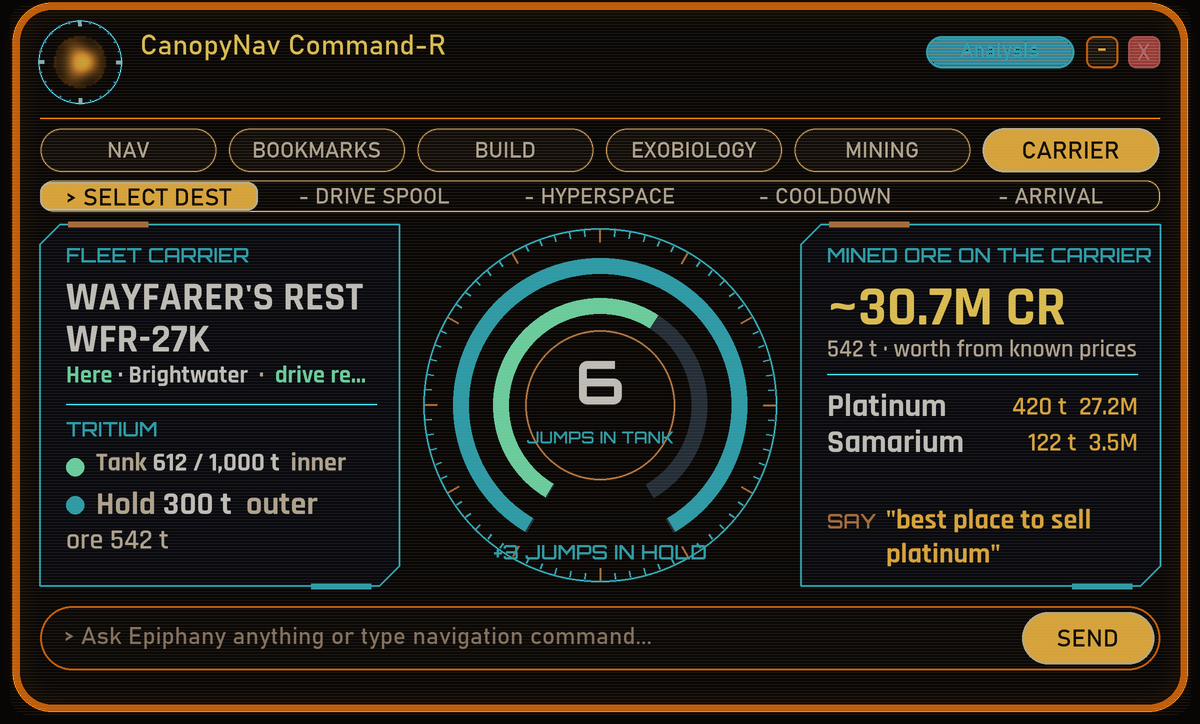
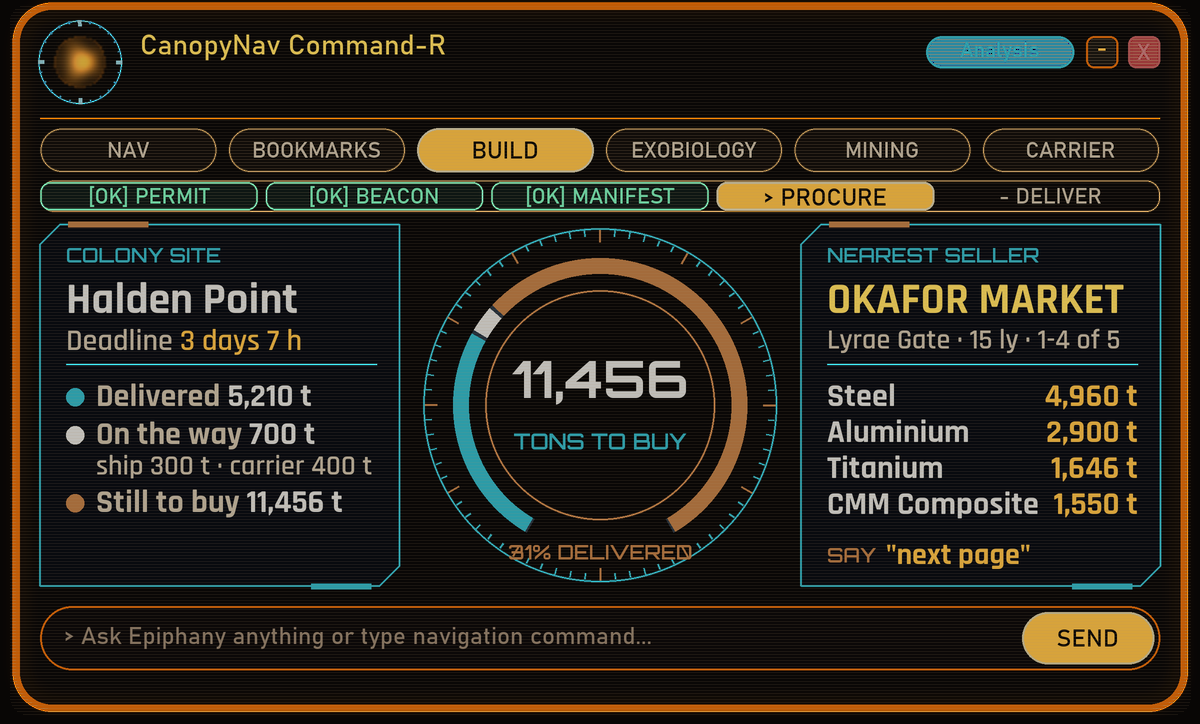
• Routes (neutron highway on long trips), trading and outfitting lookups, exobiology values, mining, fleet carriers, colonisation, engineering recipes and ship controls by voice.
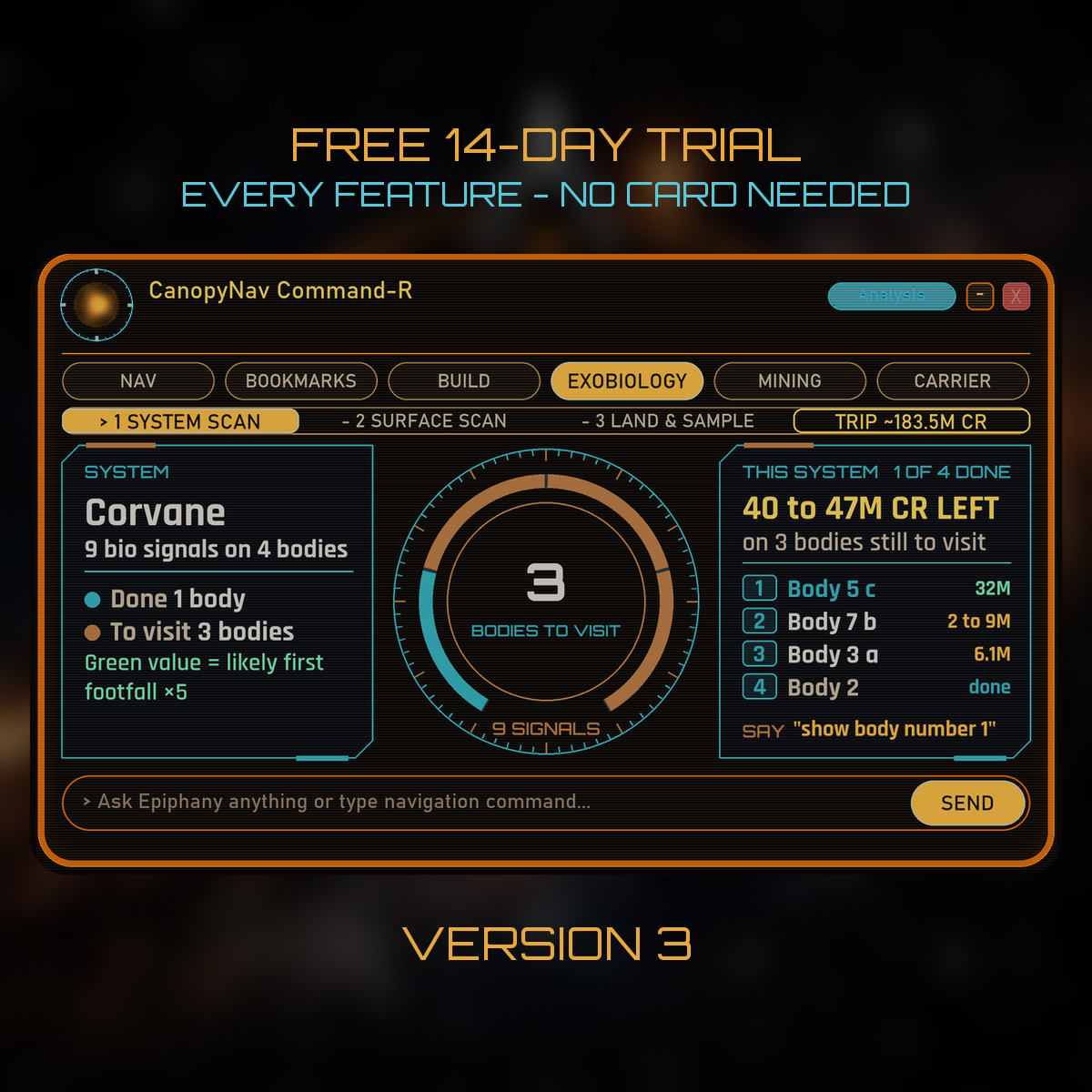
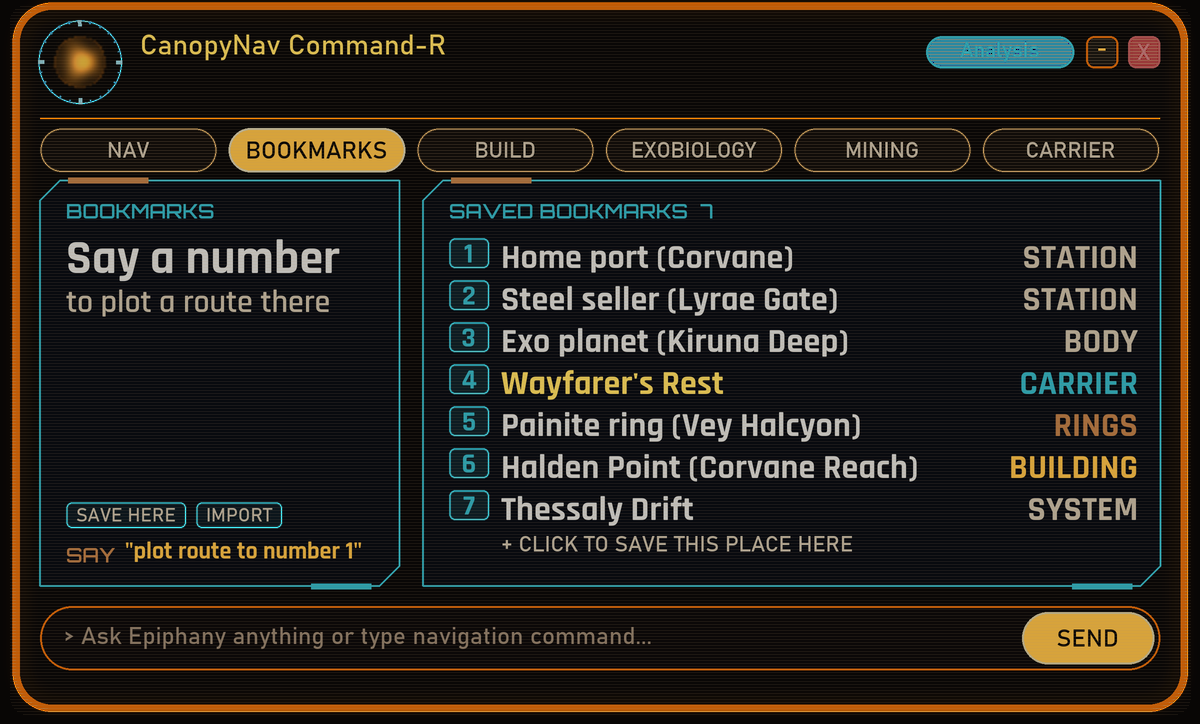
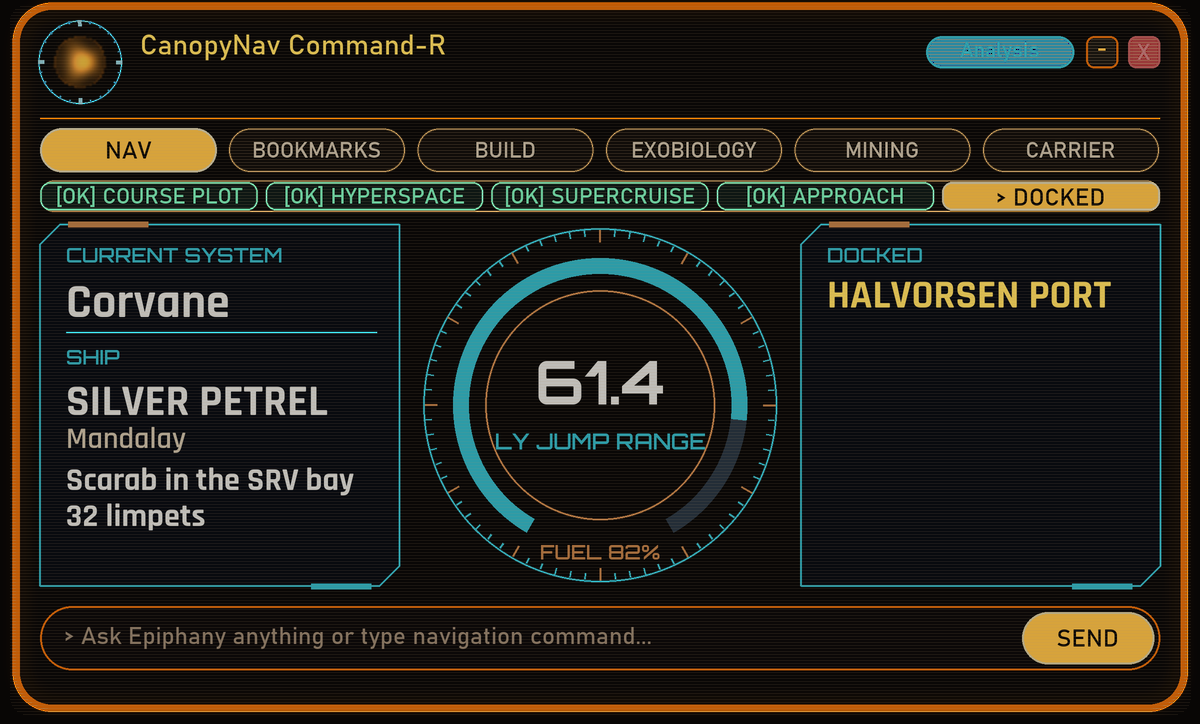
• Version 3: a new graphics HUD (see the pictures above).
Like it? Keep it.
A lifetime licence is a one-time $10. Nothing to reinstall: paste your key into Settings and keep flying.
Before you buy
• PC: Windows 10 or 11 (64-bit) that runs Elite Dangerous: Odyssey. Not for Mac, Linux, Steam Deck or consoles.
• Game display: Borderless Windowed or Fullscreen Windowed, so the HUD can show over the game.
• Microphone: a headset microphone works best. You can also type commands.
• Space: about 430 MB download, about 1.2 GB on your drive.
• Internet: for activating your licence, galaxy lookups and updates. Voice and speech recognition work offline.
• Language: English only.
• VR: not supported.
• Windows warning: CanopyNav comes from an independent developer, so the first time you run the installer Windows may say "Windows protected your PC". Click More info, then Run anyway.
• Help and news: join the CanopyNav Discord at discord.gg/AJZWD3PR7D