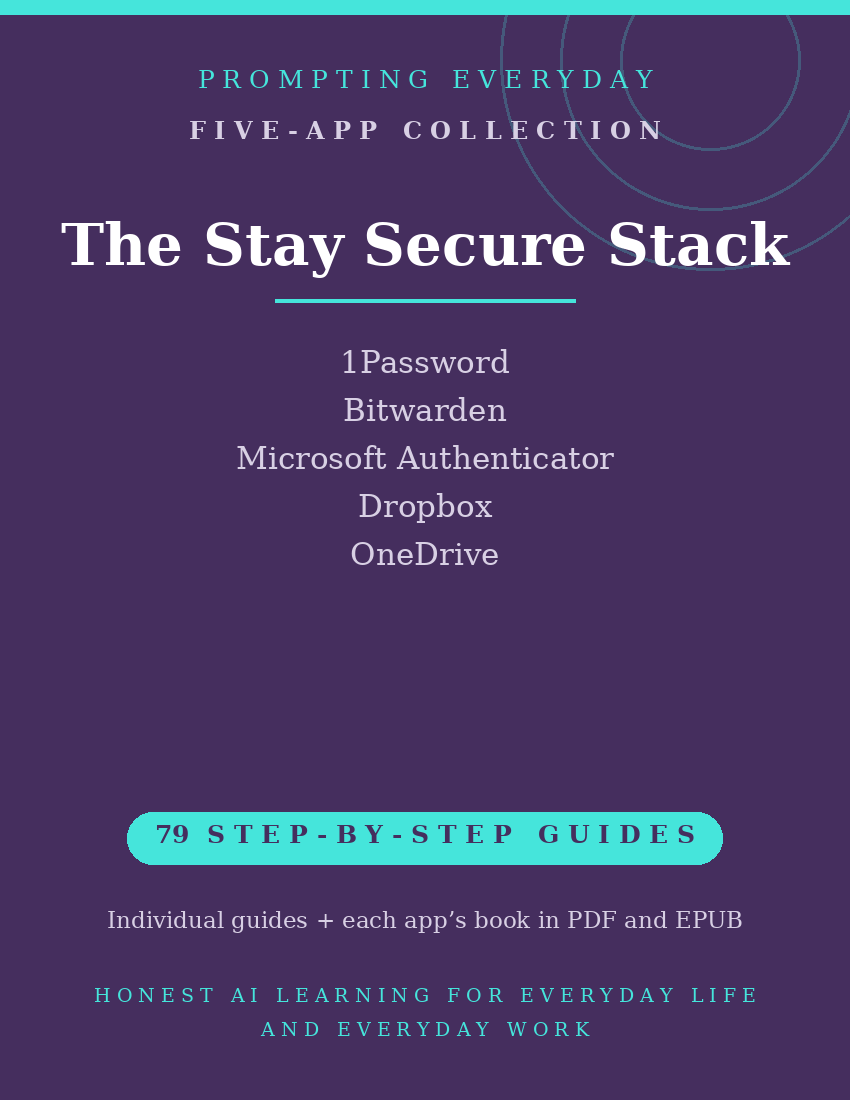
Stay Secure Collection — Password, Authentication & Cloud Storage App Guides
Password Management, Account Authentication, and Cloud Storage App Guides
Managing passwords, protecting account sign-ins, and organizing important files are common parts of using digital services.
Different apps provide tools for these activities, including password managers, two-factor authentication, cloud file storage, and supported backup features.
The Stay Secure Collection brings together five app function-guide collections covering 1Password, Bitwarden, Microsoft Authenticator, Dropbox, and OneDrive.
These apps support different aspects of account and file management, from storing passwords and verifying sign-ins to organizing files, synchronizing information, and configuring supported backups.
With 79 individual function guides, the collection provides plain-language instructions to help everyday users understand and use these apps.
Each guide explains what a specific feature does, where to find it, and how to use it, with practical examples you can reference when needed.
Whether you're organizing passwords in 1Password or Bitwarden, using Microsoft Authenticator for supported account verification, or managing files in Dropbox or OneDrive, these guides provide instructional resources for the individual apps.
What's included:
- 79 individual function guides across five apps.
- Five compiled app reference books, each available in PDF and EPUB formats.
- Individual guides organized by app for easy reference.
Designed for everyday users who want to better understand password management, account verification, and cloud file storage, this collection focuses on learning the apps rather than providing a managed security service.
Cloud file synchronization and backup features are not interchangeable, and their availability and recovery options depend on the app and account configuration.
The purchase includes instructional guides, not app subscriptions, paid features, storage plans, or access to the apps themselves.
Included App Collections
1Password — 22 Function Guides
Learn about 1Password's password management tools for storing login credentials, organizing vaults, managing saved items, and using available password and passkey features.
Bitwarden — 22 Function Guides
Explore Bitwarden's password management tools for storing credentials in an encrypted vault, generating passwords, organizing saved items, and using supported autofill and sharing features.
Microsoft Authenticator — 8 Function Guides
Understand Microsoft Authenticator's tools for verifying supported account sign-ins, using authentication codes, approving sign-in requests, and managing available authentication settings.
Dropbox — 14 Function Guides
Learn about Dropbox's cloud file storage and sharing tools for organizing files and folders, synchronizing supported content, managing sharing permissions, and using available backup and recovery features.
OneDrive — 13 Function Guides
Explore OneDrive's cloud storage tools for uploading, organizing, synchronizing, and sharing files, including managing access permissions and configuring supported folder backup features.
Total: 79 individual function guides across five app collections.
Each app collection also includes its own compiled reference book in PDF and EPUB formats.
Who it's for: Anyone still reusing passwords, which is most people.
Not for: IT departments with managed security already in place.
What you get: Five password management, authentication, and cloud storage app function-guide collections containing 79 individual guides, plus one compiled reference book for each app in PDF and EPUB formats.
How it's delivered: Delivered as a Google Drive folder link after purchase. One-time purchase.
Updates: Updates are included while the collection is maintained — if a guide changes, the folder copy is updated.
Disclaimers: These are reference guides that teach the apps, they are not prompt packs, and they don't include subscriptions to the apps themselves.