

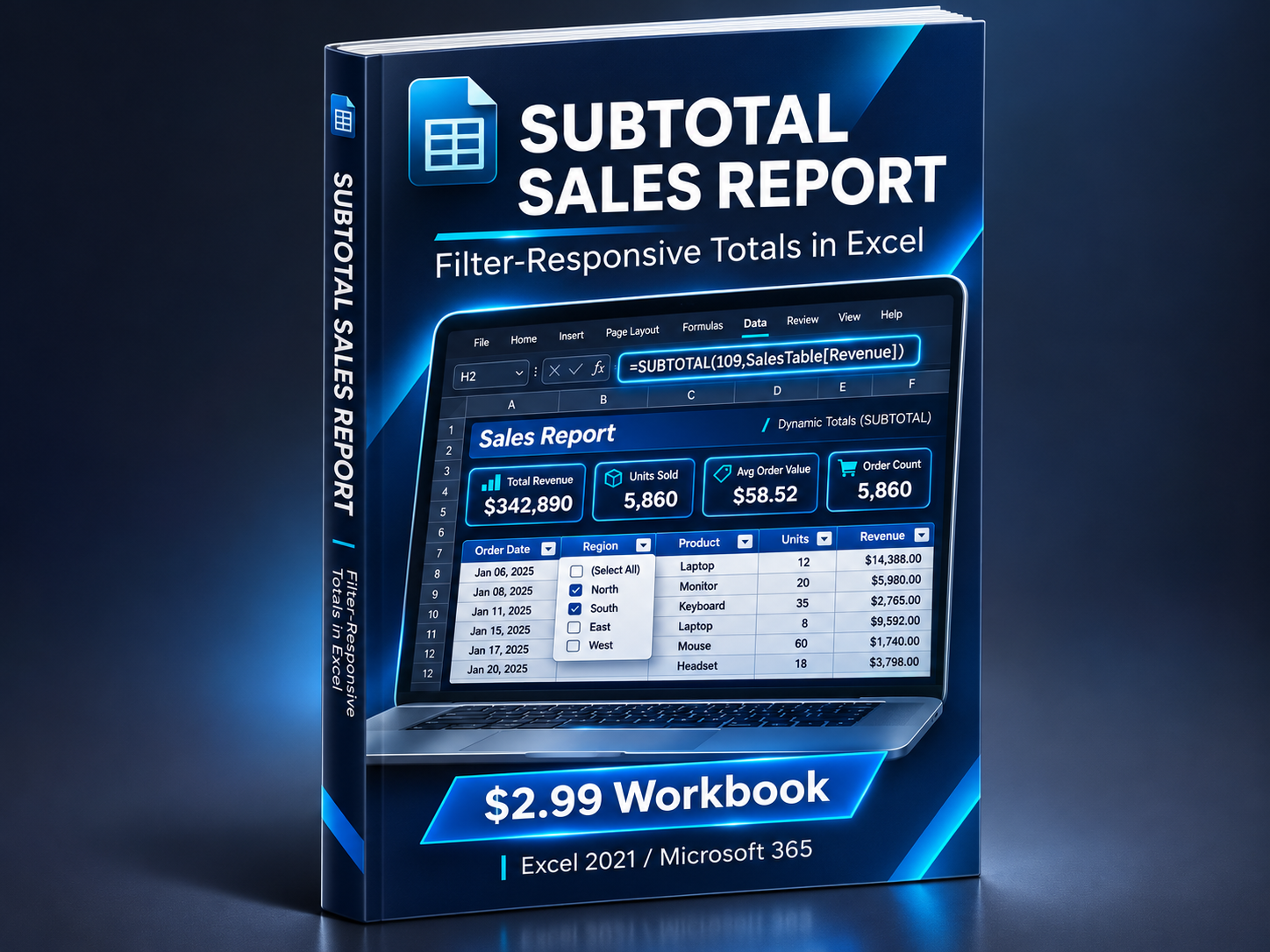
Excel SUBTOTAL Sales Report — Filter-Responsive Workbook
On Sale
$2.99
$2.99
Excel SUBTOTAL Sales Report — Filter-Responsive Workbook
Make your Excel totals respond automatically to filters.
Stop manually recalculating sales totals every time you filter your data.
This practical Excel workbook helps you learn and apply the SUBTOTAL function to build filter-responsive sales reports.
What's Included
- Build Along — 60 realistic sales transactions for hands-on practice.
- Finished Example — A completed Excel sales report with working SUBTOTAL formulas.
- Four Dynamic KPIs — Total Revenue, Units Sold, Average Order Value, and Order Count.
- SUM vs SUBTOTAL — See why regular SUM doesn't respond to filters.
- Quick Instructions — Essential formulas and clear guidance for getting started.
Perfect For
Excel learners, business analysts, sales coordinators, reporting professionals, and anyone working with filtered Excel datasets.
Key Features
- Excel Table with expandable structured references
- Filter-responsive calculations
- No VBA or macros
- No external connections
- Compatible with Excel 2021 and Microsoft 365
One workbook. One practical reporting skill. Ready to use and practice.
Digital Excel workbook (.xlsx). Instant download after purchase.