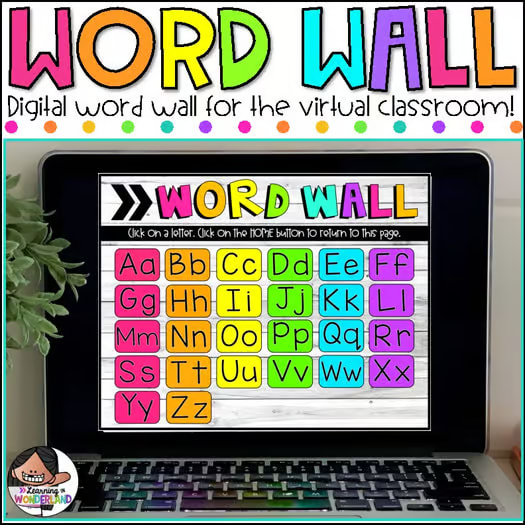
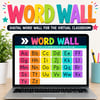
Digital Word Wall for the Virtual Classroom | Google Slides™ Ready
Virtual Interactive Word Wall | Google Slides™ & PowerPoint
Perfect for Distance Learning & Classroom Use!
Keep your word wall alive and interactive — no matter where your students are learning! This Virtual Word Wall gives every child their own portable, clickable word wall to use at home or in the classroom. It’s the perfect digital companion to your physical wall and keeps word-learning engaging and accessible.
💡 Why You’ll Love It:
⭐️ Interactive & Clickable!
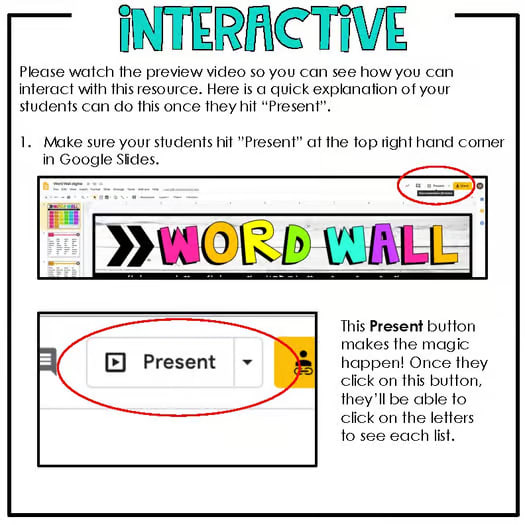
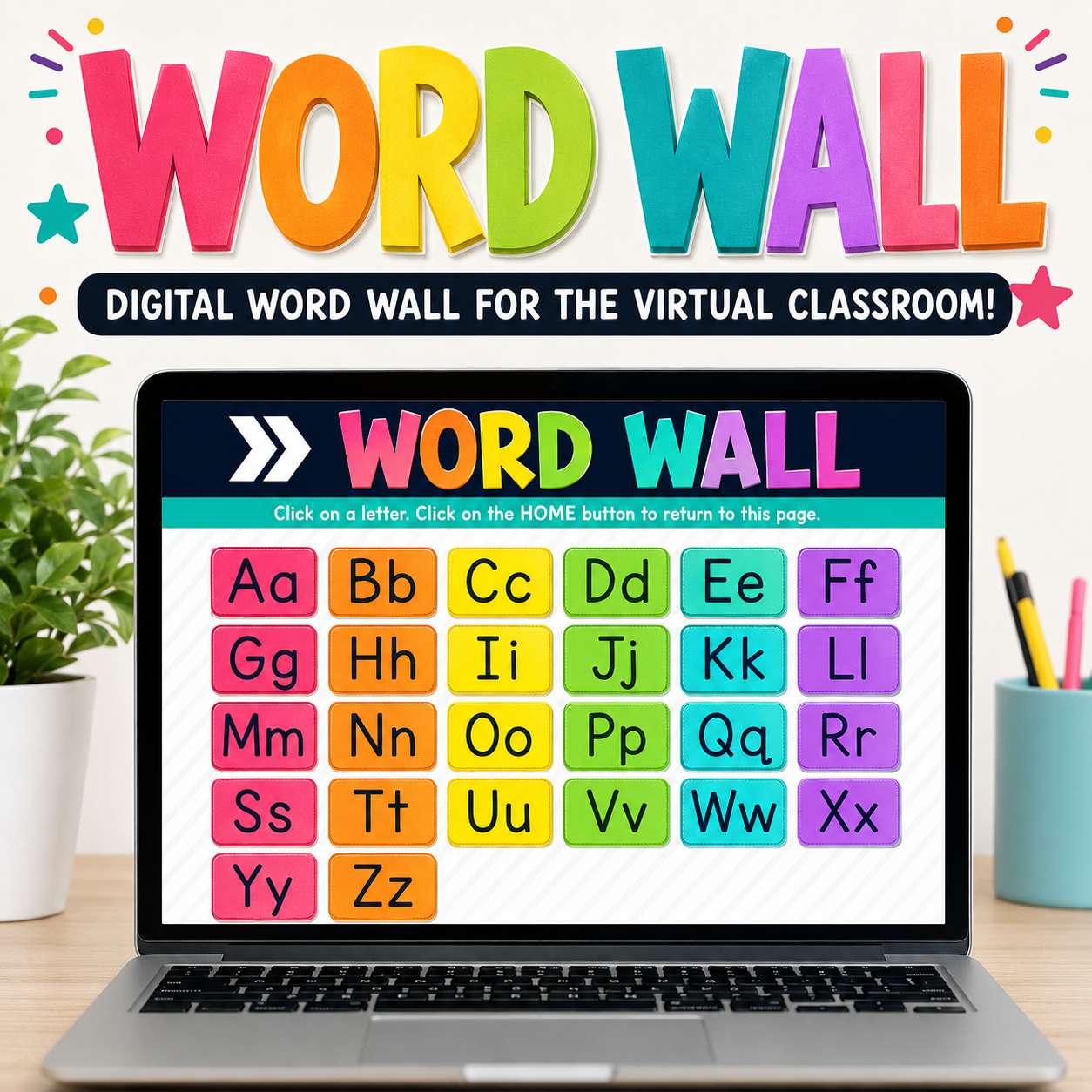
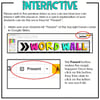
Each letter of the alphabet is linked — just click “Present” and students can jump straight to the letter they need.
⭐️ Editable & Customizable!
Add your own sight words! Editable tables make it easy to type in new words or modify existing ones to match your classroom list.
⭐️ Perfect for At-Home & In-Class Learning
Students can use it independently on any device — Chromebook, tablet, or desktop — making it great for distance learning or hybrid classrooms.
⭐️ Google Slides™ & PowerPoint Compatible
The interactive links work the same way in both programs!
📚 What’s Included:
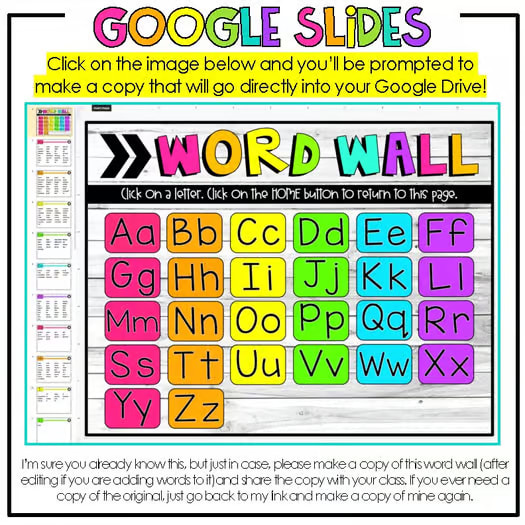
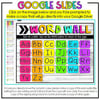
✅ Fully Linked Google Slides™ File (link included in a downloadable PDF)
✅ Interactive Home Screen with clickable alphabet buttons
✅ Editable Word Lists for each letter (A–Z; X and Z pages are included for you to add your own)
✅ Step-by-Step Teacher Directions for assigning via Google Classroom™
✅ Tips for sharing, editing, and customizing
🧩 Details & Compatibility:
- Includes the first 500 high-frequency sight words commonly used in early literacy instruction.
- Editable word lists let you personalize your wall to match your phonics or sight word program.
- Works on any device with Google Slides™ (FREE with any Google Account).
- Can also be downloaded and used in PowerPoint — interactive links remain functional!
🖥️ How It Works:
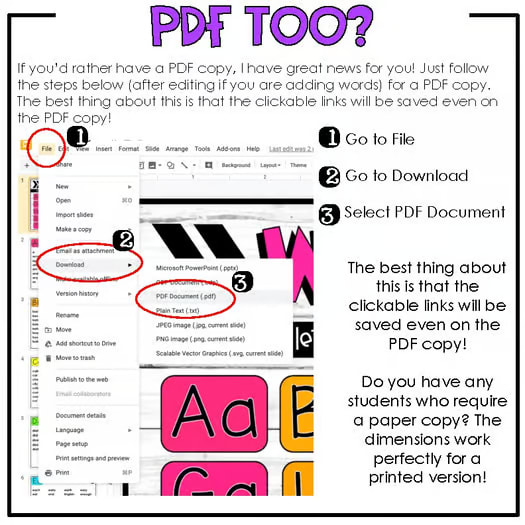
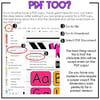
- Download the PDF file.
- Open it with Adobe Reader (FREE) to access the Google Slides™ link.
- Click the link — it will prompt you to Make a Copy in your Google Drive.
- Share your copy with students through Google Classroom™ or another LMS.
✏️ Important Notes:
- The editable sections include the word lists for each letter.
- The home screen buttons and pastel header text are not editable.
- You must use Adobe Reader to open the PDF and access the link properly. (Opening with Preview on Mac will not display the link correctly.)
Perfect For:
✔️ Distance Learning
✔️ Hybrid & In-Class Use
✔️ Literacy Centers
✔️ Sight Word Practice
✔️ Spelling & Vocabulary Support
Grades: K–3
File Types: Google Slides™ + PowerPoint
Editable: Yes (word lists only)
Number of Slides: 26 Alphabet Pages + Home Page