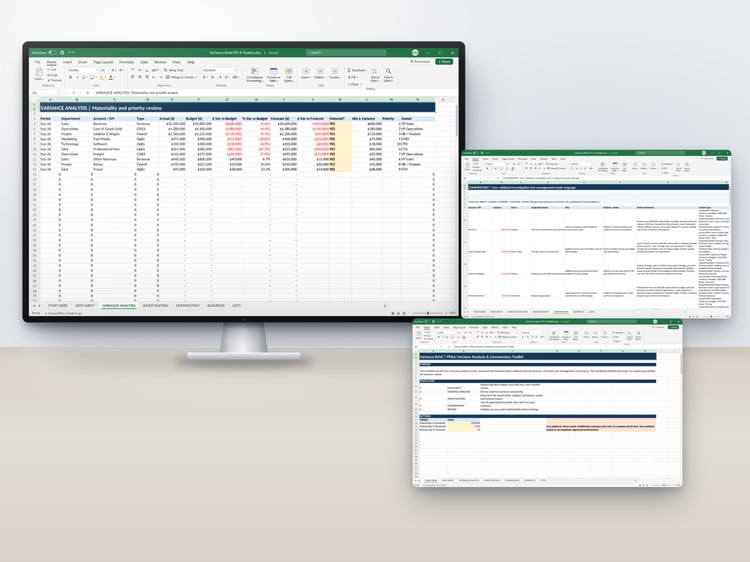

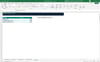
Monthly Review | Small Business Financial Dashboard & Month-End Review Workbook for Excel
Close every month knowing where your business stands — and what still needs attention.
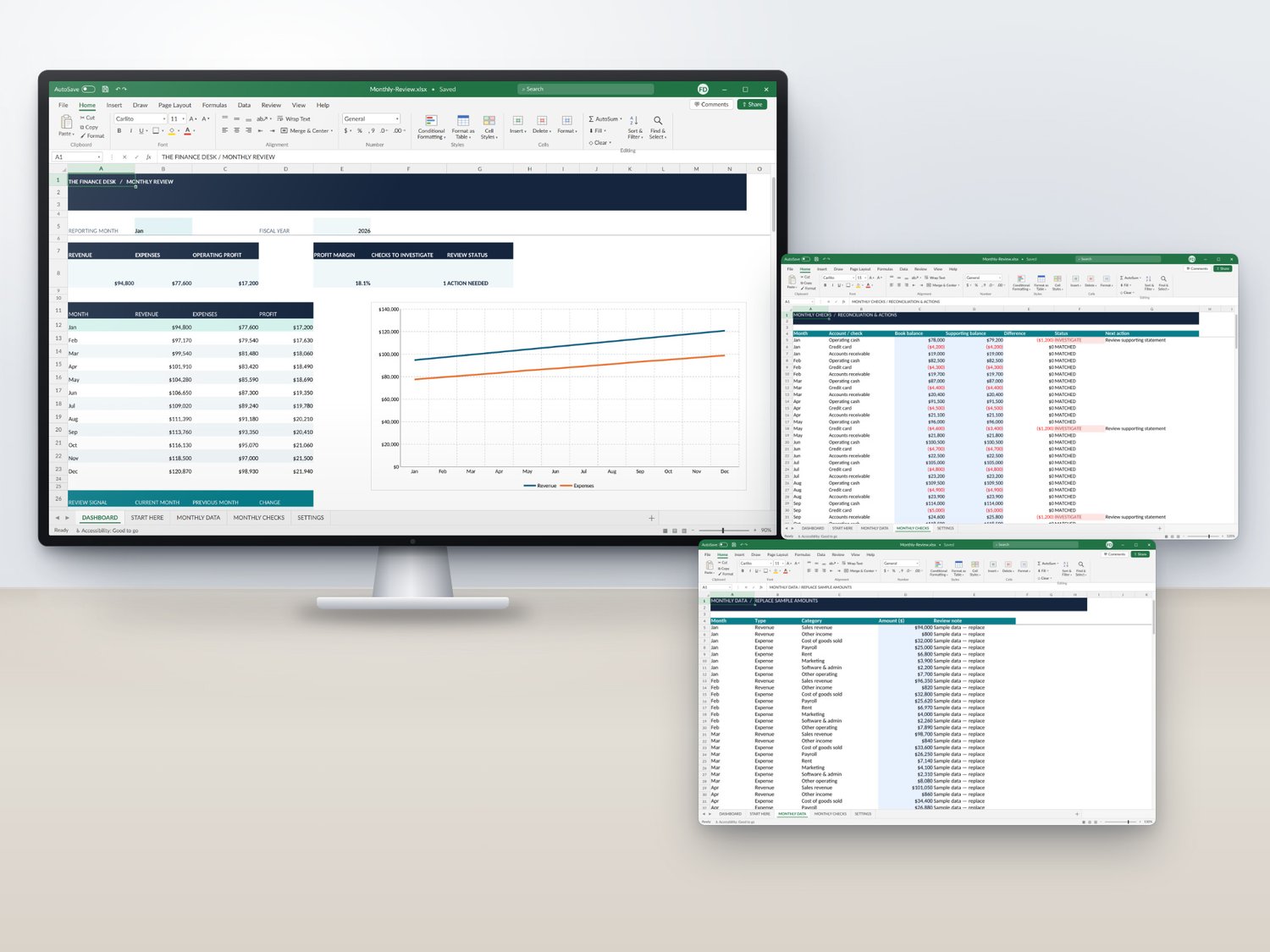
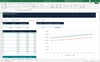
Monthly Review by The Finance Desk turns your month-end into a simple, repeatable routine. Enter your results, compare book balances to your bank and card statements, pick the month, and the dashboard shows your numbers, your trends, and the open items to follow up on.
━━━━━━━━━━━━━━━━━━━━
WHAT YOU'LL SEE
━━━━━━━━━━━━━━━━━━━━
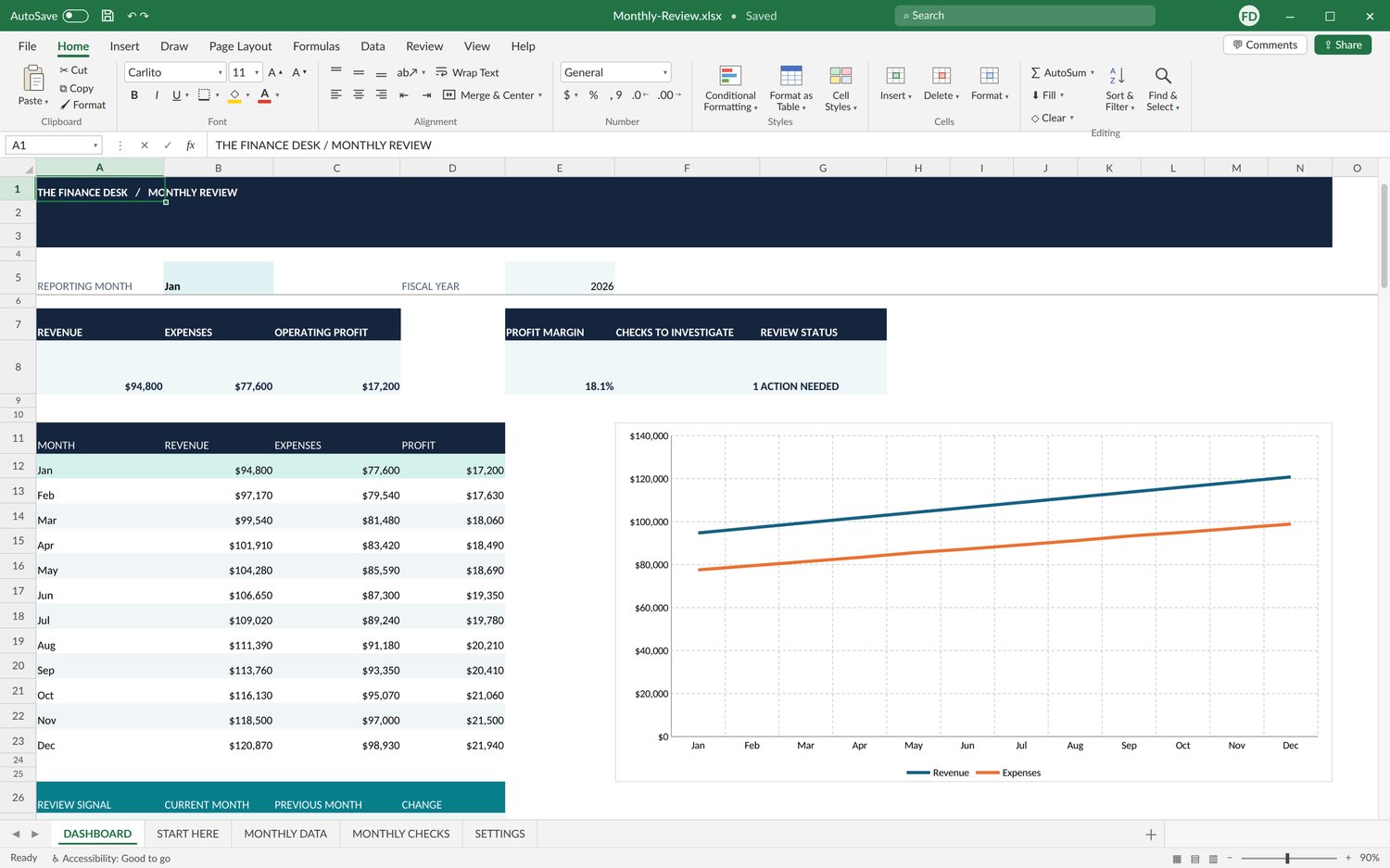
• Revenue, expenses, and operating profit
• Profit margin
• Current month versus prior month
• 12-month trends for revenue, expenses, and profit
• Reconciliation differences
• Outstanding checks and next actions
• An automated review note for the selected month
━━━━━━━━━━━━━━━━━━━━
WHAT'S INCLUDED — 5 TABS
━━━━━━━━━━━━━━━━━━━━
• DASHBOARD — selected-month results, annual trends, review status
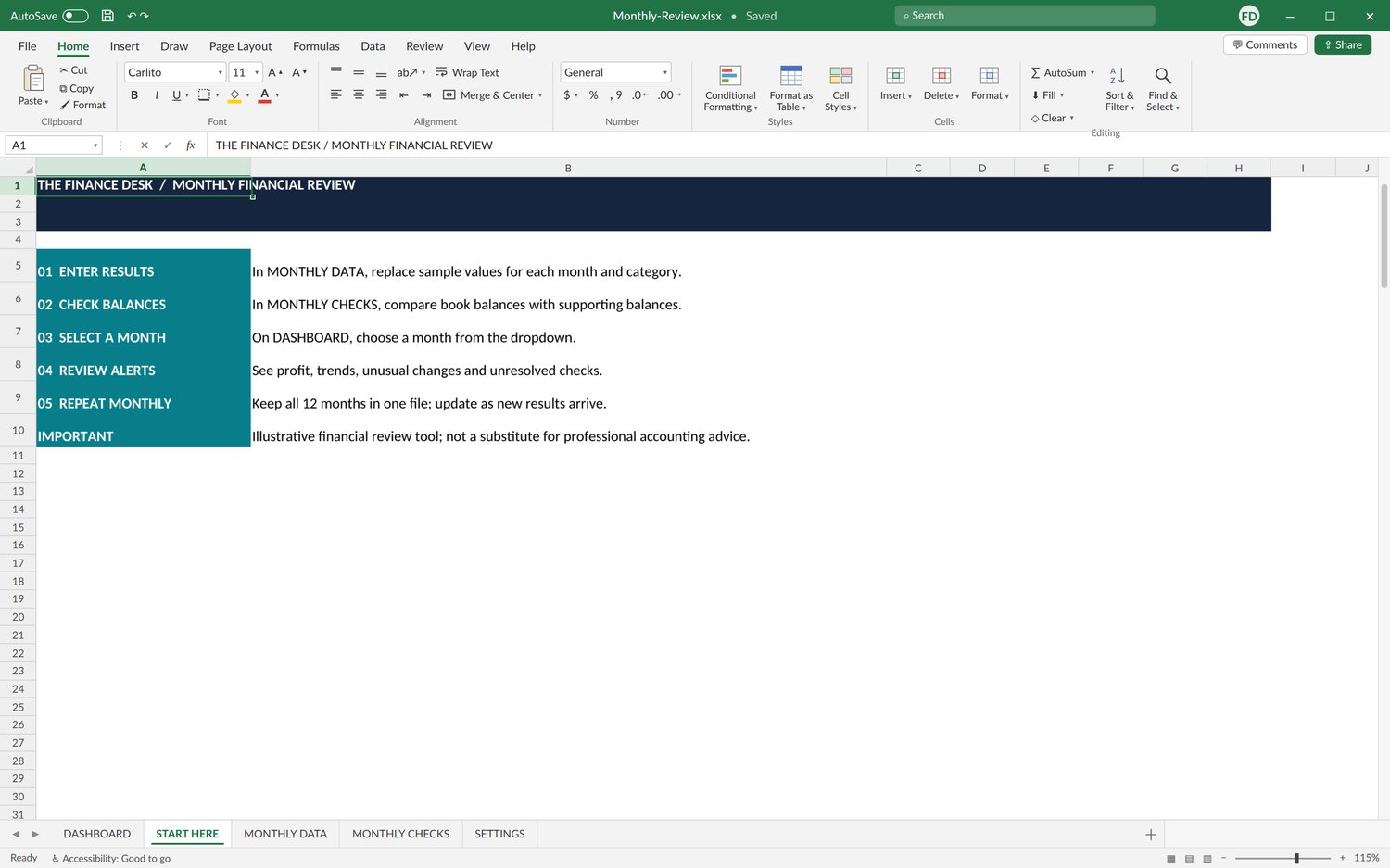
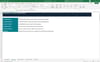
• START HERE — step-by-step monthly workflow
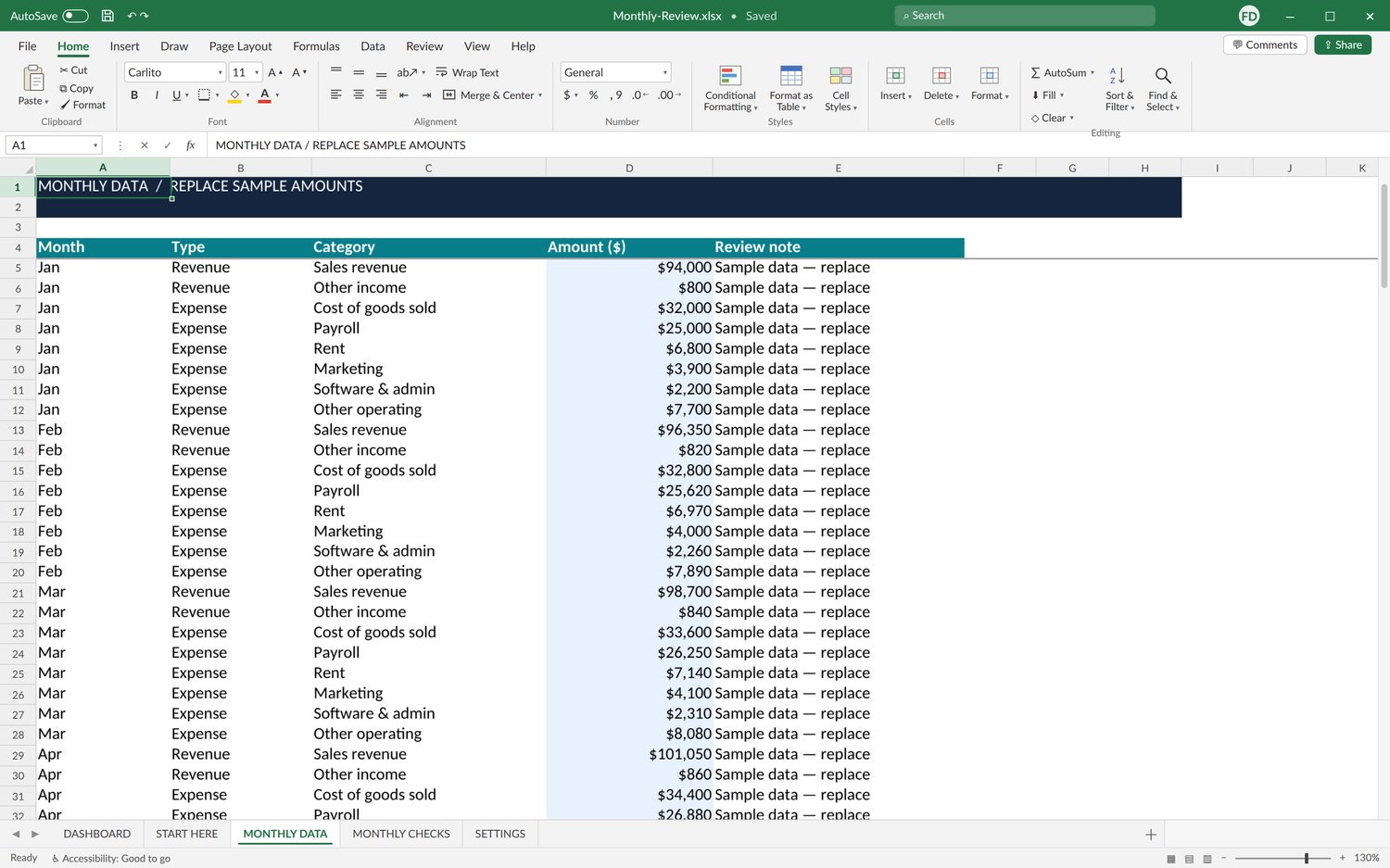
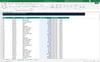
• MONTHLY DATA — revenue and expense inputs by month and category
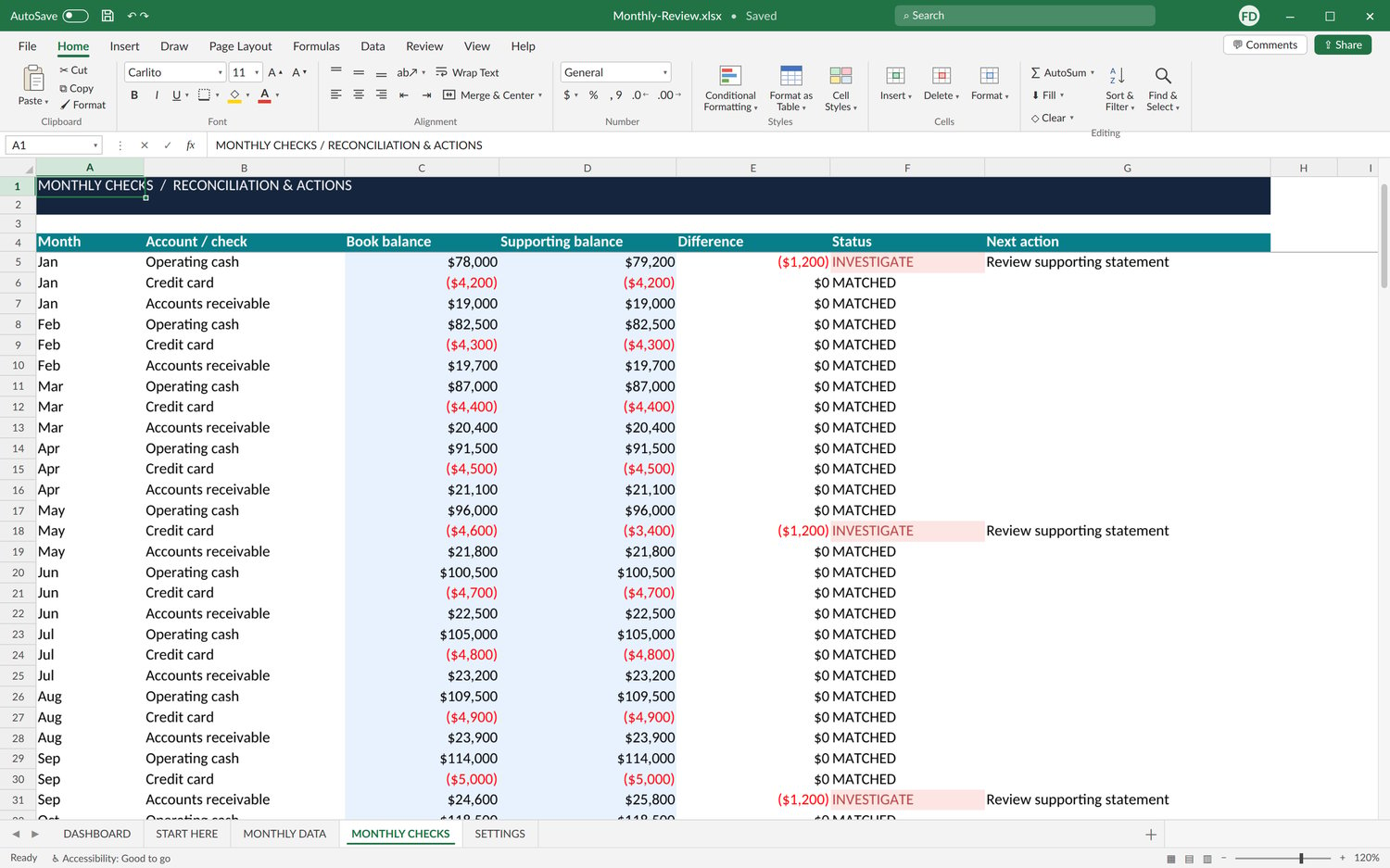
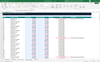
• MONTHLY CHECKS — book versus supporting balances, with follow-up actions
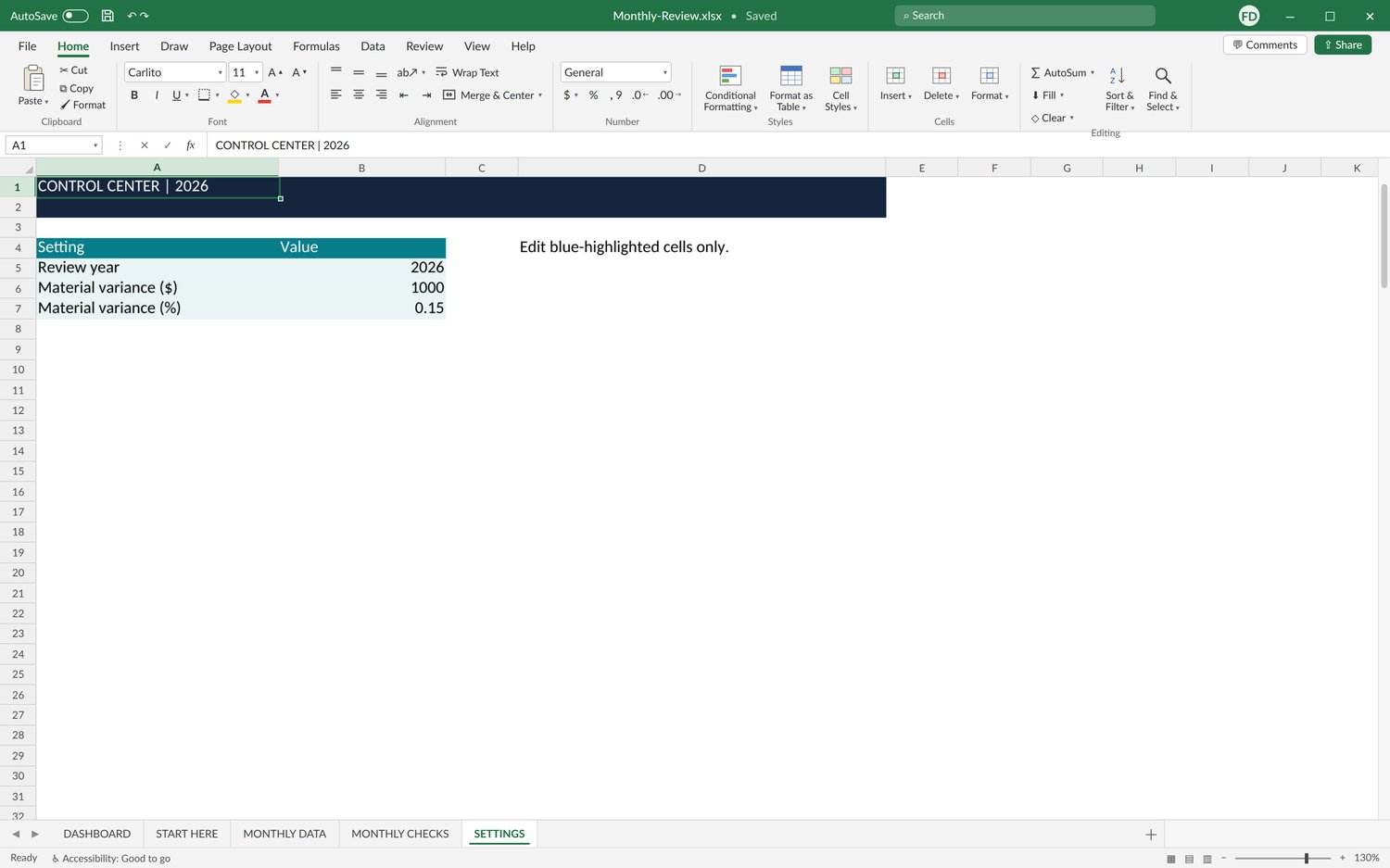
• SETTINGS — review year and materiality thresholds
Sample categories include sales revenue, other income, cost of goods sold, payroll, rent, marketing, software and admin, and other operating expenses. Sample checks cover operating cash, credit cards, and accounts receivable.
━━━━━━━━━━━━━━━━━━━━
ONE FILE, WHOLE YEAR
━━━━━━━━━━━━━━━━━━━━
All 12 months live in a single workbook — no more starting a new file every month.
━━━━━━━━━━━━━━━━━━━━
HOW IT WORKS
━━━━━━━━━━━━━━━━━━━━
1. Download and unzip the file.
2. Replace the sample amounts in MONTHLY DATA.
3. Enter book and supporting balances in MONTHLY CHECKS.
4. Choose the month on the DASHBOARD.
5. Review flagged items, record next steps, and repeat next month.
━━━━━━━━━━━━━━━━━━━━
WHO IT'S FOR
━━━━━━━━━━━━━━━━━━━━
Small business owners, bookkeepers, and finance professionals who want an organized review layer on top of their accounting software.
This is a review template, not a bookkeeping system or tax tool. You enter results manually; the workbook summarizes them and highlights what needs attention.
━━━━━━━━━━━━━━━━━━━━
FORMAT & COMPATIBILITY
━━━━━━━━━━━━━━━━━━━━
• Digital Excel workbook (.xlsx), delivered in a ZIP folder
• Requires Microsoft Excel (not included)
• Google Sheets and other apps have not been tested
• Includes illustrative sample data and in-workbook instructions
━━━━━━━━━━━━━━━━━━━━
PLEASE NOTE
━━━━━━━━━━━━━━━━━━━━
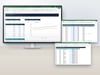
This is a digital download. No physical item will be shipped. Devices and props shown in photos are not included.
Sample figures are for demonstration only. This workbook does not provide accounting, tax, or legal advice.