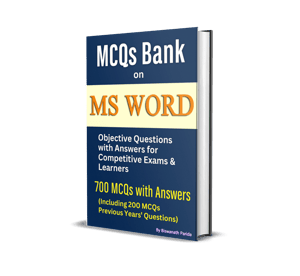

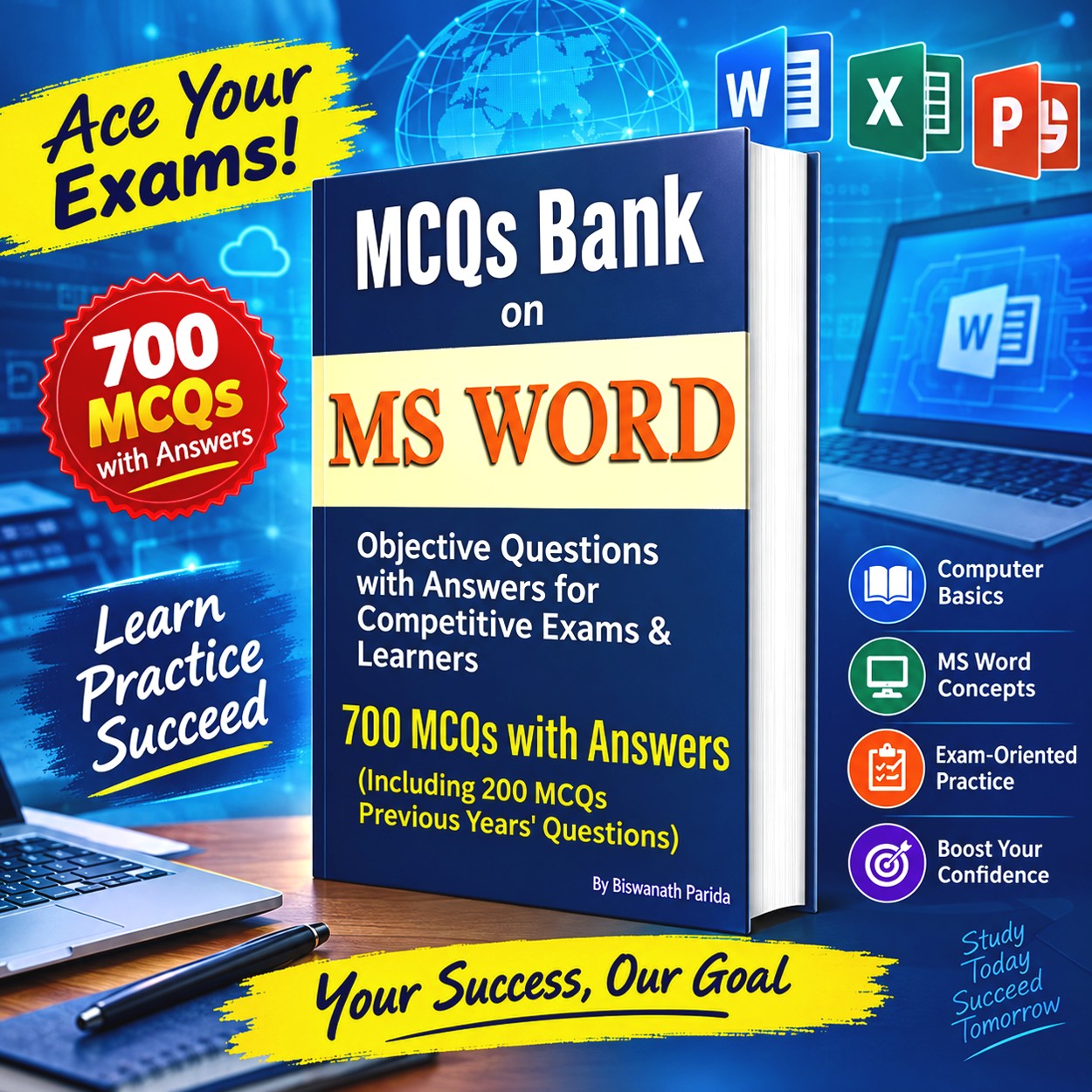

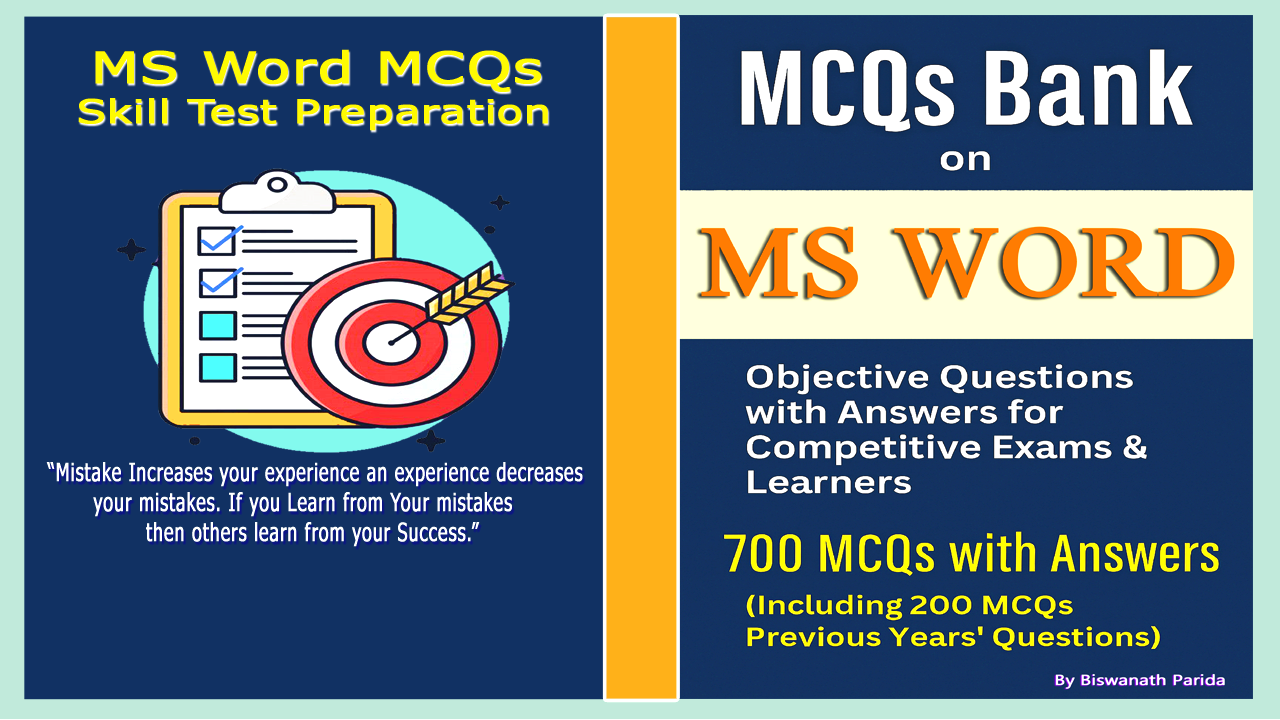
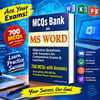

MCQs Bank on MS Word :Objective Questions with Answers for Competitive Exams & Learners : Complete Objective Question Bank from Basics to Advanced MS Word.
MCQs Bank on MS Word is a complete and exam-focused practice book designed for students, job aspirants, and learners preparing for computer-based competitive examinations. This book is specially created to match the real question patterns asked in SSC, Banking, Railway, LIC, and other government recruitment exams, where MS Word plays a key role in computer skill tests.
The book is divided into five well-structured chapters, covering MS Word from basic interface concepts to advanced features used in office and exam environments. Each chapter includes 100 carefully prepared MCQs with answers, giving readers 500 chapter-wise questions for in-depth practice. To strengthen overall revision, the book also provides 200 mixed MCQs, with 40 questions from each chapter, ideal for full-length mock practice.

Chapter 1 focuses on MS Word basics and interface elements such as Ribbon, tabs, File menu, views, toolbars, and shortcuts. Chapter 2 covers document formatting and editing tools including fonts, paragraphs, styles, find and replace, spelling, and productivity features. Chapter 3 explains page layout settings, tables, images, charts, SmartArt, and document objects. Chapter 4 introduces advanced tools like mail merge, templates, table of contents, track changes, comments, document protection, and macro basics. Chapter 5 deals with printing options, file management, PDF export, recovery tools, and essential keyboard shortcuts.
This book is ideal for last-minute revision, concept clarity, and scoring improvement. Whether you are preparing for competitive exams, data entry tests, or strengthening your MS Word skills, this MCQ bank offers focused practice, clear answers, and reliable exam preparation support.
"Every MCQ in this book moves you one step closer to accuracy, speed, and success."
All Chapter Overall View
Chapter 1: Basics of MS Word & Interface
Introduction to MS Word, versions, starting Word, Ribbon and tabs, Quick Access Toolbar, File tab, document views, status bar, rulers, scroll bars, help options, and basic shortcuts.
Chapter 2: Document Formatting & Editing
Text selection, font and paragraph formatting, alignment, line spacing, indentation, bullets and numbering, styles, themes, find and replace, spelling and grammar, auto correct, word count, and copy paste methods.
Chapter 3: Page Layout, Tables & Objects
Page setup, margins, orientation, paper size, columns, breaks, headers and footers, page numbers, tables creation and formatting, images, shapes, text boxes, WordArt, charts, and SmartArt.
Chapter 4: Advanced Features & Tools
Mail merge, templates, table of contents, footnotes and endnotes, track changes, comments, compare documents, hyperlinks, bookmarks, macros basics, protection and restrict editing.
Chapter 5: Printing, File Management & Shortcuts
Save and save as options, file formats, compatibility mode, print settings, print preview, password protection, document recovery, sharing options, export to PDF, keyboard shortcuts
200 PREVIOUS YEARS’ QUESTIONS
40 MCQs on 5 chapter each