

Wedding Seating Chart Template | Table Planner for Google Sheets & Excel
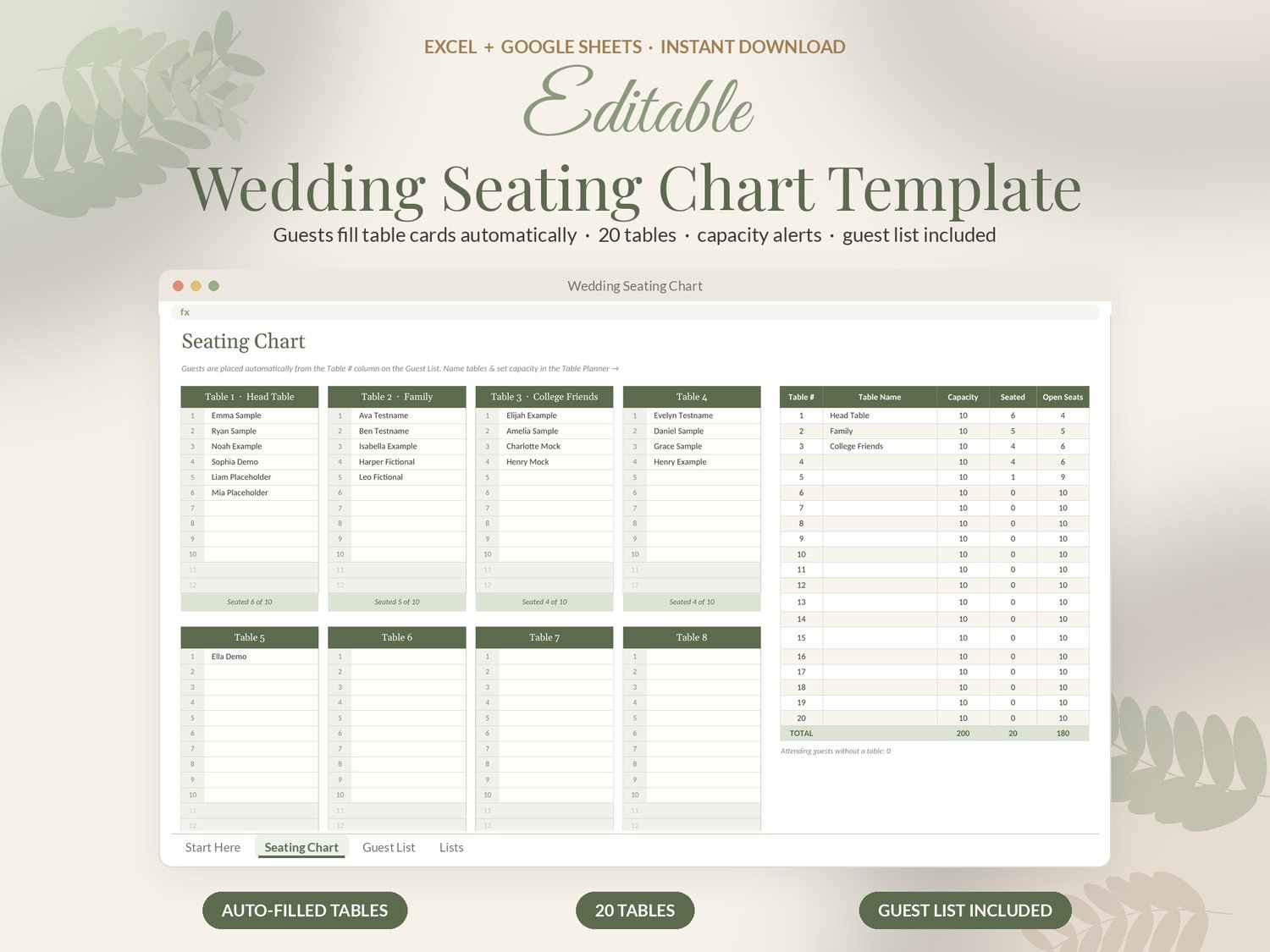
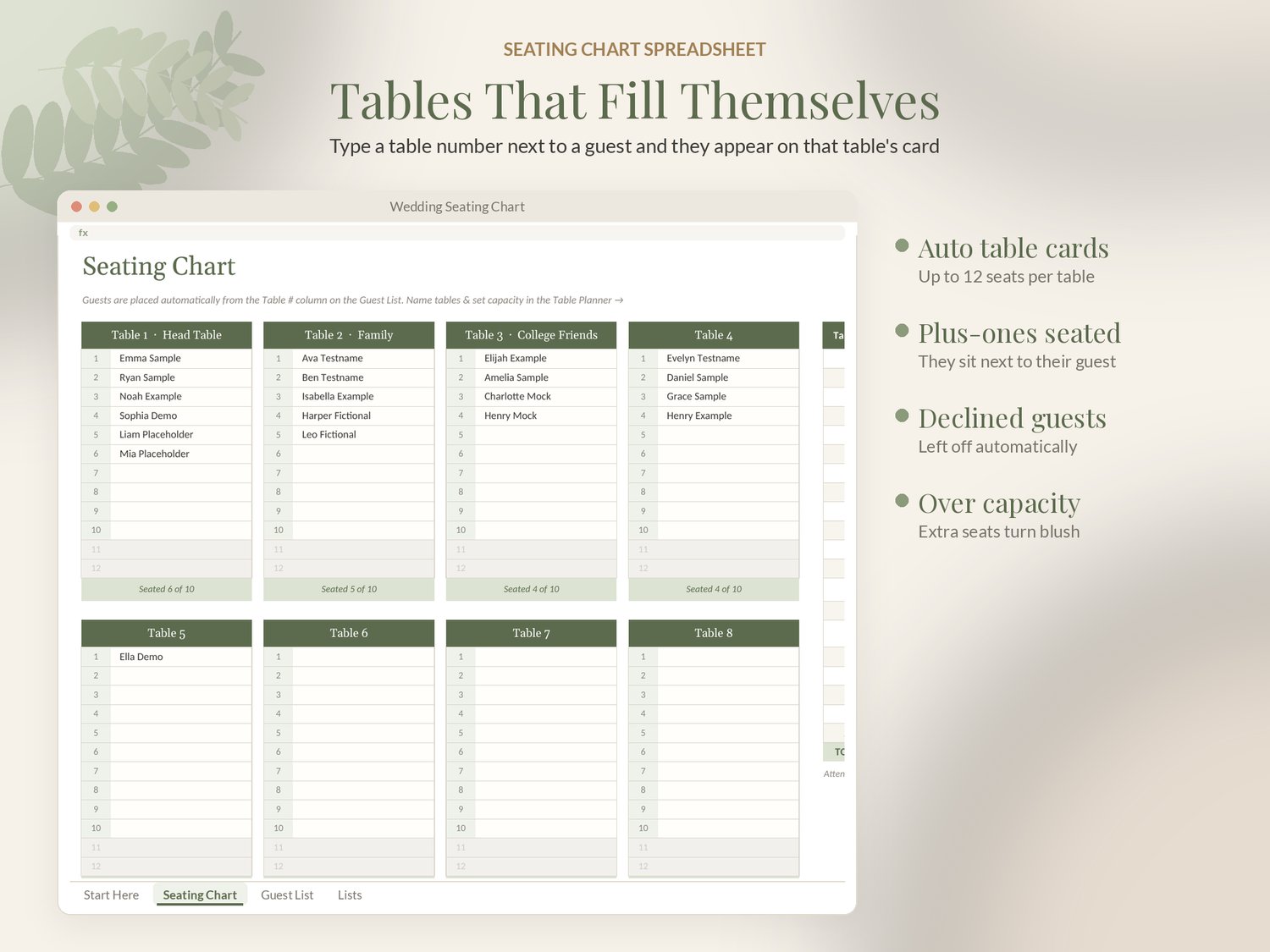
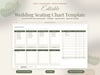
This wedding seating chart template fills your table cards automatically: type a table number next to a guest and their name appears on that table.
✦ WHAT'S INCLUDED
• Seating chart spreadsheet (.xlsx), example with sample guests and tables
• Blank version (.xlsx)
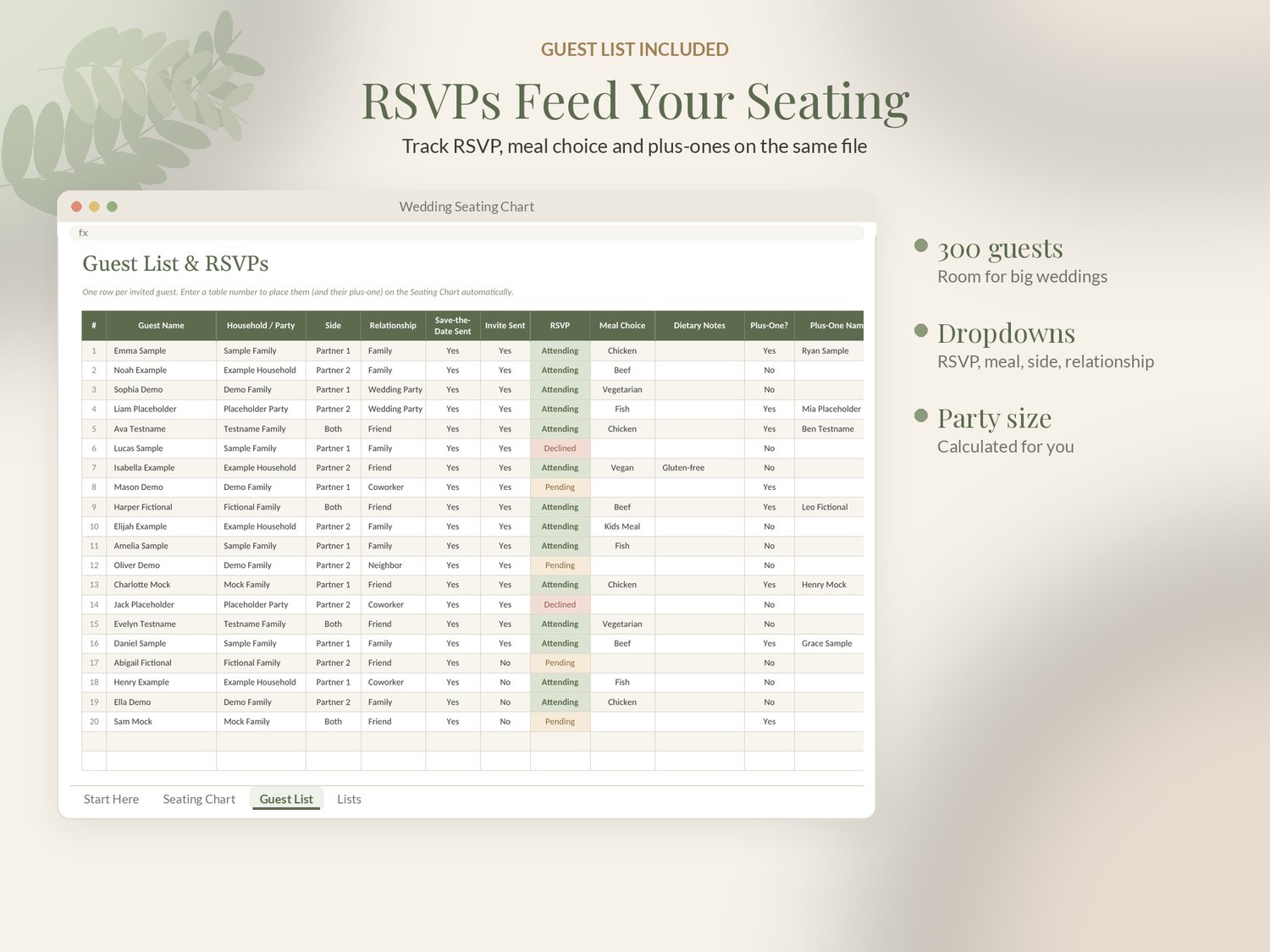
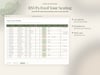
• Guest List tab with RSVP, meal and plus-one columns (up to 300 guests)
• Step-by-step PDF guide for Google Sheets and Excel
✦ FEATURES
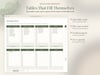
• 20 table cards, up to 12 seats each, filled automatically from the guest list
• Plus-ones are seated beside their guest; declined guests are left off
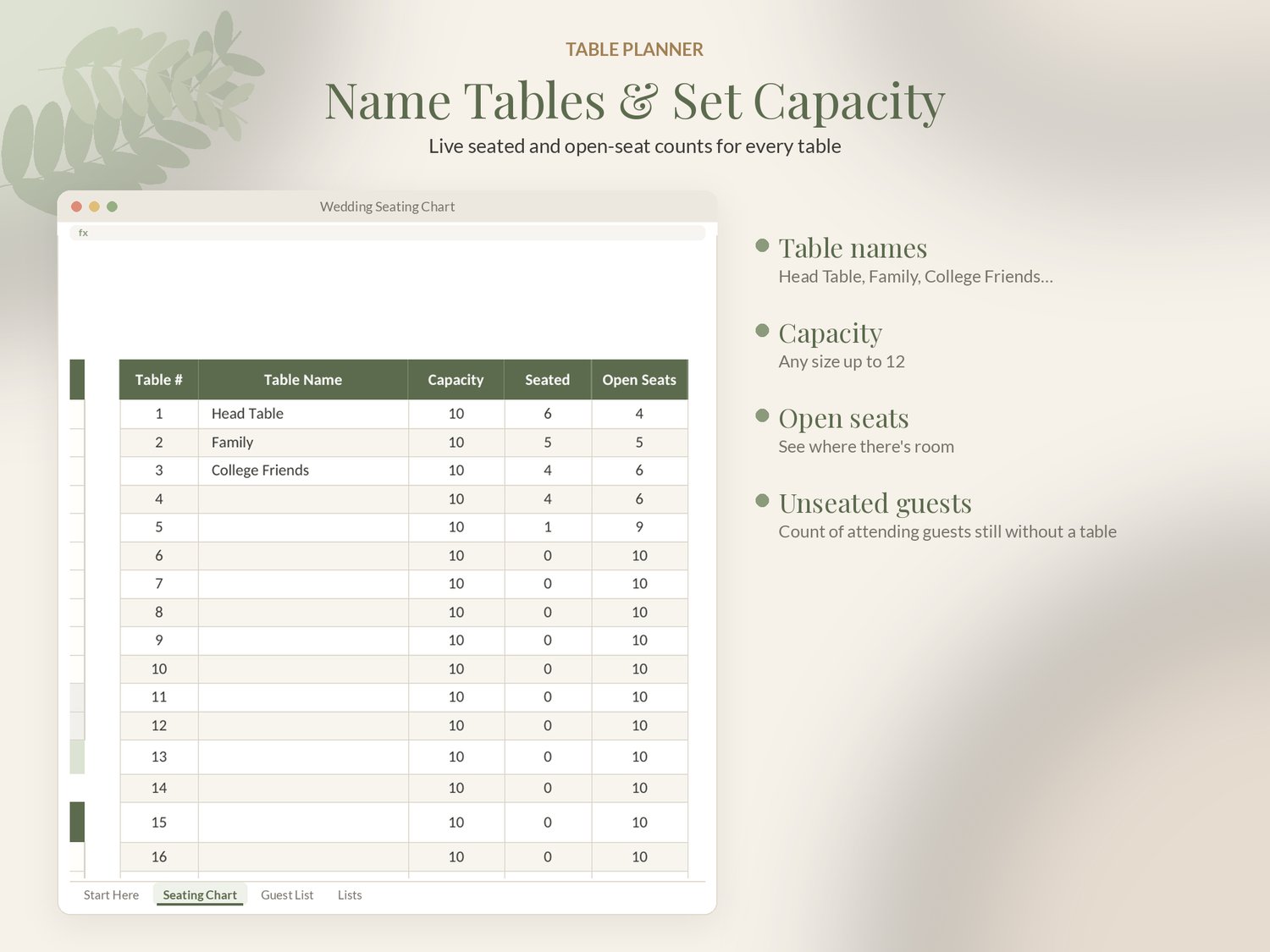
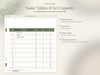
• Table Planner: table names, capacity, seated and open-seat counts
• Over-capacity seats highlighted
• Count of attending guests who still need a table
• Guest list with RSVP, meals, sides, addresses and dropdowns
✦ HOW IT WORKS
1. Download your files instantly after purchase.
2. Upload the .xlsx to Google Drive and open it with Google Sheets, or open it in Excel.
3. Follow the Start Here tab: enter your details and everything else calculates.
✦ GOOD TO KNOW
• Instant download: nothing physical is shipped.
• Works in Google Sheets (free; upload the .xlsx to Google Drive and open with Google Sheets) and Microsoft Excel 2016+ / Microsoft 365 / Excel for the web. Not compatible with Apple Numbers.
• Works on desktop and in the Google Sheets and Excel phone apps (a computer is easiest for setup).
• No macros. Example and blank versions included. Personal use only.
• Questions? Message me. I usually reply within a day.
© SageAndSheets. For personal use only. Please do not share or resell. Because this is a digital download, refunds aren't offered, but if anything isn't working, message me and I'll make it right.