
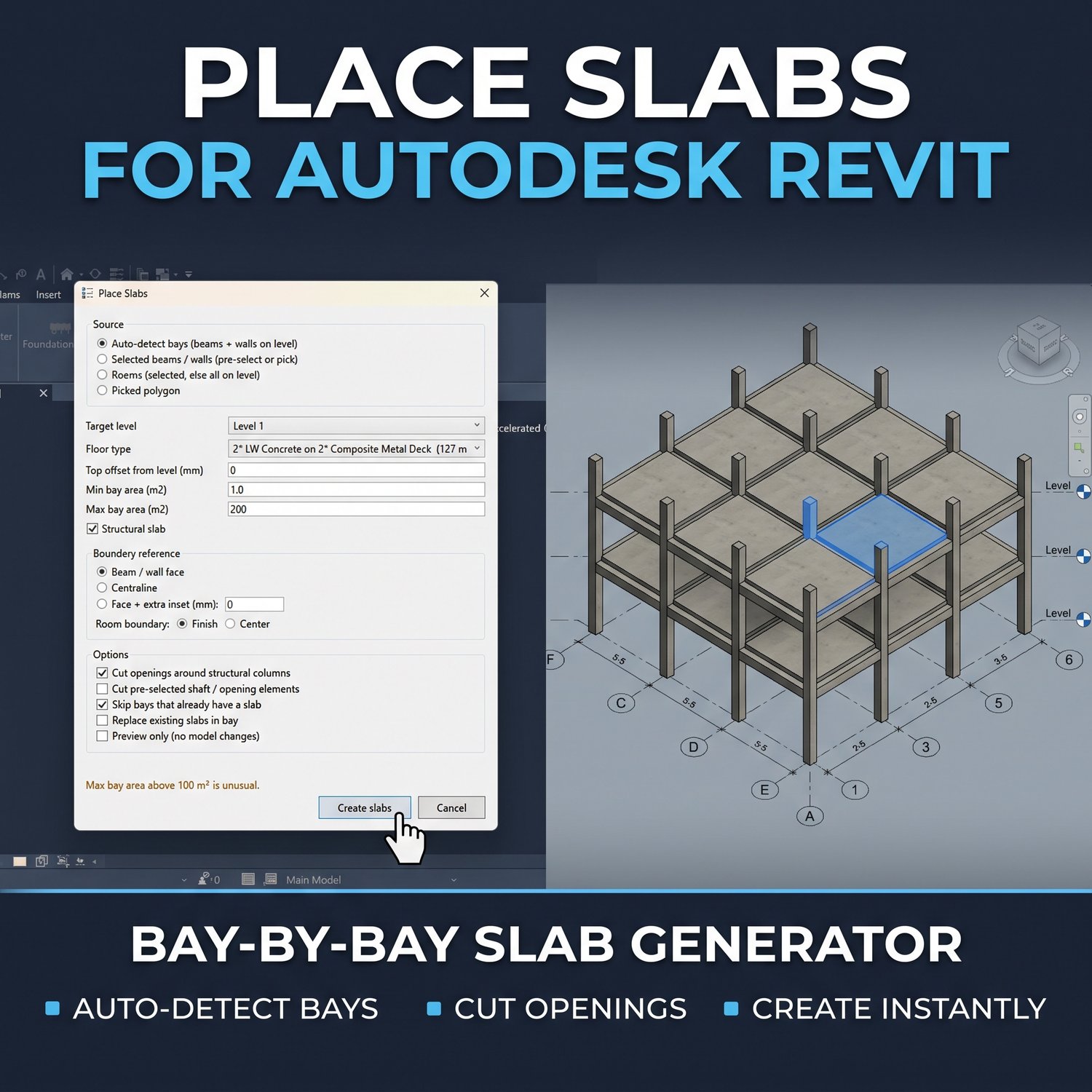
Structural Auto-Framer & Slab Generator for Revit
On Sale
$0.00
The Real Pain
Manually dropping columns at every grid intersection, sketching beams along every line, and tracing separate floor slabs per bay is a massive waste of time. It’s a highly repetitive process that invites placement errors and eats up hours on large structural models.
What It Actually Does
- Places structural columns automatically at all active grid intersections based on your selected levels and column types.
- Draws horizontal and vertical structural beams along all grid lines in a single click.
- Calculates closed bays and generates individual floor slabs for each one, rather than modeling one massive floor.
- Automatically cuts slab openings around your placed structural columns.
- Generates a detailed text log file after the run to verify placed elements and track any warnings.
Requirements & Compatibility
- Autodesk Revit 2022 or newer.
- Windows 10/11.
Quick Setup
- Install the provided add-in.
- Open a structural plan view with an active grid layout.
- Use the custom ribbon tab to run the Place Columns, Place Beams, and Place Slabs tools sequentially.