
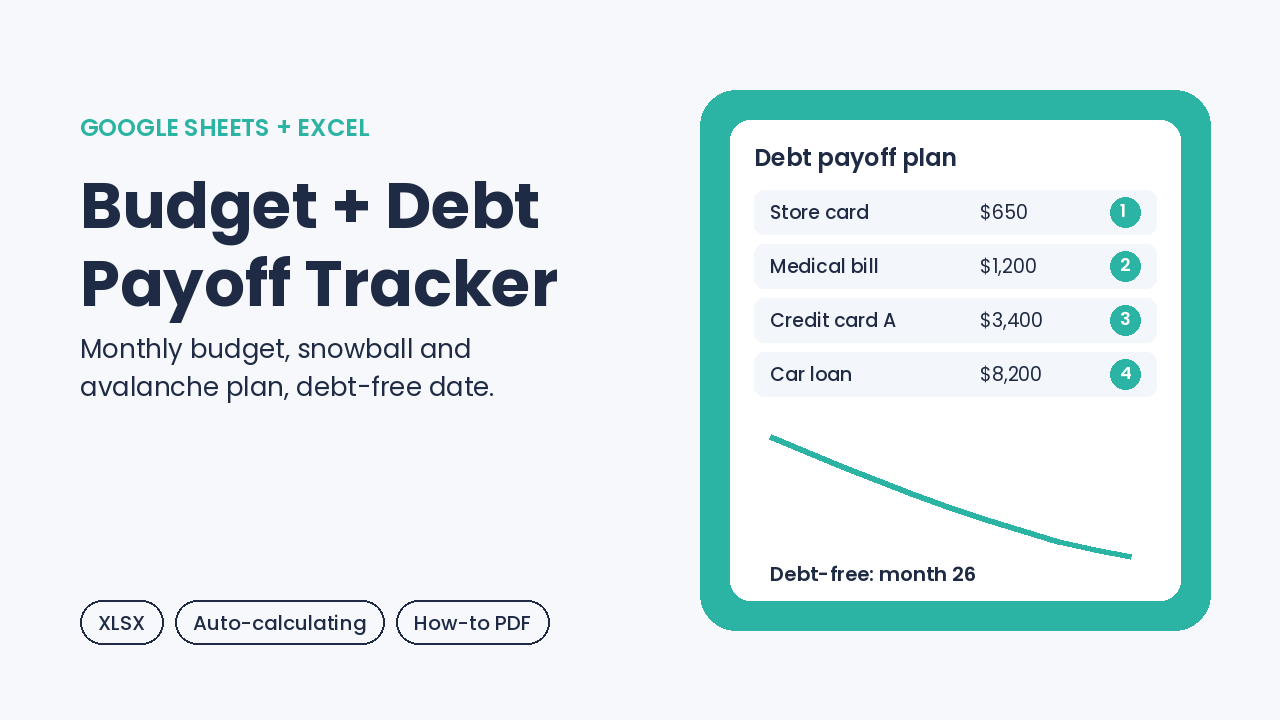
Budget + Debt Payoff Tracker (Google Sheets & Excel)
On Sale
$9.00
$9.00
See your whole month and your way out of debt in one tidy workbook. Plan and track income and expenses, list your debts, choose Snowball or Avalanche, and the payoff plan builds itself: priority order, payoff month for each debt, estimated total interest and your estimated debt-free month. Type only in the yellow cells; every other number is a formula. Opens in Google Sheets, Excel and LibreOffice.
Inside the download
- Budget-Debt-Payoff-Tracker.xlsx (4 tabs: Start Here, Monthly Budget, Debts, Payoff Plan with a 120-month schedule and chart)
- How-To-Use-Budget-Debt-Tracker.pdf (2-page quick-start guide)
How it works
- Download the ZIP and unzip it.
- In Google Sheets choose File > Import > Upload and pick the .xlsx, or open it in Excel.
- Enter this month's planned and actual income and expenses.
- List your debts, pick Snowball or Avalanche, and add any extra monthly amount.
- Read your payoff order, payoff months and estimated debt-free month.
Payoff figures are estimates for planning, not financial advice. Personal use license. Digital download; nothing is shipped.