


SmartRetail POS
Cash Register
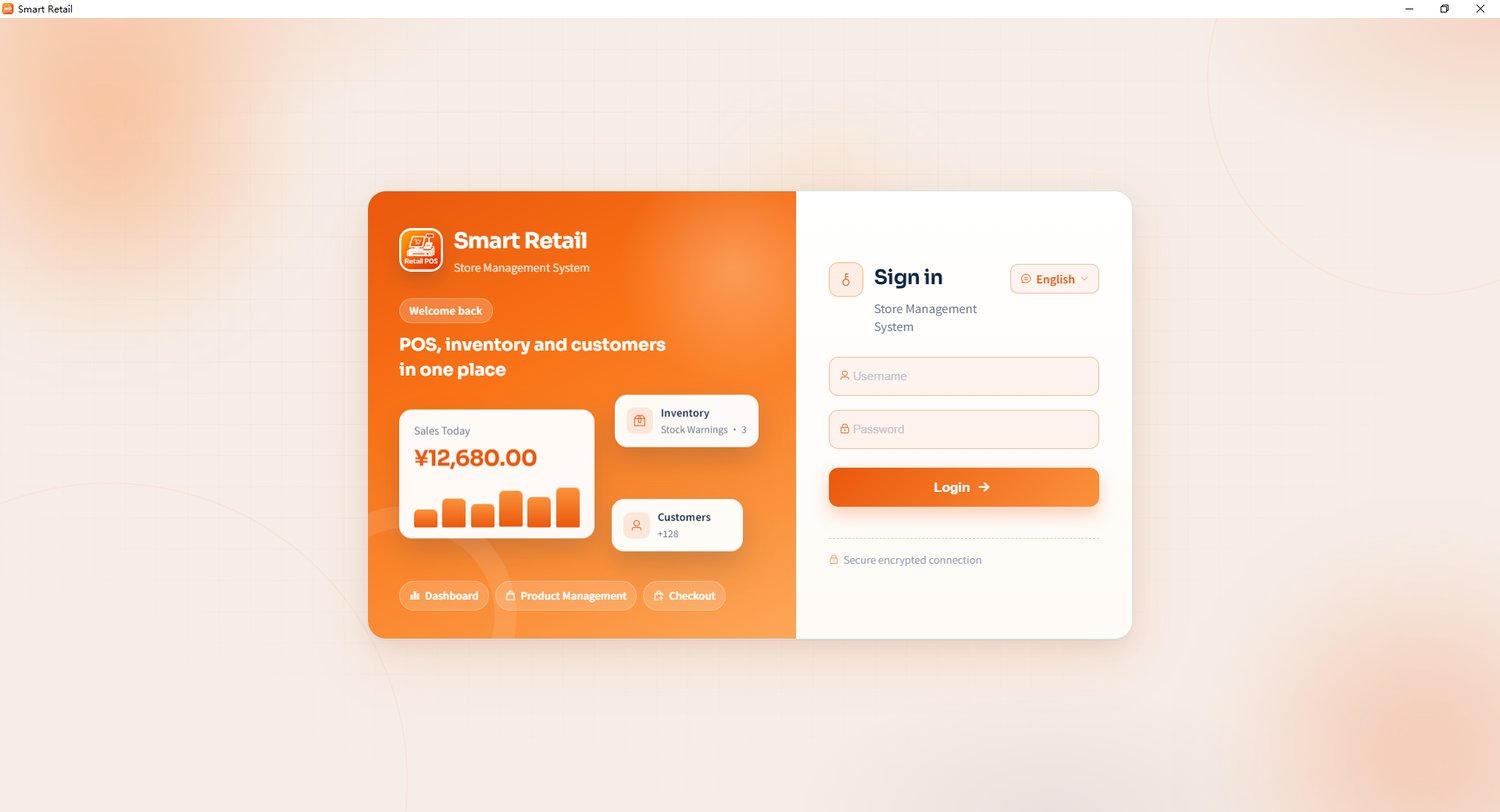
Employees access the system using username and password. Upon login, they are redirected to role-specific homepages: cashiers default to the checkout page, and other roles go to the first authorized menu. Business pages cannot be accessed if not logged in.
Inventory Management
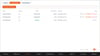
Display items under minimum stock and over maximum stock in two columns, showing store, barcode and current quantity to facilitate restocking or overstock management.
Receipt Printing
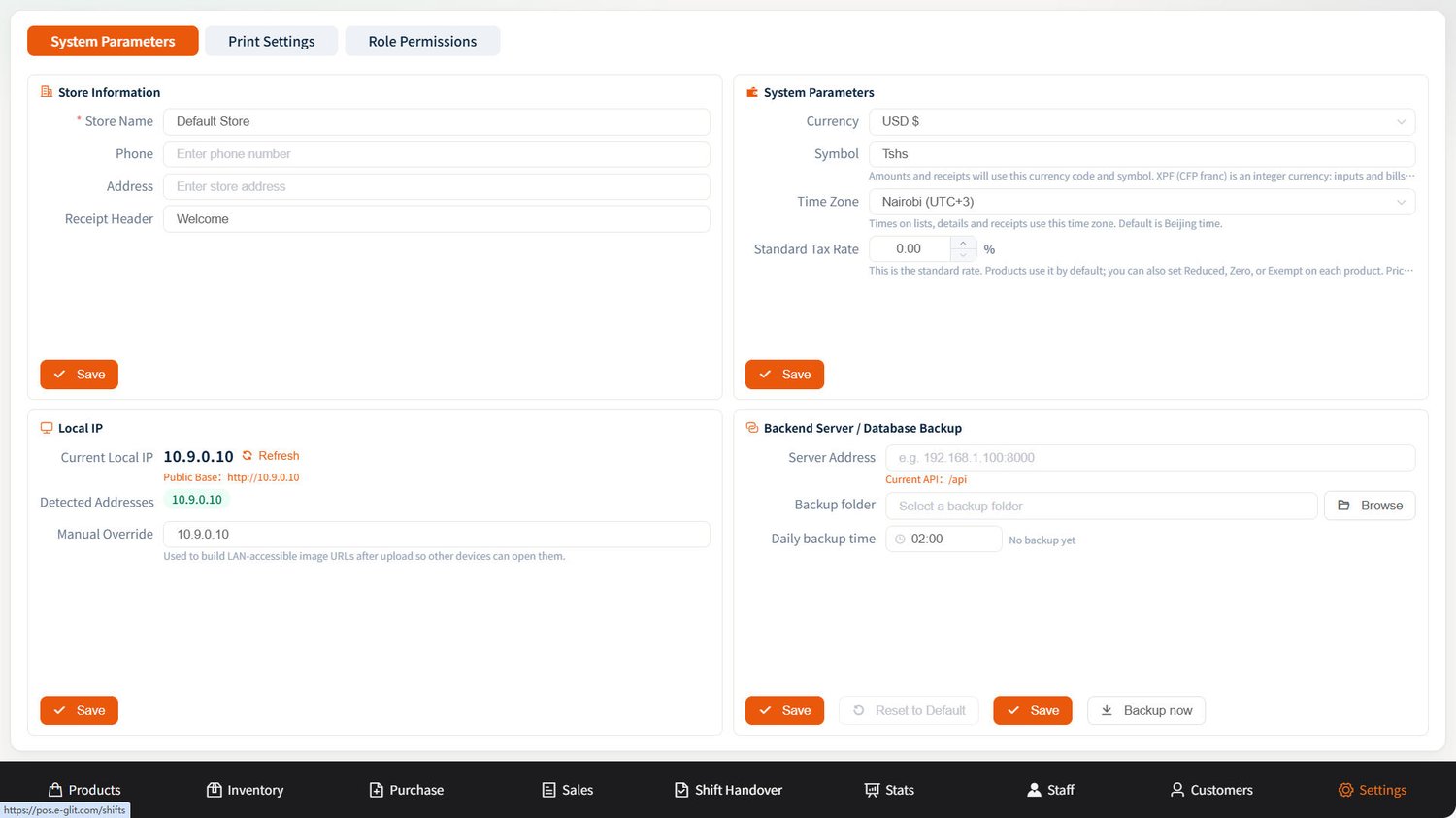
Automatic receipt printing is triggered after successful payment and can be turned off in print settings. The receipt shows order ID, time, cashier, payment method, customer, line items, discounts, tax, amount collected and change.
Product Management
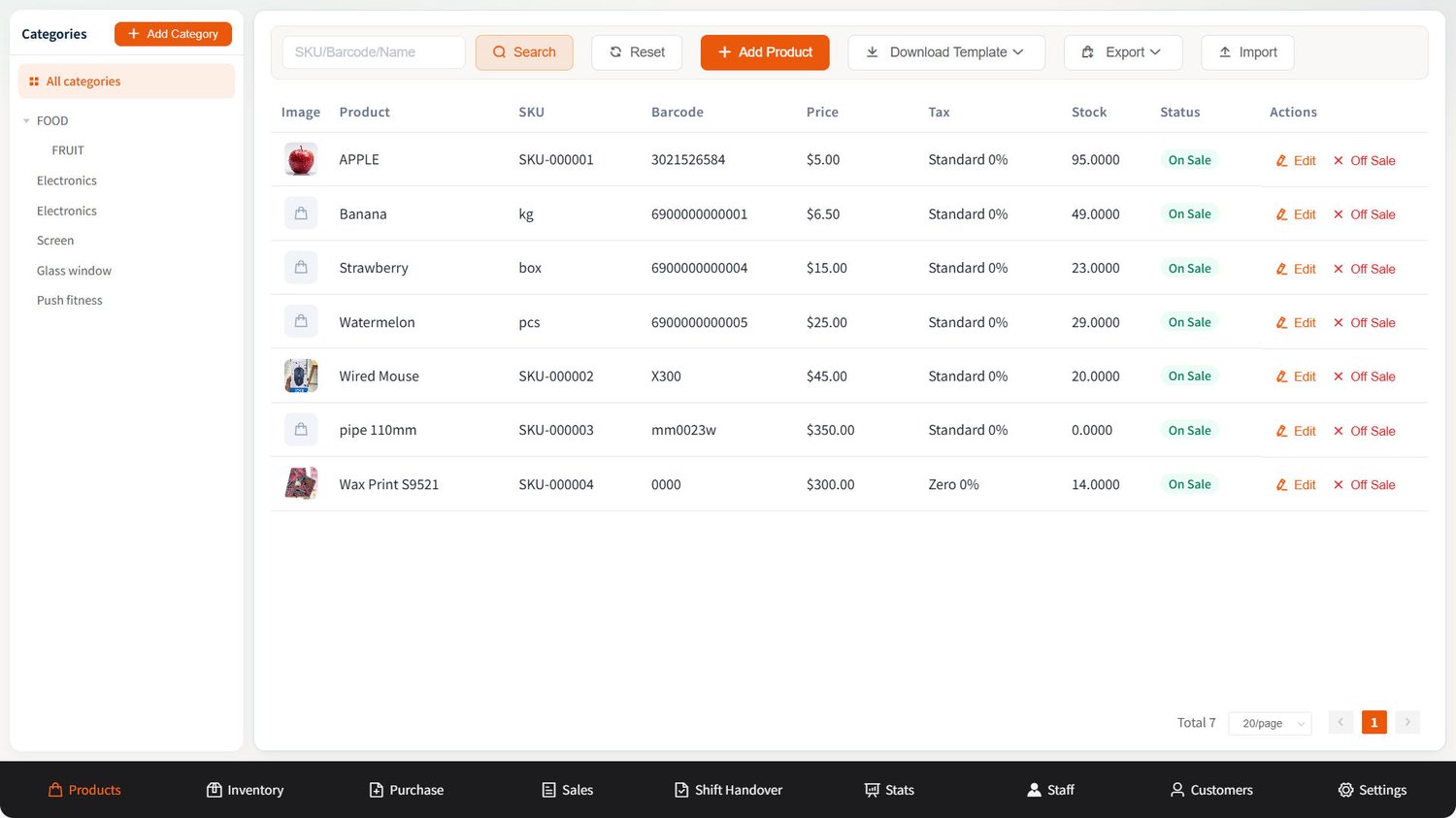
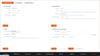
Add or edit products; maintain name, SKU, barcode, category, unit, selling price, cost, customer price, images and stock min/max limits. SKU can be generated automatically. Barcode and SKU cannot be duplicated in one store.
Sales Reports
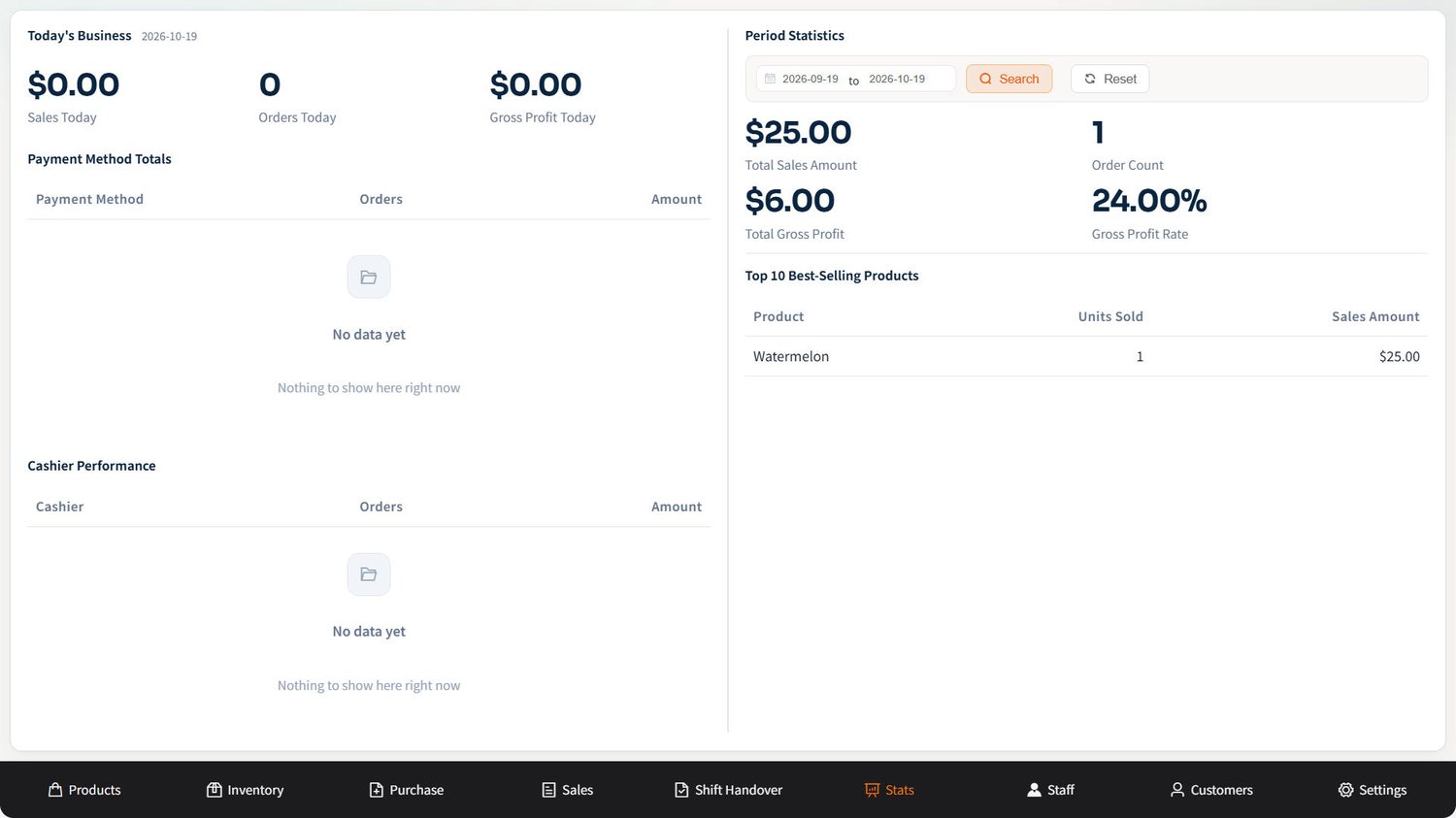
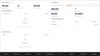
Show today's sales, order count, gross profit and stock alerts, plus today's sales for customers and walk-ins, and payment method breakdown. It also provides a 30-day sales overview, 14-day trend, and top 5 best-selling items of the last 30 days.
Customer Records
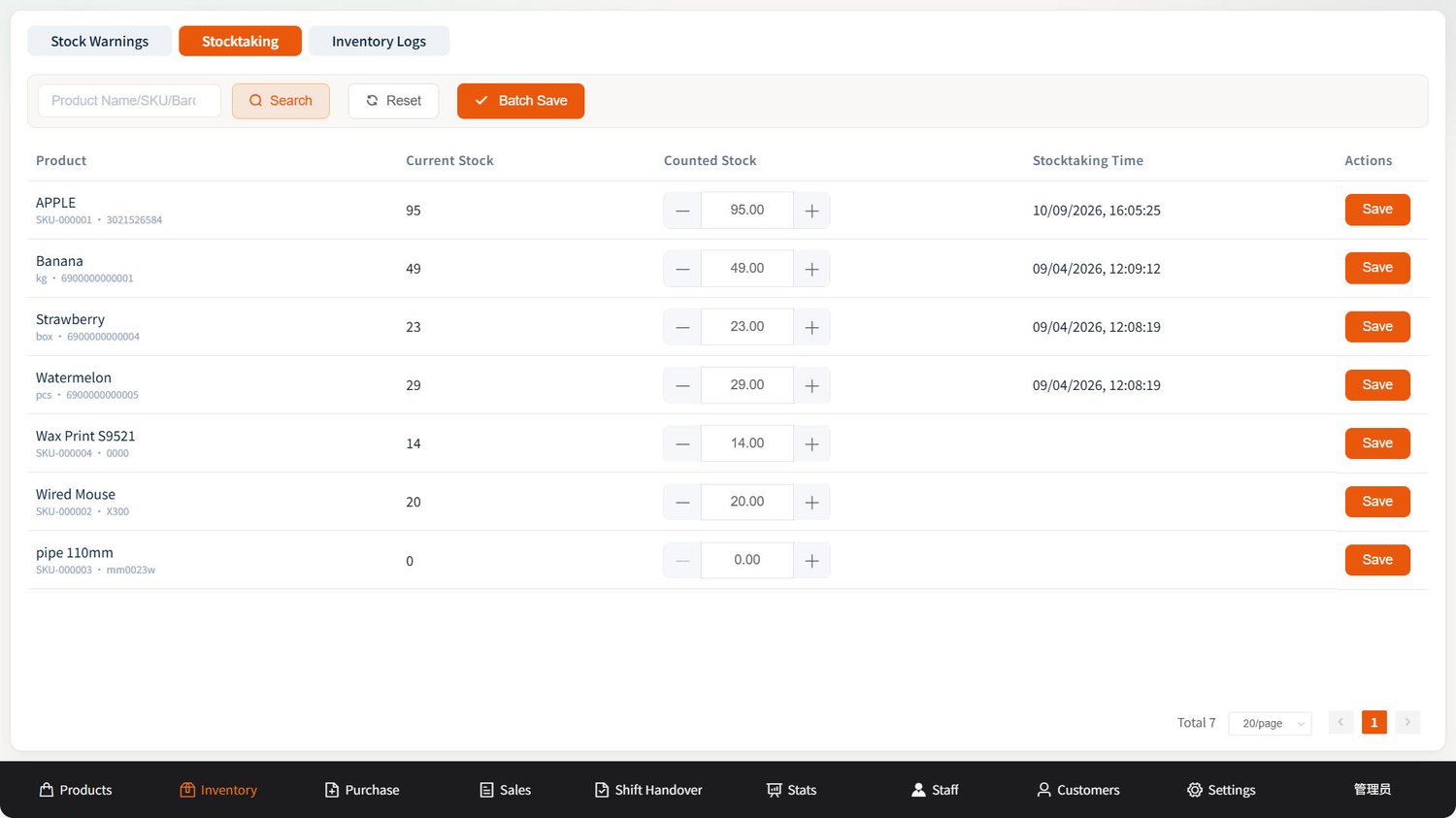
Quantity changes from sales, returns, purchase receiving, transfers, stocktaking and damage reports are all logged. You can look up who modified the inventory and which document caused the change by time and product.