

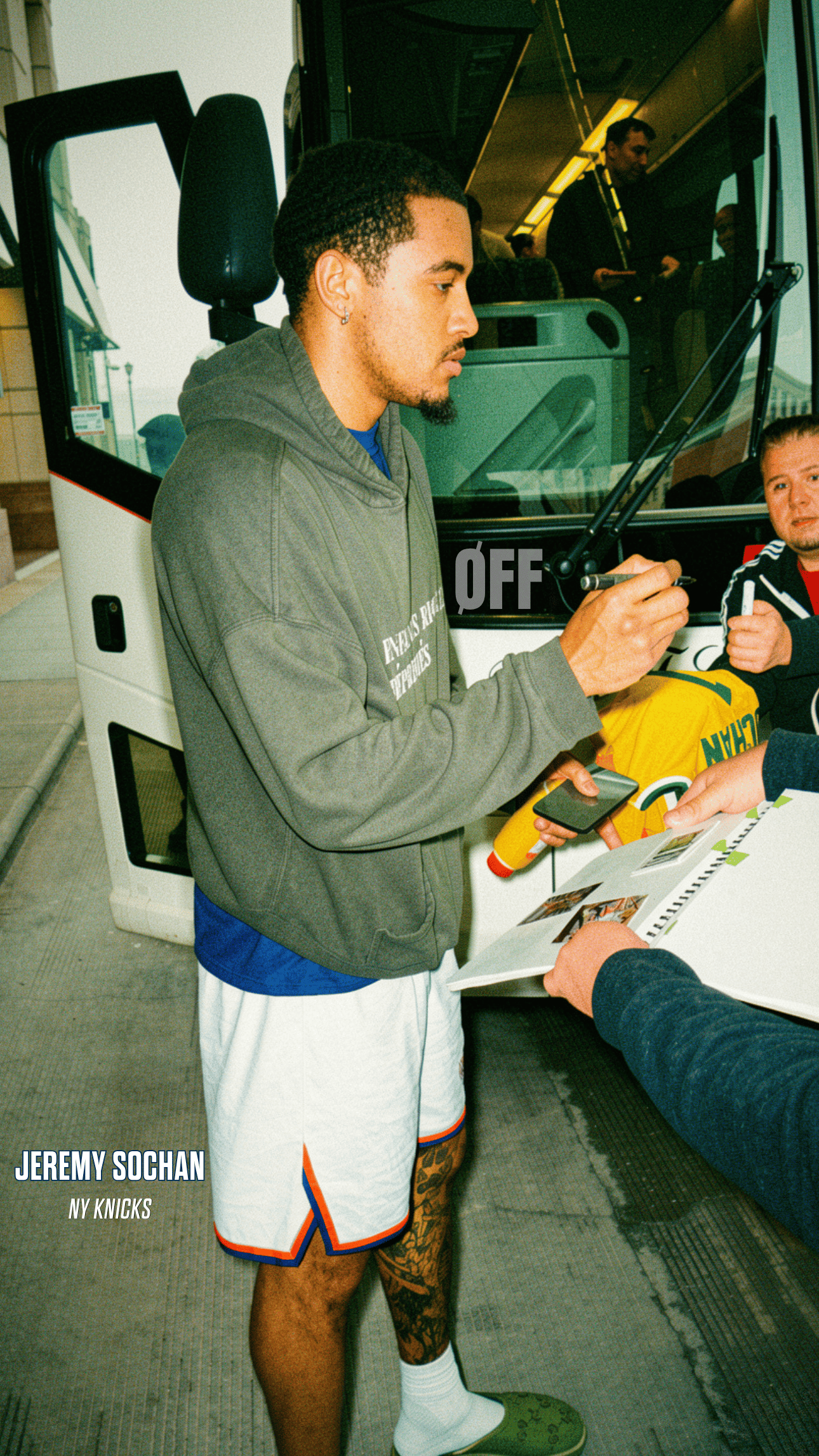
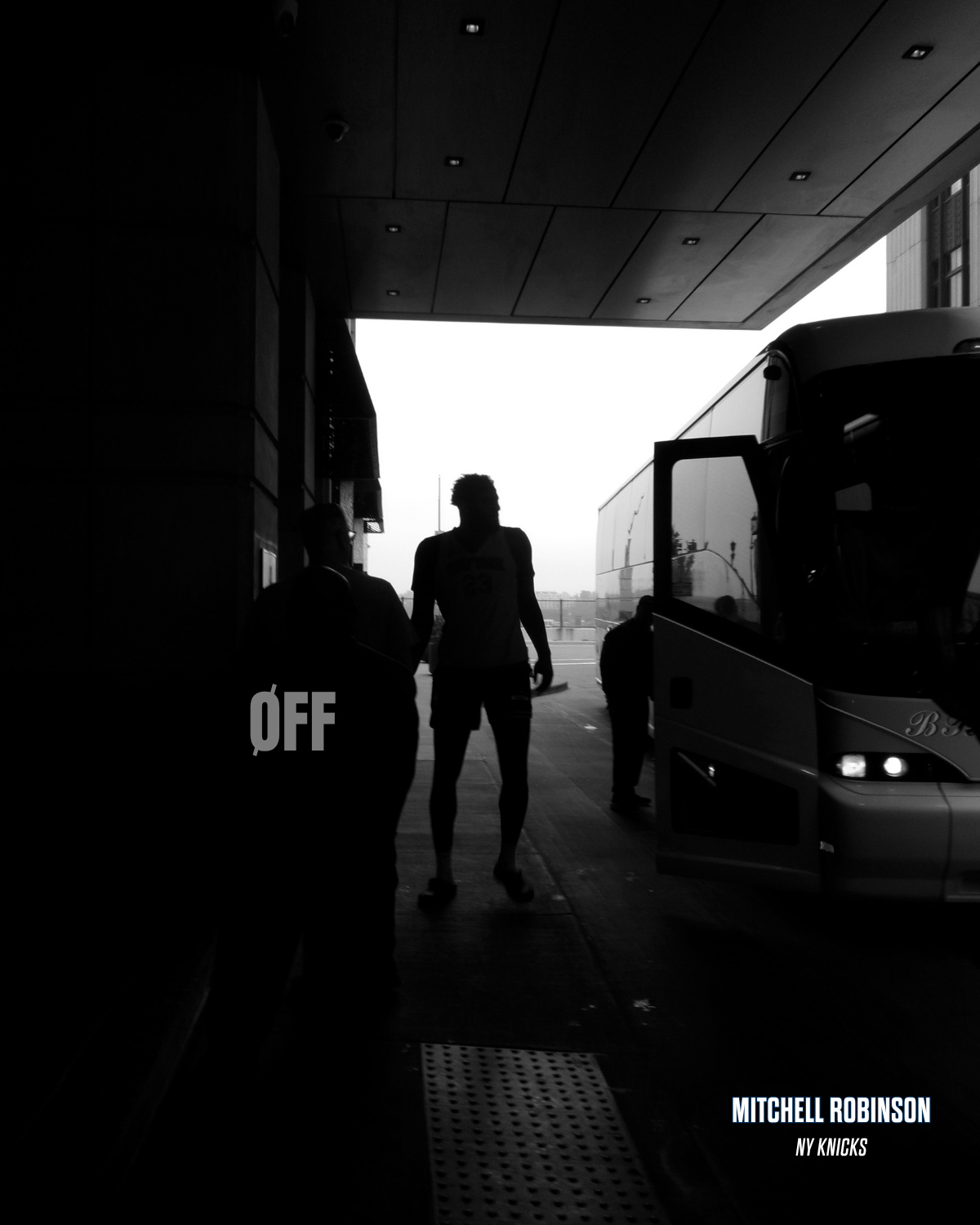



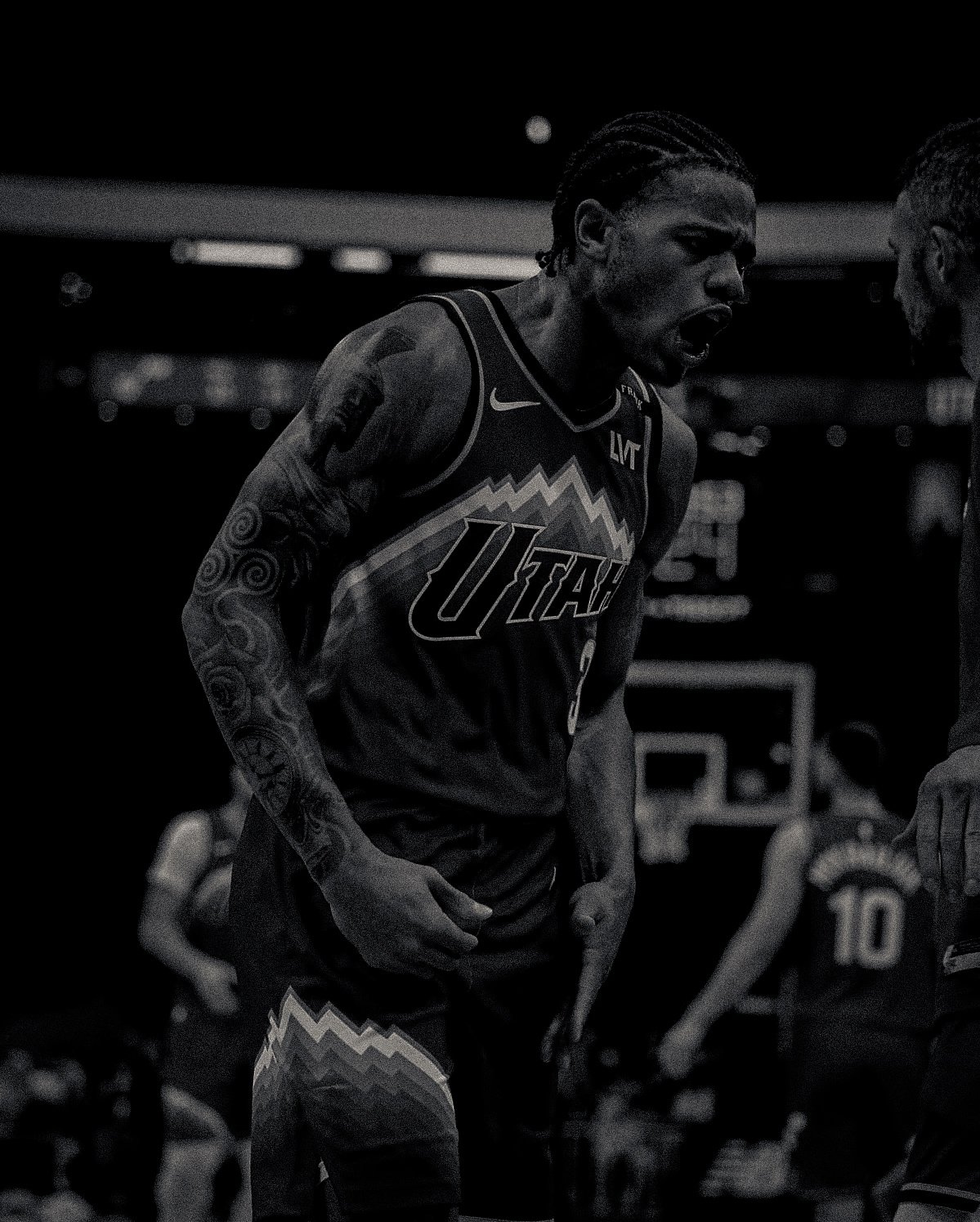
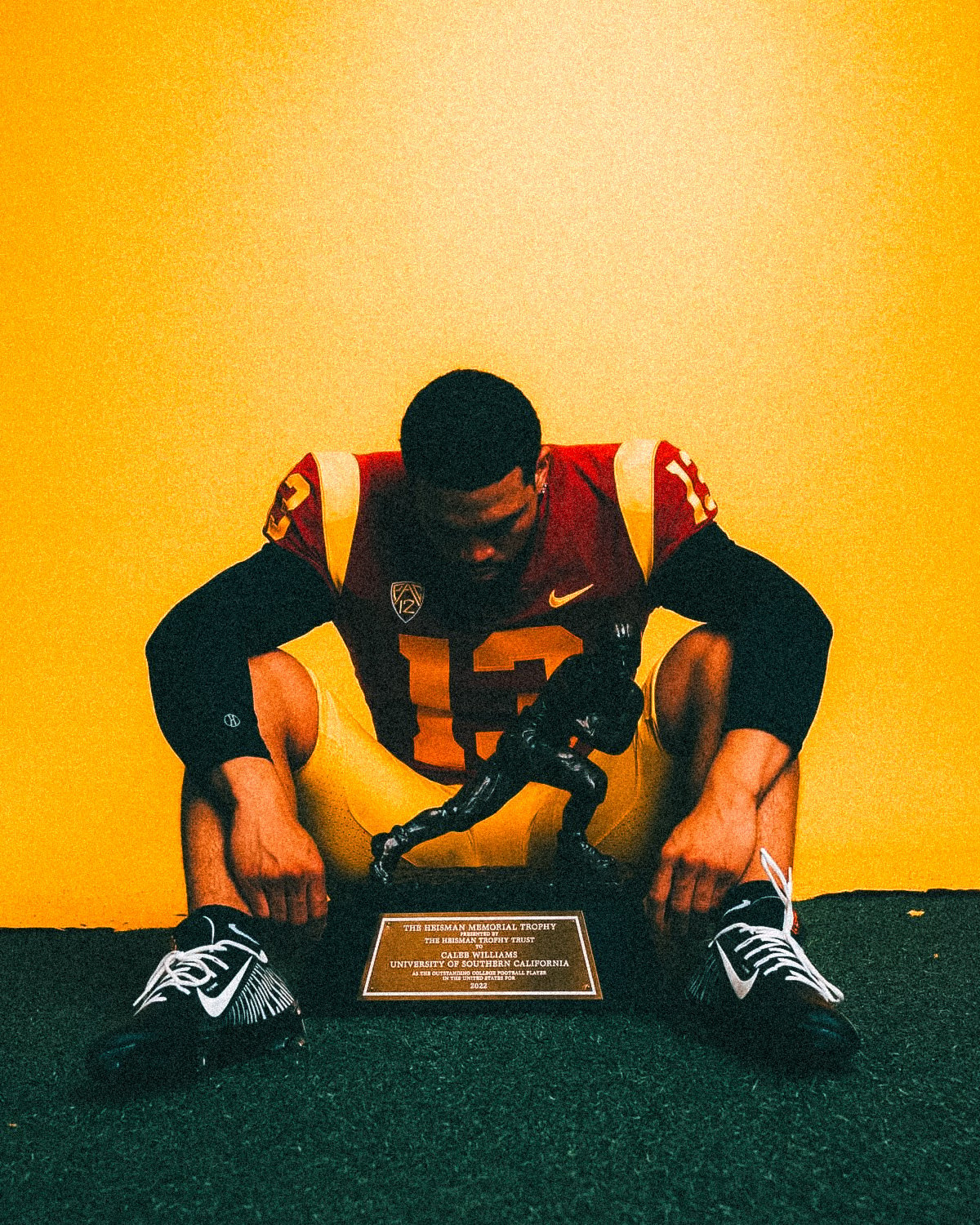
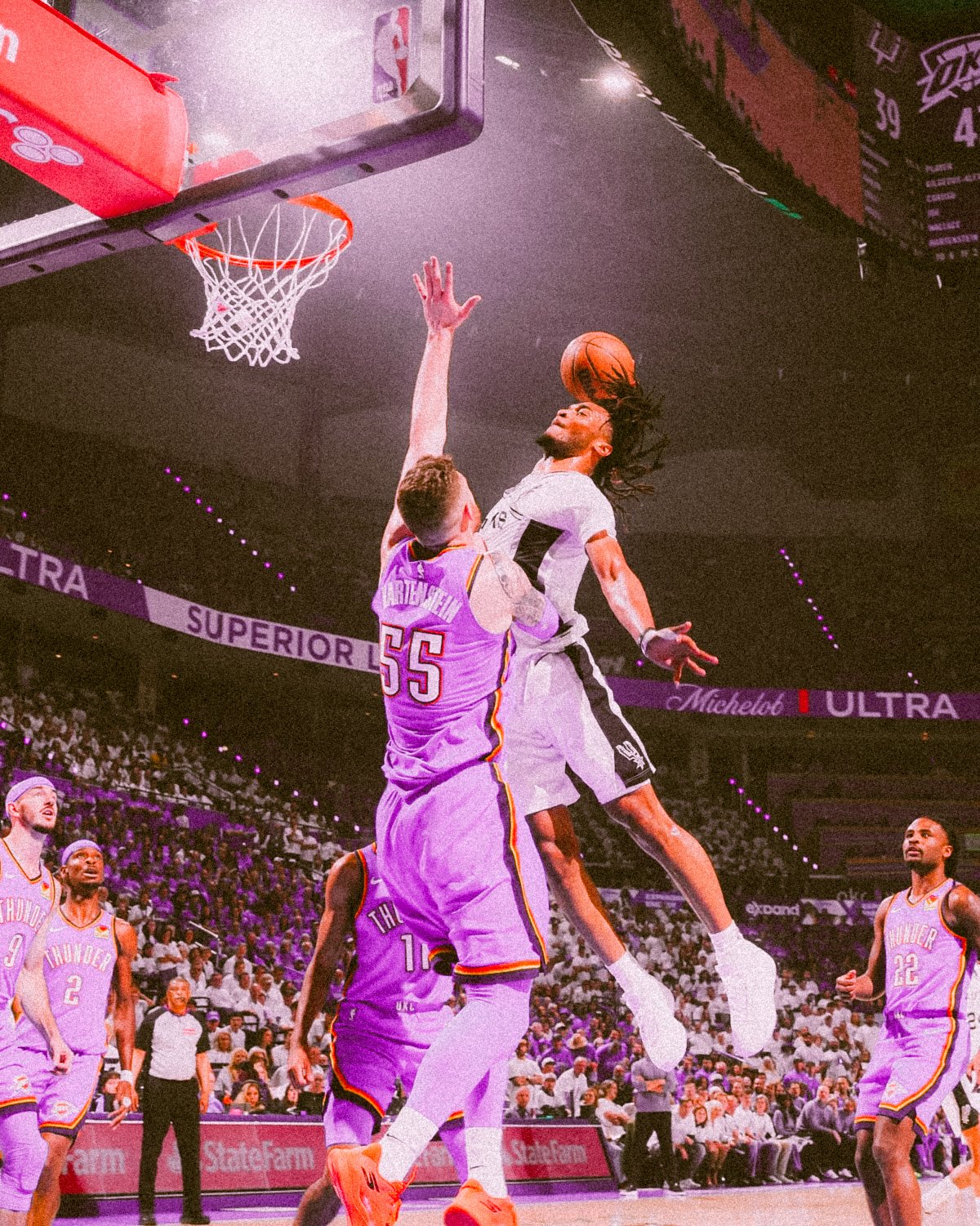
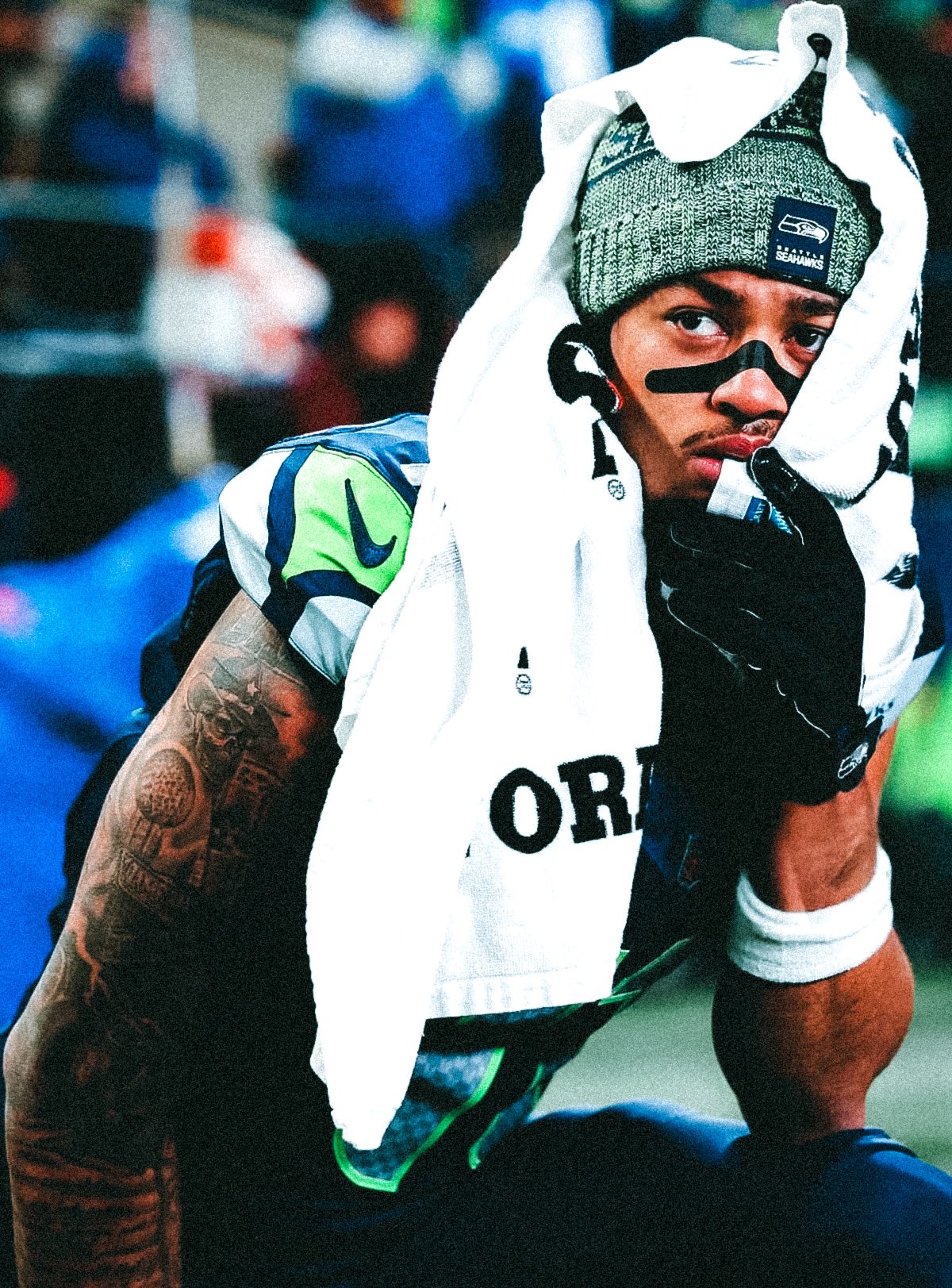








OFF & On Media Lightroom Presets
A lot of people ask me how I color grade and edit my content. It took me a long time to get these colors down to a science and turn them into what they are now. Now that I have created my presets, it makes it easier for me and saves me time when creating content! Now I'm making it available for you to do the same. In this pack, there are 15 different presets to choose from that range from all types of coloring styles. It's set up so that you can put it on any picture or video you want! I put a step-by-step process below on how to add them into Adobe Lightroom. Hope you enjoy!
Step By Step On How To Use Presets:
✔️ Open Adobe Lightroom
✔️ Select any picture or video from your camera roll/files
✔️ Click the "presets" button and find "user presets"
✔️ When on user presets then select "import presets" and locate this file
You should be all set after this! Email if further attention is needed.
Details
🏀 Format: Downloadable ZIP file for quick access.
🏀 Compatibility: Works with Lightroom Desktop & Mobile.
🏀 Instant Access: Get your presets immediately after purchase and start creating!