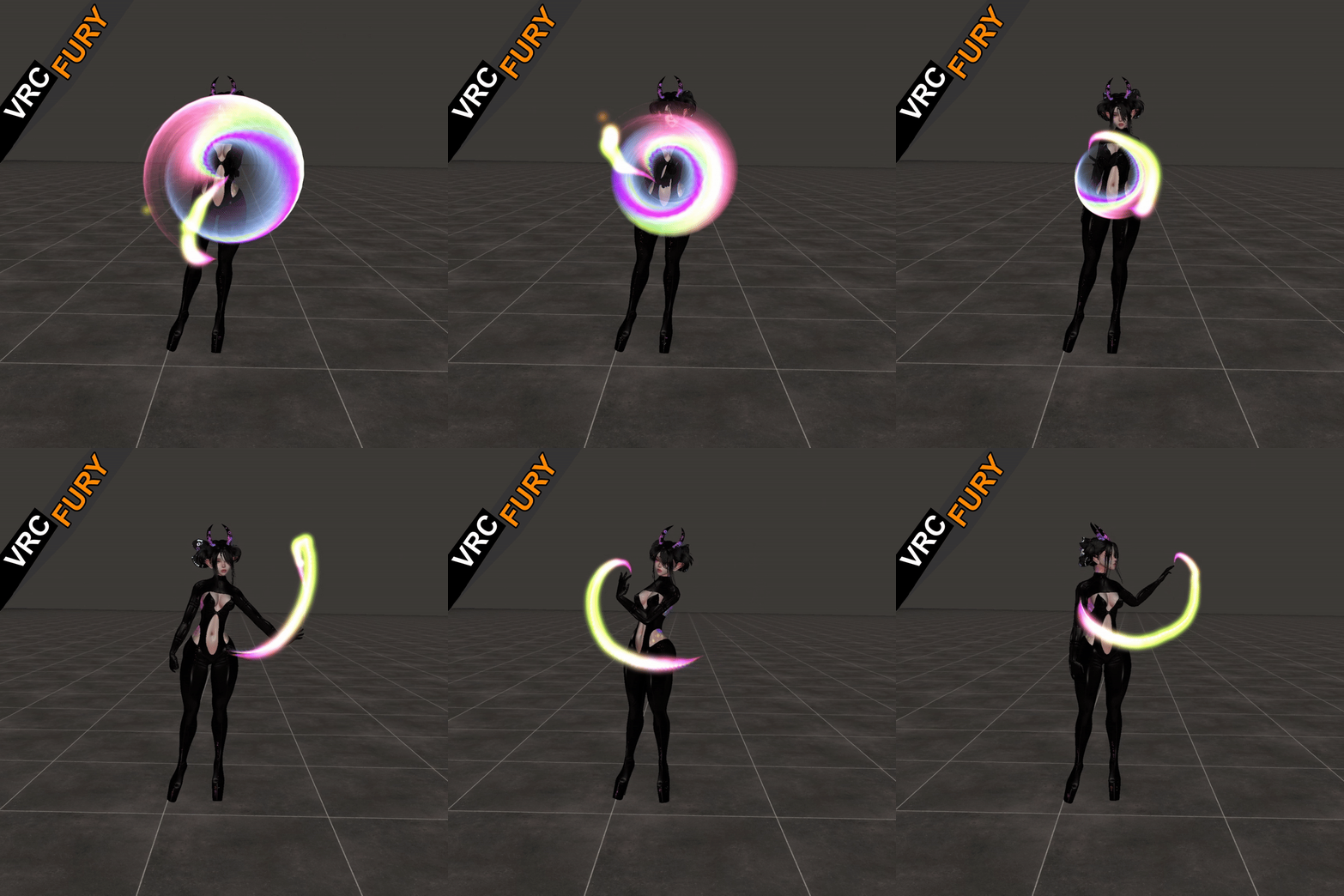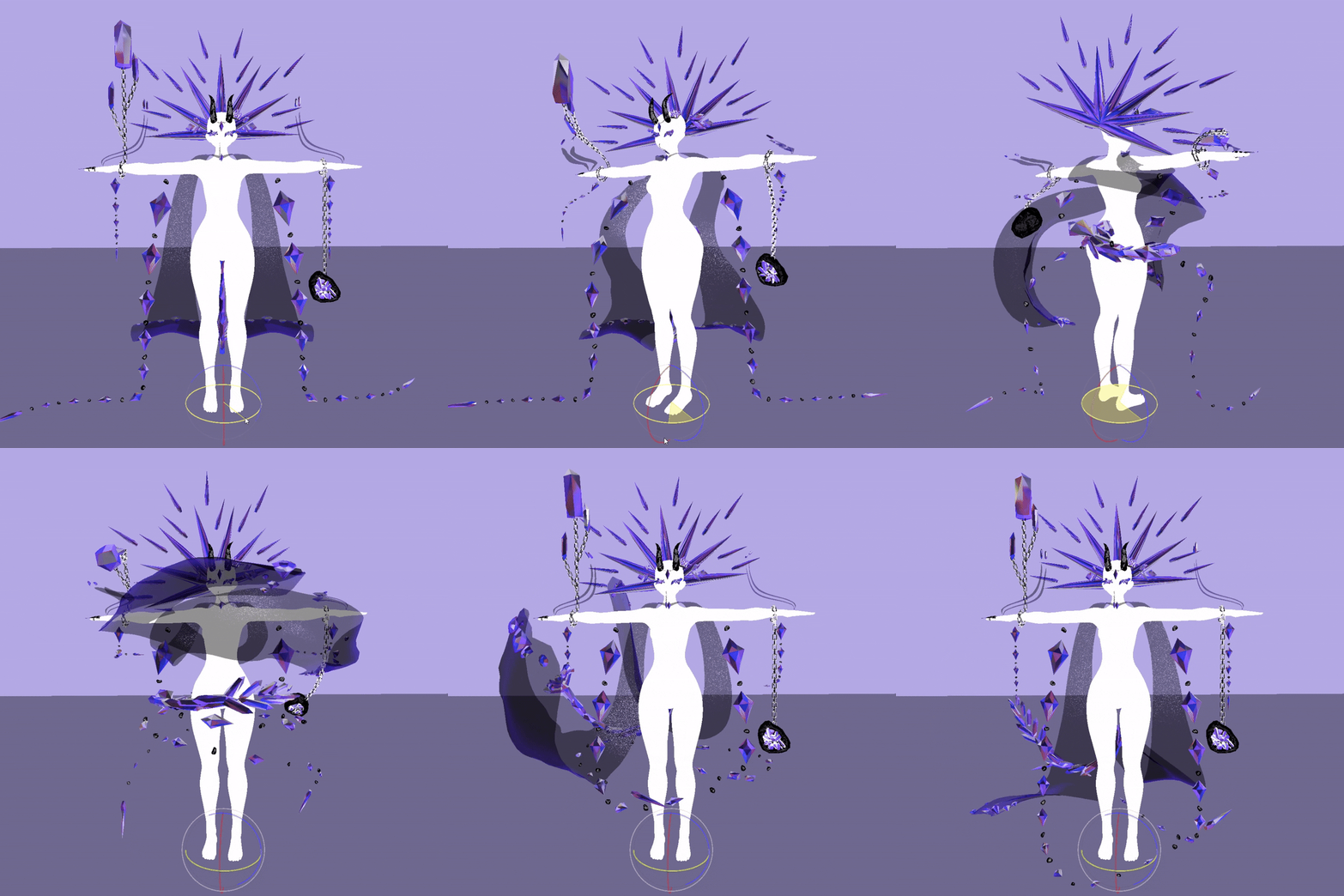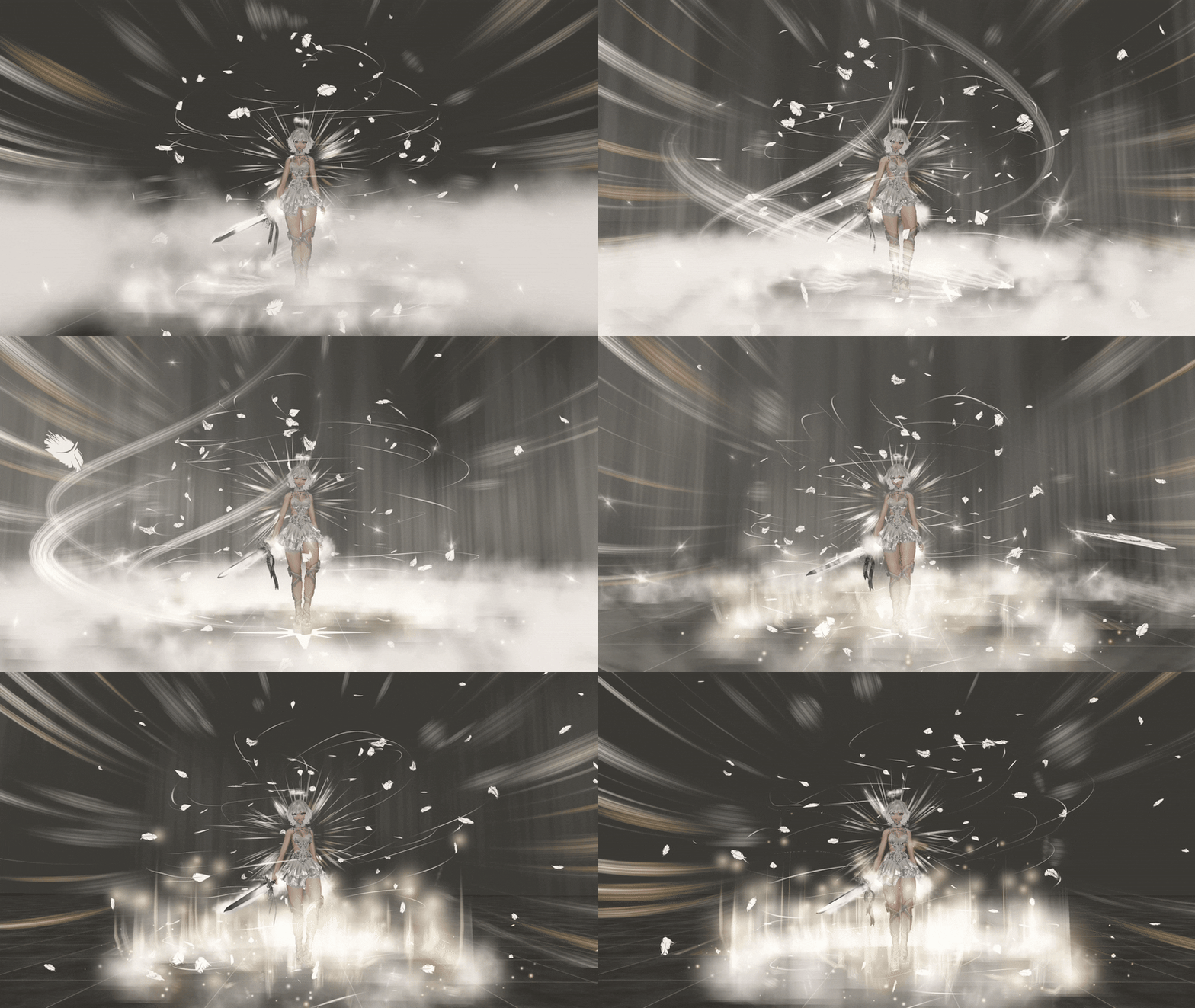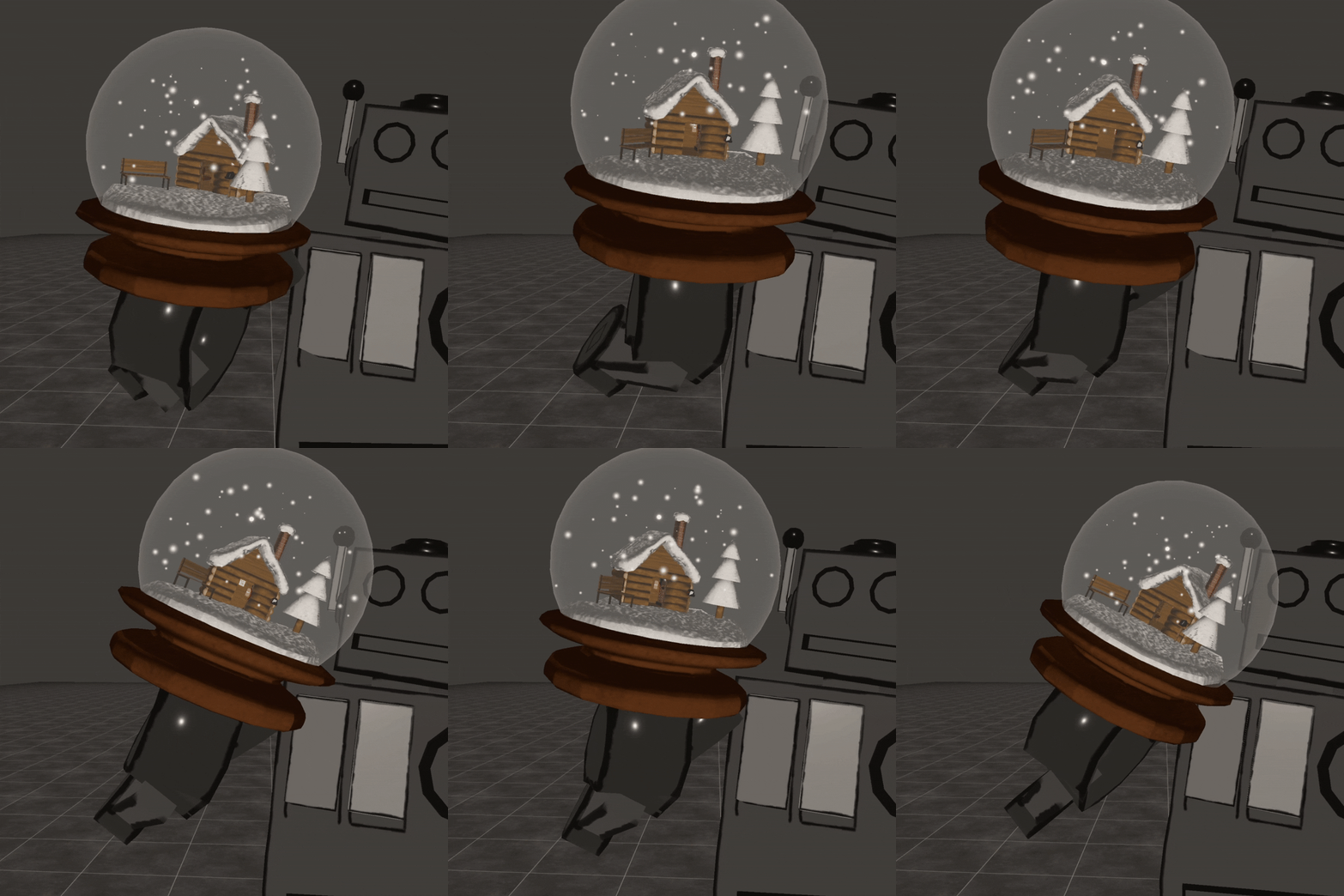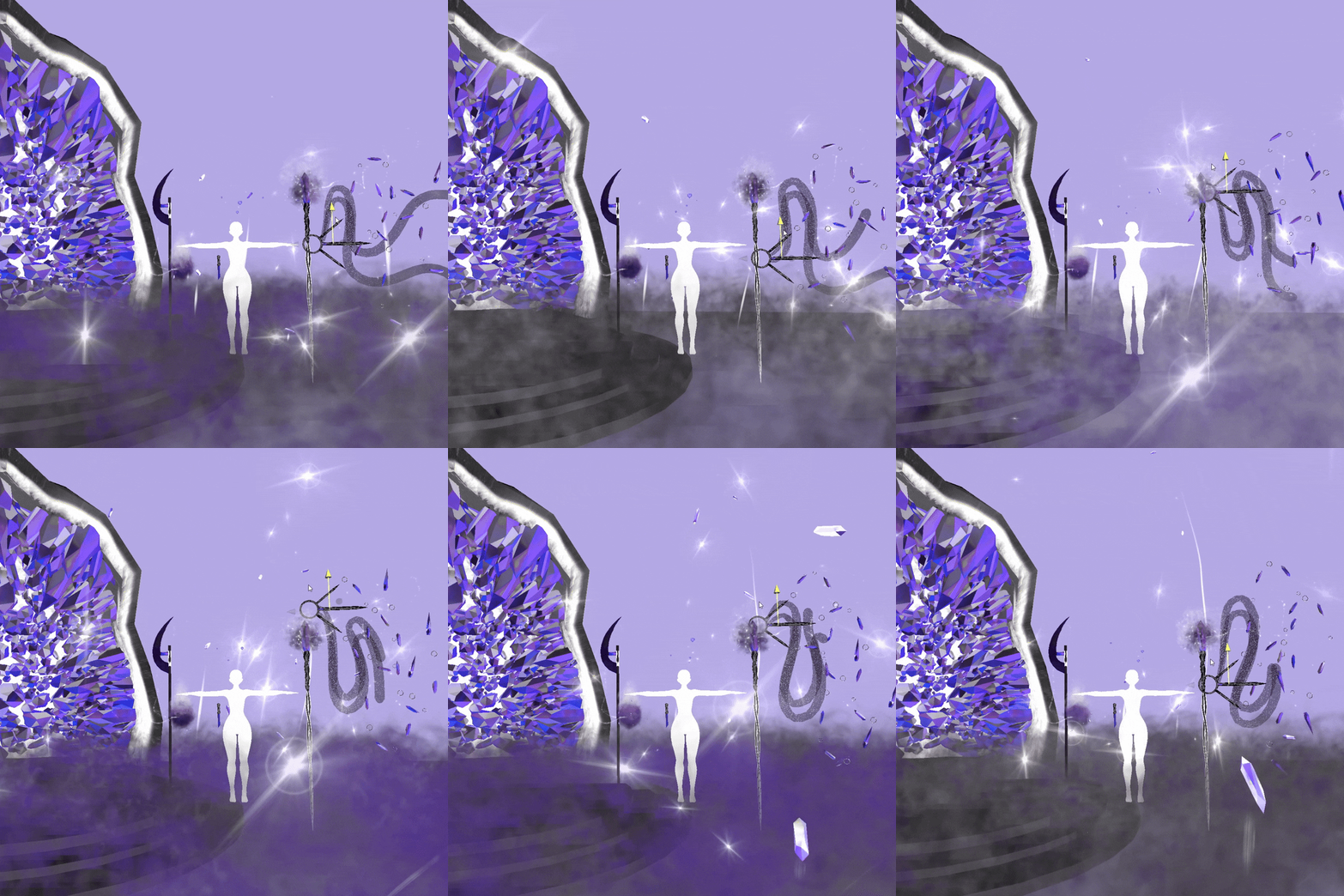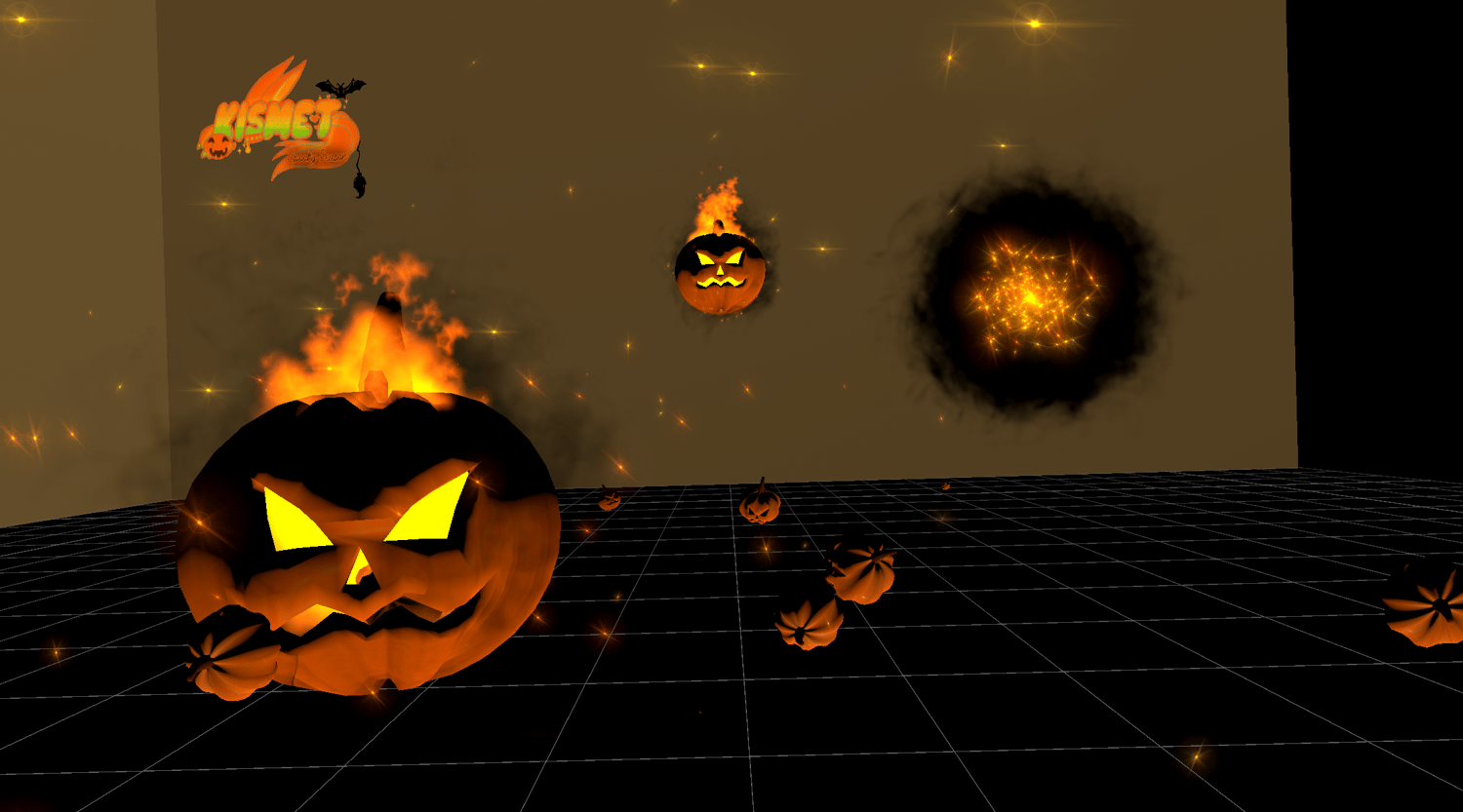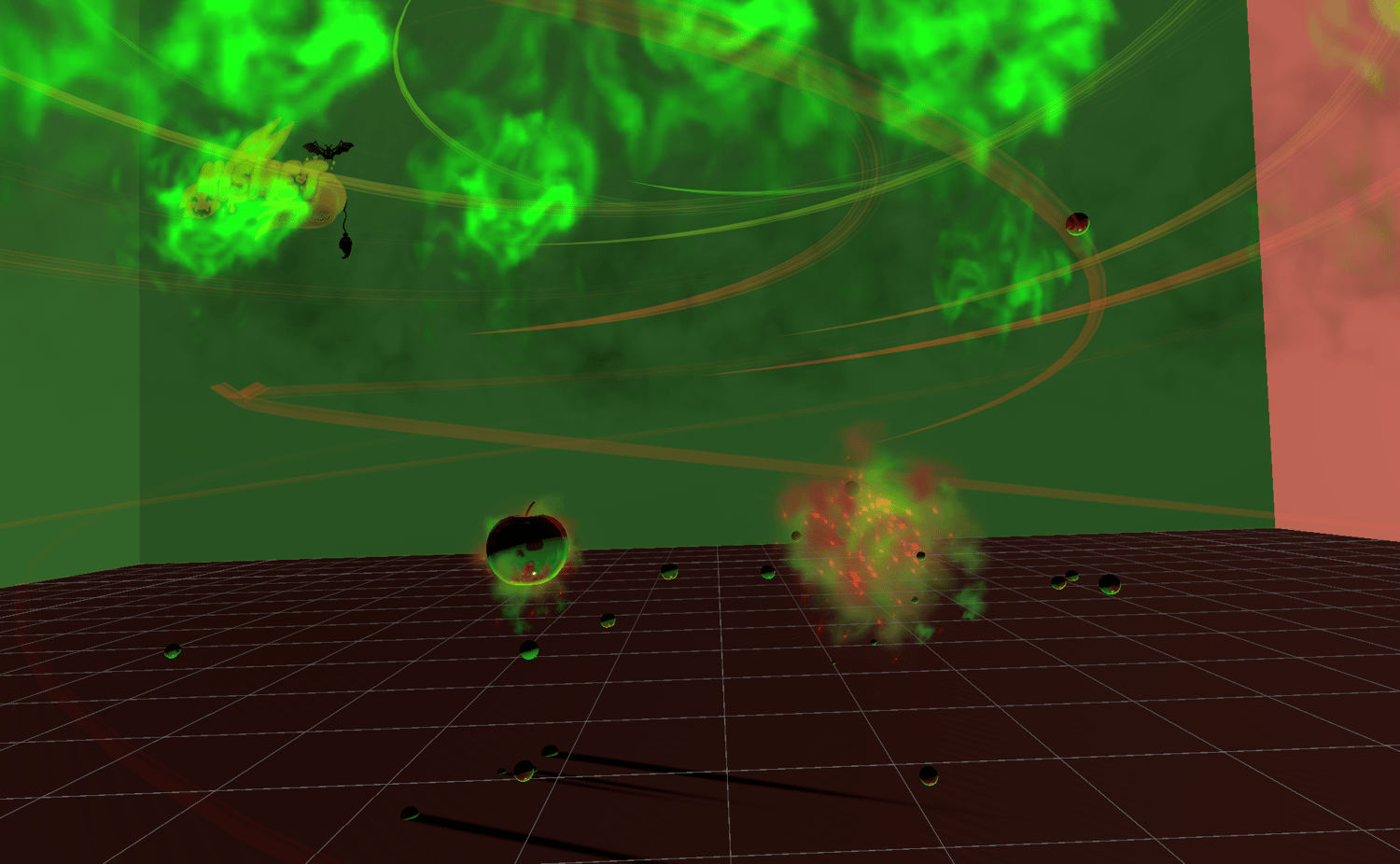

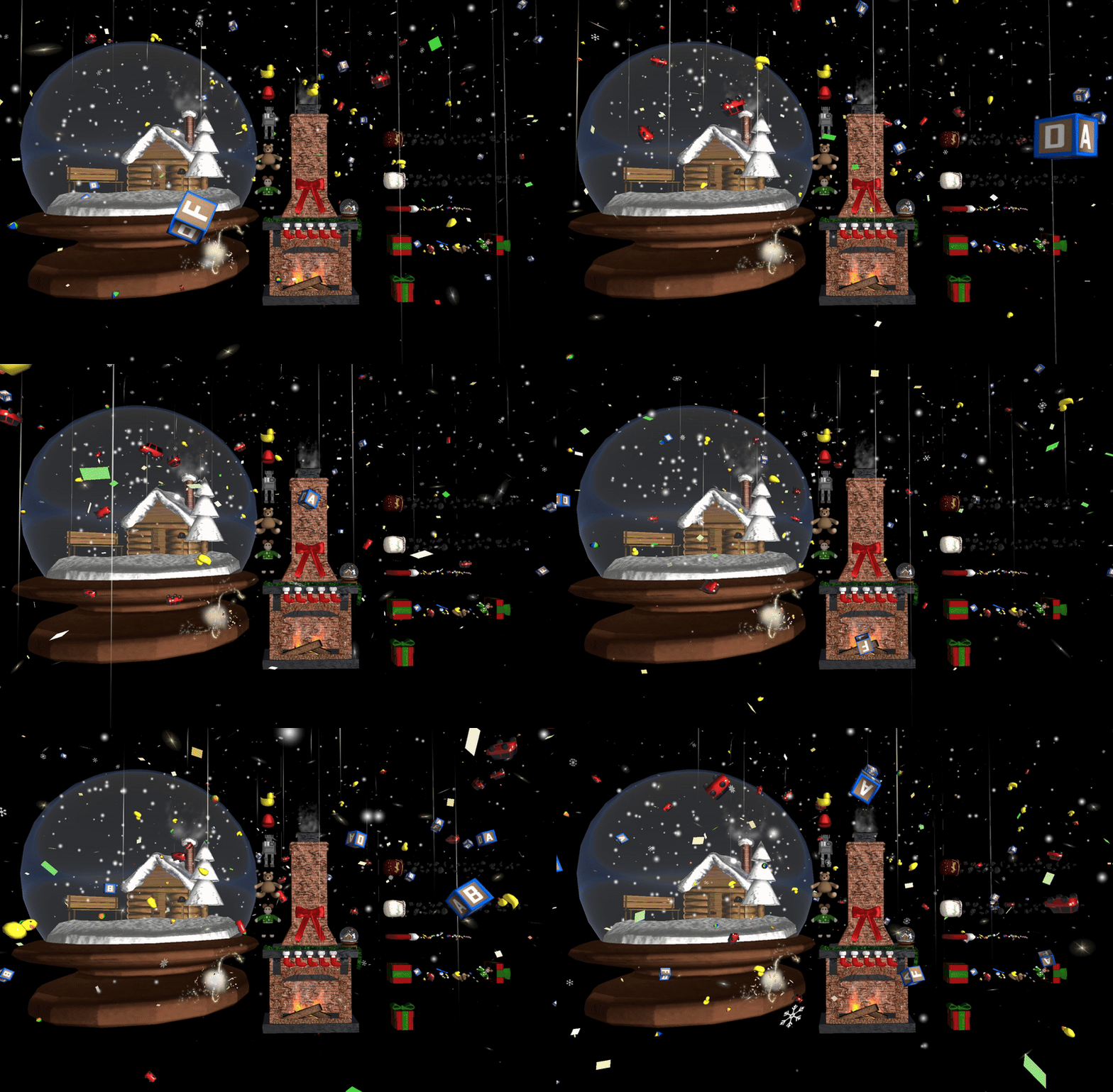


Holiday Asset Collection
The Full Holiday Asset Collection!~ AAAAAAAAAA
Assets are also sold separately/stats are on solo pages on my shop!~
Includes:
Rubber Duckie (Rigged Toy)
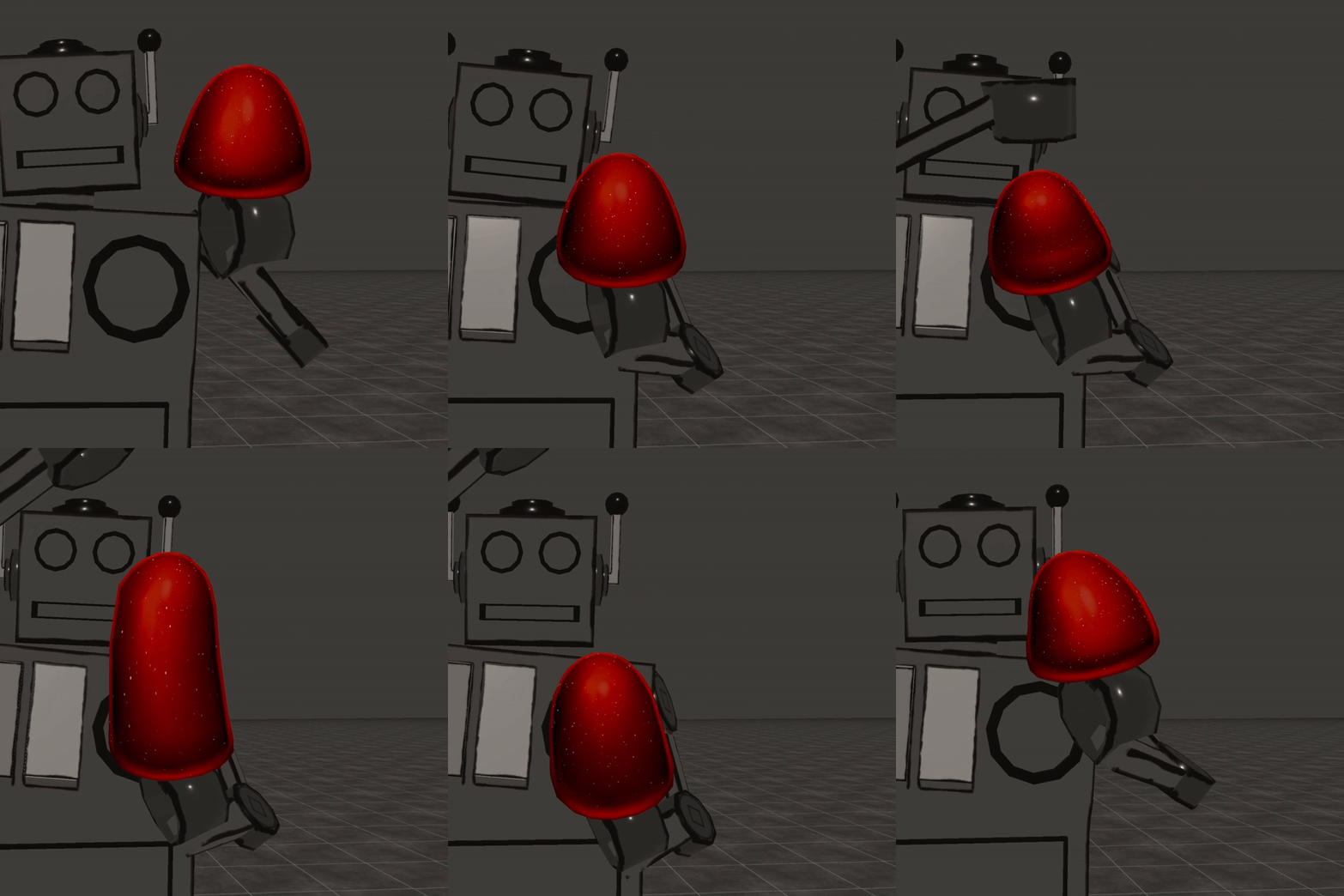
Toy Robot (Rigged Toy)
Gumdrop (Rigged Toy)
Doll (Rigged Toy)
Teddybear (Rigged Toy)
Working/Customizable Snowglobe
Working/Customizable Fireplace
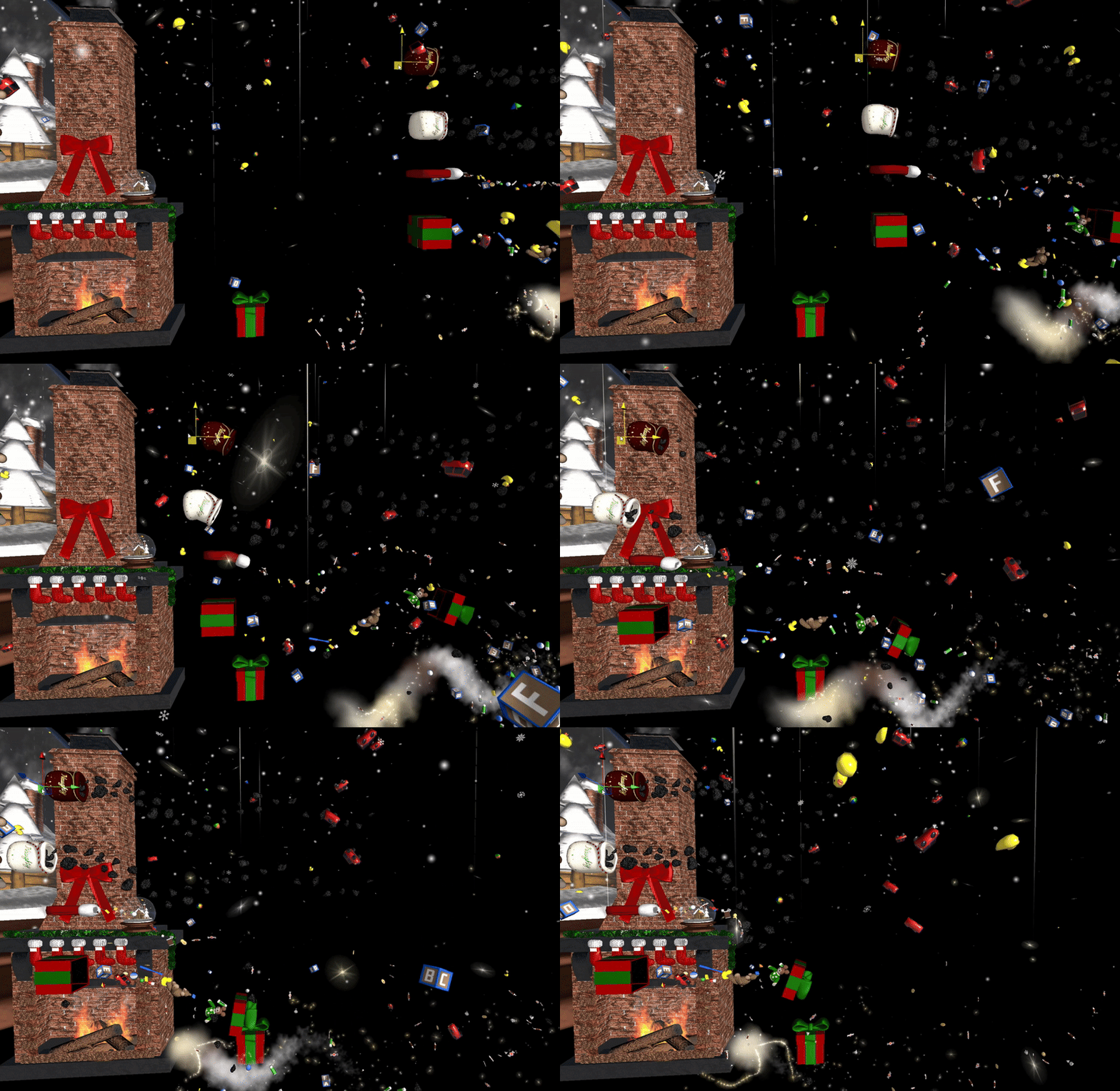
Gift Box Flow Toy
Stocking Flow Toy
Coal Flow Toy
Candy Hand Trails
Toy Explosion
Snow Idle
Snowflake Idle
Blizzard
Collection Demo Video: https://youtu.be/Vbb7Du6Qbmk
(Candycane assets not included, coming later!~)
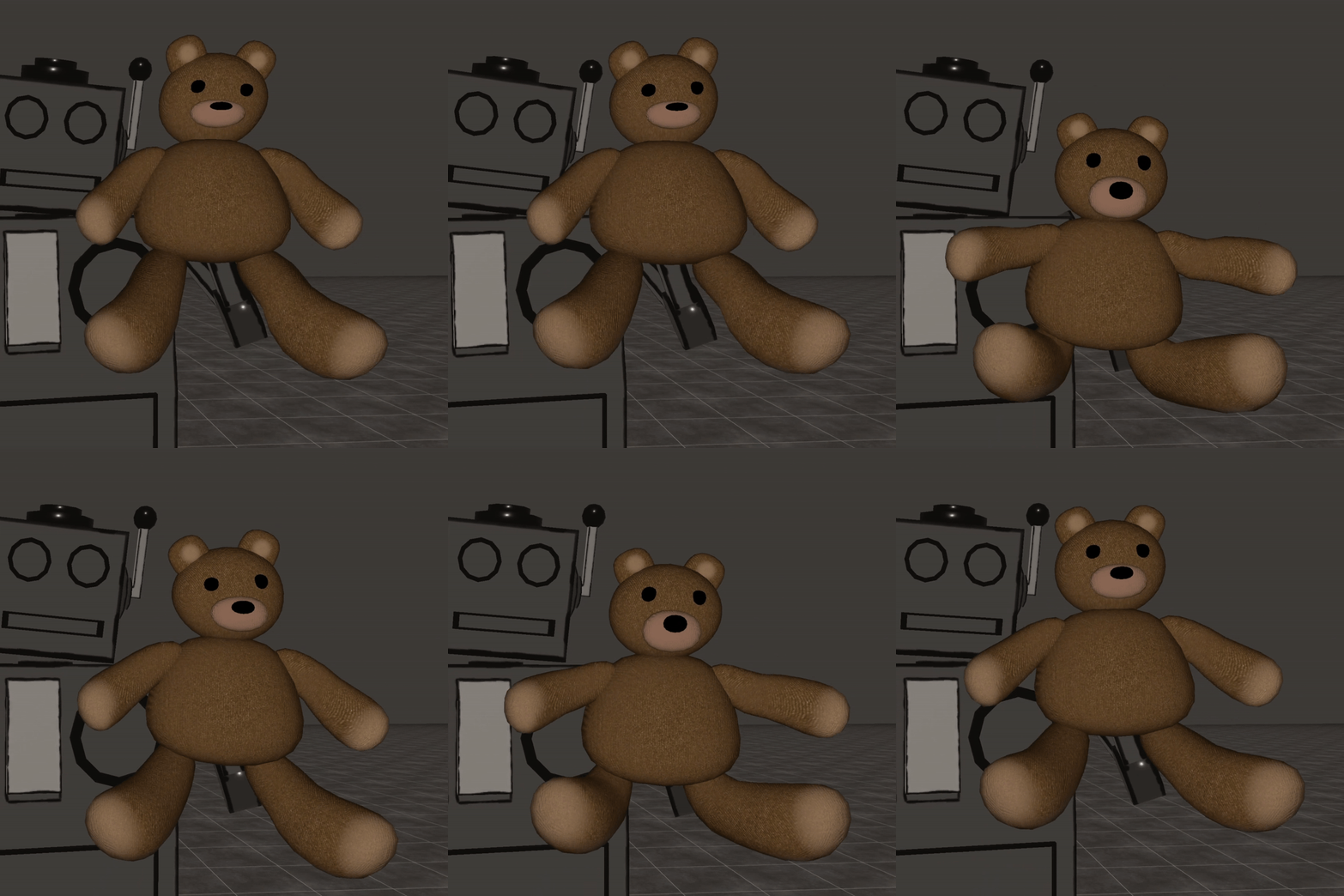
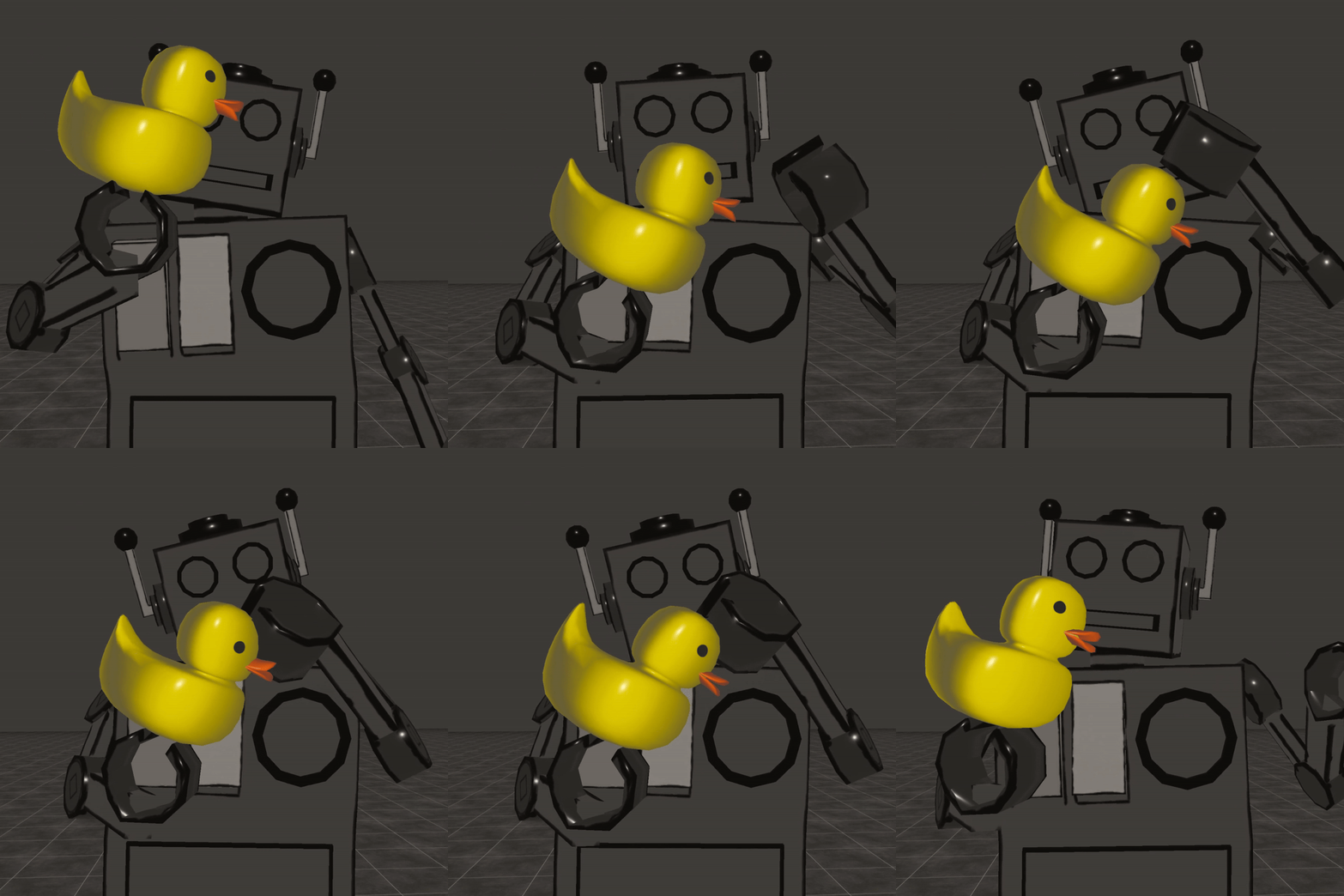
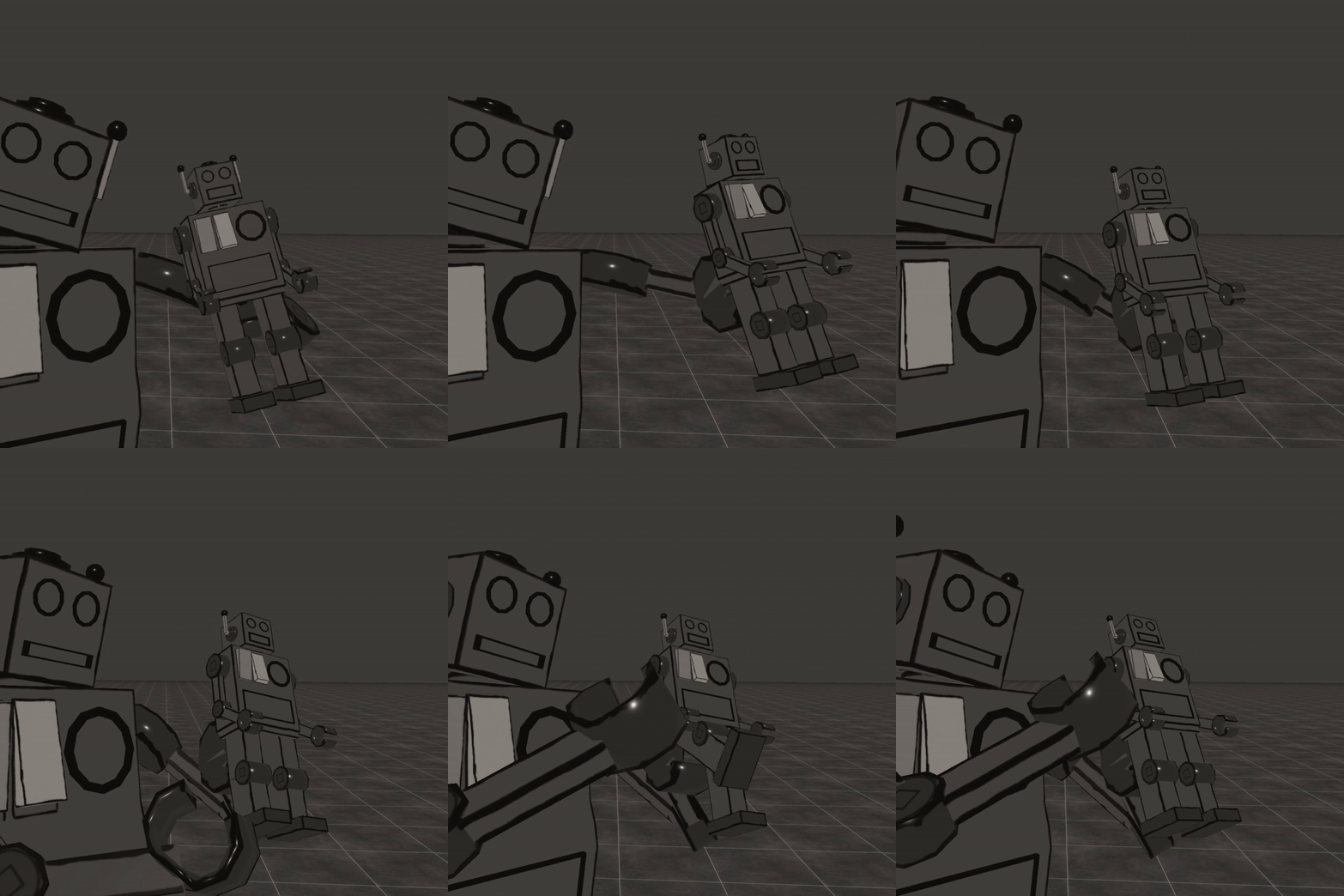
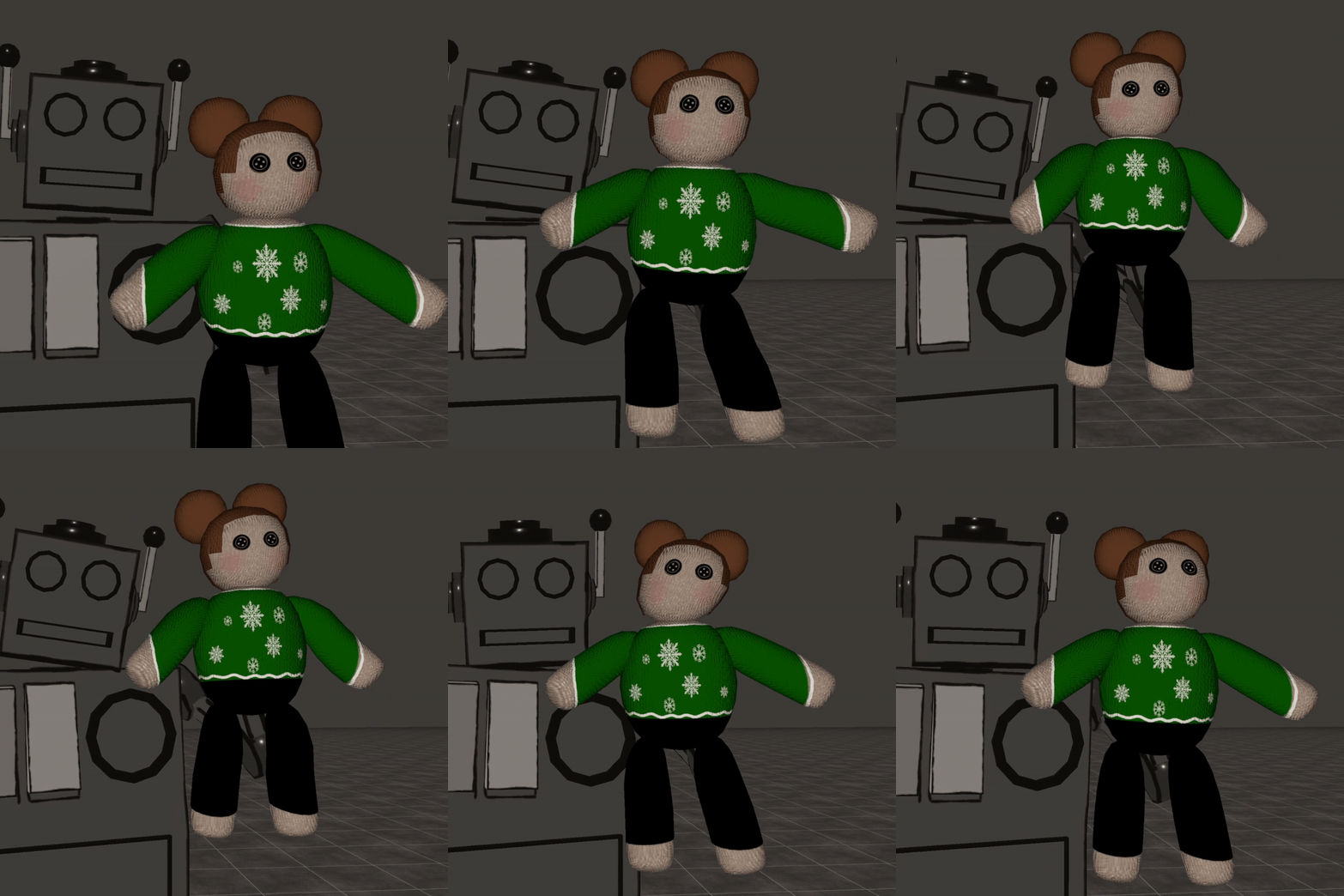
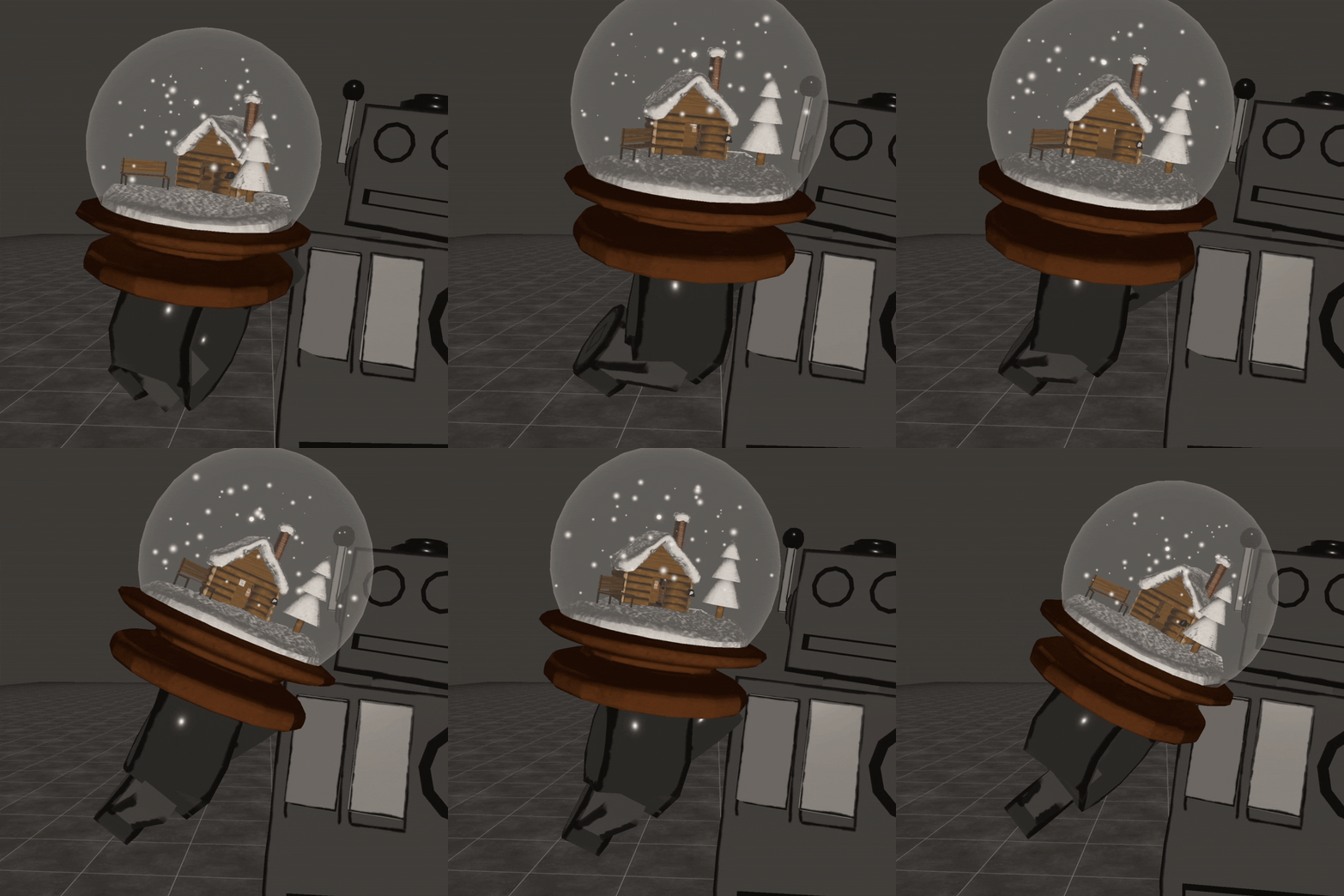
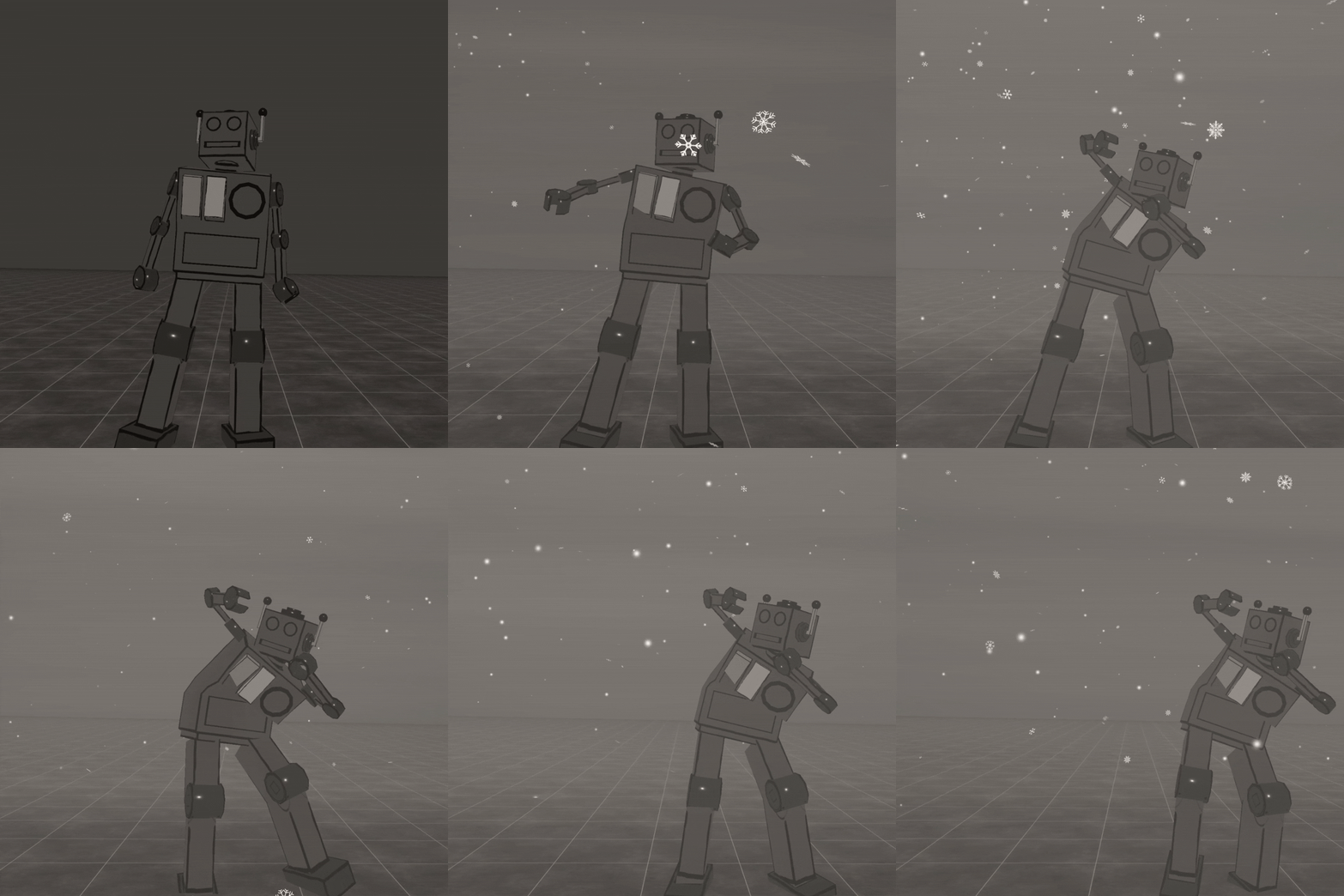
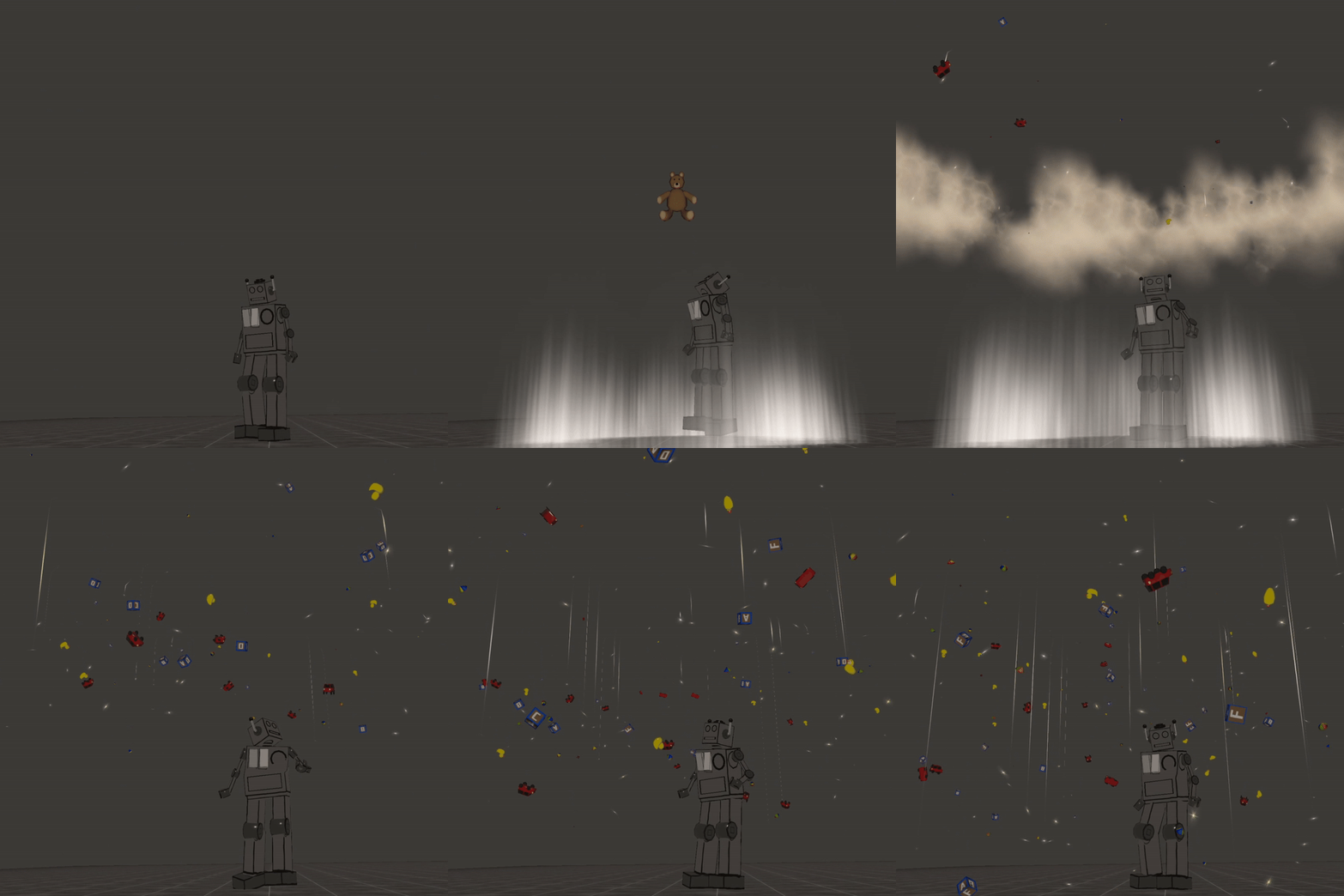
TOS:
Can be used on paid, private, public avatars. Can not be used on free avatars!~ Ask to use it on Nitro avatars.
Please have standard knowledge of unity before purchasing this asset~
You can use this asset in other gaming platforms/convert for vtubing etc under the same TOS!~
Please have standard knowledge in adding particles/props, or visit a tutorial video of mine on youtube, I cannot help everyone with application.
Do not rip, copy, and or modify any parts of this package to resell. Editing for use on a finished avi only is allowed.
Do not claim asset or any parts as your own.
Do not resell alone (On completed avatars ONLY).
Can be used on public models!~
Do not share or trade this asset.
Do not rip any shaders/textures used in creating these effects.
No price splitting.
All sales are final.
Please be a nice person UwU.
Any questions? Something giving you trouble or you want added? I'd love to hear your feedback and ideas in my discord server!~
PLEASE JOIN THE DISCORD AND MAKE A TICKET IF THERE ARE ANY ISSUES!~ <3
FAQ:
Q: I can't see parts of the particles, what's wrong?
A: You likely imported a material twice or overwrote something accidentally. Sometimes like named materials will overwrite each other, or shaders may break on import. Try re-importing and see if this helps.
Q: The particles disappeared when I put it in my scene/on my avatar, how do I fix this?
A: Sometimes particles try to scale to what you put them on. Check the size of the prefab, if it's tiny make it bigger, and if it's big make it smaller. You can use the scale tool to get it to your preference per avatar.
Q: Is everything PC/Quest?
A: I try to make most of my particles PC/Quest when I can. Not everything converts well unfortunately. If the asset isn't specified pc/quest, it's safe to assume it is pc only. Shaders can often be switched to mobile to be quest compatible.