
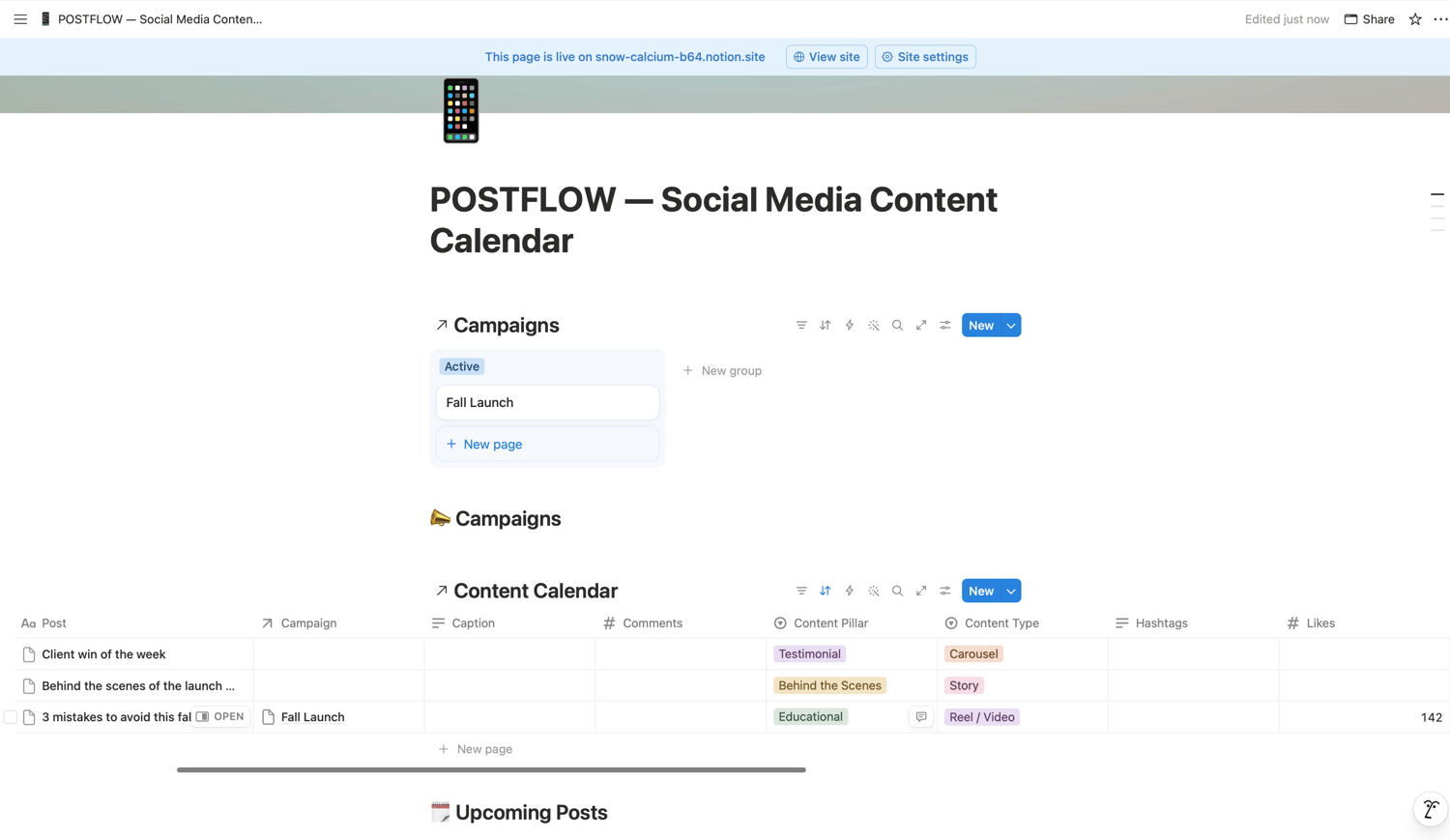
POSTFLOW — A Notion Social Media Content Calendar & Campaign Planner
Most content calendars are just a pretty table. This one is a system.
You've probably tried a Canva content calendar, or a Notion template that's really just a single database with a nice cover image. It looks good for a week — then you stop using it, because it doesn't actually help you see what's working.
POSTFLOW is built differently: everything is connected.
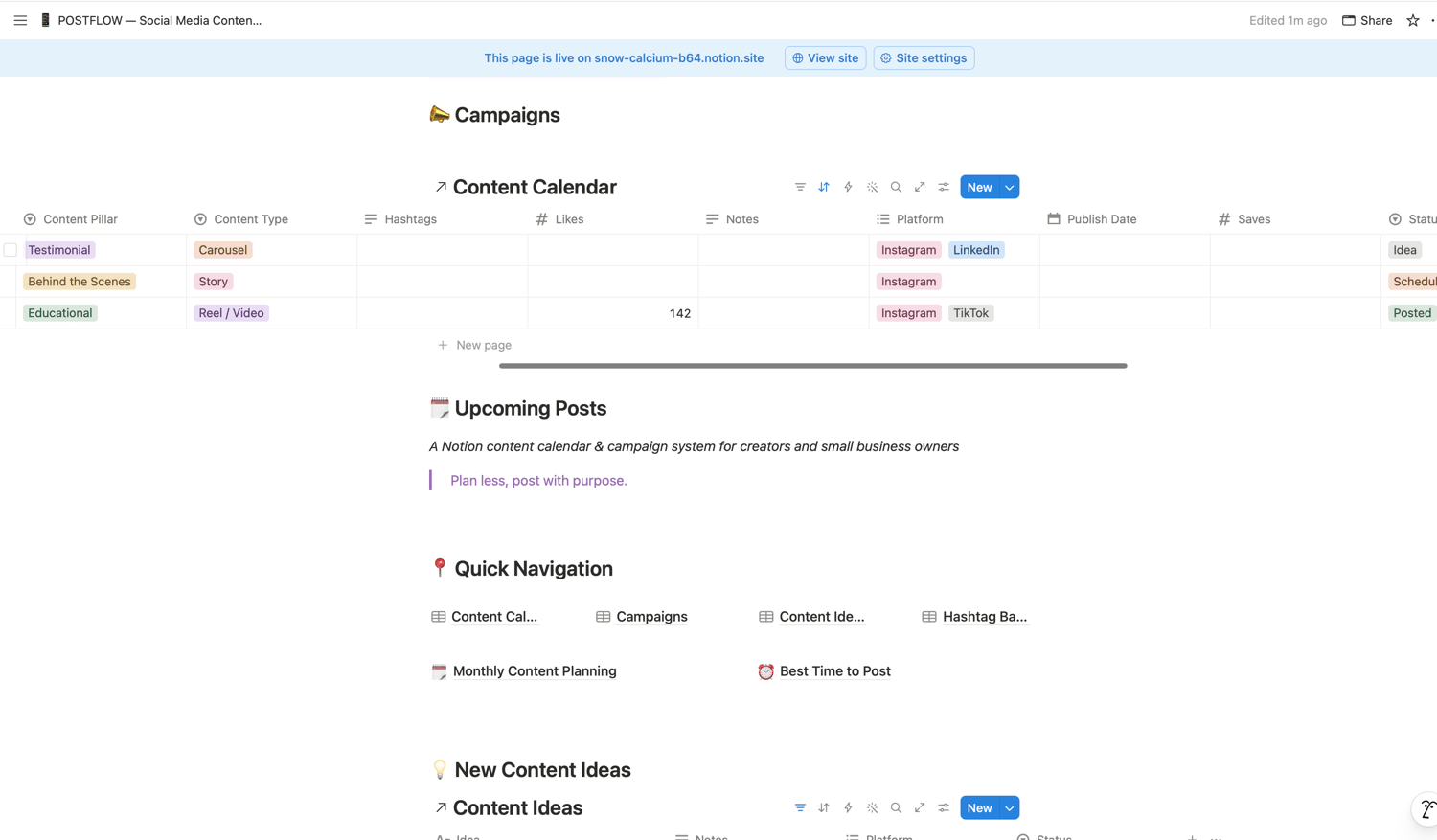
Your posts link directly to the campaigns they belong to, so you can see every piece of content tied to a launch in one place. Performance fields (views, likes, comments, saves) live right on each post, so you're not jumping between five apps to know what's working. A content idea bank, a hashtag library, and platform-specific posting guidance are all part of the same system — not five separate templates duct-taped together.
What's Inside
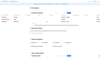
🗓️ Content Calendar Every post tracked by platform (multi-platform tagging supported), content type (Reel, Carousel, Static Post, Story, Pin, Article), content pillar, and status — from Idea through Posted. Performance metrics built right in.
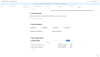
📣 Campaigns Group related posts under a shared launch or campaign and see everything tied to it — goal, timeline, and every linked post — in one view.
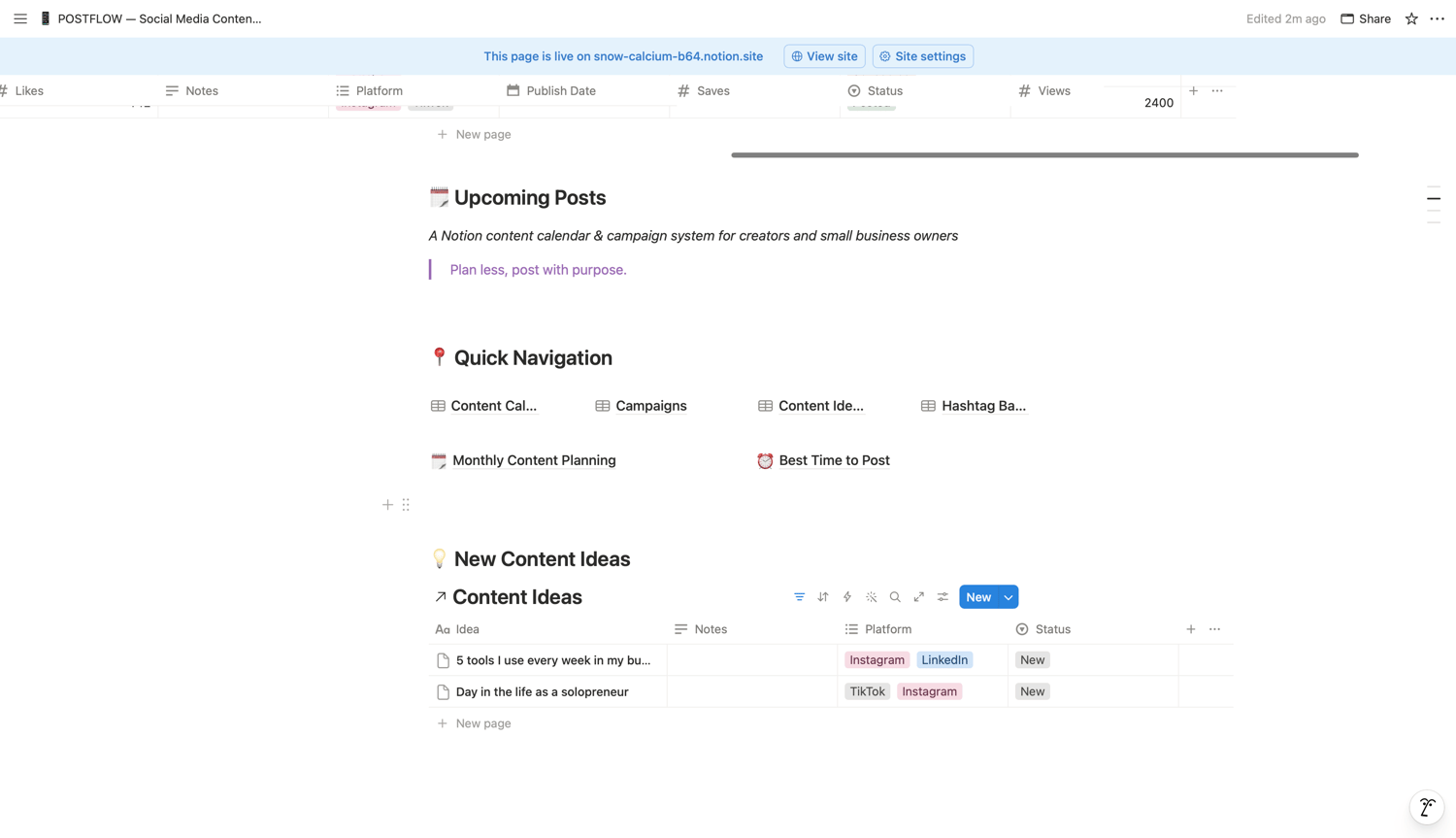
💡 Content Ideas Bank Capture ideas the second they hit, tagged by platform, so nothing gets lost between now and your next planning session.
#️⃣ Hashtag Bank Save your go-to hashtag groups by platform so you're never rebuilding them from scratch.
⏰ Best Time to Post General, platform-specific starting guidance for Instagram, TikTok, Pinterest, and LinkedIn — with an honest note that your own analytics matter more than any universal rule.
📅 Monthly Content Planning Set your theme, your goal, and your content-pillar mix before the month starts — not the night before a post is due — with a built-in calendar view of everything scheduled.
Why It's Different
✔️ Real relational structure — campaigns and posts are linked, not separate spreadsheets you manage by hand ✔️ Performance tracking built in — most competing templates are just a posting schedule with zero way to see what worked ✔️ Multi-platform from the ground up — tag one post for Instagram AND TikTok AND Pinterest without duplicating rows ✔️ Comes pre-loaded with sample data — a live sample campaign and posts at different stages, so it's obvious how to use it immediately ✔️ Built for the small-business reality — content pillars, campaign grouping, and idea capture in one place instead of scattered across five different apps
Who This Is For
Creators managing multiple platforms who are tired of guessing what to post next. Small business owners and solopreneurs who need their content tied to actual campaigns and launches, not just a random posting schedule. Social media managers juggling several clients' content calendars who need a repeatable system.
What You'll Need
A free or paid Notion account. Works on desktop, web, and mobile.
Short Taglines
- "Plan less, post with purpose."
- "The content calendar that actually connects to your campaigns."
- "Stop guessing what worked. Track it."
- "One system for your posts, your campaigns, and your ideas."
Bullet List ("What's Included")
- 1 Home Dashboard with live views into every part of your content system
- 4 fully connected databases: Content Calendar, Campaigns, Content Ideas, Hashtag Bank
- Built-in performance tracking (views, likes, comments, saves) on every post
- Multi-platform tagging (Instagram, TikTok, Pinterest, LinkedIn, Facebook, YouTube)
- Content pillar system to keep your mix balanced
- Monthly planning page with a live calendar view
- Platform-specific "Best Time to Post" reference page
- Pre-loaded sample data so it works immediately, right out of the box
- Beginner-friendly — no Notion experience required
link POSTFLOW — A Notion Social Media Content Calendar & Campaign Planner