
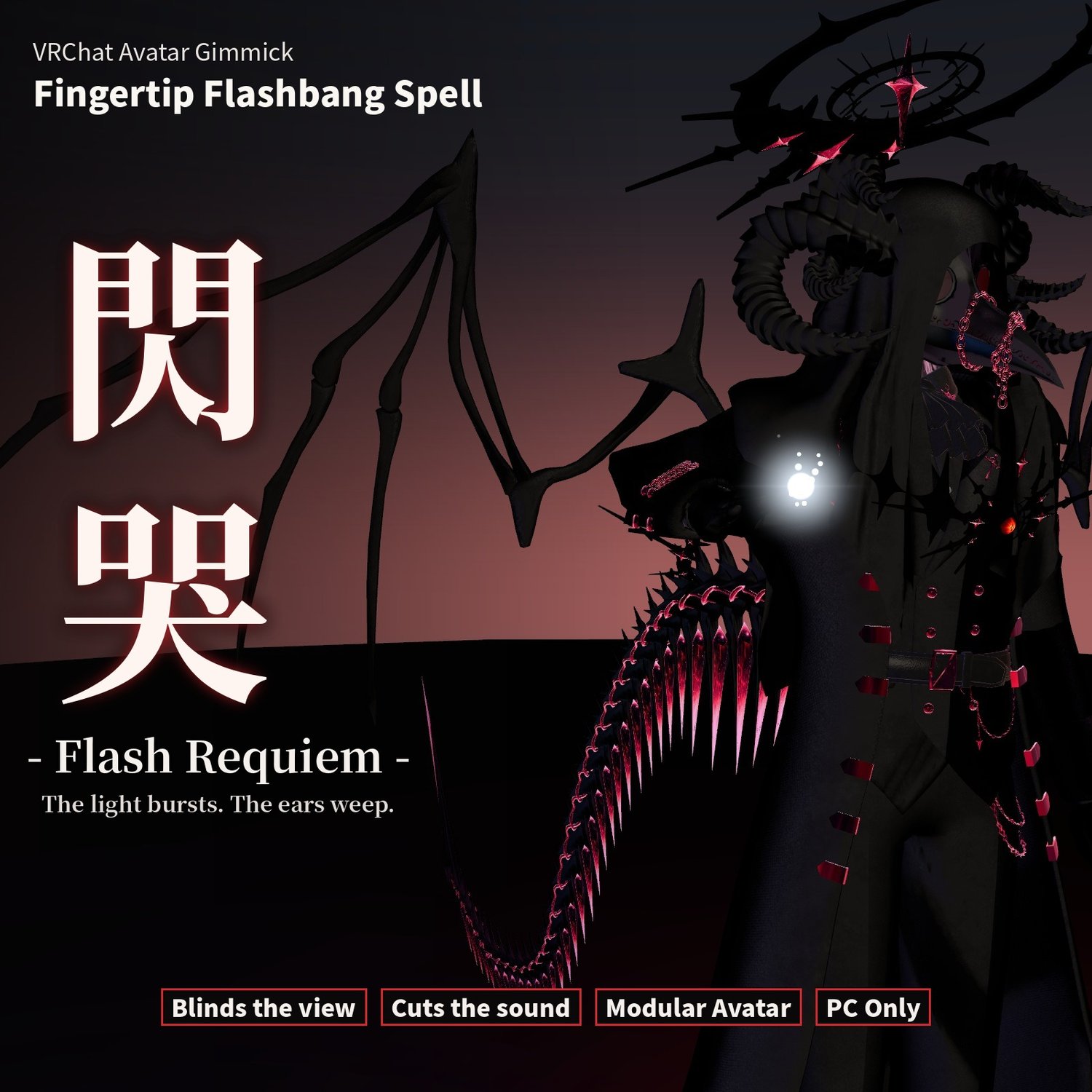
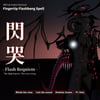
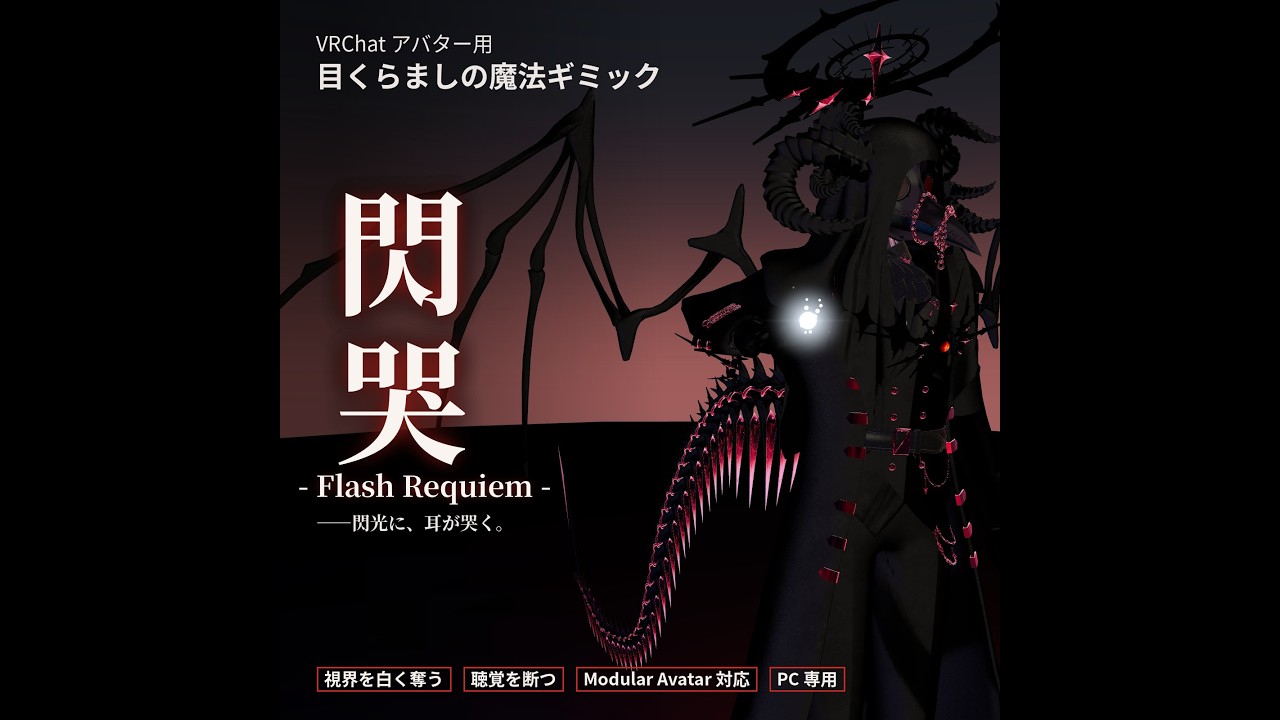
Flash Requiem (閃哭) — Fingertip Flashbang Spell [VRChat / Modular Avatar]
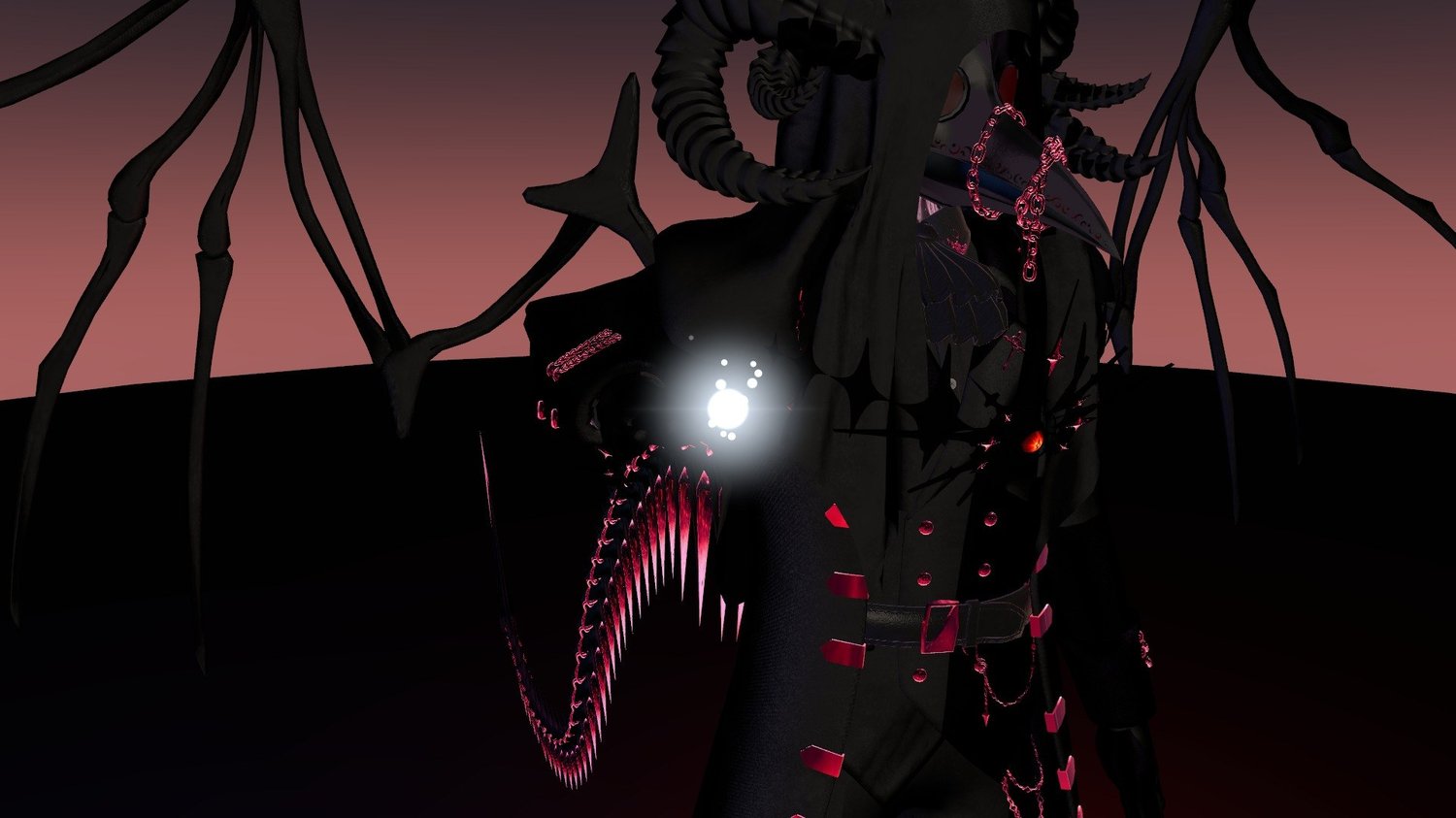
A small light on your fingertip.
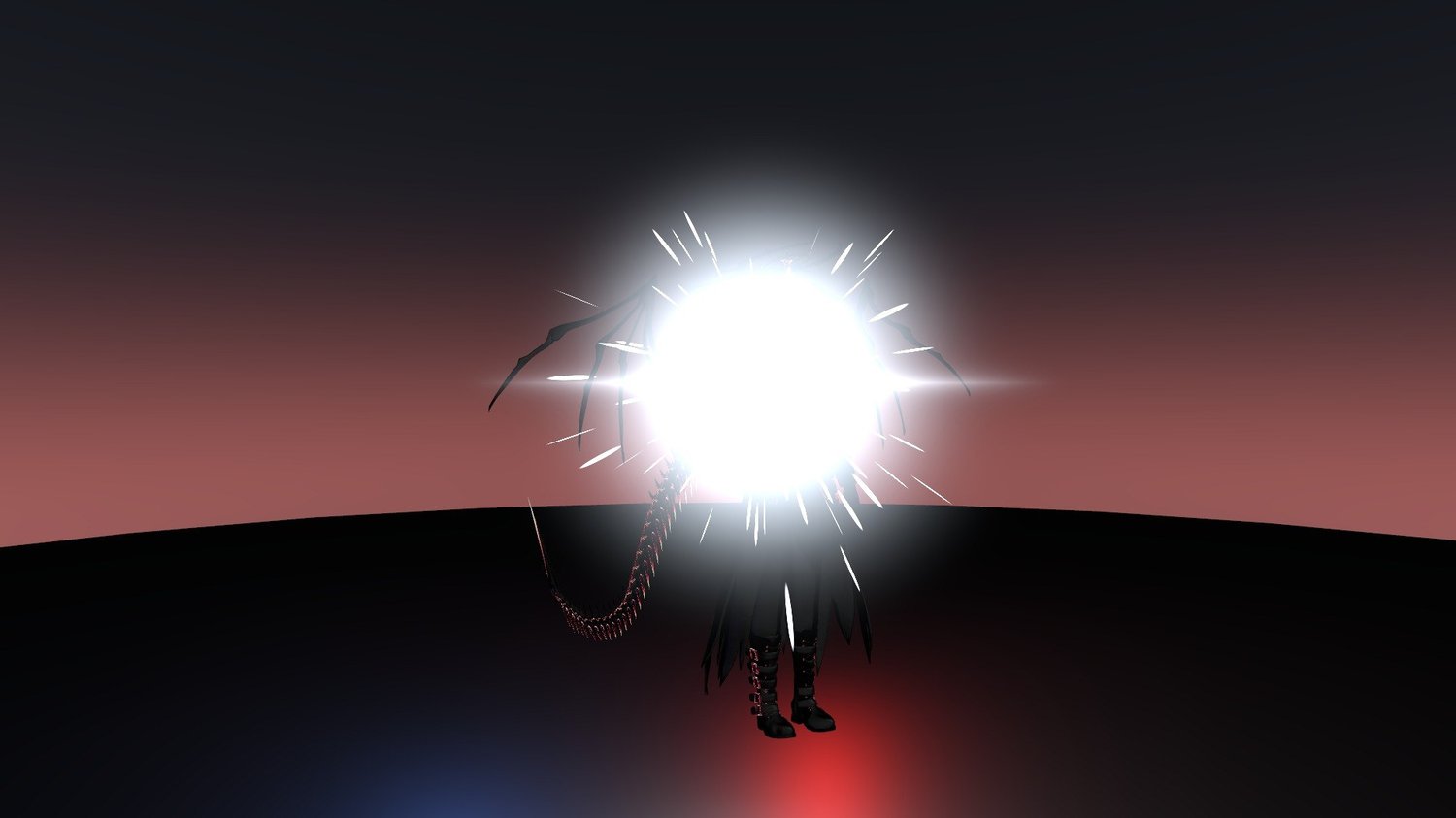
When it bursts, the world goes white. A sound past the limit of hearing cuts off mid-blast.
All that's left is the ringing.
A blinding spell for VRChat avatars. Light an orb on your index finger, then detonate it from the menu.
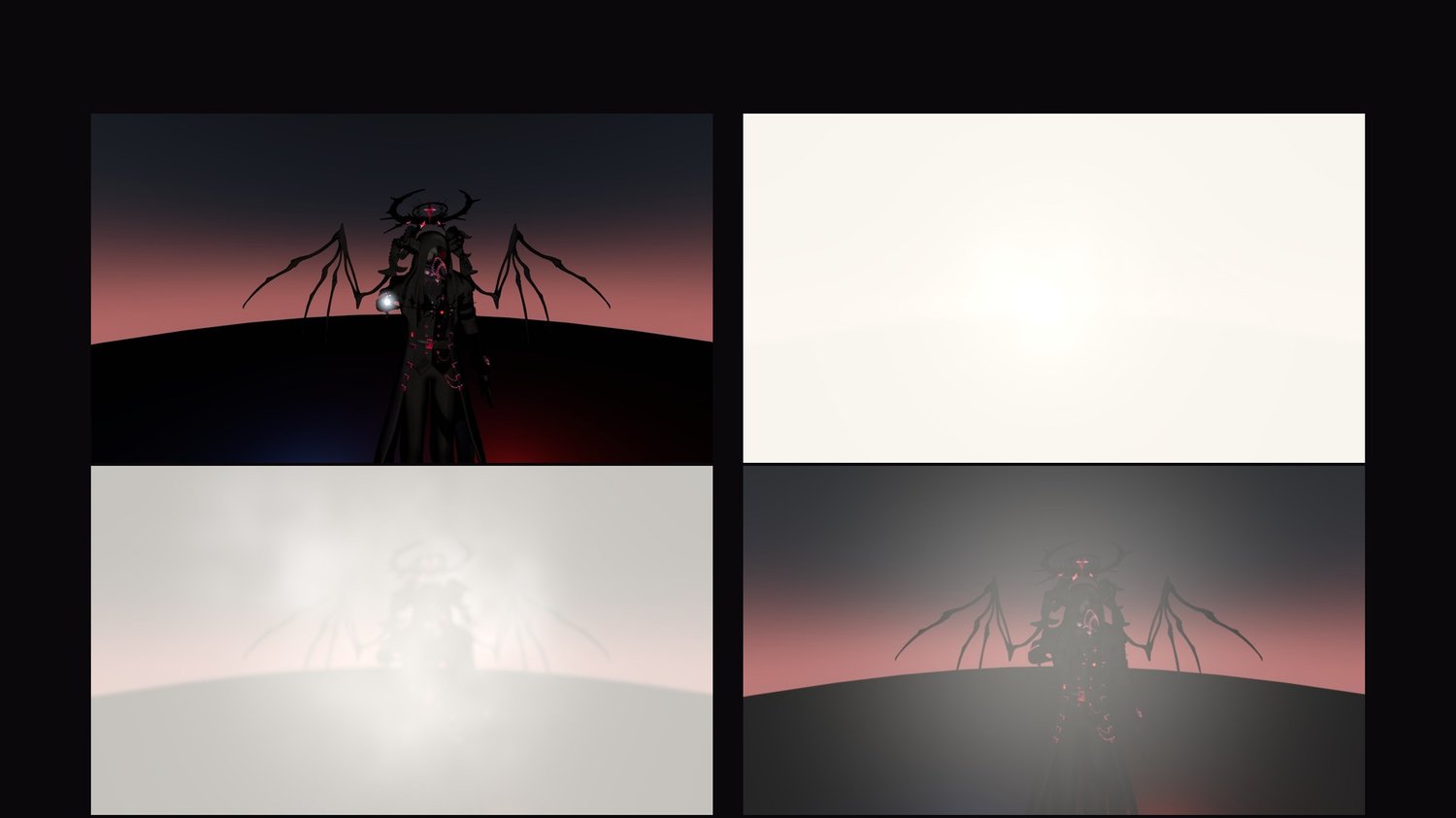
Anyone close by has their screen turn white, then bleed back over a few seconds.
Sequence
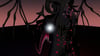
- Light — Turn on the orb. A finger snap, and light settles on your fingertip.
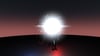
- Burst — The orb detonates. Flash and sparks light the area; smoke lingers.
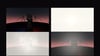
- White — Nearby screens go white, then return through bloom, washed-out color and afterimage.
- Silence — Only those hit hear a blast beyond the limit of hearing, cut off partway. Then tinnitus.
Features
- Distance decides the effect: by default only people within 3 m are blinded, and the closer they are, the whiter and longer it lasts. People farther away only see the flash and hear a normal bang.
- Sound for the victims only: the cut-off blast and the ringing are heard only by those affected.
- You are not affected. The menu option 「自分にもかかる」 (Affect myself) lets you try it on yourself.
- The flash stays where it burst: move after casting and the light and smoke remain in place.
- Everyone around you sees and hears it.
- One-click install from the Tools menu.
- Inspector settings: range, fade time, whiteness, afterimage, light color, light and smoke on/off, volume, sound replacement.
Photosensitivity
- One white flash per burst. It only fades after that. No flickering.
- About 9 seconds of cooldown — repeated flashes are not possible.
- No screen shake (to avoid VR sickness).
- Not visible to VRChat mirrors, photos, or stream cameras.
Read before use
Do not use it in public instances or on anyone who hasn't agreed to it.
Use it among friends, for play or filming, where everyone knows what's coming.
Do not use it around people sensitive to light or sound.
Install
Modular Avatar based. In Unity: Tools → 天禍堂 (Tenkado) → 閃哭 (Flash Requiem) → 「選択中のアバターに導入」 (Install to selected avatar), then upload.
The orb, flash, screen effect, audio, animations and menu are generated at upload. Your original avatar is not modified.
Unity and in-game menu labels are in Japanese; Install_EN.txt gives the English meaning of each one.
Requirements
- VRChat PC only (no Quest / Android)
- Unity 2022.3 / VRChat SDK - Avatars
- Modular Avatar (required, install separately)
- Humanoid avatar
Please note
- The light that illuminates the surroundings drops your performance rank to Poor (it can be turned off).
- Uses 2 bits of synced parameters.
- Uses custom shaders. Viewers who block shaders won't see the screen effect or the light.
- Depending on viewers' safety settings, some effects or sounds may not show.
- People on the other side of a wall are affected if they are close enough.
Sound
Made from CC0 sources, processed and layered by Tenkado. No credit required. Sources are listed in Audio/CREDITS.txt.
Included
- Senkoku_v1.0.unitypackage (gimmick, shaders, 3 sound effects)
- Install_EN.txt / 導入方法.txt
- Terms_EN.txt / 利用規約.txt
Terms (summary)
- Editing OK / reusing parts OK
- Do not use it in public instances, on people who haven't agreed, or to harass anyone
- No redistribution, transfer, or resale of the data, edited or not
- Full terms in Terms_EN.txt
Avatar shown: Komano (狛乃)
Made by Tenkado (天禍堂), Japan.