
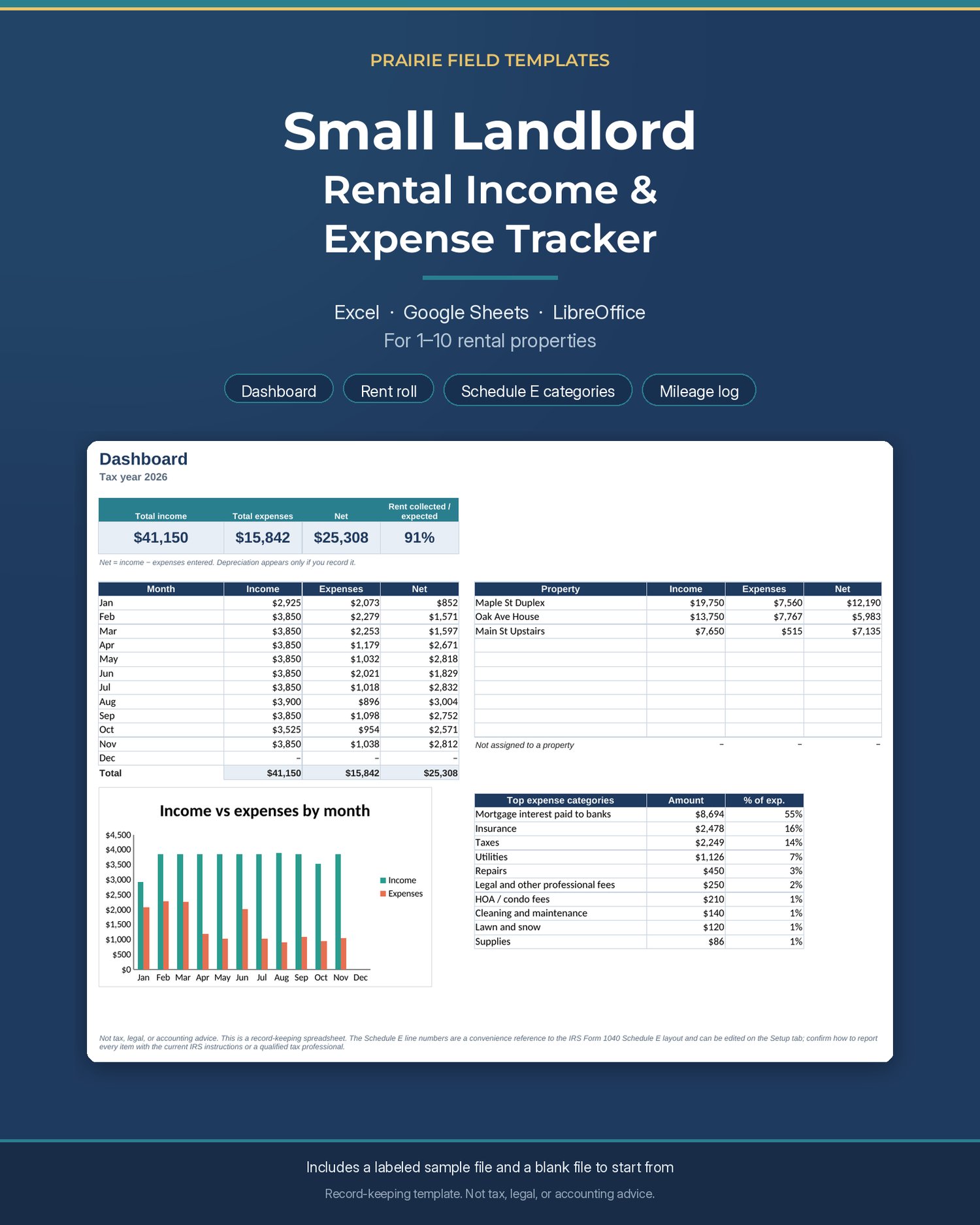
Small Landlord Rental Income & Expense Tracker
A straightforward income and expense workbook for small landlords who want one place to record rent and costs, see a year-to-date picture, and hand tidy totals to a tax preparer.
What's inside
• Setup for up to 10 properties and a tax year you choose
• Tenants tab (up to 30 units): lease dates, monthly rent, deposit, rent due day
• Transactions tab: 1,500 rows for rent and expenses, with dropdowns for property, category, and payment method
• Rent Tracker: rent received vs expected, by unit and month (green = paid in full, amber = partial)
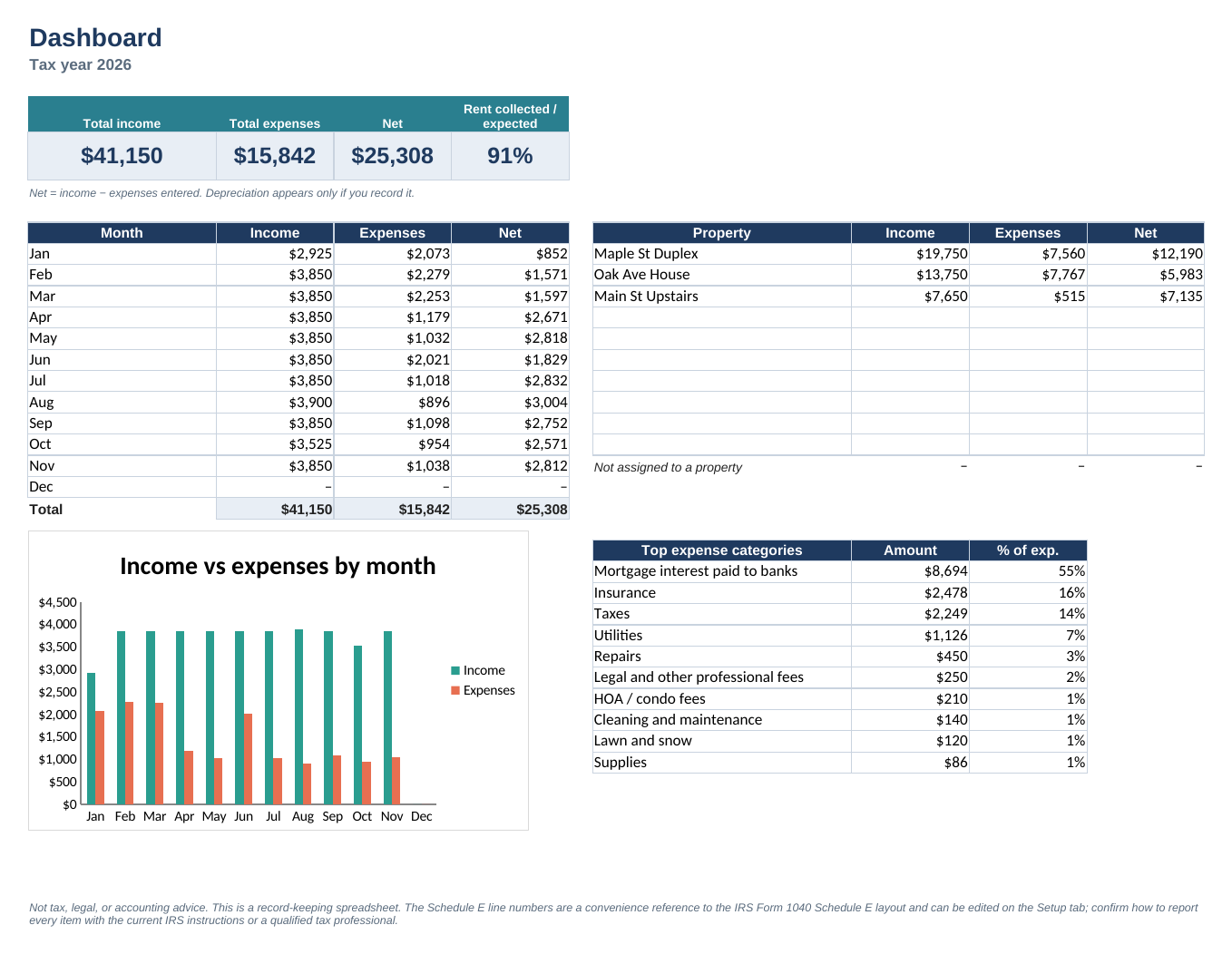
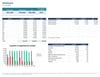
• Dashboard: income, expenses, net, monthly chart, totals by property, and top expense categories
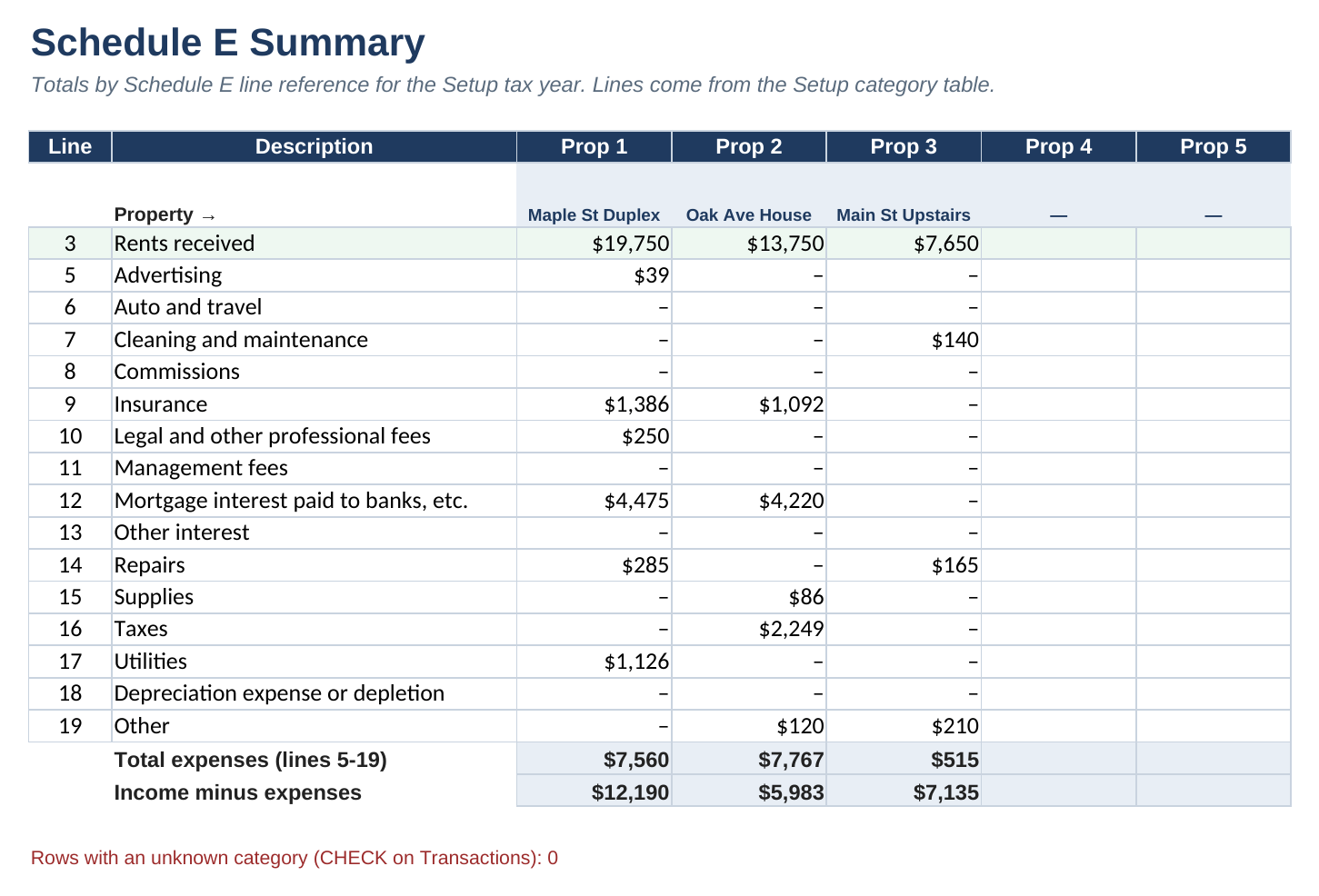
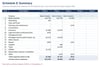
• Schedule E Summary: totals by Schedule E line reference, per property, so you can copy numbers for your preparer
• Optional mileage log (does not post to transactions; you enter any per-mile rate yourself)
• Works in Excel 2010+ / Microsoft 365, Google Sheets, and LibreOffice. Formulas stay compatible with all three (no Excel Tables, no dynamic arrays).
You get two working copies: a blank file to start from, and a sample file already filled with fictional properties so you can see how the formulas behave. Sample rows are labeled SAMPLE. Start Here has step-by-step instructions, including how to clear the sample data.
Income and expense categories follow the usual Schedule E layout (rents received, advertising, insurance, repairs, mortgage interest, taxes, utilities, and so on). Line numbers live on the Setup tab and can be edited if the form changes.
This is a record-keeping spreadsheet. It is not tax, legal, or accounting advice. The Schedule E line numbers are a convenience reference only. Confirm how to report every item with the current IRS instructions or a qualified tax professional. Security deposits are tracked on the Tenants tab and are not treated as income in the workbook; ask your tax professional how to treat any deposit you keep. Depreciation appears only if you enter it.