

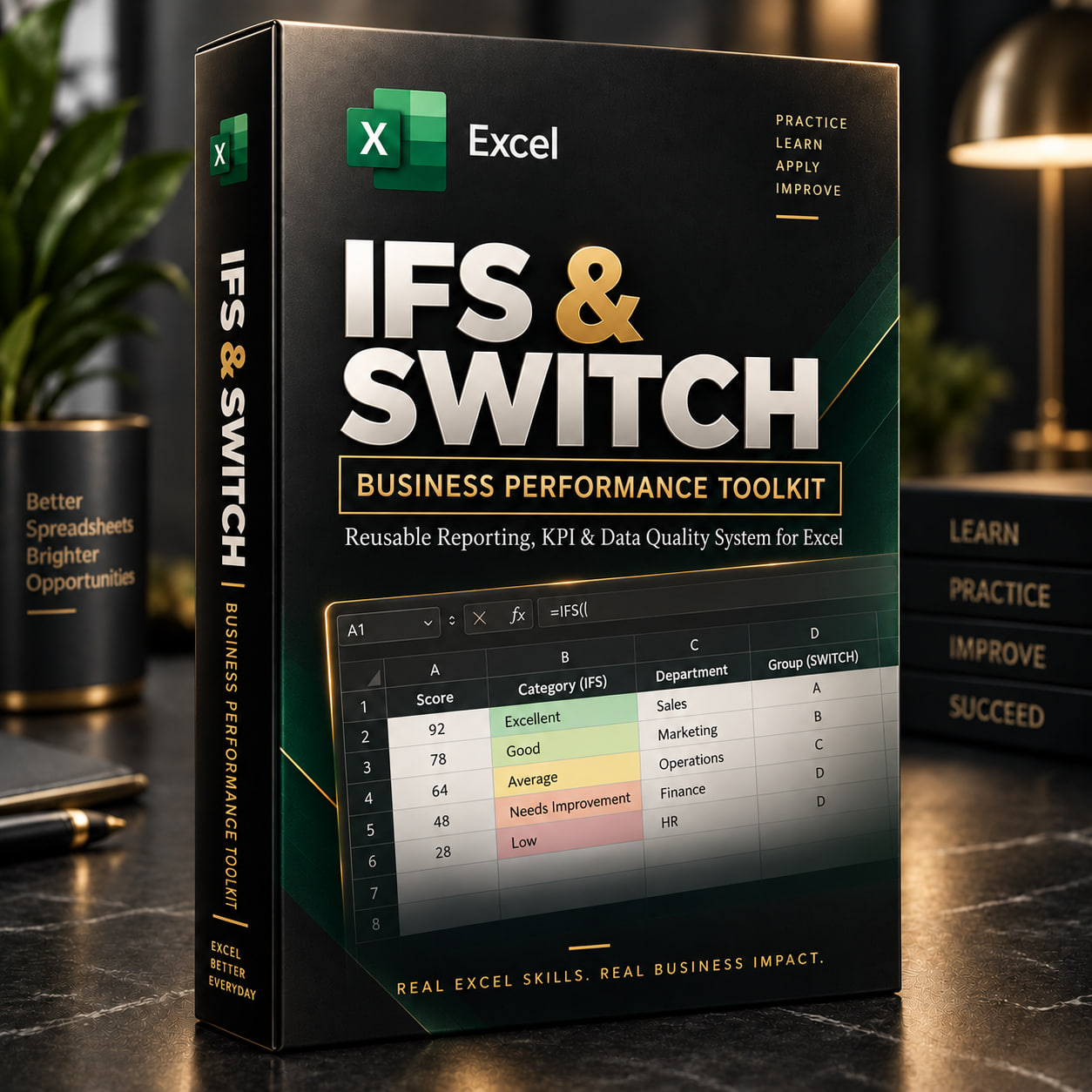
Excel IFS & SWITCH Business Performance Toolkit
Turn simple Excel logic into a reusable business reporting workflow.
This toolkit is built around IFS, SWITCH, IF, structured Excel Tables, KPI reporting, and data-quality checks. Unlike a basic practice workbook, this version is designed to work as a practical business solution that you can adapt to your own data.
You can replace the sample records with your own dataset, adjust business rules in the Settings sheet, and use the workbook to automatically classify performance, map department codes, check target achievement, flag data issues, and update the connected business report.
What’s included
- Start Here / READMEFull usage instructions
- How to replace sample data
- What you can safely edit or delete
- What should not be renamed
- How to expand the source table
- Common issues and troubleshooting
- SettingsEditable performance thresholds
- Department code mapping
- Business rule controls
- Source DataReusable Excel Table
- User input area
- Automatic Performance classification
- Automatic Department Name mapping
- Target Status calculation
- Data Quality validation
- Business ReportTotal Sales KPI
- Average Sales KPI
- On Target %
- Valid Records
- Performance Distribution
- Department Performance summary
- Connected business charts
- Data QualityMissing employee checks
- Missing date checks
- Negative Sales / Target checks
- Unknown Department checks
- Automatic REVIEW / OK status
How it works
Paste your own records into the Source Data table, update your thresholds and department mappings in Settings, and the workbook automatically recalculates the analysis.
The formulas use:
- IFS for performance classification
- SWITCH for department mapping
- IF for target status
- structured table formulas for reusable calculations
- summary formulas for the connected report
Ideal for
- Business analysts
- Finance teams
- Sales reporting
- Operations teams
- Managers
- Excel users building reusable reporting tools
- Anyone replacing large nested IF formulas with cleaner logic
Why this is different from the Practice Workbook
The Practice Workbook is designed to follow the YouTube tutorial step by step.
This Toolkit goes further.
It is designed as a reusable business solution where you can:
- use your own data;
- change performance rules;
- customize department mappings;
- monitor data quality;
- analyze performance;
- use connected KPIs and charts.
File format
.xlsx
Recommended Excel version
Excel 2021 or Microsoft 365
IFS and SWITCH are fully supported in these versions.