


Consultant Background Preparation
Residential CAD Solutions
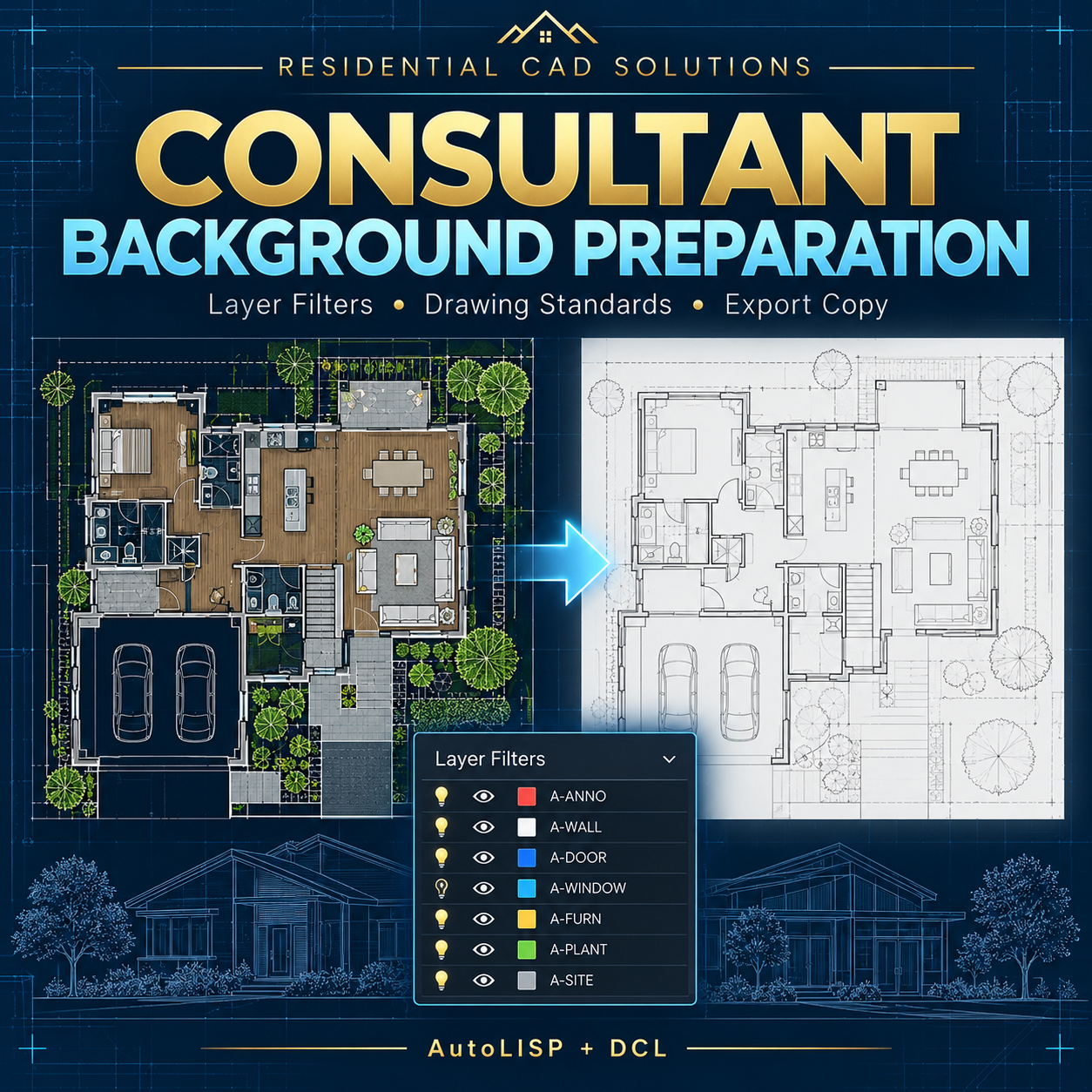
Prepare a separate consultant background drawing with consistent filters and formatting.
Consultant Background Preparation is an AutoLISP + DCL tool designed to copy eligible model-space objects into a new DWG, then apply your selected preparation settings to that copy.
Choose what to include, adjust its appearance, and generate an audit report for your delivery review.
Features
- Flexible selection: Process all model-space objects or pick a specific subset.
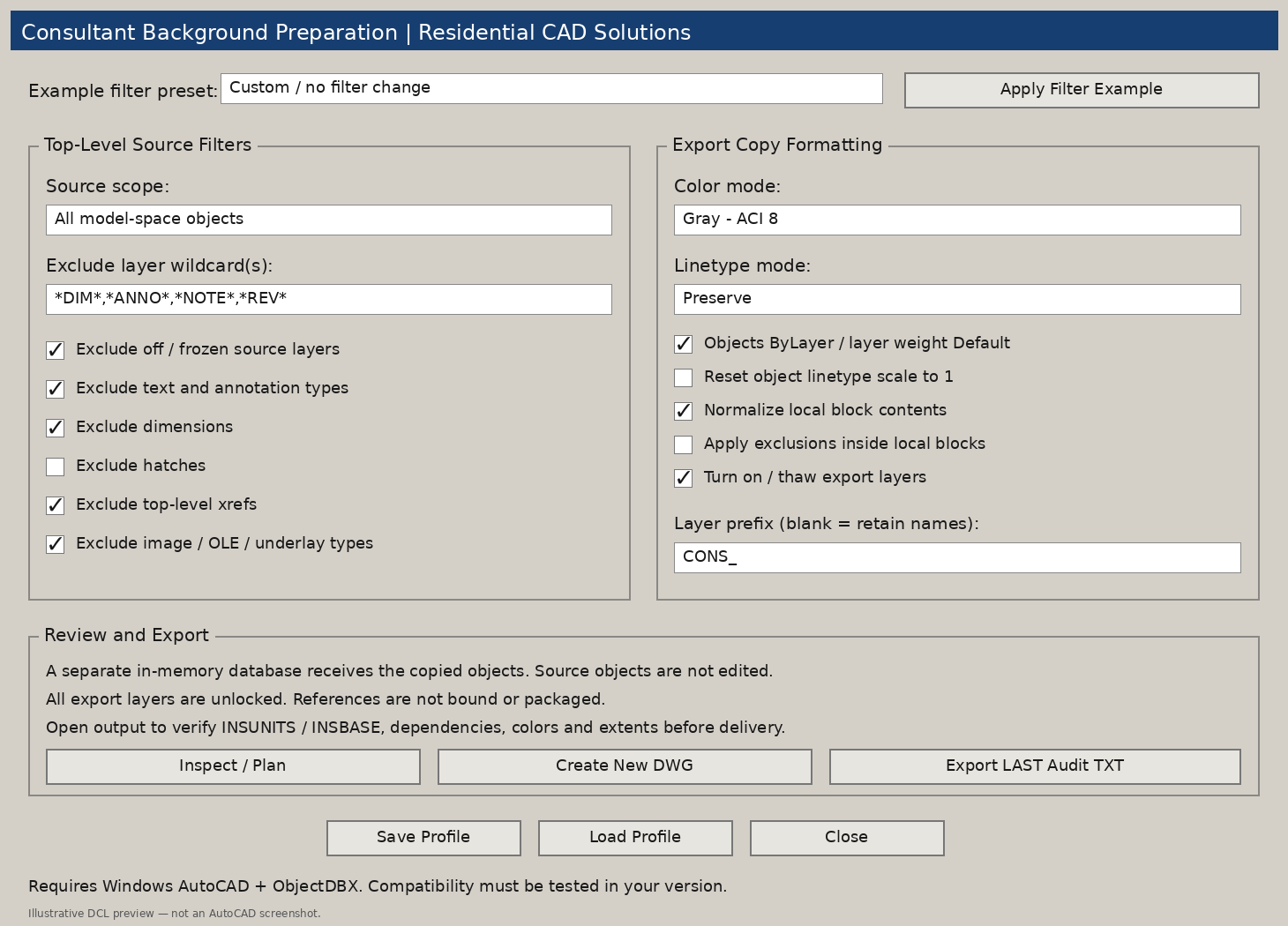
- Layer filters: Exclude layers using editable wildcard patterns.
- Object exclusions: Control text, dimensions, hatches, top-level xrefs, images, OLE objects, and underlays.
- Color controls: Choose gray, light gray, or ByLayer formatting.
- Linetype and lineweight settings: Preserve or standardize supported properties.
- Block-content options: Normalize local block contents and optionally apply exclusions inside them.
- Layer prefixes: Add a consultant prefix to eligible exported layers, with collision checks.
- Separate DWG output: Prepare the background in an in-memory database without applying formatting changes to source objects.
- Audit reports: Review exclusion counts, formatting warnings, recognized xrefs, and font references.
- Reusable profiles: Save settings and load them for future work.
- Example presets: Start with editable structural, MEP, or civil/site filter examples.
Your Download Includes
- AutoLISP program (.LSP)
- DCL dialog file (.DCL)
- Default preparation profile
- Example filter plan
- Installation and operating instructions
- Gray DCL preview
- Validation notes and an AutoCAD testing checklist
Command: CBPREP
Requirements & Important Details
Requires full Windows AutoCAD with Visual LISP/ActiveX and a working ObjectDBX interface. Developed to target AutoCAD 2002 and later; filter and data checks have passed, but native AutoCAD/ObjectDBX export testing is still required.
The program does not bind xrefs, package external files, convert units, flatten geometry, or automatically down-save modern DWGs. Check the exported drawing’s insertion units, base point, dependencies, appearance, and extents before delivery.
Audit dependency listings are partial. This is a background-preparation tool, not a complete privacy scrub or file-delivery service.
Create repeatable preparation settings and review a separate background copy before sharing.