
⋆ Available June 10th
⋆ Pre-order Now!
⋆ Available June 10th
⋆ Pre-order Now!
Your website should be your best salesperson. Not your biggest regret.
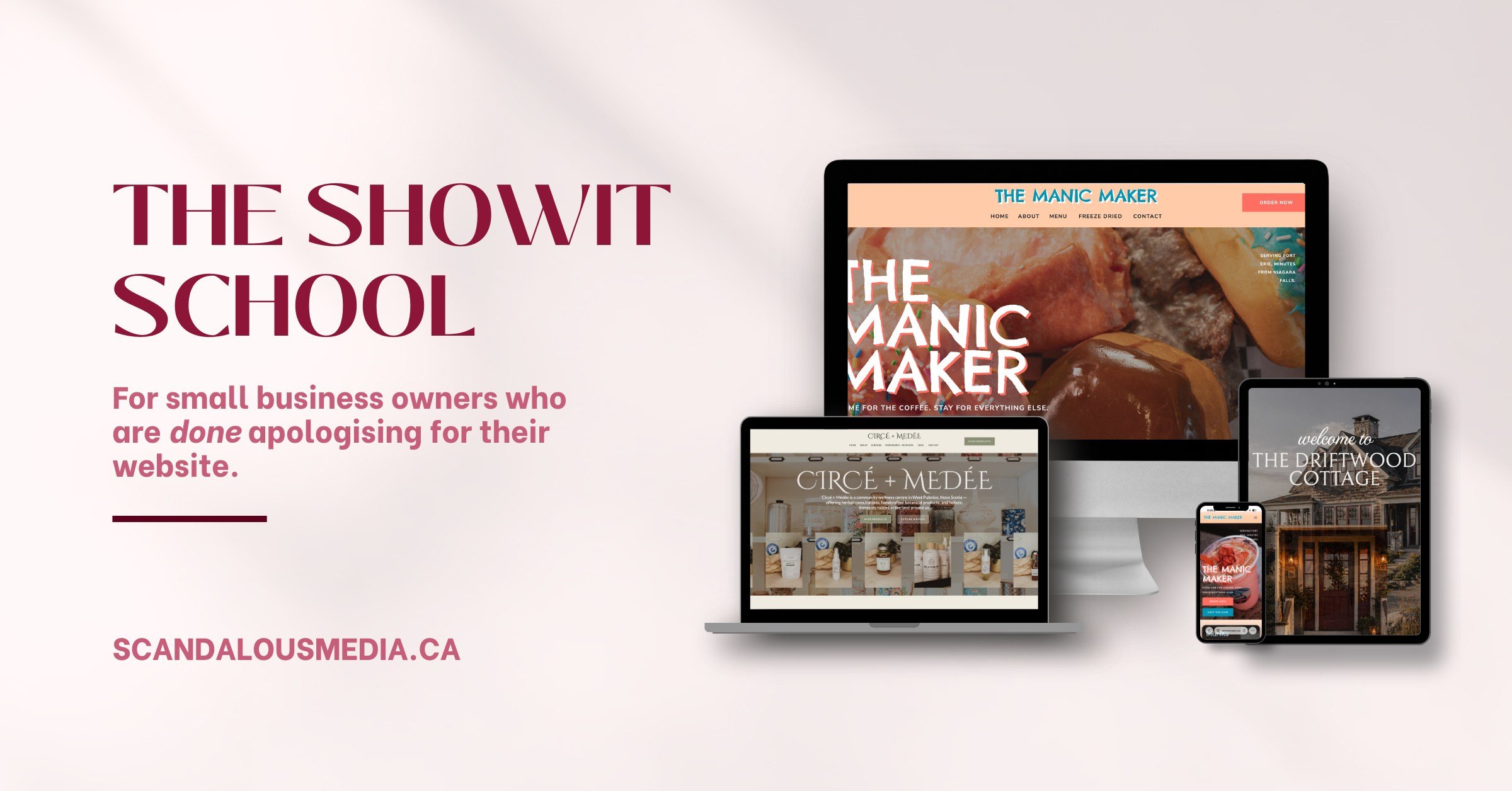
Showit School teaches you how to build a stunning, strategic website yourself — from foundations to launch — in the platform built for brands that refuse to look ordinary.

Here's what nobody tells you about DIY websites:
You spent a weekend — okay, maybe three weekends — trying to build your own website. You watched the tutorials. You picked the template. You typed out your services, added your headshot, and hit publish.
And it looked… fine. Kind of. If you squinted.
But fine doesn't book clients. Fine doesn't get referrals. Fine doesn't make someone pull out their credit card at 11pm on a Tuesday.
The problem wasn't your effort. It wasn't your taste. It wasn't even the platform.
It was that nobody ever taught you the strategy behind the design.
WHAT'S INSIDE
Module 0 — Welcome to Showit School Get your account set up, understand the platform, and adopt the one mindset shift that changes everything about how you approach your website.
Module 1 — Foundations: What Your Website Actually Needs to Do Strategy before design. Learn the 3 jobs of every great website, who you're building it for, what pages you actually need, and how to map your site architecture before you touch a single element.
Module 2 — Brand Foundations in Showit Get your colors, fonts, and global styles locked in so everything you build is on-brand from the first pixel. Includes reusable sections so your build stays efficient — and your sanity stays intact.
Module 3 — Using a Template (The Smart Way) If you're building on a Showit template, this module is your unfair advantage. Learn how to customize it so it looks completely custom — including the mistakes that make templates look like templates.
Module 4 — Copy That Converts Design gets attention. Copy closes the sale. This module teaches you how to write every page on your site — homepage, about, services, CTAs — in a voice that sounds like you and sells like a pro.
Module 5 — Showit Advanced Moves Animation, hover effects, mobile design, third-party embeds, blog setup, and email opt-ins. The lessons that take a good website and make it a great one.
Module 6 — Go Live Like a Pro Domain connection, pre-launch audit, Google Analytics, launch announcements, and ongoing site health. Leave nothing to chance on the most important day of your website's life.
Bonus Module — The Direct Booking Add-On Built specifically for short-term rental hosts and Airbnb operators. Apply the Direct Booking Blueprint to your Showit site and connect your booking tools so guests can book directly from your brand.
FREQUENTLY ASKED QUESTIONS
-
Yes — Showit is the platform this course is built around. You'll need a Showit subscription to build alongside the lessons. We've included our referral link in the course for the best available deal.
-
That's exactly who this course is for. Showit is a visual drag-and-drop platform — no code, no design degree required. The course teaches you design thinking alongside the technical skills, so you make confident decisions, not random ones.
-
At a focused pace of a few hours per week, most students have a launch-ready site within 4–6 weeks. The course is self-paced — you can sprint through it in a weekend if that's your style.
-
The strategy modules alone are worth the investment. Most existing Showit sites were built without the copy and conversion frameworks in Modules 1 and 4. Showit School will show you exactly what to fix — and how.
-
Both. The frameworks apply to any small business with a website. The copy and strategy modules are particularly valuable for service-based businesses, but product businesses benefit just as much from the design and SEO modules.
-
You can use this text to share details about your product or anything at all that you'd like your customers to know about. A bite sized snippet of information that can help answer customers questions. This section can be a great help in a lot of different circumstances. Instead of bamboozling visitors with a wall of text, FAQ sections allow them to see a well organised list of headings which they can drill down into to learn more.