
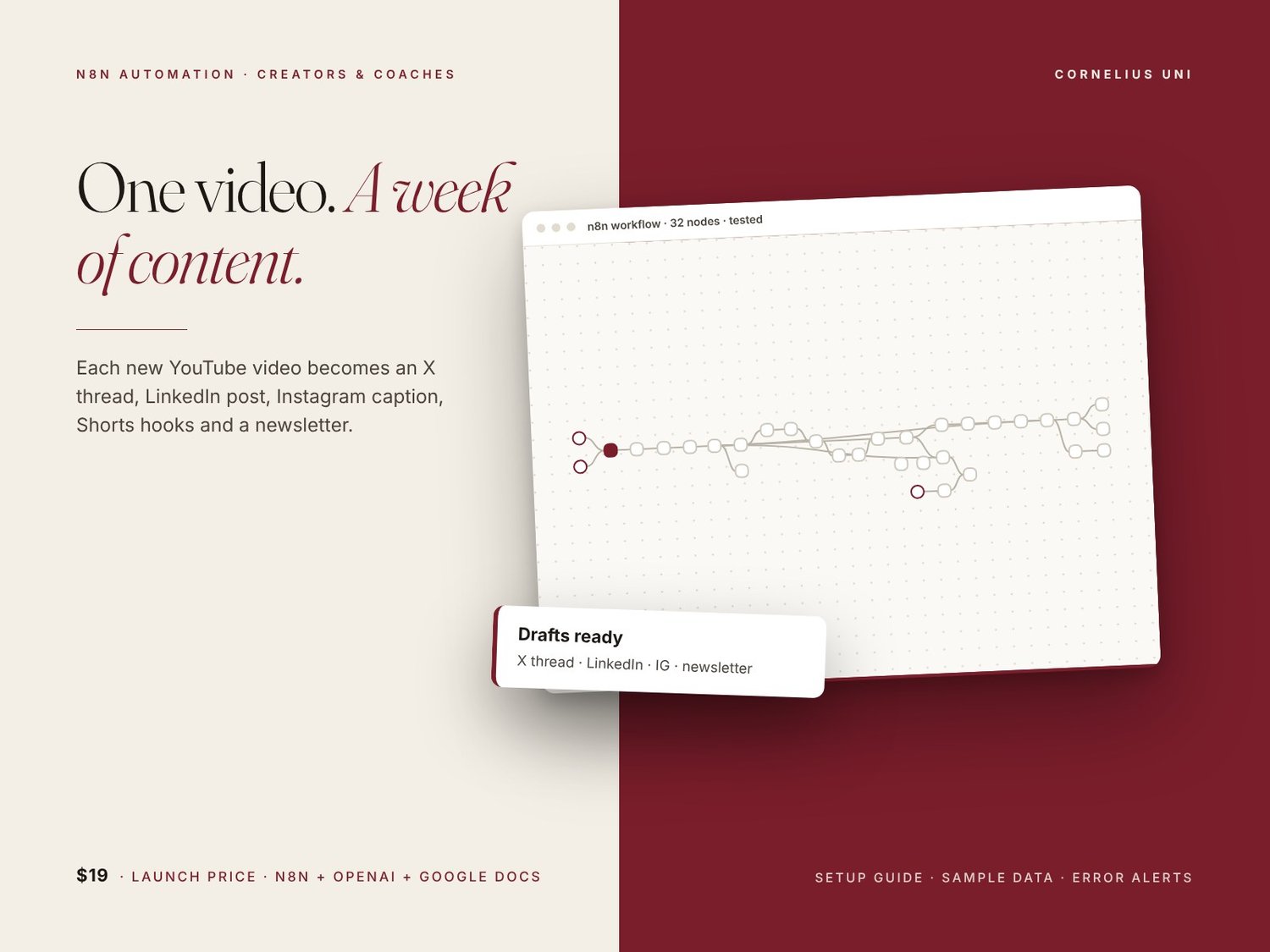
Content Repurposer: Turn Every YouTube Video Into a Week of Content
You make one great video. Then you spend hours turning it into posts for every other platform, or you never get round to it. This n8n workflow does the first draft for you, every time.
WHO IT'S FOR
- YouTube creators who want every upload to feed X, LinkedIn, Instagram, Shorts and their newsletter
- Podcasters who want show notes turned into social posts
- Coaches and consultants who record webinars, lives and trainings
WHAT IT DOES
1. Watches your YouTube channel's RSS feed for new uploads, or takes any video, podcast or webinar link plus a transcript or notes from a simple form
2. Checks your Google Sheet content calendar so the same video is never processed twice
3. Optionally pulls the full description and tags from the YouTube Data API
4. Uses OpenAI (through n8n's built-in AI nodes with structured output) to write, in your brand voice:
- an X/Twitter thread (5 to 8 posts)
- a LinkedIn post
- an Instagram caption with hashtags
- 3 TikTok/Shorts/Reels hook scripts
- a newsletter section
- 3 blog post title ideas
5. Saves everything to a new Google Doc per video and logs it in your content calendar as 'Awaiting approval'
6. Sends the drafts to you by email, Telegram or both for approval
7. Optional: queues the LinkedIn post in Buffer (disabled until you switch it on)
Built to be dependable: videos are processed one at a time so a single failure never blocks the rest, the AI step retries automatically, and you get an alert email if anything breaks.
WHAT'S INCLUDED
- The workflow (32 working nodes, ready to import)
- A step-by-step setup guide: 10-step setup, customisation tips, troubleshooting and FAQ
- Sticky notes on the canvas explaining every section, with a START HERE note
- A single CONFIG node for every setting: brand voice, audience, call to action, banned words, language, sheet and folder IDs, approval channel
- A Google Sheet header template and sample data files
- Optional, ready-made (disabled) nodes for a transcript API and Buffer
REQUIREMENTS
- n8n version 1.x: n8n Cloud or self-hosted (not included)
- An OpenAI API account with billing enabled
- A Google account (Sheets, Docs, Gmail)
- Optional: Telegram bot, YouTube Data API key, a third-party transcript API, Buffer
Please note: third-party API costs (OpenAI, transcript providers, Buffer and so on) are billed to your own accounts. YouTube auto-transcripts are not available through the RSS feed, so to use full transcripts you either paste them into the form or connect your own transcript provider. The workflow writes drafts for you to review. It does not guarantee any growth or engagement results.