
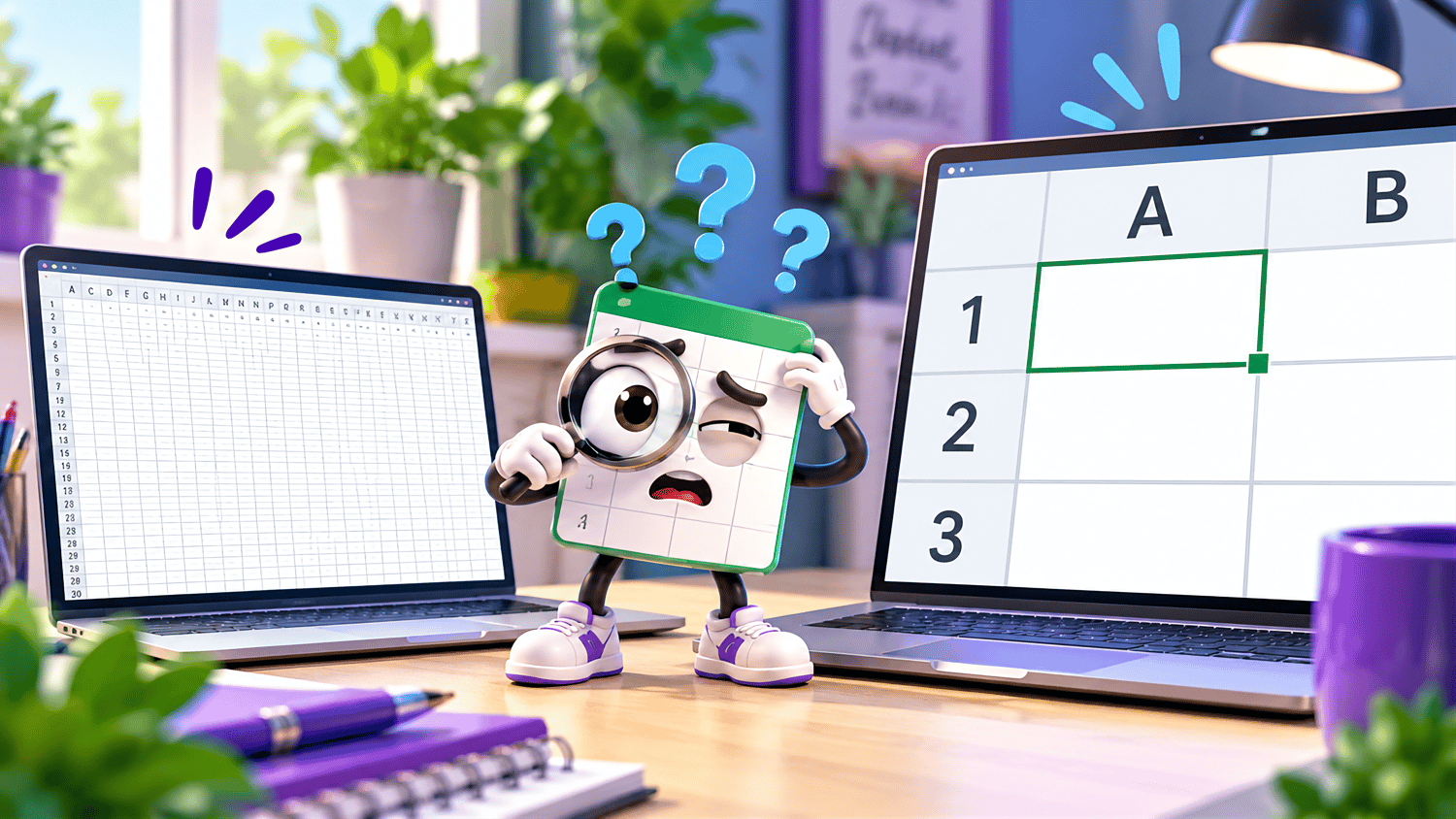
Google Sheets Zoom & View | Beginner Practice Workbook
Learn how to zoom in, zoom out, and adjust your spreadsheet view in Google Sheets with this beginner-friendly practice workbook from Easy Mode Excel Tutorials!
Ever wish you could make spreadsheet information easier to read, see more rows and columns at once, or change how your worksheet appears on your screen?
Google Sheets' Zoom and View features help you customize your workspace so you can work more comfortably and efficiently.
This hands-on practice workbook accompanies our free Google Sheets Zoom & View video lesson, giving you an opportunity to practice these useful spreadsheet skills.
What You'll Practice
Zoom In & Zoom Out
✓ Increase the zoom level to make spreadsheet information easier to see
✓ Decrease the zoom level to display more rows and columns on your screen
Adjust Zoom Settings
✓ Use Google Sheets' zoom controls to change the magnification of your spreadsheet
✓ Practice choosing different zoom levels to suit your needs
Explore View Options
✓ Find and explore useful options in the View menu
✓ Practice adjusting how your spreadsheet appears while you work
What's Included
✓ One Google Sheets practice workbook
✓ Beginner-friendly exercises for practicing Zoom and View features
✓ A link to create your own editable copy in Google Sheets
✓ Hands-on practice you can complete at your own pace
Learn by Doing!
Watching a tutorial is helpful, but practicing the skills yourself makes them easier to remember!
Open your workbook, follow along with the video, and experiment with Google Sheets' zoom controls and view options.
Perfect for Google Sheets beginners! Learn how to adjust your spreadsheet display, navigate your workspace, and make your spreadsheet easier to work with.
Get Your Practice Workbook!
Just $2.49 USD
After purchasing, you'll receive a link to create your own editable copy of the Google Sheets Zoom & View practice workbook.
This purchase includes access to one Google Sheets practice workbook only. A Google account may be required to create and edit your own copy.
Watch the FREE Video Lesson
🎥 Google Sheets Zoom & View for Beginners