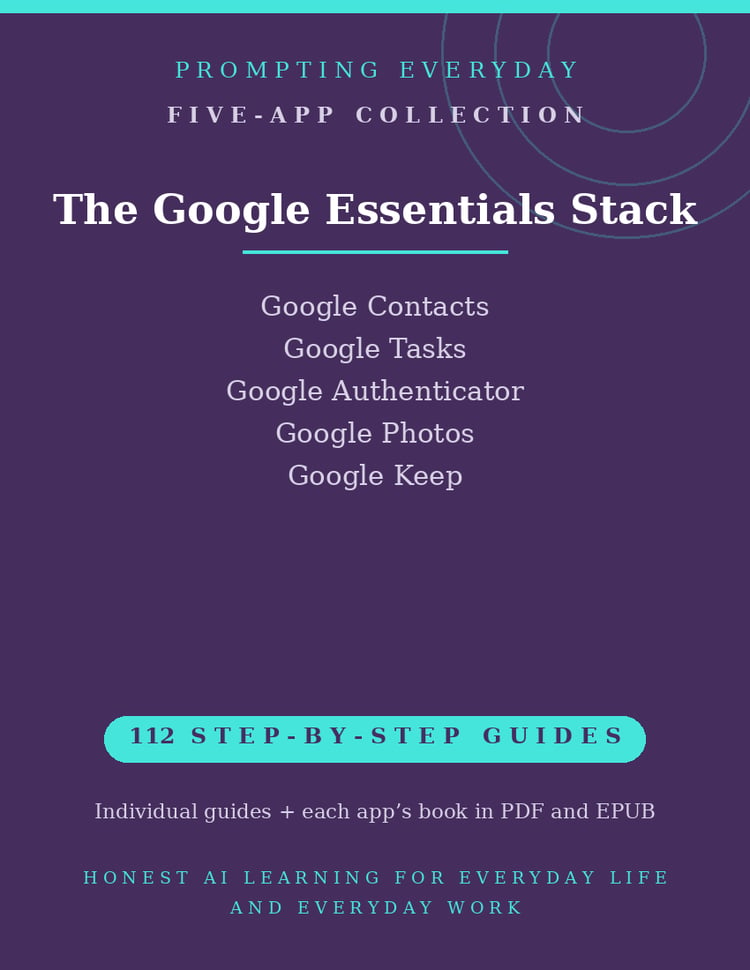
Google Everyday Collection — Gmail, Calendar, Docs, Drive & Keep Guides
Learn to Use Google's Everyday Apps with Confidence
Gmail, Google Calendar, Google Docs, Google Drive, and Google Keep are useful tools for managing email, scheduling, creating documents, organizing files, and keeping track of notes and lists.
But knowing how to complete a basic task isn't the same as understanding the features and settings available in each application.
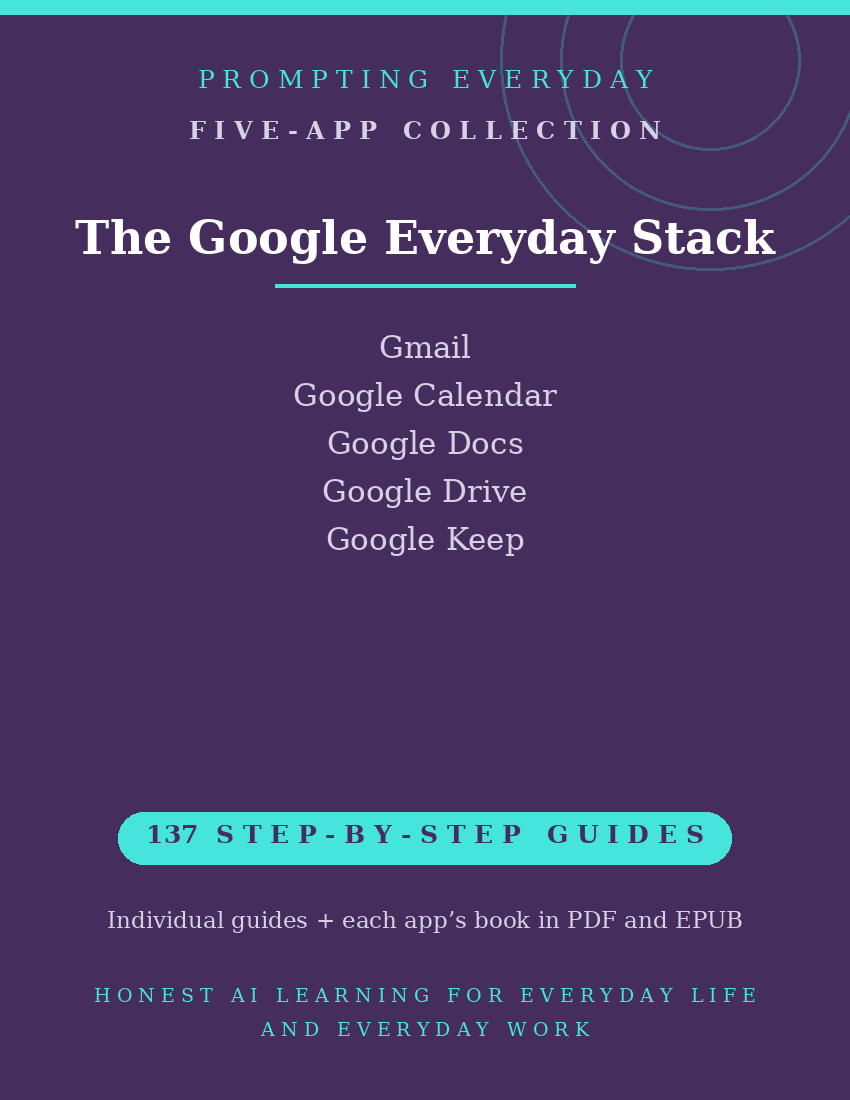
The Google Everyday Collection brings together five application function-guide collections, with 137 individual guides designed to help everyday users learn how these Google tools work.
Each function guide explains what a feature does, where to find it, and how to use it, with practical examples and plain-language instructions.
Whether you're organizing your inbox, managing appointments, working on documents, sharing files, or keeping notes, these guides give you a reference you can return to when you need help with a specific task.
What's included:
- 137 individual function guides across five Google applications.
- Five compiled application reference books, each available in PDF and EPUB formats.
- Individual guides organized by application for easy reference.
The collection focuses on learning to use the applications themselves, rather than providing templates, prompt packs, or access to paid Google subscriptions.
Included Application Collections
Gmail — 39 Function Guides
Learn about Gmail's email management tools, including organizing messages, searching your inbox, managing settings, and working with email more effectively.
Google Calendar — 24 Function Guides
Explore Google Calendar's scheduling features for creating events, organizing appointments, managing calendars, and sharing scheduling information.
Google Docs — 24 Function Guides
Learn to create, edit, format, share, and collaborate on documents using Google's online word processor.
Google Drive — 27 Function Guides
Understand how to store, organize, locate, and share files and folders using Google Drive, including managing access and sharing permissions.
Google Keep — 23 Function Guides
Explore Google Keep's tools for creating notes, building lists, organizing information with labels and colors, and sharing notes with others.
Total: 137 individual function guides across five application collections.
Each application collection also includes its own compiled reference book in PDF and EPUB formats.
Who it's for: Anyone whose work and life already run on Google.
Not for: Businesses on Microsoft 365 — the Microsoft Office Stack fits better.
What you get: Five Google application function-guide collections containing 137 individual guides, plus one compiled reference book for each application in PDF and EPUB formats.
How it's delivered: Delivered as a Google Drive folder link after purchase. One-time purchase.
Updates: Updates are included while the collection is maintained — if a guide changes, the folder copy is updated.
Disclaimers: These are reference guides that teach the apps, they are not prompt packs, and they don't include subscriptions to the apps themselves.