





ShopMatrix — Shopify CSV Image Reference Checker (Browser + Python)
Check image references before importing a product CSV.
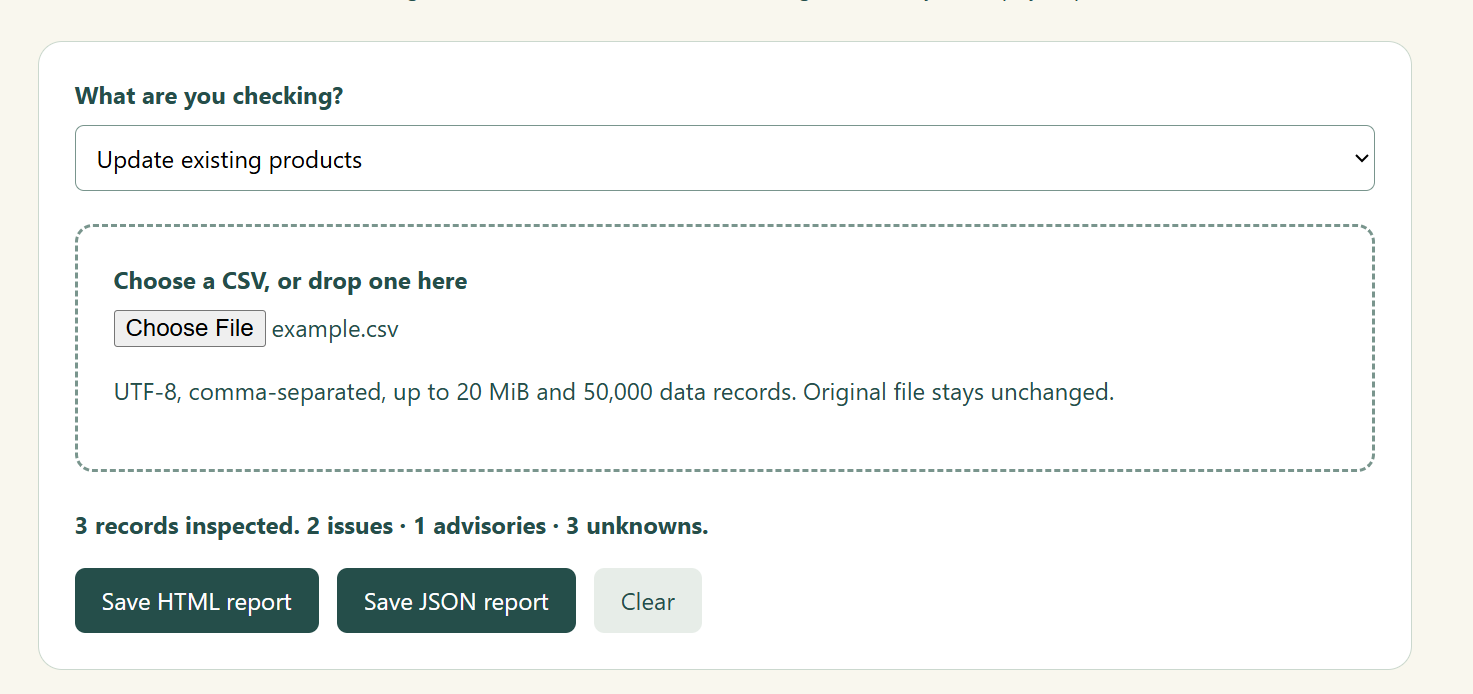
Open ShopMatrix in desktop Chrome, choose your CSV and save a clear HTML or JSON report. No Python or account is needed for the browser edition. Your original CSV stays unchanged.
What it checks
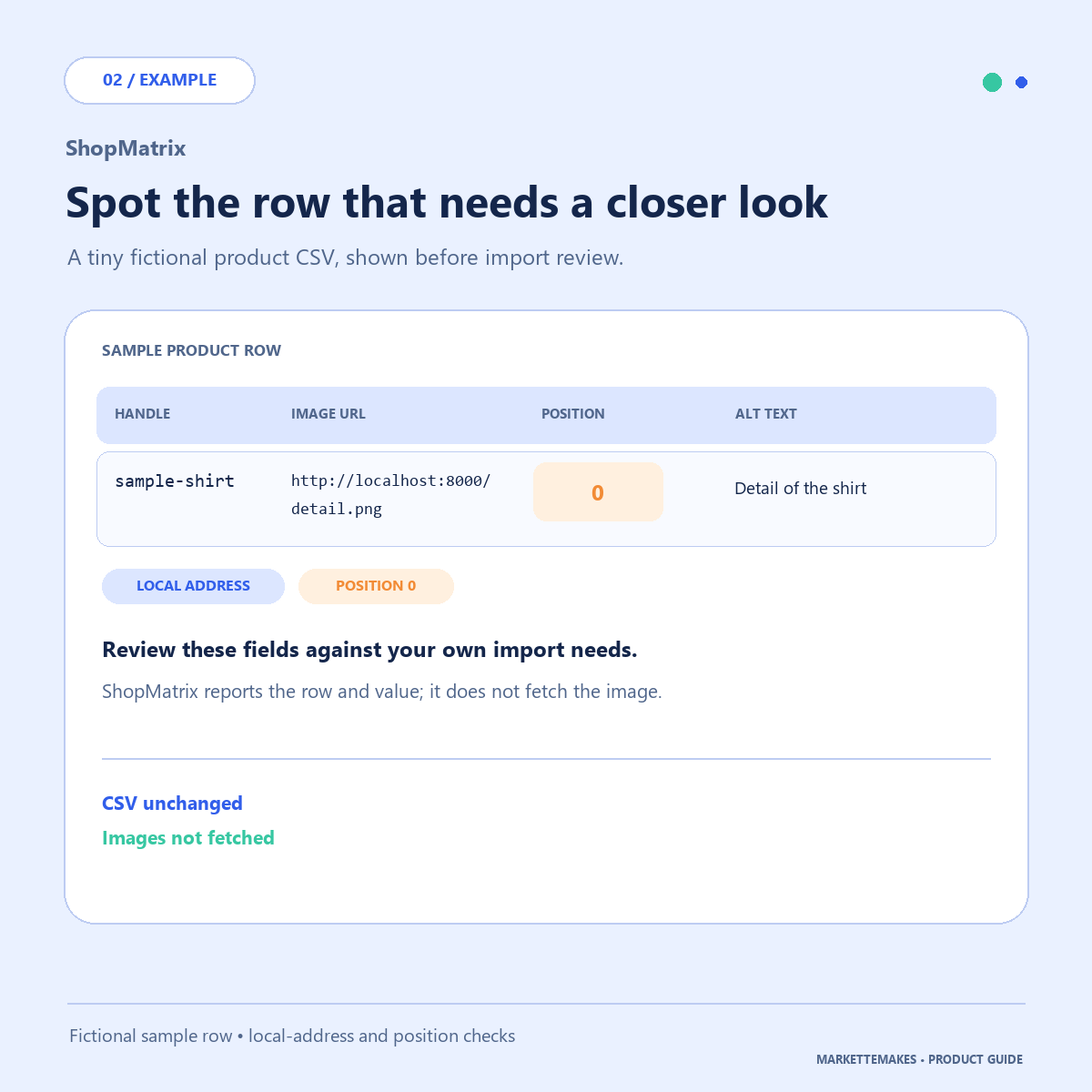
Selected image-reference fields, including malformed URLs, local addresses, image positions and alt text. Findings are separated into issues, advisories and unknowns, so you can see what needs review.
Two downloads included
• Browser 0.1.0: extract the ZIP, open ShopMatrix.html and try the fictional example. Includes a first-run guide and usage/support notes. Tested workflow: desktop Chrome on Windows; other browsers and platforms are unverified.
• Python 1.0.1: the existing source utility, Windows launcher, guides and fictional examples. Requires Python 3.10+ and Tkinter; tested with Python 3.12 on Windows. No pip packages needed. Clean-machine installation and Mac/Linux are unverified.
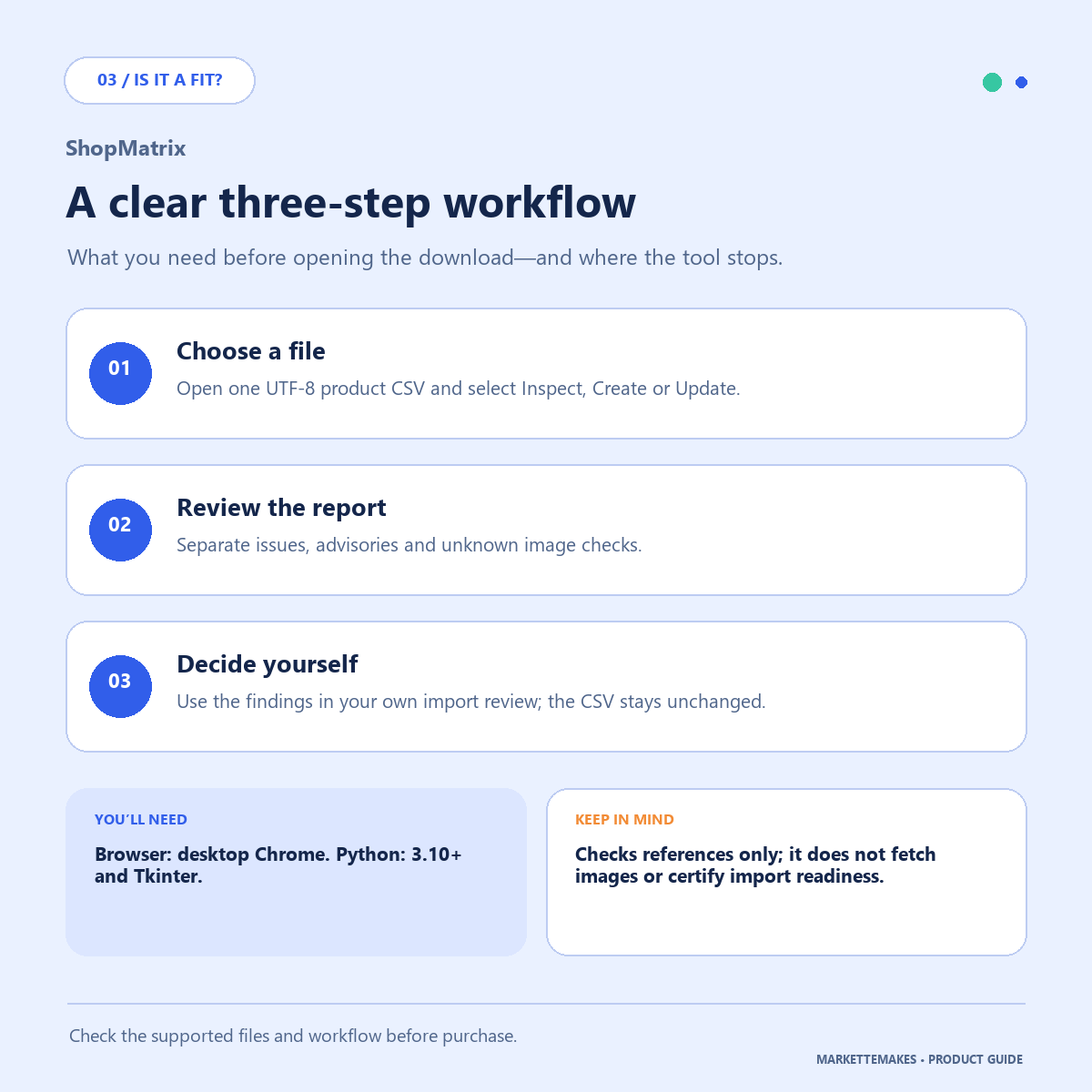
Use Inspect, Create or Update mode for limited context checks. These modes inspect your file; they do not change your shop. The browser edition accepts UTF-8 comma-separated CSVs up to 20 MiB and 50,000 data records. Start with START-HERE.txt in its download.
Know the limits
ShopMatrix checks references, not the images themselves. It does not fetch images, repair CSVs, import products or certify Shopify import readiness. Remote image availability stays unknown. No findings does not mean import-ready. Neither edition is an official Shopify app or a standalone EXE.
Processing is local, with no store login or upload. Reports include original cell values and may contain private URLs; review them before sharing.
Usage and support
For your own business and authorized client work. You may modify the source for that work and share reports with the data owner; do not resell or publicly redistribute the utility. For help, use the seller contact on your Payhip receipt or this store's Contact page. Include the edition, version, visible error and a fictional example—not customer data or store credentials. Installation services, CSV repair and consulting are not included. No guaranteed response time or future updates are promised. Independent utility, not affiliated with Shopify.
Digital download. Files are available on the download page after payment, with access through your receipt. All sales are final except where a refund is required by applicable law. Your statutory rights remain unchanged.
See the fictional CSV walkthrough (Python edition): https://payhip.com/MarketteMakes/blog/news/before-importing-a-shopify-csv-check-the-image-references