
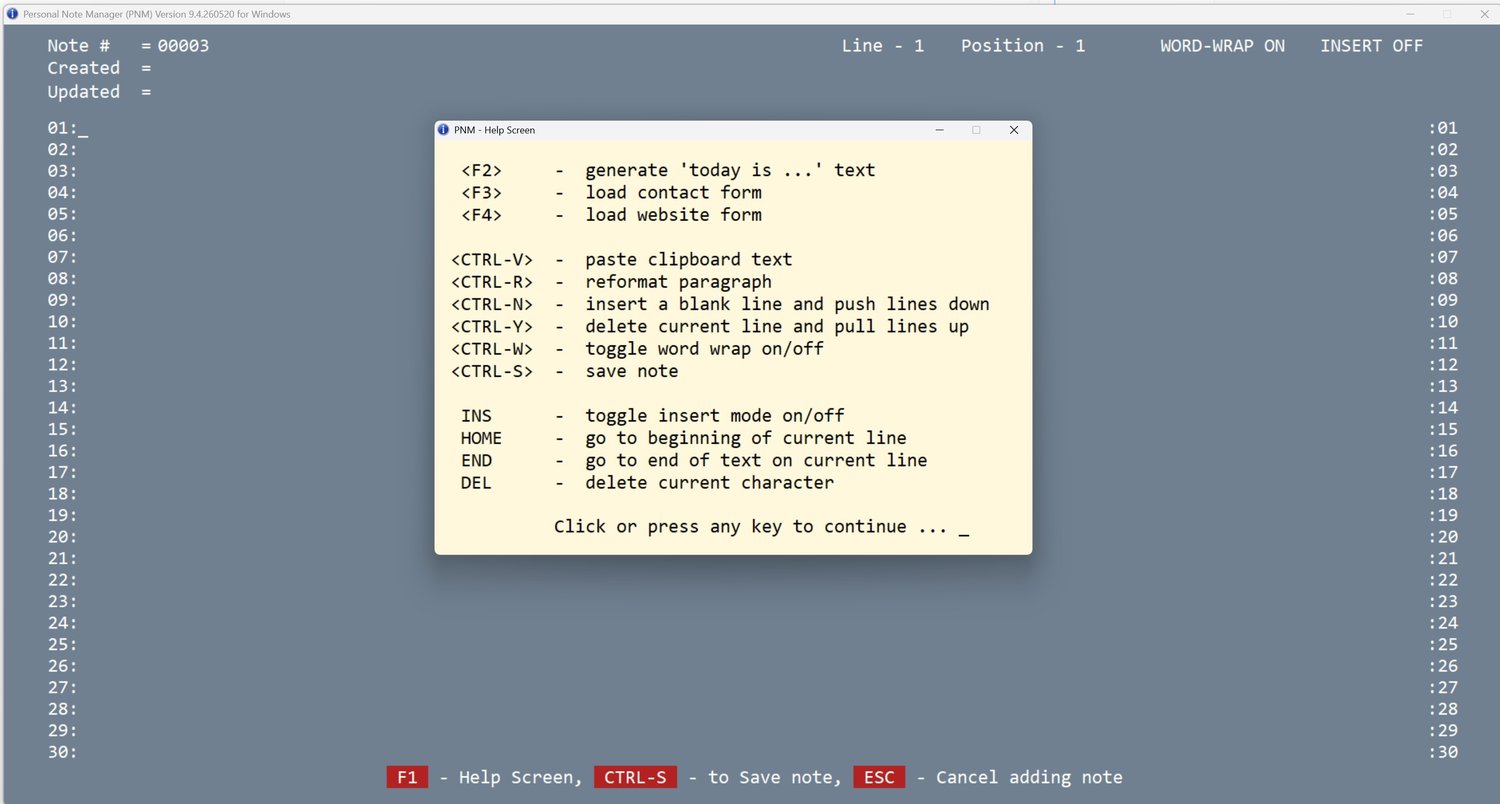
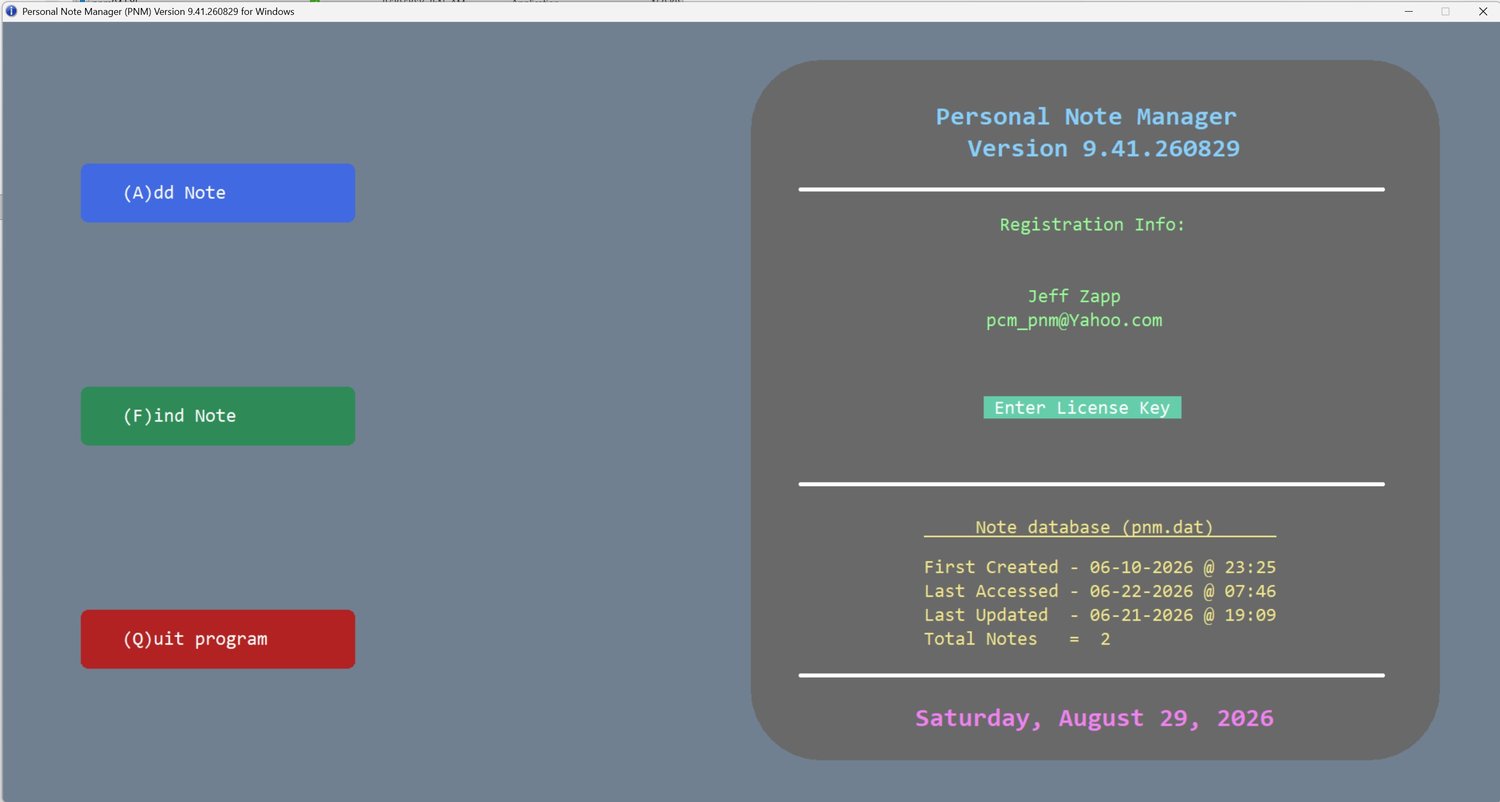
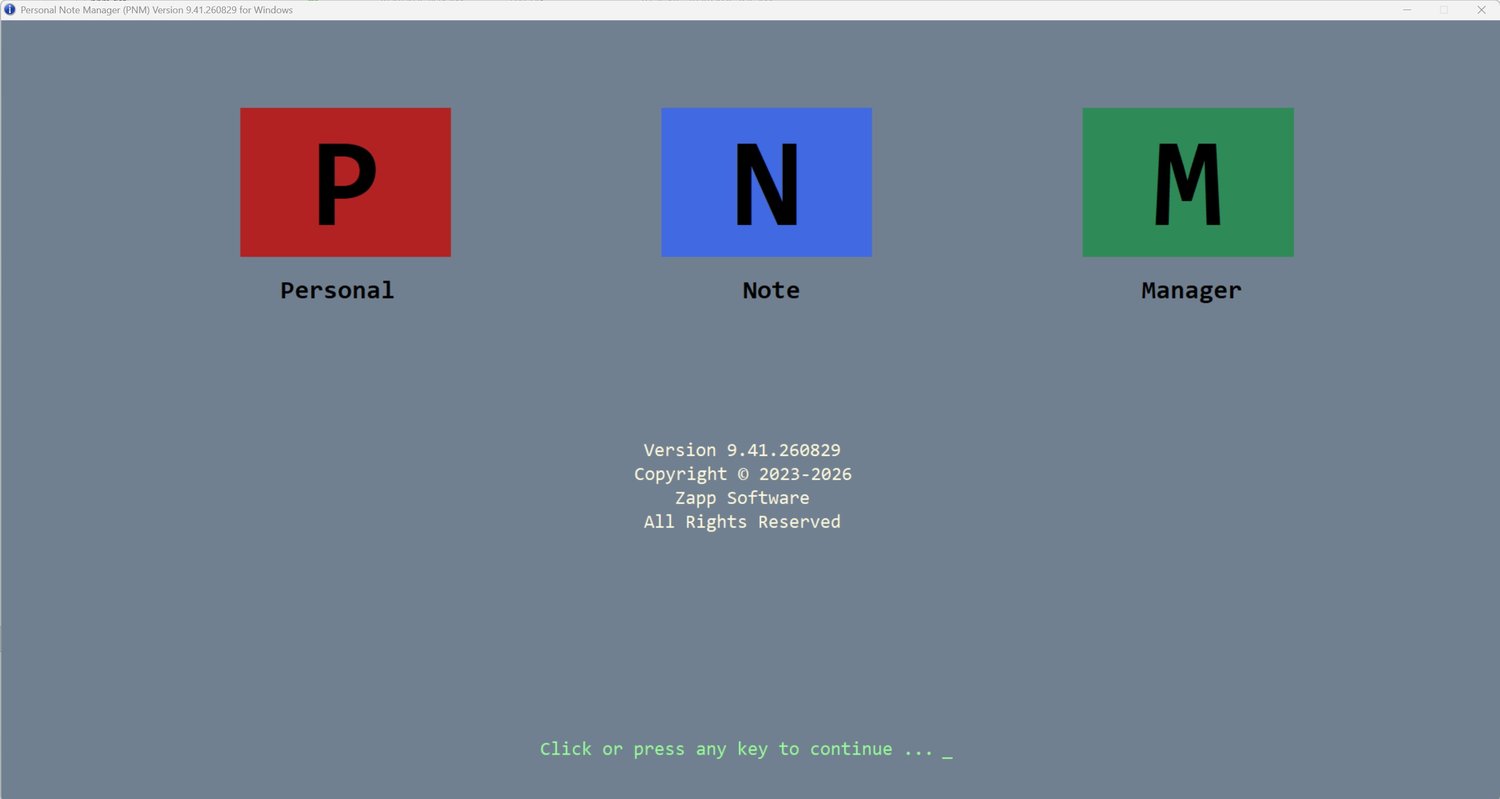

PNM (Personal Note Manager) Tutorial and Demo
★ WATCH THE TUTORIAL BEFORE YOU BUY ★
See exactly how it looks and works! Copy and paste this link into your browser:
👉 [https://www.youtube.com/watch?v=9bPEHJBO9no]
Tired of complicated monthly subscriptions and bloated personal journal software that changes every time Windows updates?
This standalone Windows Note/Journal is designed for speed, simplicity, and absolute privacy. Pay once ($25), own it forever.
FEATURING A FREE DEMO MODE
Want to test it first? Download the file right now. Without a license key, the program runs in full Demo Mode, allowing you to test up to 100 notes to see if it fits your needs.
WHY CHOOSE THIS CHECK REGISTER?
• 100% PRIVATE & ENCRYPTED: Your journal notes never touches the cloud. It creates a single, highly secure, encrypted .dat file stored locally on your own computer.
• IMMUNE TO WINDOWS UPDATES: Built as a lightweight, standalone executable (.exe). Windows updates will never alter, break, or bloat your software.
• SOFTWARE TIMEOUT LOCK: If you walk away from your PC and forget to exit the program, it will automatically close after 5 minutes of inactivity to protect unauthorized users from accessing your personal data.
• LIGHTNING FAST: No loading screens, no lag, and no heavy system requirements. It opens instantly and works perfectly every time.
• PERMANENT LICENSE: A one-time payment of $25. No recurring fees, no hidden costs, and no forced upgrades.
WHAT YOU RECEIVE DETAILED:
Upon purchase, you will instantly download a .ZIP file containing:
1. PNM94.Exe (The standalone application)
2. PNM-TUTORIAL (Simple, easy-to-follow video of setup and using PNM94)
3. Support Contact Information
SYSTEM REQUIREMENTS:
• Operating System: Windows 11/10, 1920x1080 minimum resolution
• Installation: Standalone executable (No complex installation wizard required)