

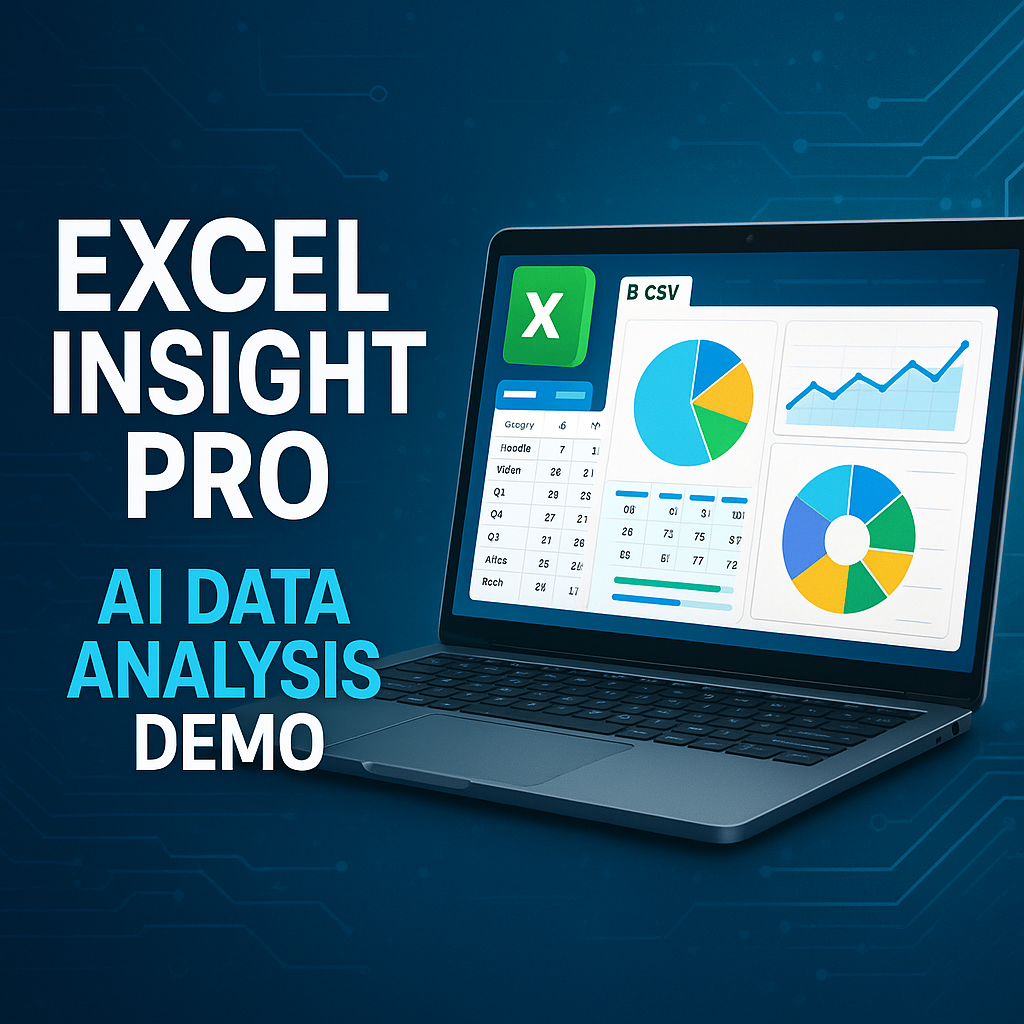


Excel Insight Pro – AI-Powered Excel & CSV Data Analysis App
On Sale
$14.99
$14.99
Excel Insight Pro is a modern, user-friendly Streamlit app designed for anyone who works with data. Effortlessly upload, analyze, clean, visualize, and export your Excel or CSV files—all in your browser. Supercharge your workflow with a built-in AI assistant powered by Groq, supporting 15 cutting-edge models for instant data insights and Q&A.
Key Features:
- Easy File Upload: Drag-and-drop support for .xlsx and .csv files (with encoding detection).
- Data Preview & Summary: Instantly view, filter, and summarize your data.
- Advanced Visualization: Create beautiful charts and graphs with Plotly, Matplotlib, and Seaborn.
- Data Cleaning Tools: Remove duplicates, handle missing values, and more.
- AI Assistant: Ask questions about your data, get summaries, and generate insights using Groq’s latest models (API key required).
- Model Selection: Choose from 15 Groq models for tailored AI responses.
- Export Options: Download cleaned data as Excel or CSV, or export visualizations as images or PDF.
- Modern UI: Clean, responsive interface with sidebar configuration and real-time feedback.
- No Coding Needed: 100% code-free, works on Windows, Mac, and Linux.
Perfect For:
- Data analysts, researchers, students, business professionals, and anyone who needs to make sense of data—fast.
4. Product Details / What’s Included
- Streamlit app (app.py) and all required scripts
- Sample Excel and CSV files for testing
- Quick Start Guide (_START.md)
- README and documentation
- One-click Windows launcher (launch.bat)
- Requirements file for easy setup
- Streamlit configuration files
- Lifetime updates
5. Key Benefits / Selling Points
- Save hours on manual data analysis
- Instantly visualize and clean your data
- Get AI-powered insights with your own Groq API key
- No technical skills required
- Works offline (except for AI features)
- One-time purchase, no subscription
6. Requirements
- Windows, Mac, or Linux computer
- Python 3.8 or higher (free download)
- (Optional) Groq API key for AI assistant features
7. Installation & Usage Instructions
- Download and unzip the package.
- Open the folder and double-click launch.bat (Windows) or follow the README for Mac/Linux.
- Upload your Excel or CSV file.
- (Optional) Enter your Groq API key in the sidebar to enable the AI assistant.
- Explore, analyze, clean, visualize, and export your data!
8. License / Terms
- Single-user license
- Not for resale or redistribution
- Lifetime updates included
9. FAQ (Optional)
- Q: Do I need coding skills?
- A: No, Excel Insight Pro is 100% code-free.
- Q: Is my data secure?
- A: All processing is local; only AI queries use the Groq API.
- Q: Can I use it without a Groq API key?
- A: Yes, all features except the AI assistant work without it.
13. Support / Contact
- For support, contact: [mohamed.hakkache2021@gmail.com]
NB : For customers who have purchased the product and wish to connect it to a different LLM API—such as a local model via Ollama, LLM Studio, OpenAI, Claude, Perplexity ..etc—I’ll gladly adjust the application accordingly and send the updated version free of charge within 48 hours.