
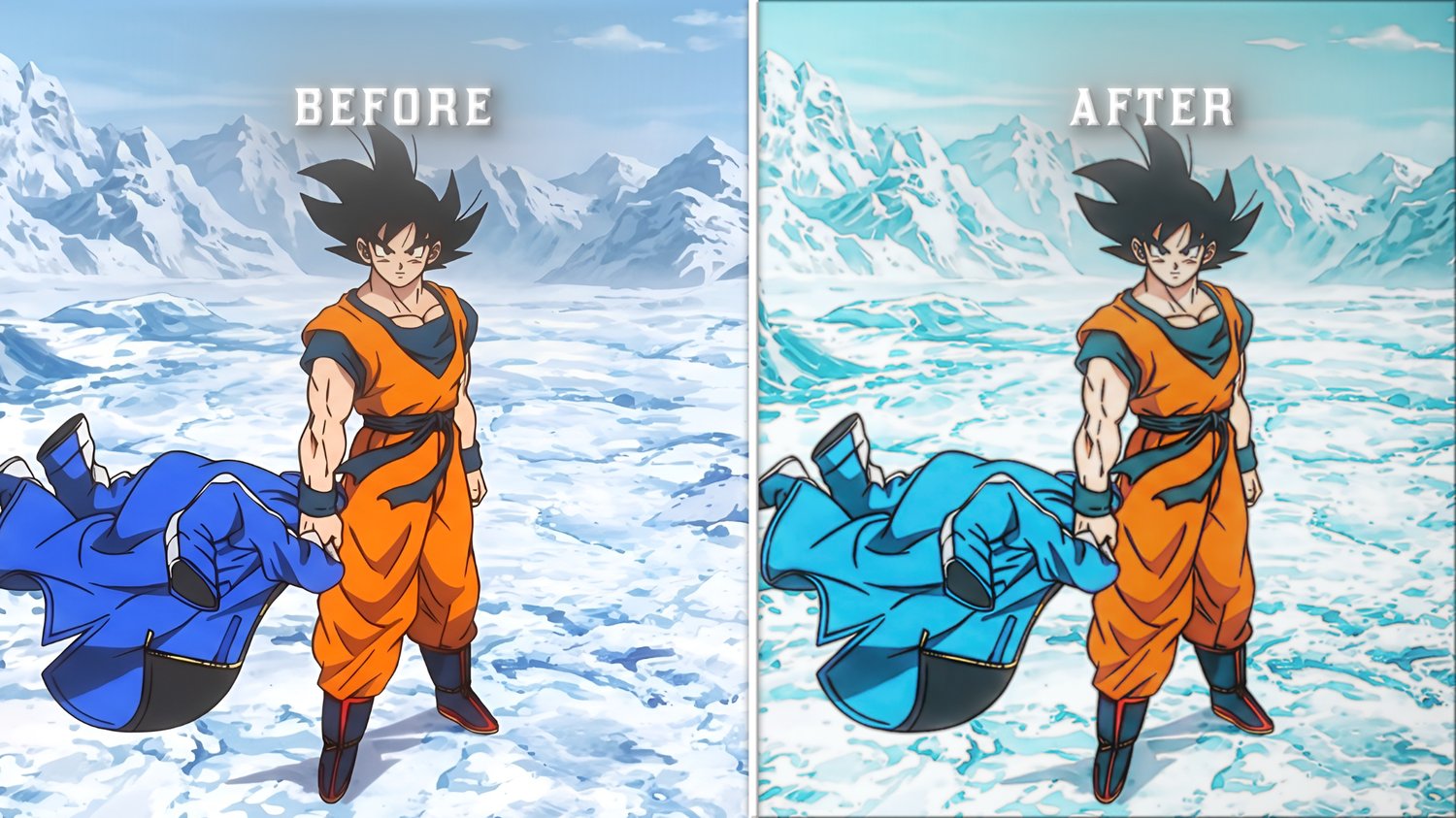
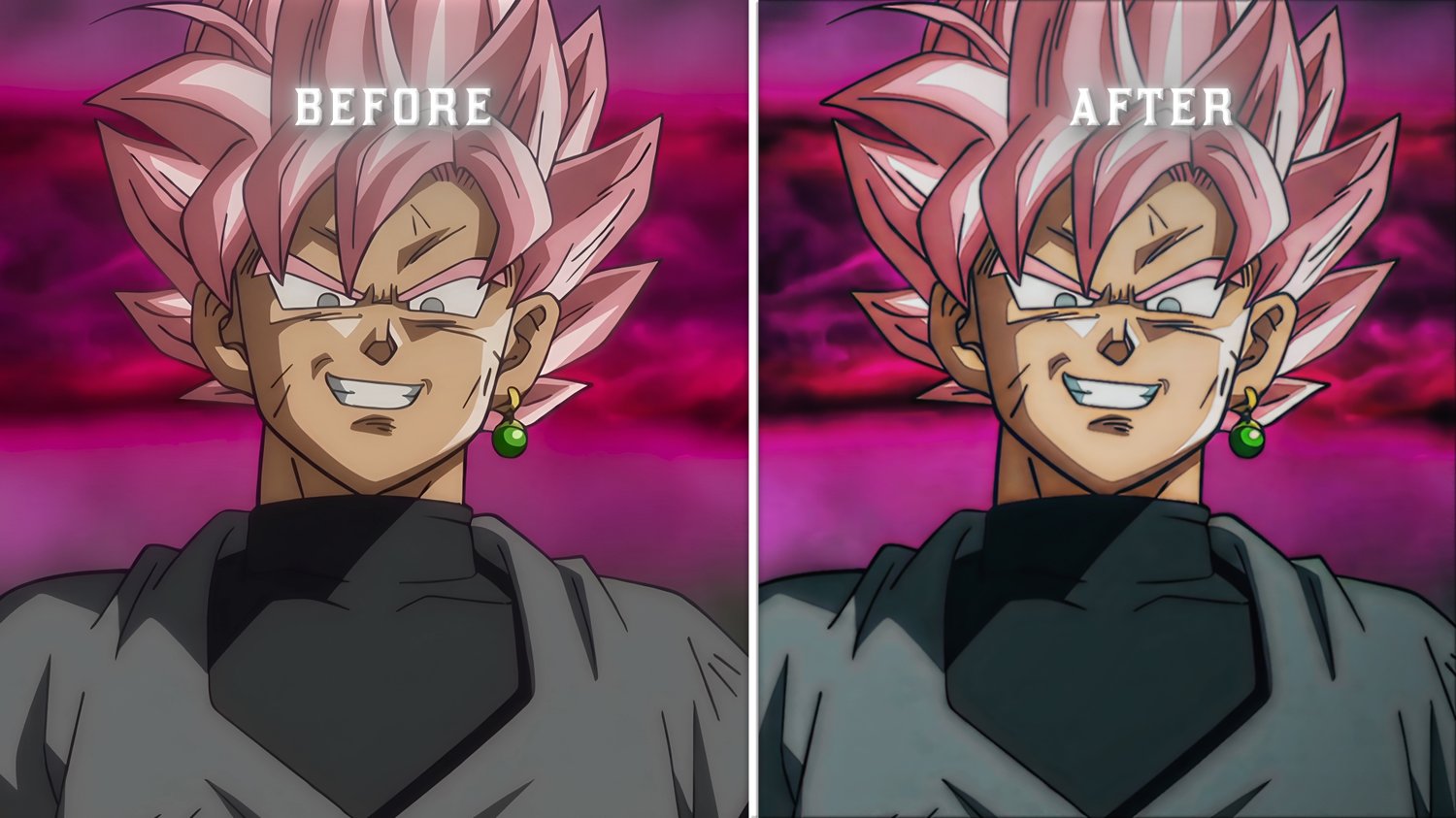
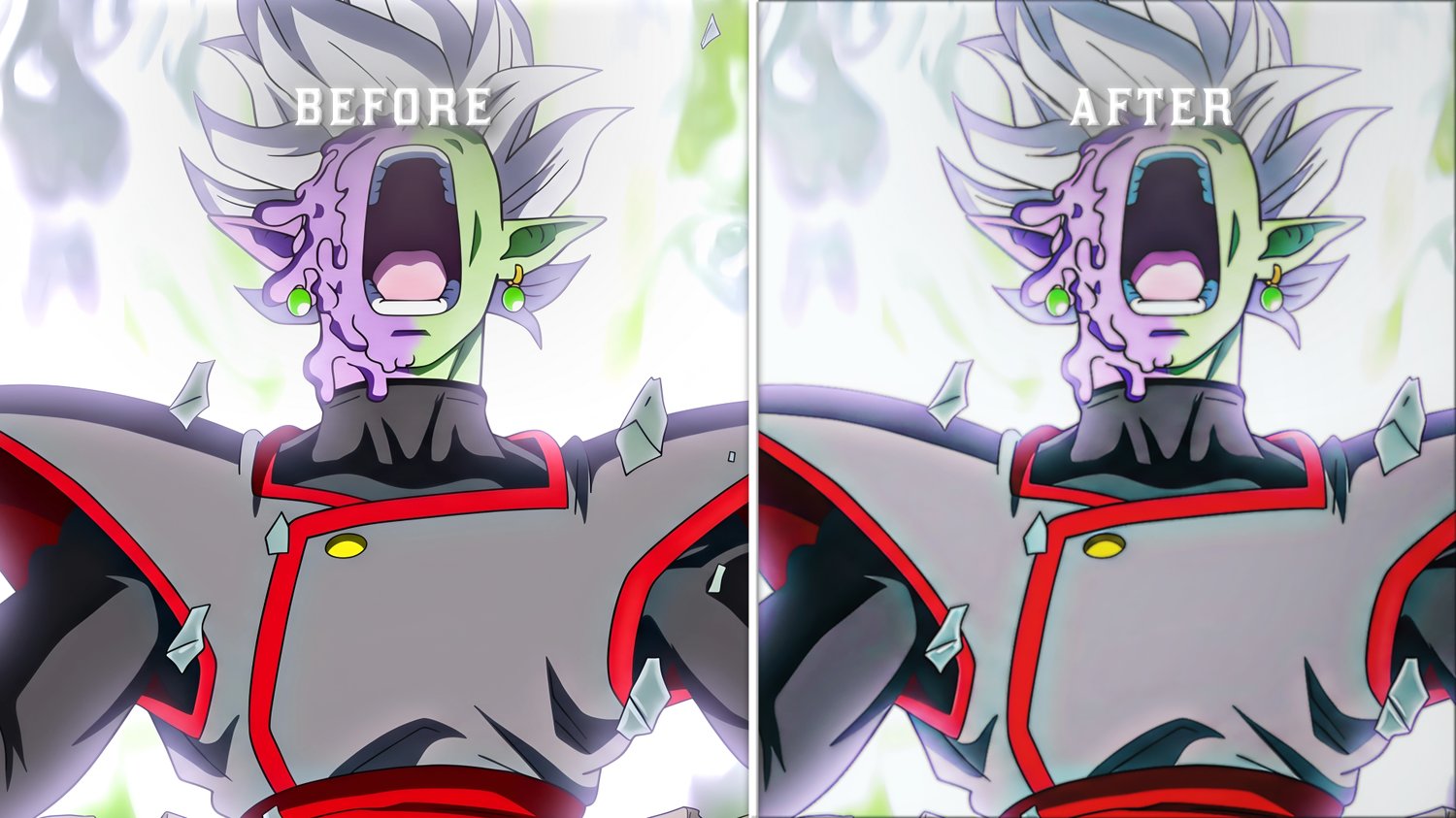
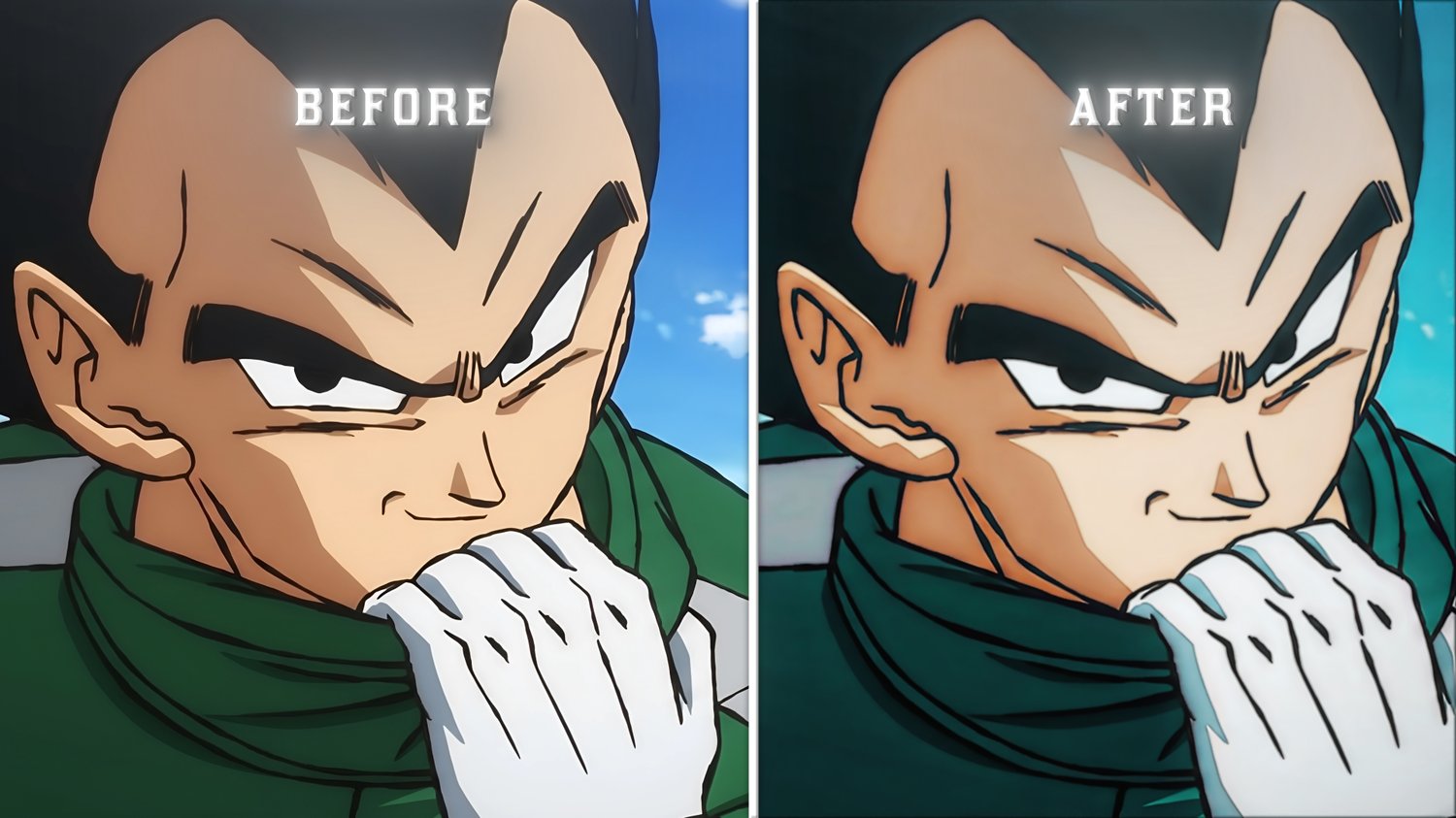


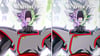

Signature Anime CC
On Sale
$10.00
$10.00
The official signature Color Correction preset used across my viral anime edits.
What's Included: main ffx CC
Software: Adobe After Effects (2020 and newer)
Required Plugins: Magic Bullet Looks, Sapphire, and Deep Glow
Quick Setup
- Create a new Adjustment Layer (Ctrl + Alt + Y) on top of your final cut (below texts and black fade or bars if possible)
- Go to Animation > Apply Animation Preset... and select the .ffx file.
- Adjust the Adjustment Layer opacity between 75% and 100% to match your clip's natural lighting.