
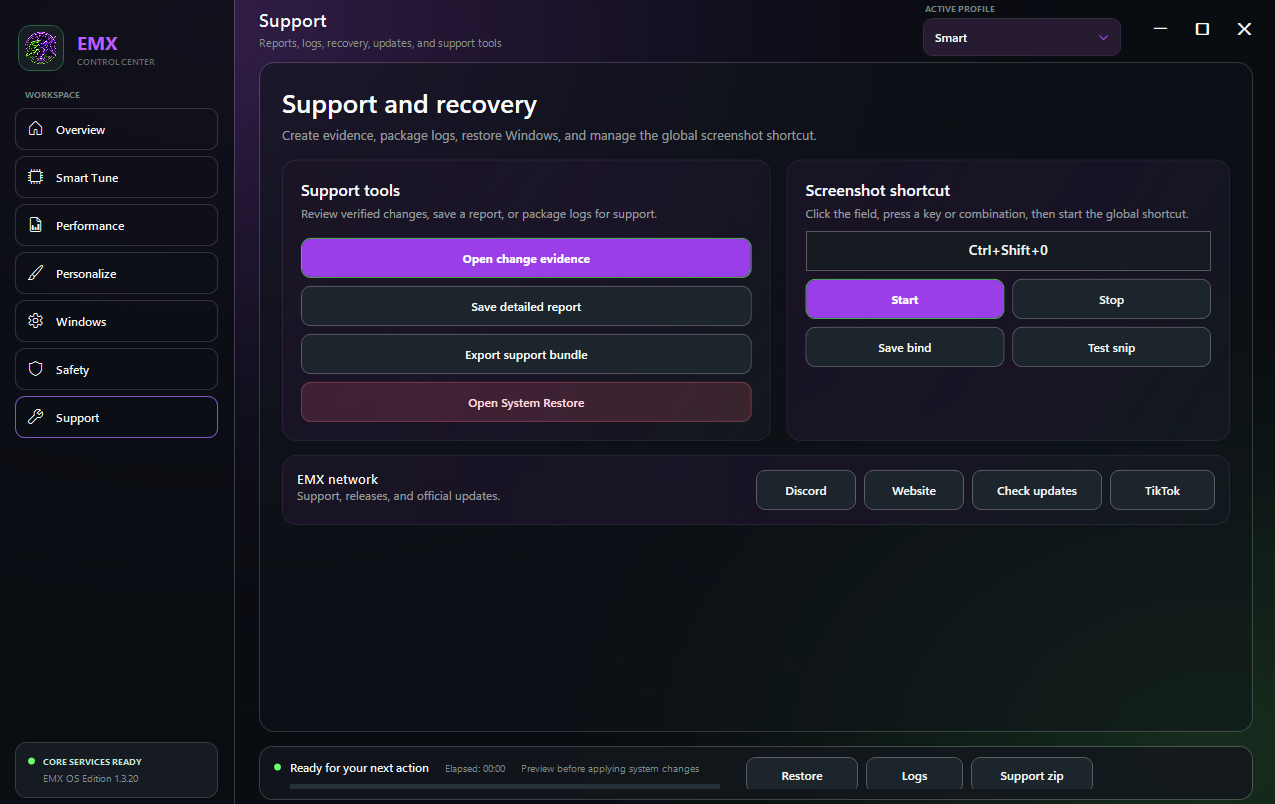




EMX Custom OS
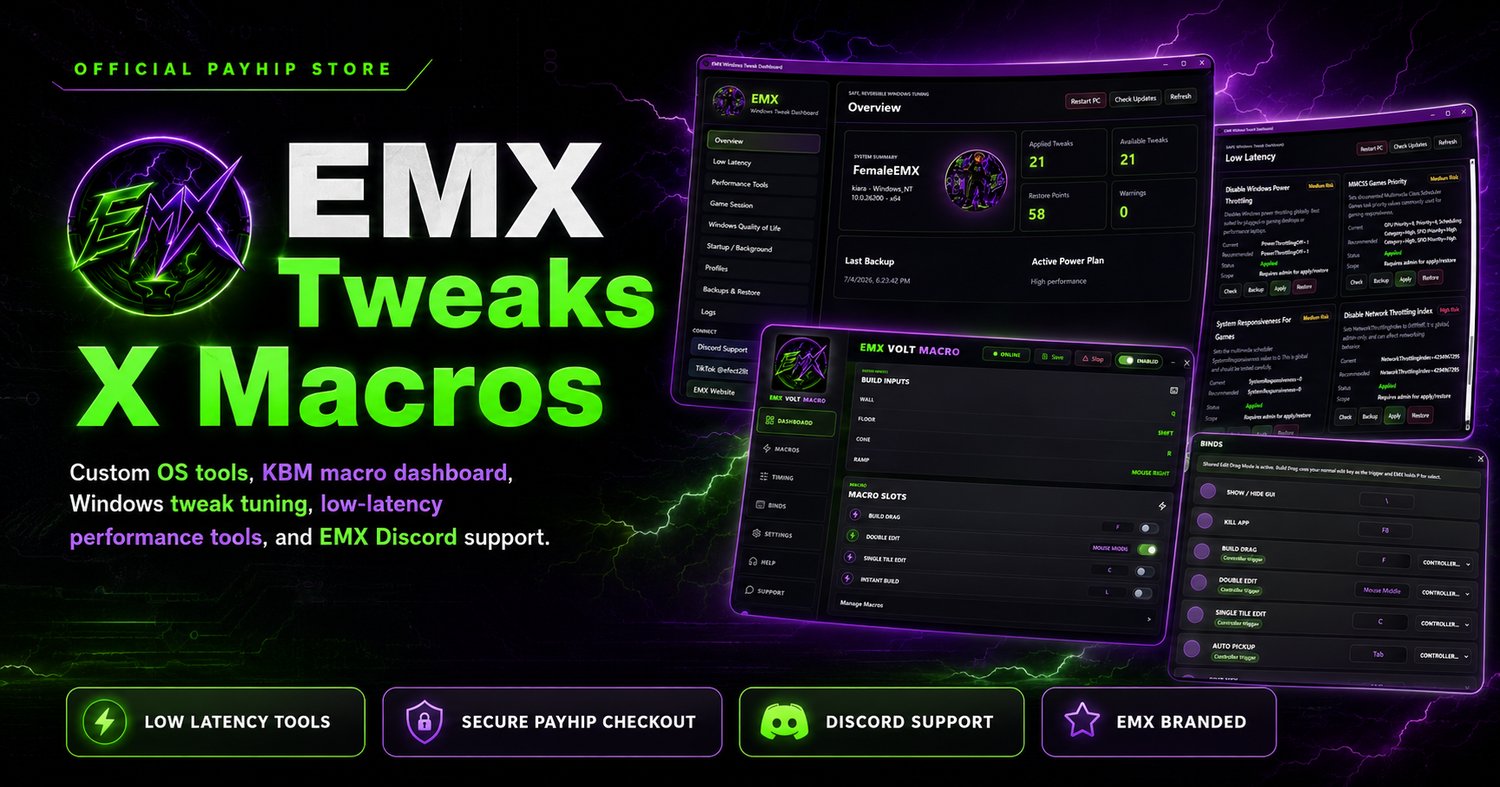
EMX Custom OS is a Windows 11 gaming optimization and EMX visual identity package built for cleaner installs, smoother sessions, and safer first-run tuning.
What you get:
- EMX Custom OS installer for Windows 11
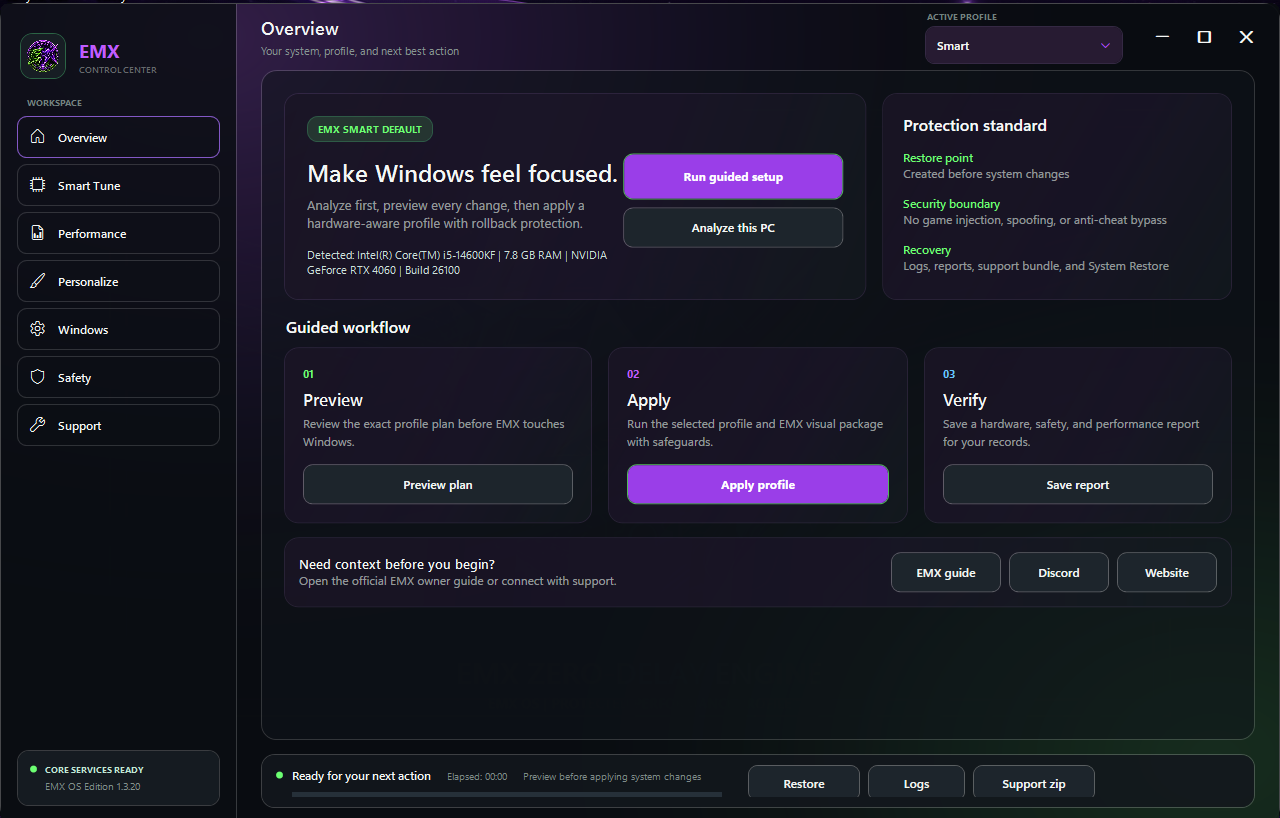
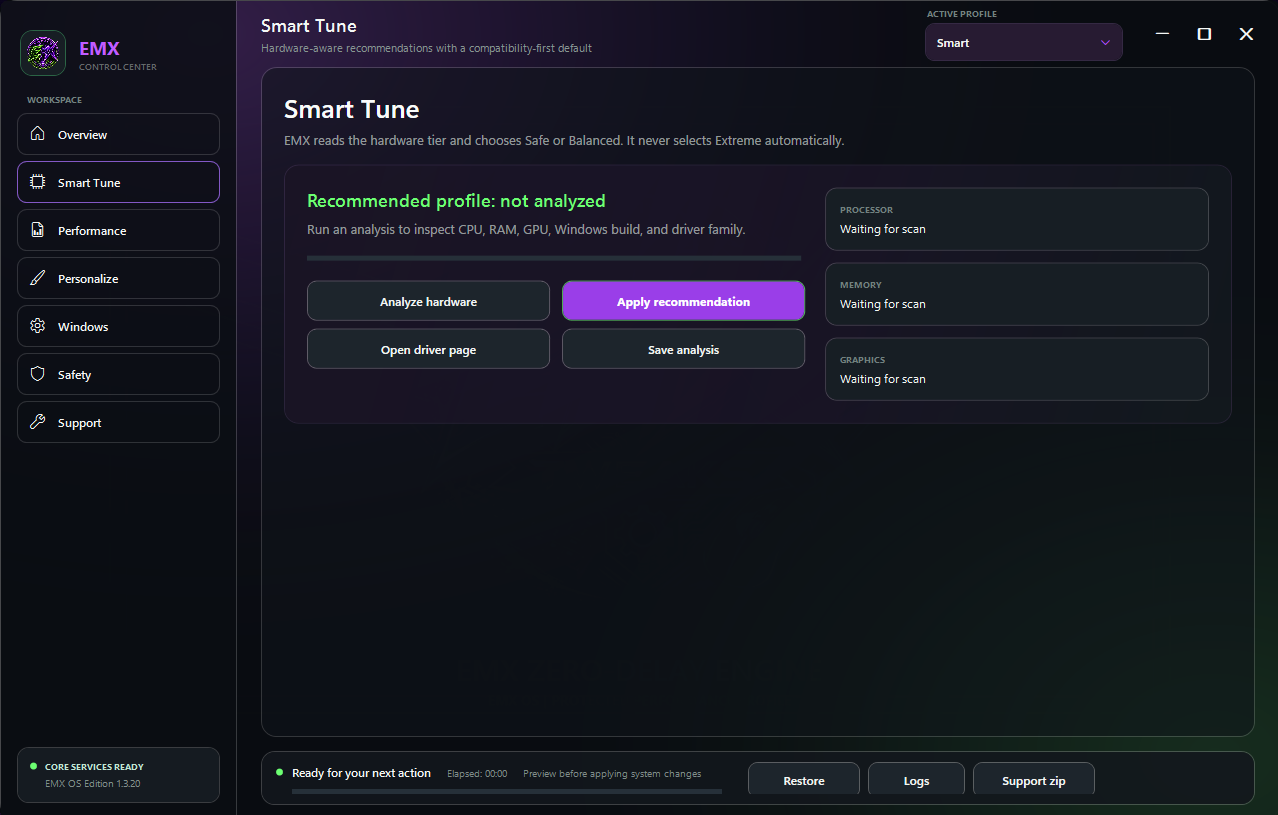
- Smart hardware-scanned profile that applies Safe or Balanced automatically
- Compatibility-safe defaults for friends, customers, and daily-driver PCs
- Game Mode, fullscreen/input tuning, MMCSS game scheduling, pointer and keyboard latency tuning
- Balanced network and storage responsiveness options
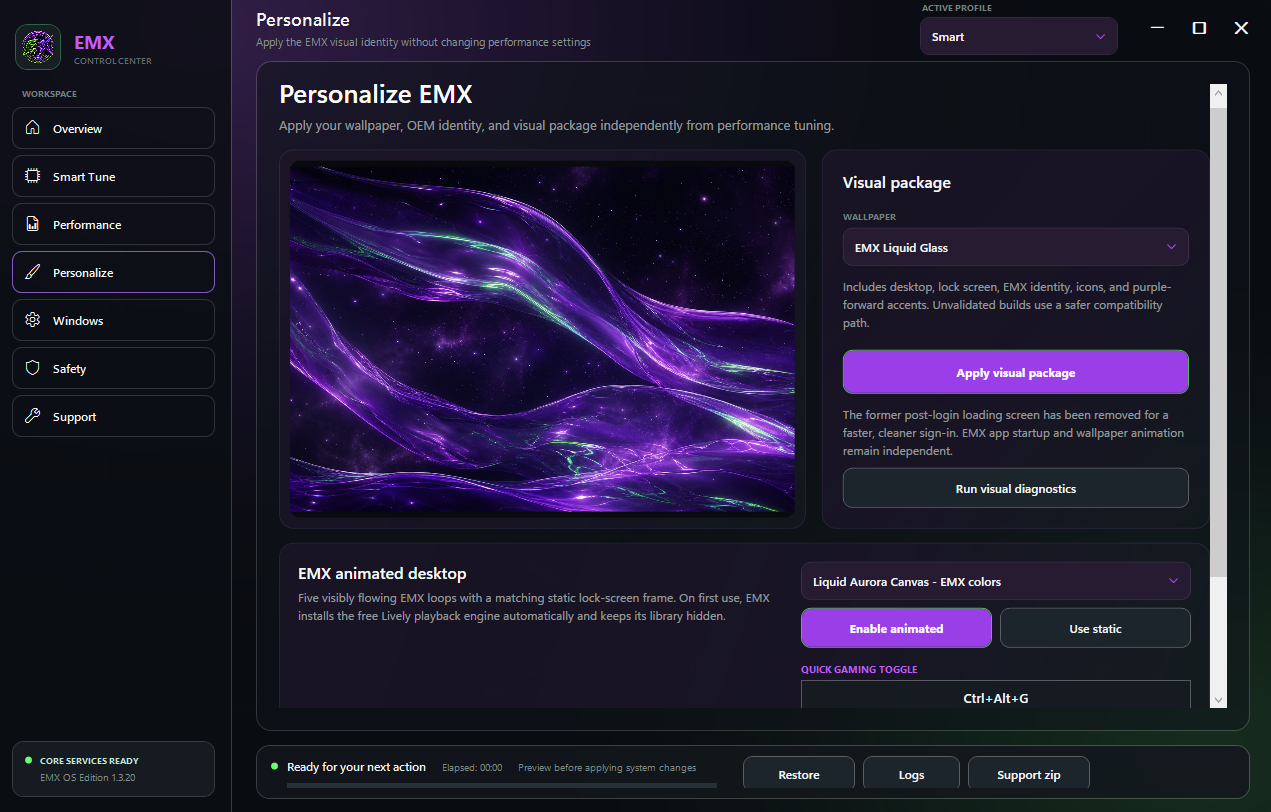
- EMX wallpapers, branding, desktop shortcut, logs, restore-point-first workflow
- Built-in Check for Updates powered by official GitHub releases
- README-FIRST and SHA256 checksum included
Recommended install:
1. Run EMX-Installer.exe as Administrator.
2. Keep profile on Smart for the first run.
3. Leave boot logo off on the first run.
4. Apply profile, restart when ready, then test your main game, Discord, OBS, internet, audio, controller, Windows Security, and Windows Update.
Compatibility boundary:
EMX does not edit game files, inject DLLs, spoof HWIDs, install kernel drivers, or bypass anti-cheat. Public-safe paths keep Defender, Windows Update, Xbox/controller, printer, audio, Bluetooth, and networking compatibility.
Requirements:
Windows 11 23H2 or 24H2 recommended. Administrator rights required.