
Veloria Wedding Website Editor — Original Edition
On Sale
€19.99
€19.99
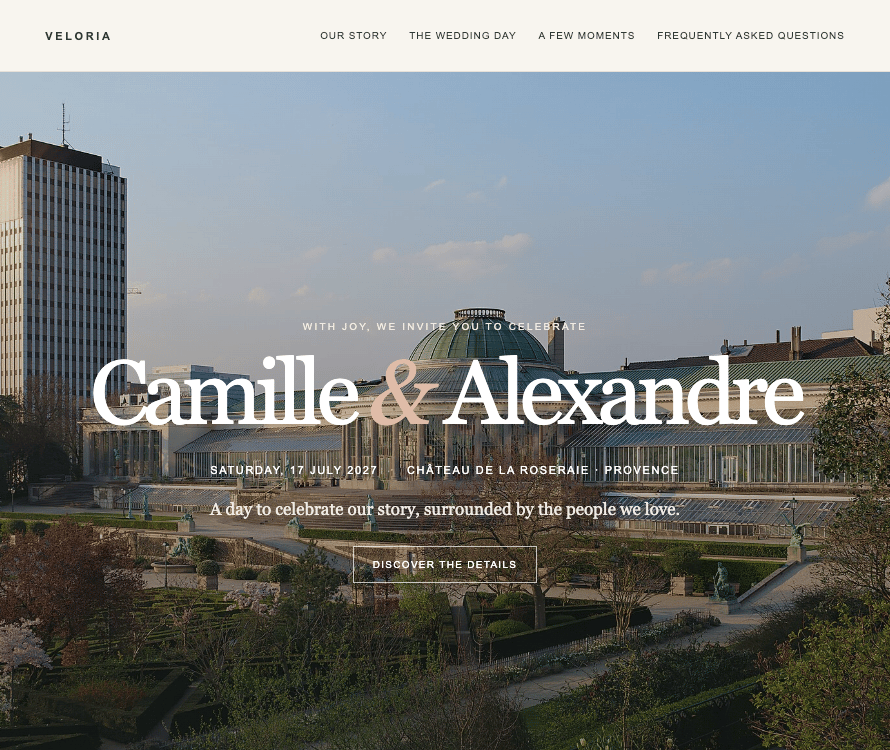
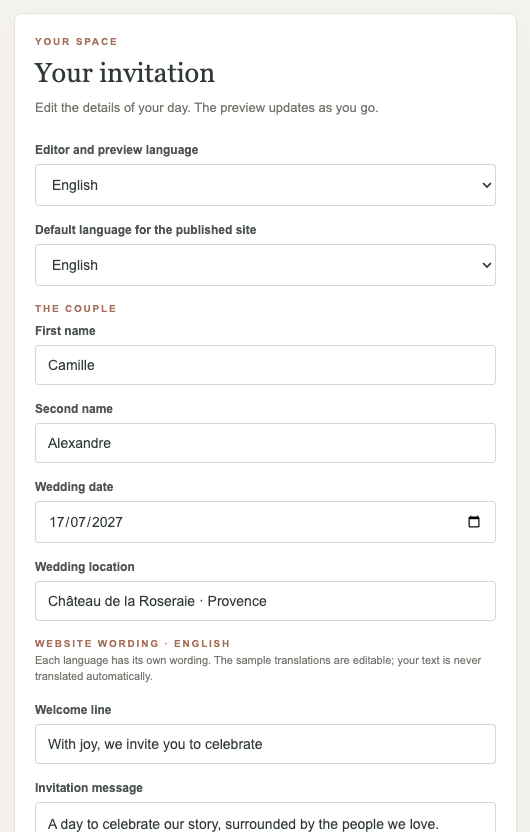
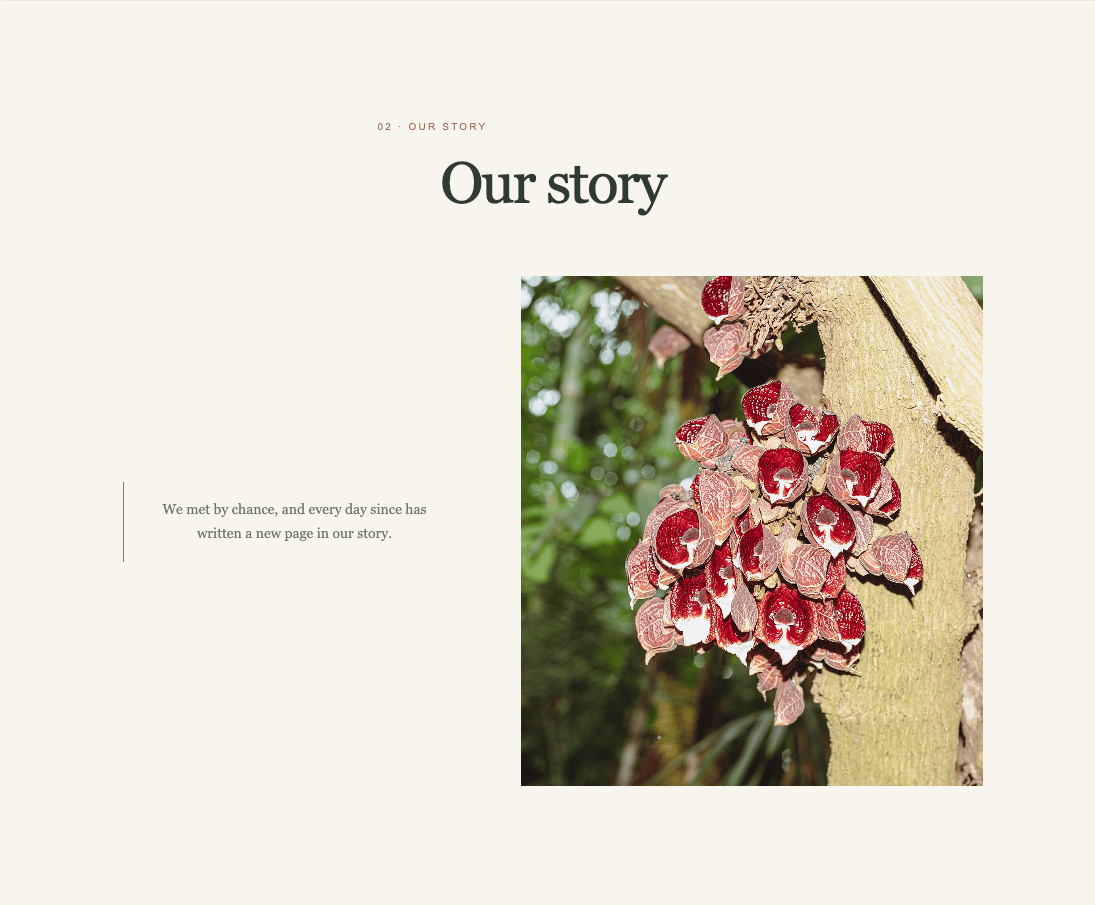
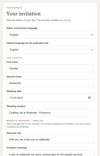
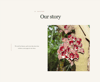
Create a wedding website that feels like yours. Personalise the names, date, venue, story and invitation text; add your own photos, choose which sections to show, and preview the result as you work. When it’s ready, export your website files.
Digital download: an HTML editor and a getting-started guide. The editor is used on your computer and is best opened through a local HTTP server. Hosting, a domain and an RSVP form are not included; the RSVP button can link to a secure form you create separately.
For publishing your finished website, Netlify is a free recommended hosting option. You’ll need to create your own account; hosting is not included.