


Floating Apiary Template | Full Profile
On Sale
$0.00
Pay what you want:
$
Floating Apiary Layout
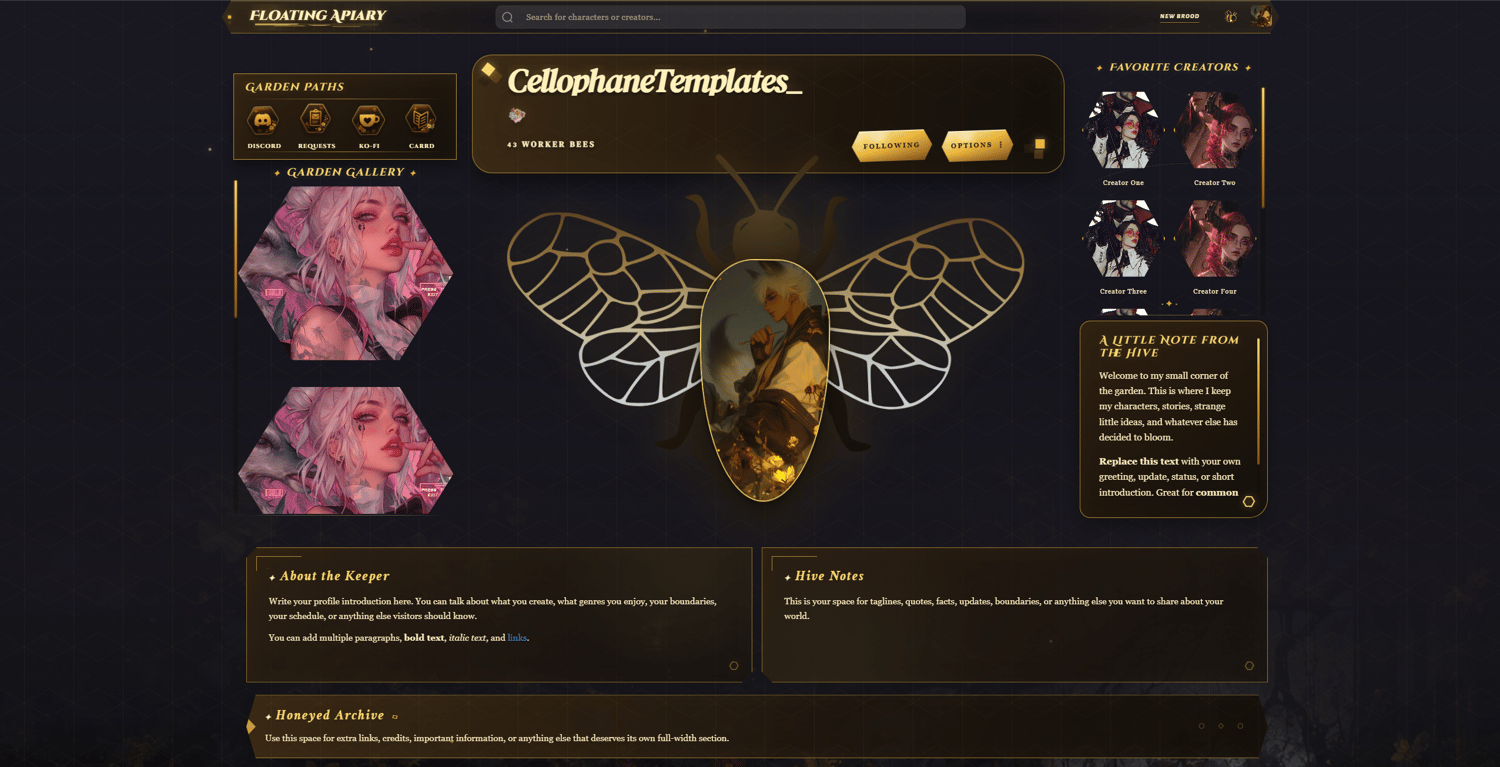
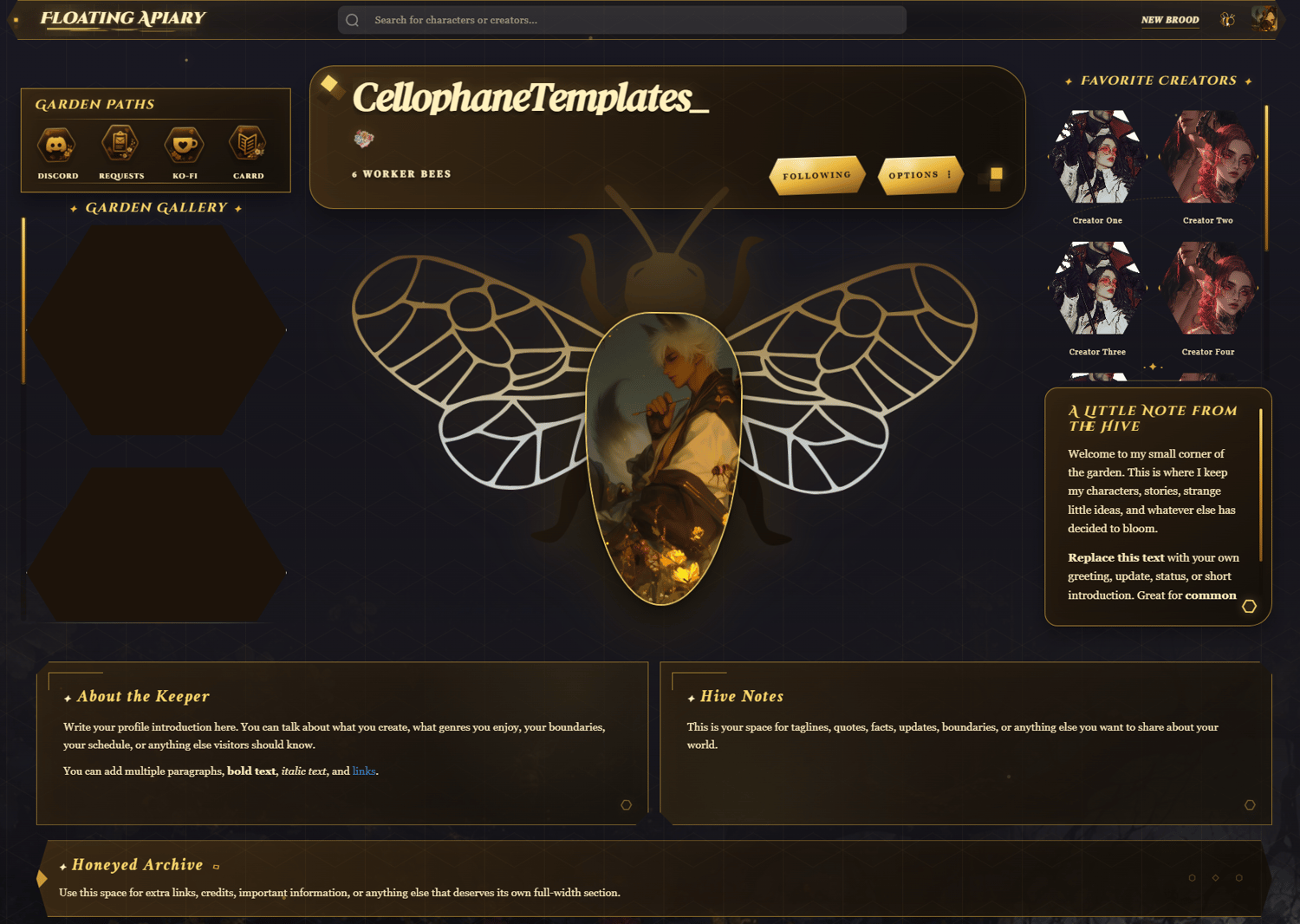
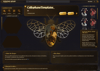
- Grid-based profile: The page is built with CSS grid, so each major section has its own assigned placement. The layout includes the profile title, floating portrait, follower count, Garden Paths, Garden Gallery, favorite creators, profile notes, lower information panels, treasury section, character gallery, and visible credit section.
- Floating portrait and hive identity: The profile includes a central portrait framed by decorative bee wings and apiary-inspired details, along with the profile name and worker-bee follower count above it. The portrait image can be replaced with your own profile image, while the profile title and surrounding text can be renamed in the Div section.
- Garden Paths section: This section works as the main Link navigation. It includes four honeycomb-shaped links with editable labels beneath them. These can be used for Discord, request forms, Ko-fi, Carrd, social pages, creator pages, or any other outside links you want visitors to find quickly.
- Garden Gallery section: This area is intended for featured images, artwork, announcements, favorite bots, or other visual content. More gallery entries can be added, removed, renamed, or rearranged without changing the overall profile concept.
- Favorite Creators section: This section is made for favorite creators, mutuals, friends, or featured people. It uses small portrait entries that can be replaced with your own images, names, and profile links.
- Profile notes and lower panels: The template includes editable areas for a welcome note, profile information, extra details, credits, important notices, and any other text you want to display. These sections can be renamed and rewritten directly in the Div portion of the code.
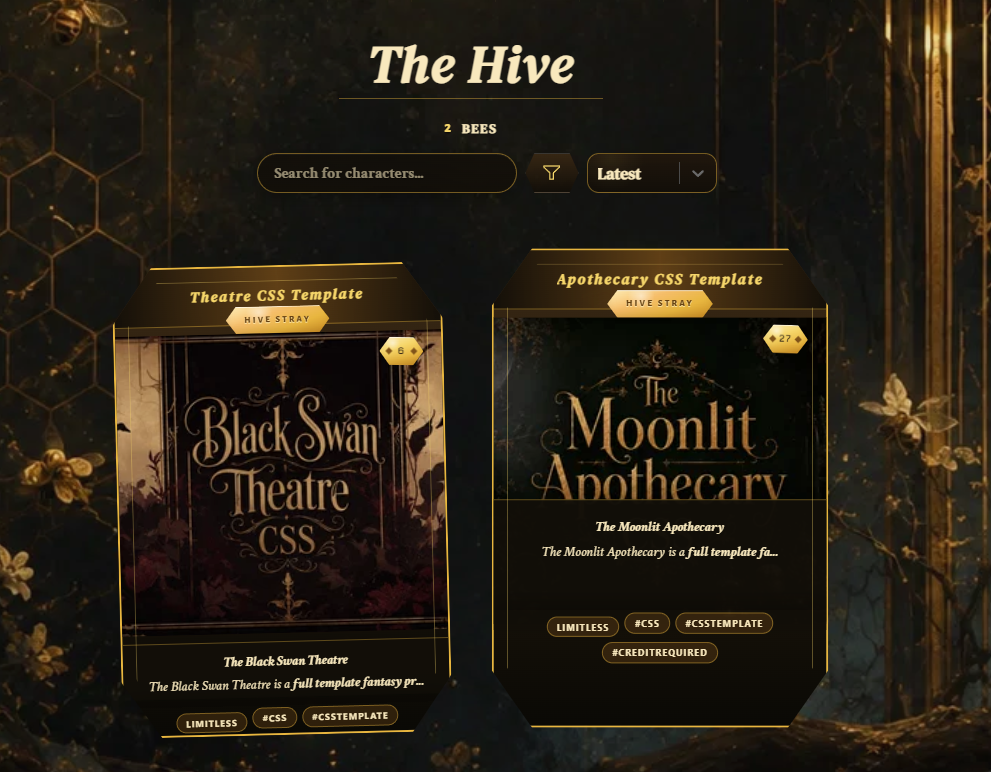
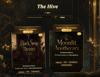
- Honeycomb character cards: The included card styling turns character cards into floating honeycomb portrait plaques. Each card includes a character name, large portrait, expandable description, expandable tags, chat-count ribbon, and an optional series plaque beneath the bot name.
Notes to Keep in Mind
- All images within the Gallery and Favorite Characters, aka the Honeycomb (Hexagonal) areas work best at a 1:1 (Square) aspect ratio!
Customization Notes
- Most colors can be changed directly in the CSS through hex and rgba values.
- The layout is grid-based, so adding a new major profile section requires both HTML and CSS updates. New sections need their own class, their own grid placement, and the grid structure must be adjusted to make room for them.
- Images can be replaced with your own links in their appropriate Div sections. Avoid using url() because it is unavailable on the site. This includes formatting such as: background-image: url("https://example.com/image.png");
- Do not import custom fonts, as imported fonts are also unavailable on the site.
- The theme is open for recoloring, renaming sections, changing icons/symbols, replacing images, adjusting spacing, and changing the Apiary wording to fit your own profile style.
- The profile code includes editable areas for the profile note, Garden Paths labels and links, Garden Gallery entries, favorite creators, lower information panels, treasury content, series names, and credit text.
- Along with the code, you may receive the used background image. Screenshots may show the background at 90% opacity with a 0% blur.
Application
- Do not place the code directly into the editor. That can cause the code to break or not function correctly.
Go to your Settings, paste the full code into the About Me section, then press Save Changes.
Credit
- Credit must remain visible on the page. You may move it if needed, but it must still be present somewhere on the profile.
Help
- If you need help setting it up, adjusting anything, recoloring the theme, or changing sections, feel free to contact me on Discord: discord.com/users/1500481578814406696