

AI Business Services & Solutions-VS Code Copilot Efficiency Training
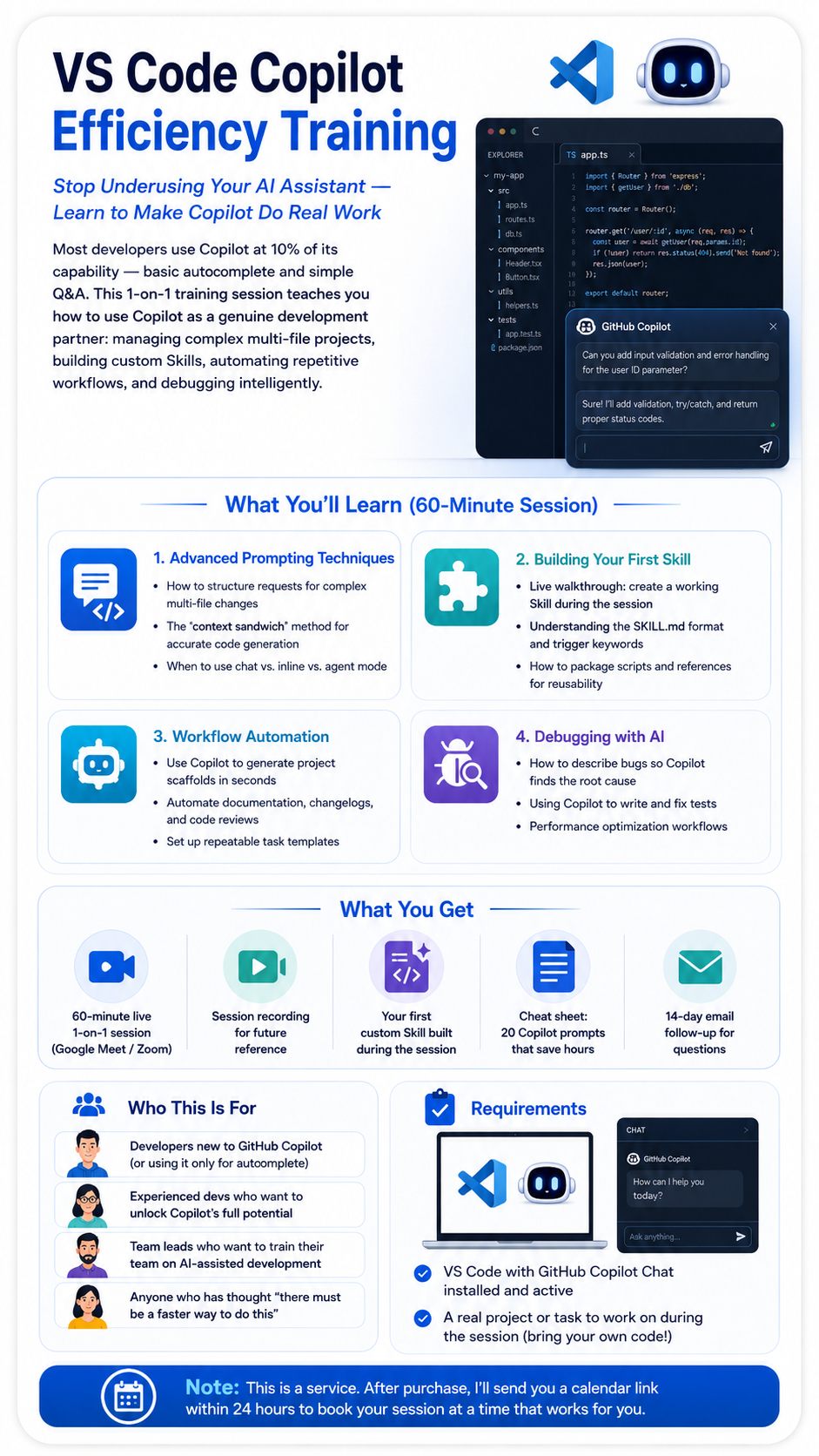
VS Code Copilot Efficiency Training
1-on-1 Coaching — Stop Underusing Your AI Assistant
Most developers use Copilot at 10% of its capability. Learn to make Copilot do real work: managing complex projects, building custom Skills, and automating workflows.
What You'll Learn (60-Minute Session)
Advanced Prompting Techniques
• How to structure requests for complex multi-file changes
• The "context sandwich" method for accurate code generation
• When to use chat vs. inline vs. agent mode
Building Your First Skill
• Live walkthrough: create a working Skill during the session
• Understanding the SKILL.md format and trigger keywords
• How to package scripts and references for reusability
Workflow Automation
• Use Copilot to generate project scaffolds in seconds
• Automate documentation, changelogs, and code reviews
• Set up repeatable task templates
Debugging with AI
• How to describe bugs so Copilot finds the root cause
• Using Copilot to write and fix tests
• Performance optimization workflows
What You Get
• 60-minute live 1-on-1 session (Google Meet / Zoom)
• Session recording for future reference
• Your first custom Skill built during the session
• Cheat sheet: 20 Copilot prompts that save hours
• 14-day email follow-up for questions
Who This Is For
• Developers new to GitHub Copilot (or using it only for autocomplete)
• Experienced devs who want to unlock Copilot's full potential
• Team leads who want to train their team on AI-assisted development
• Anyone who has thought "there must be a faster way to do this"
Requirements
• VS Code with GitHub Copilot Chat installed and active
• A real project or task to work on during the session (bring your own code!)
Note: This is a service. After purchase, I'll send you a calendar link within 24 hours to book your session at a time that works for you.