

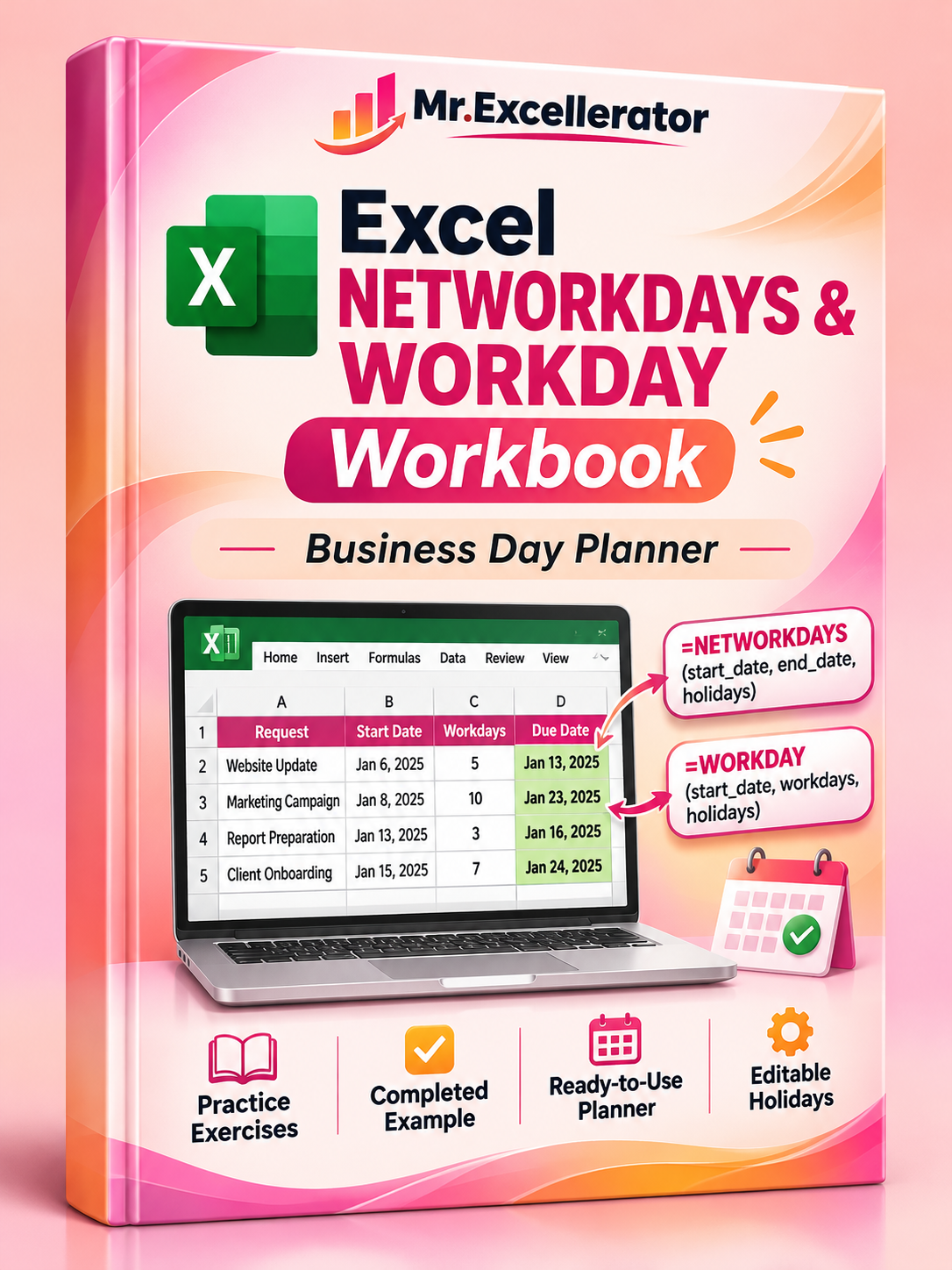
Excel NETWORKDAYS & WORKDAY Workbook — Business Day Planner
Excel NETWORKDAYS & WORKDAY Workbook — Business Day Planner
Stop counting weekdays manually. Calculate accurate working days, deadlines, and task schedules in Excel.
Managing deadlines becomes frustrating when weekends and company holidays interrupt your schedule. Simple date subtraction doesn't account for non-working days, and manual calendar counting becomes increasingly unreliable as your task list grows.
This practical Excel workbook helps you master two essential functions — NETWORKDAYS and WORKDAY — while providing a reusable planning tool for everyday scheduling.
Whether you're following the accompanying YouTube tutorial or managing real projects, this workbook combines hands-on learning with practical functionality.
What's Included
1. Interactive Formula Practice
Build working-day calculations using realistic business requests.
- Practice NETWORKDAYS and WORKDAY formulas
- Calculate business days between two dates
- Create deadlines based on estimated working days
- Exclude weekends and company holidays
- Work with structured Excel Tables
- Test how formulas behave when new records are added
2. Completed Working Examples
Compare your calculations with a finished version of the exercise.
- Seven sample business requests
- Calculated working-day periods
- Automatically calculated due dates
- Holiday-aware formulas
- A complete reference for checking your results
3. Ready-to-Use Business Day Planner
Go beyond the tutorial with a practical scheduling tool.
- Add and manage tasks
- Set task start dates and estimated effort
- Calculate expected deadlines
- Track remaining working days
- Identify overdue and upcoming tasks
- Review summary indicators
4. Editable Holiday Calendar
Maintain a shared list of company holidays and non-working dates to keep your calculations consistent.
5. Formula Reference & Quick Start Guide
Clear instructions help you understand the formulas, enter your own information, and begin using the planner.
Why Get This Workbook?
You could build these formulas yourself — but you don't have to rebuild the entire practice environment and task planner.
This workbook gives you a structured starting point, completed examples, and a reusable working-day planning workflow in one download.
It's designed to help you move from learning the formulas to applying them in real work.
Who Is It For?
- Excel learners and intermediate users
- Office administrators
- Project coordinators
- Business analysts
- Freelancers managing client deadlines
- Anyone working with task schedules and company holidays
How to Get Started
- Open the included Excel workbook.
- Start with START_HERE for instructions.
- Use VIDEO_START to follow the YouTube tutorial.
- Compare your work with VIDEO_FINISHED.
- Open READY_PLANNER to manage your own tasks.
- Update the HOLIDAYS table to reflect your calendar.
File Details
- One Excel workbook (.xlsx)
- Six organized worksheets
- Practice exercises and completed examples
- Reusable business day planner
- Editable holiday calendar
- Excel 2021-compatible formulas
- No VBA macros or paid Excel add-ins required
Calculate working days confidently. Plan deadlines more accurately. Spend less time counting dates manually.
Digital download. Microsoft Excel recommended.