
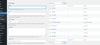
Online-Chef Shop - Wordpress 7.1.4 Add-on
On Sale
€0.00
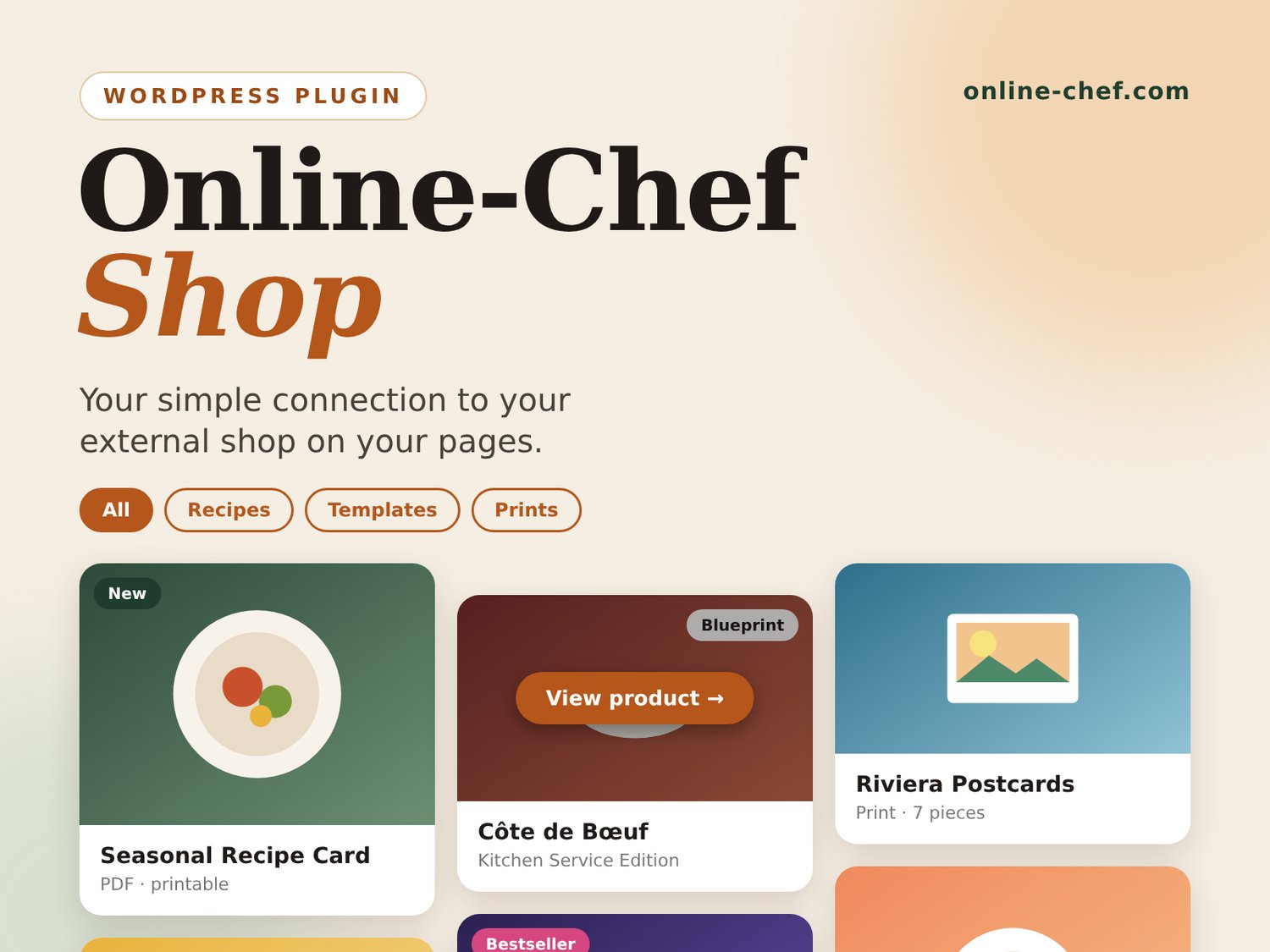
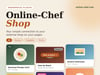
Your simple connection to your external shop on your pages. Even chefs build websites, and they want something unique. When we opened the Digital Kitchen on online-chef.com, our shop already worked. What we needed was a clean way to show it on our own pages: no cart, no checkout, no second back office. So we built it ourselves. Online-Chef Shop is the result, and we are sharing it for free.
What you get
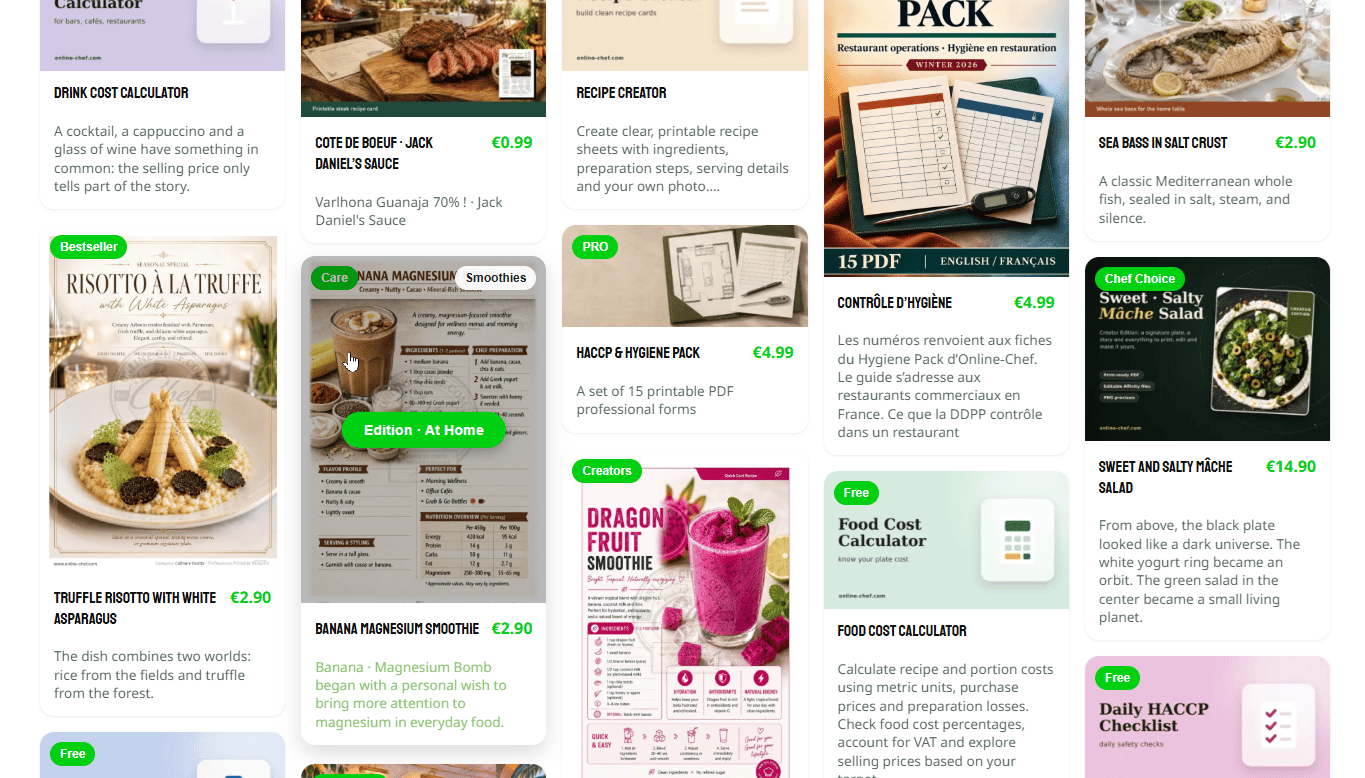
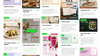
- A Pinterest-style product grid for any page, as a Gutenberg block or shortcode
- A hover button in the middle of the picture and a category label that appear only when you point at a product
- Subtitle, price label and badge (New, Bestseller, Free) on every product
- A filter bar built automatically from your categories
- One settings page: columns, layout, image ratio, spacing, rounded corners, accent colour
- Works with Payhip or any other external shop, a click opens your shop
Set it up in five minutes
- In WordPress go to Plugins, Add New, Upload Plugin and choose the ZIP (do not unzip it). Activate.
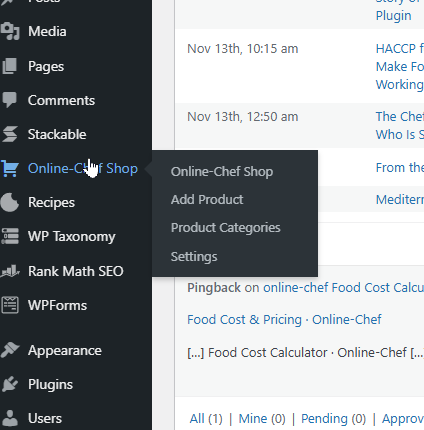
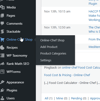
- Open Online-Chef Shop, Settings, and enter your shop address.
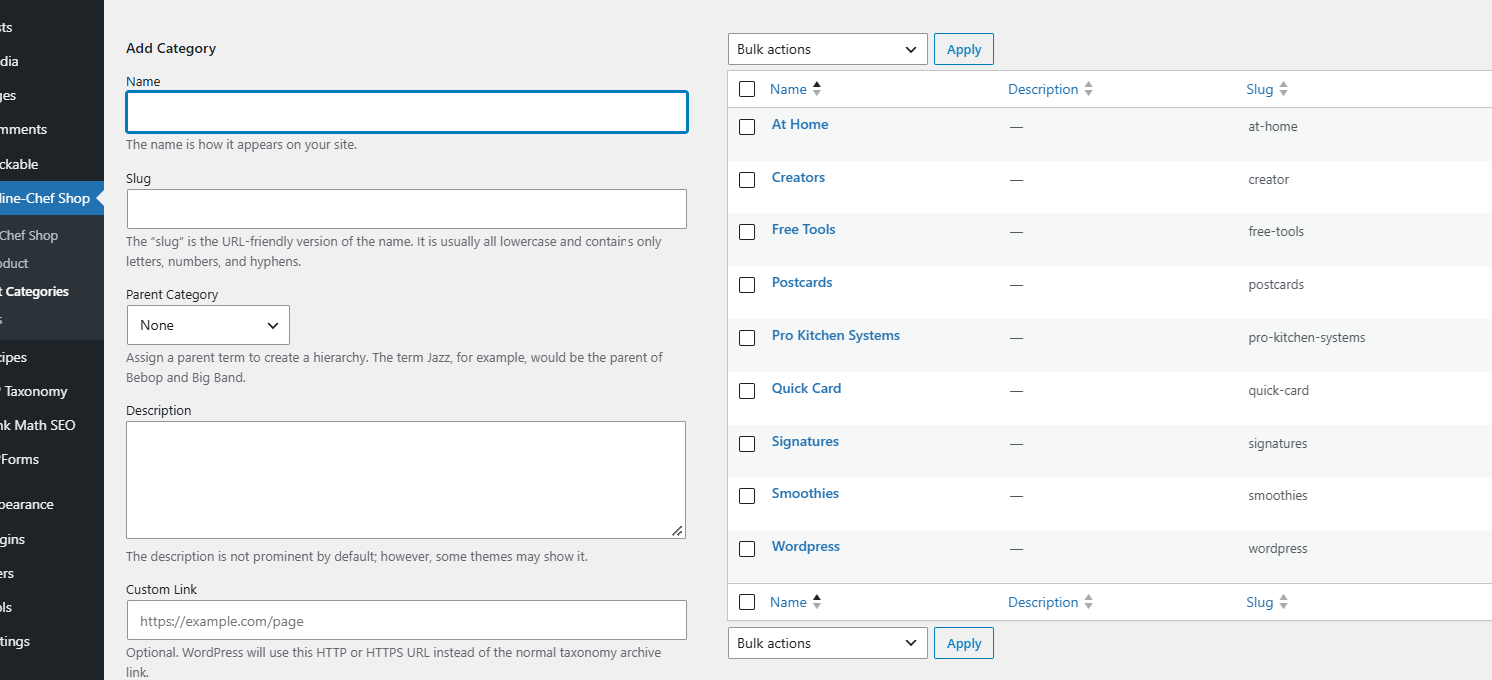
- Create a few product categories.
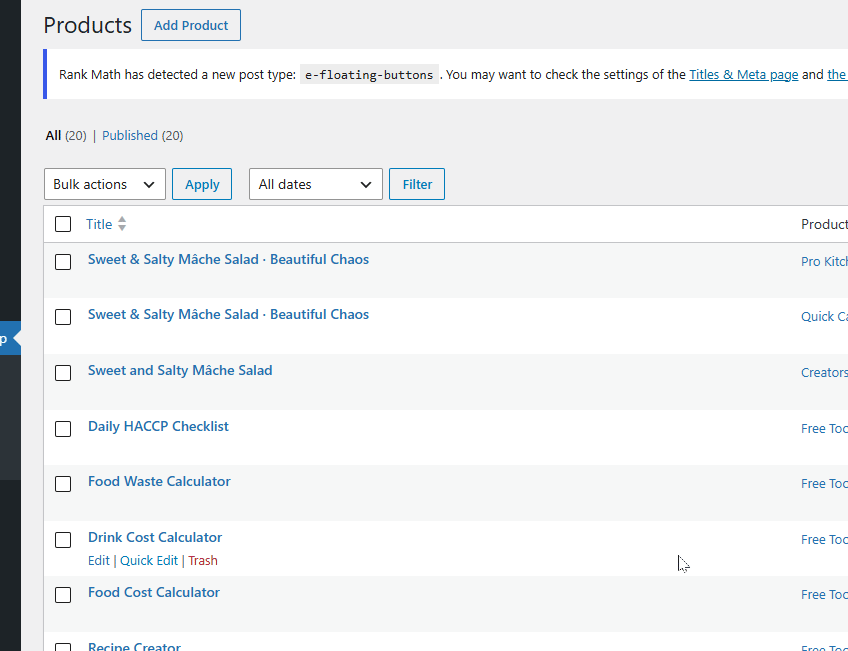
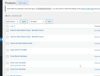
- Add your products: image, title, subtitle, price, link.
- Add the block “Online-Chef Shop” to a page, or paste a shortcode such as [online_chef_shop columns="4" filter="yes"].
Good to know
- Version 1.2.0, tested with WordPress 7.1.4
- Requires WordPress 6.0+ and PHP 7.4+
- Lightweight: no tracking, no external requests, no extra database tables
- Free, released under the GPL
Changelog
- 1.2.0: Filter bar from categories, higher default product limit
- 1.1.0: Renamed to Online-Chef Shop, category label on hover, subtitle field
About the author
Online-Chef.com is a registered business in France that helps restaurants and food businesses. Questions or ideas? Tell us on online-chef.com. We read every message.