
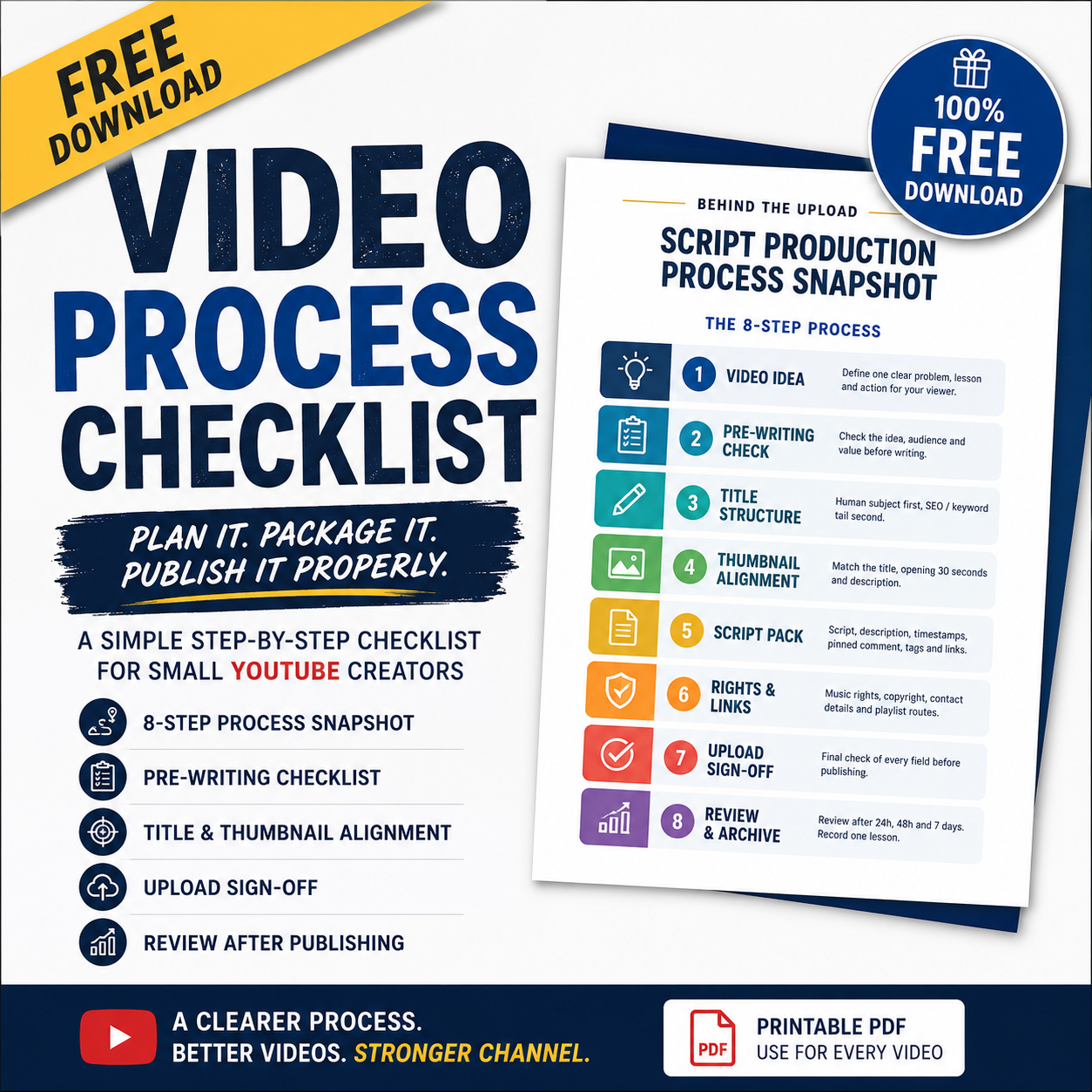
Free Small Creator Script Production Process Snapshot and Checklist
Where this fits:
This product is part of the Behind The Upload Small Creator Learning Path.
Use this when you want to improve:
[thumbnail clarity / first 30 seconds / comments / viewer journey / analytics etc.]
Plan your YouTube video properly before you start writing the script
A lot of small creators start writing too quickly.
They have an idea, open a blank document, and begin typing.
But before you write the script, it helps to make sure the video idea, title, thumbnail, opening and upload plan are all pointing in the same direction.
This free Behind The Upload printable guide gives you a simple end-to-end process to follow for every YouTube video.
Inside the free guide
You will receive:
- a clear eight-step script-production snapshot
- a simple pre-writing checklist
- a title and thumbnail-alignment check
- a script-pack checklist
- a music-rights and copyright reminder
- a links and viewer-journey check
- a final upload sign-off sheet
- a 24-hour, 48-hour and 7-day review routine
- a space to record one lesson for your next upload
The eight-step process
The guide helps you move through:
- video idea
- pre-writing check
- title structure
- thumbnail alignment
- script pack
- rights and links
- upload sign-off
- review and archive
Who this is for
This free guide is designed for small YouTube creators who want a clearer process before publishing.
It may help if you:
- keep changing your title or thumbnail too quickly
- forget links, playlists or timestamps
- upload and then hope for the best
- feel unsure what to check after publishing
- want a more organised way to plan each video
- want to improve one thing at a time without creating unnecessary admin
The main rule
Do not rush into writing the script.
First make sure the idea, title, thumbnail, opening and description are aligned.
Then build the video carefully.
Download the free checklist
Print one copy for each video and tick the boxes as you work.
The aim is not to create more jobs.
The aim is to stop important steps being missed.
Created by Behind The Upload.
Document reference: BTU-FREE-009
Edition: Version 1.0
Status: Free download