
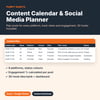
Content Calendar & Social Media Planner with Analytics (Excel / Google Sheets)
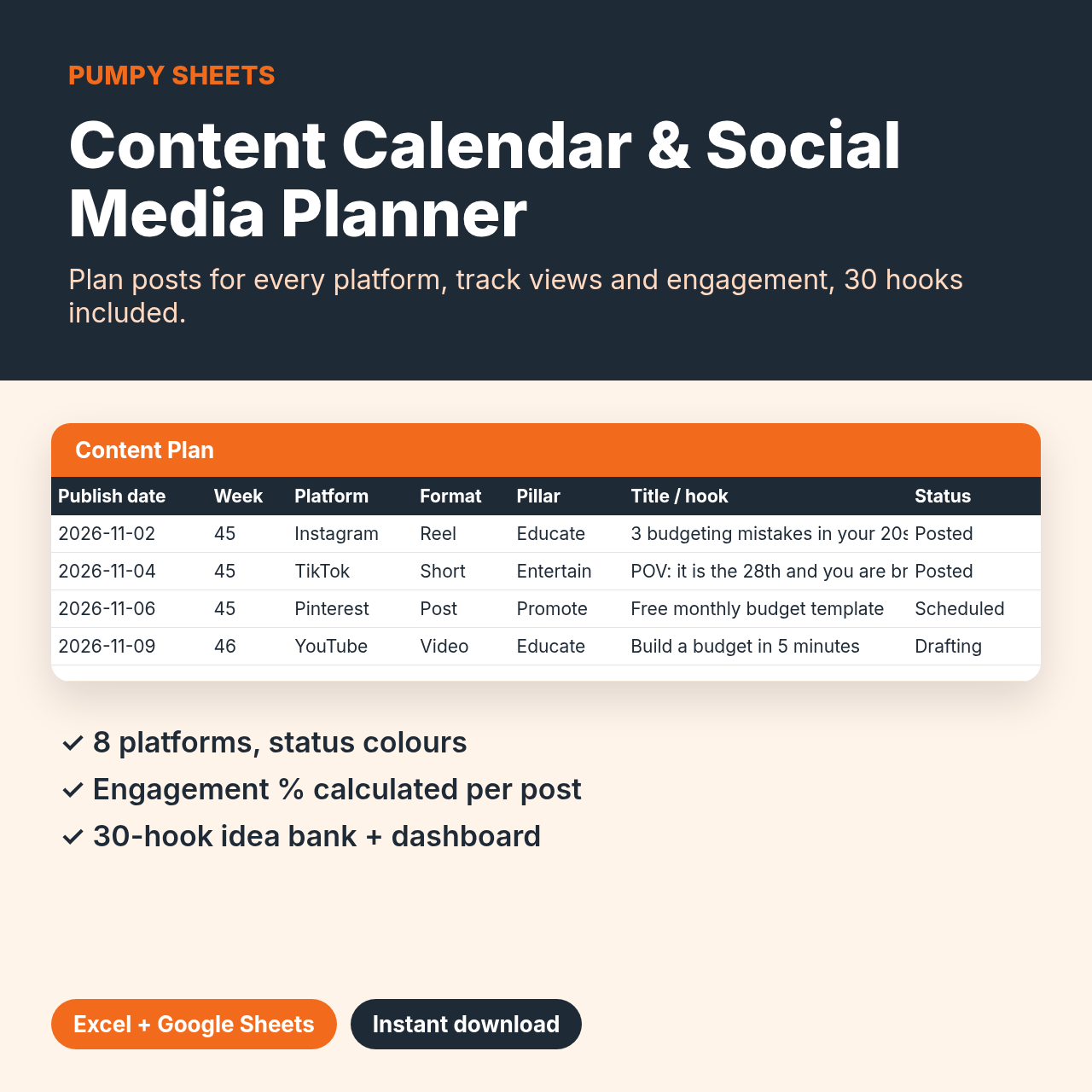
Plan posts for every platform, track status and see which content actually performs.
What's included
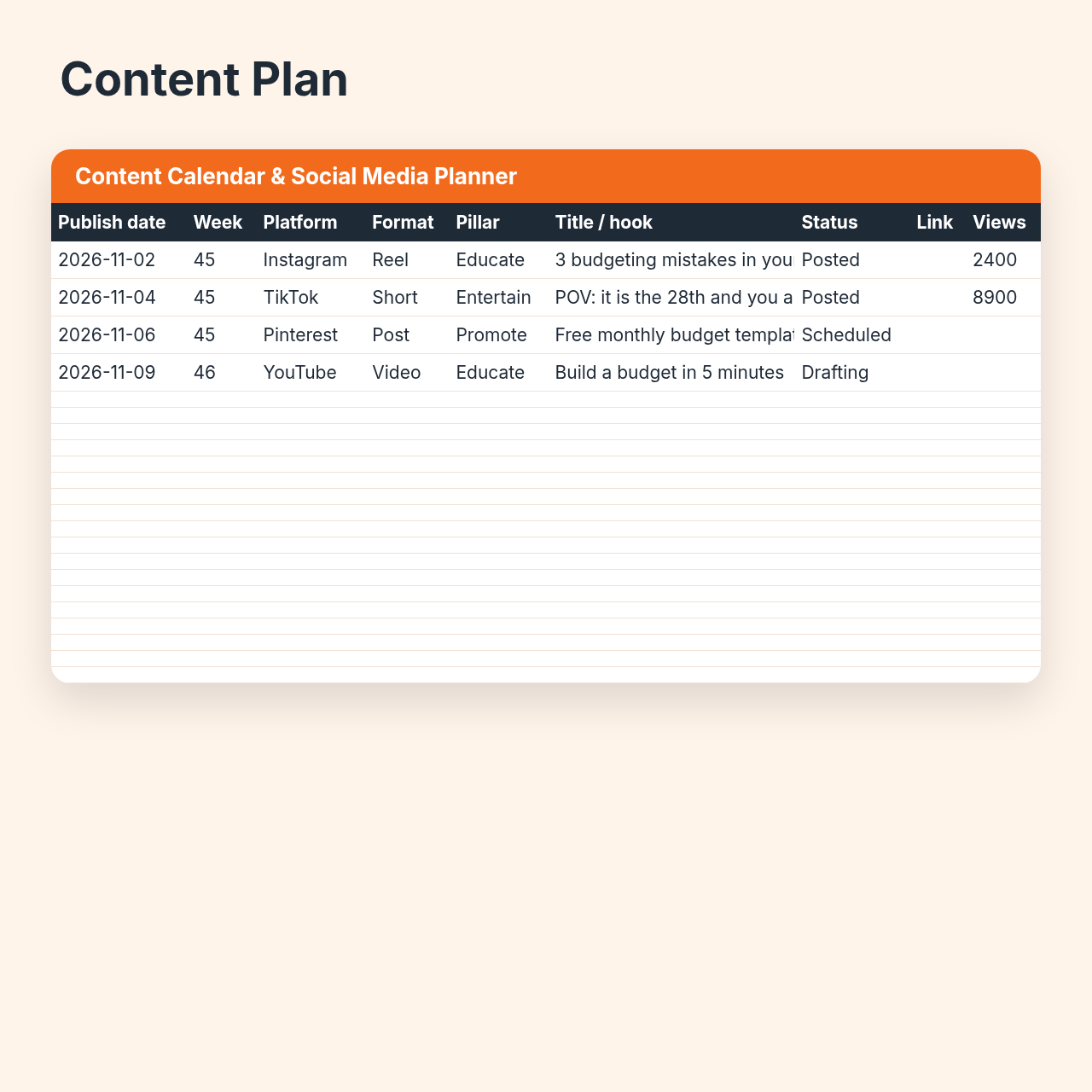
• 1 .xlsx file with 3 sheets: Content Plan, Dashboard, Idea Bank
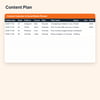
• Content Plan: date, auto week number, platform, format, content pillar, hook, status, link, views, likes, saves
• Engagement % calculated for every post; status colours for Idea / Drafting / Scheduled / Posted
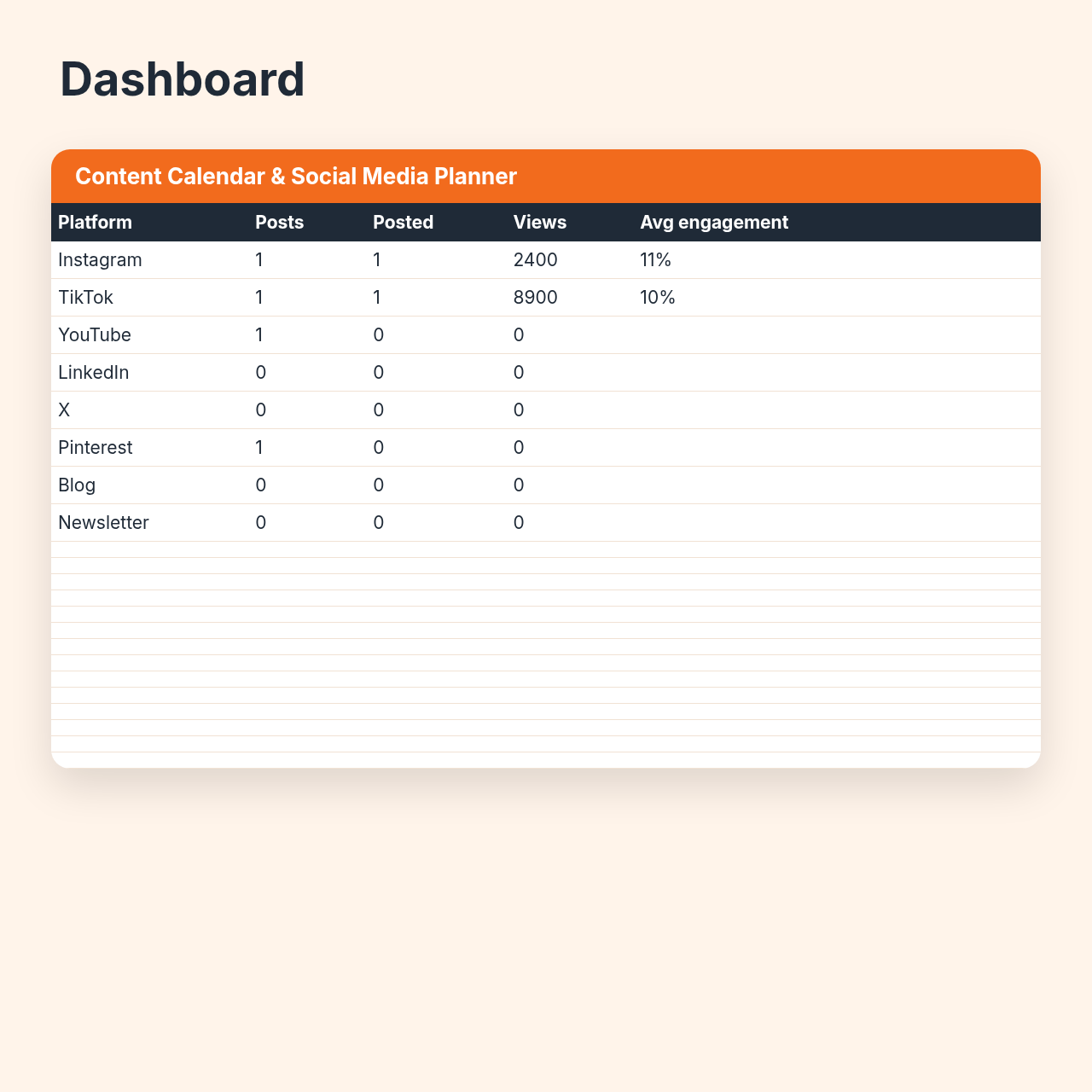
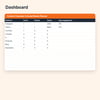
• Dashboard: posts, posted count, views and average engagement for 8 platforms, with a chart
• Idea Bank: 30 proven hooks to start with
• Works in Microsoft Excel and Google Sheets (File › Import › Upload the .xlsx).
Who it's for
• Creators, small brands and social media managers who post on Instagram, TikTok, YouTube, LinkedIn, X, Pinterest, a blog or a newsletter.
How to use it in 3 steps
1) Fill the month with ideas from the Idea Bank.
2) Move each post through the status drop-down as you work.
3) Add views, likes and saves after posting – the Dashboard shows what works.
Format
• .xlsx · instant download