
Estimate, Invoice & Payment Tracker Spreadsheet
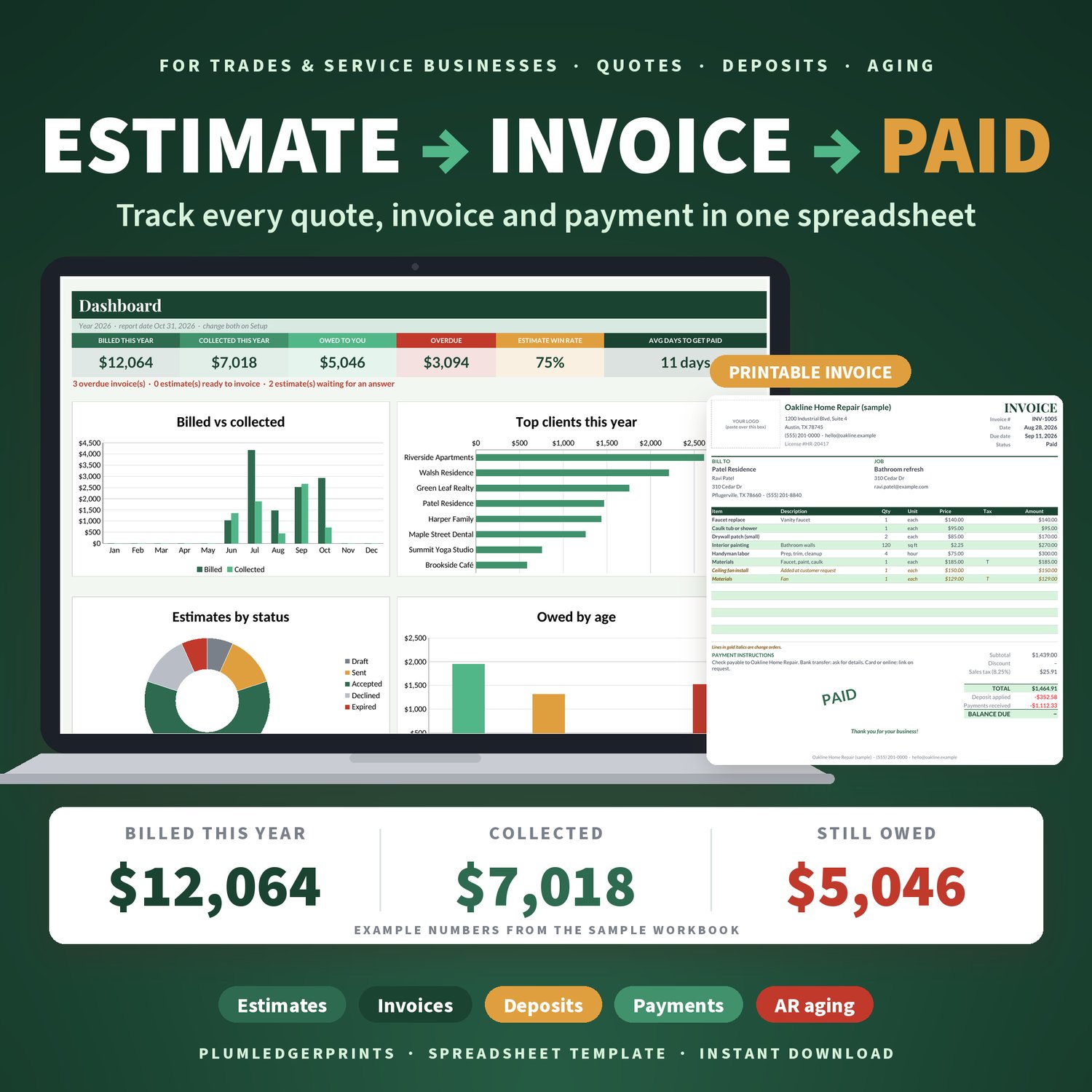
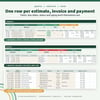
Know who owes you, how much, and for how long. This spreadsheet follows every job from estimate to paid: write the estimate, take a deposit, turn it into an invoice, add change orders, log payments, and the balance, due date, status and days late work themselves out. A dashboard and an aging report show your money at a glance.
Made for trades and service businesses: cleaners, lawn care and pressure washing, handymen and contractors, home bakers and other small service businesses.
WHAT YOU RECEIVE
- A 1-page PDF with your link to make your own editable copy of the spreadsheet (works in a free online spreadsheet app; a free account is needed)
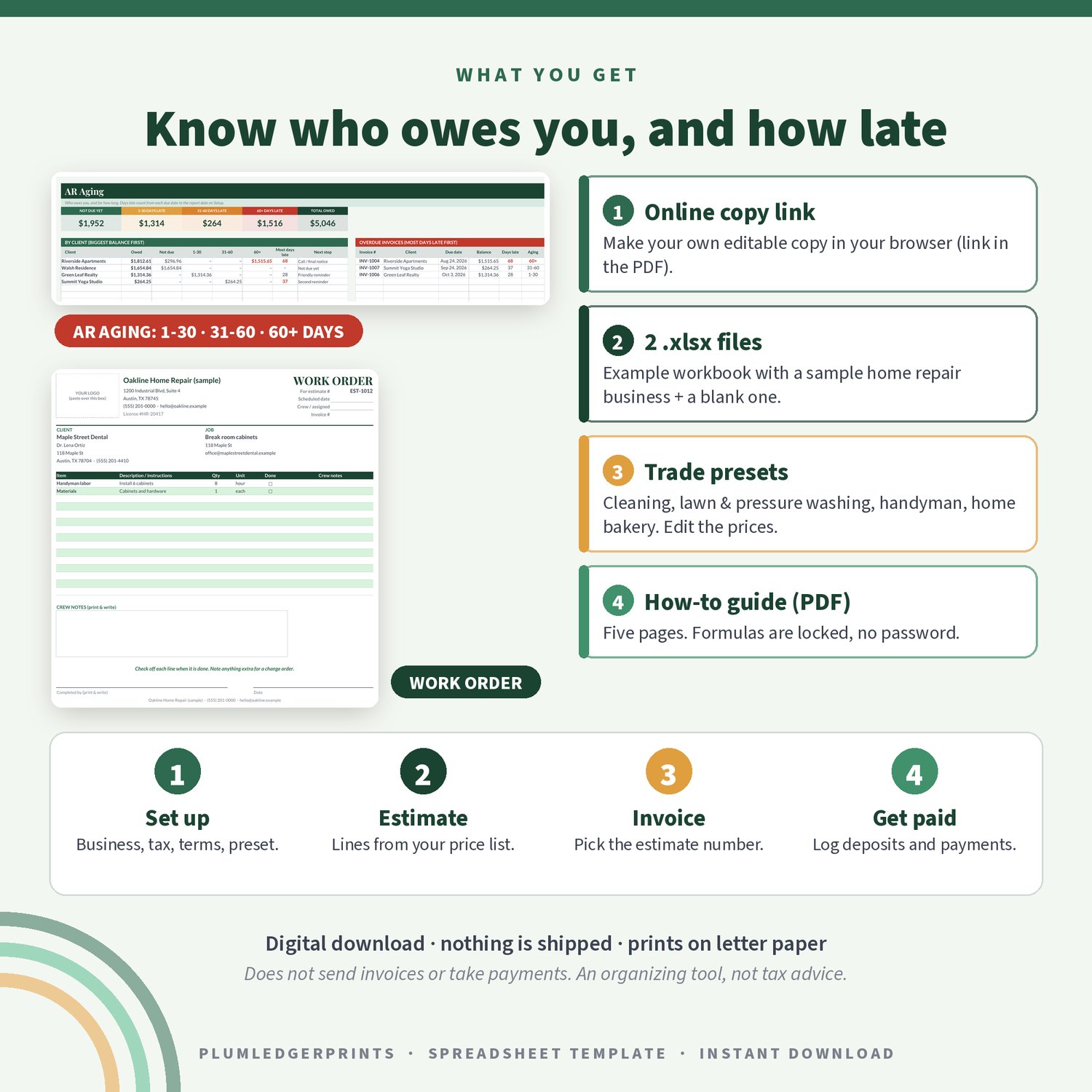
- Estimate-Invoice-Tracker-BLANK.xlsx (ready for your business) and Estimate-Invoice-Tracker-EXAMPLE.xlsx (filled with a made-up sample home repair business so you can see how it works)
- A 5-page how-to guide (PDF)
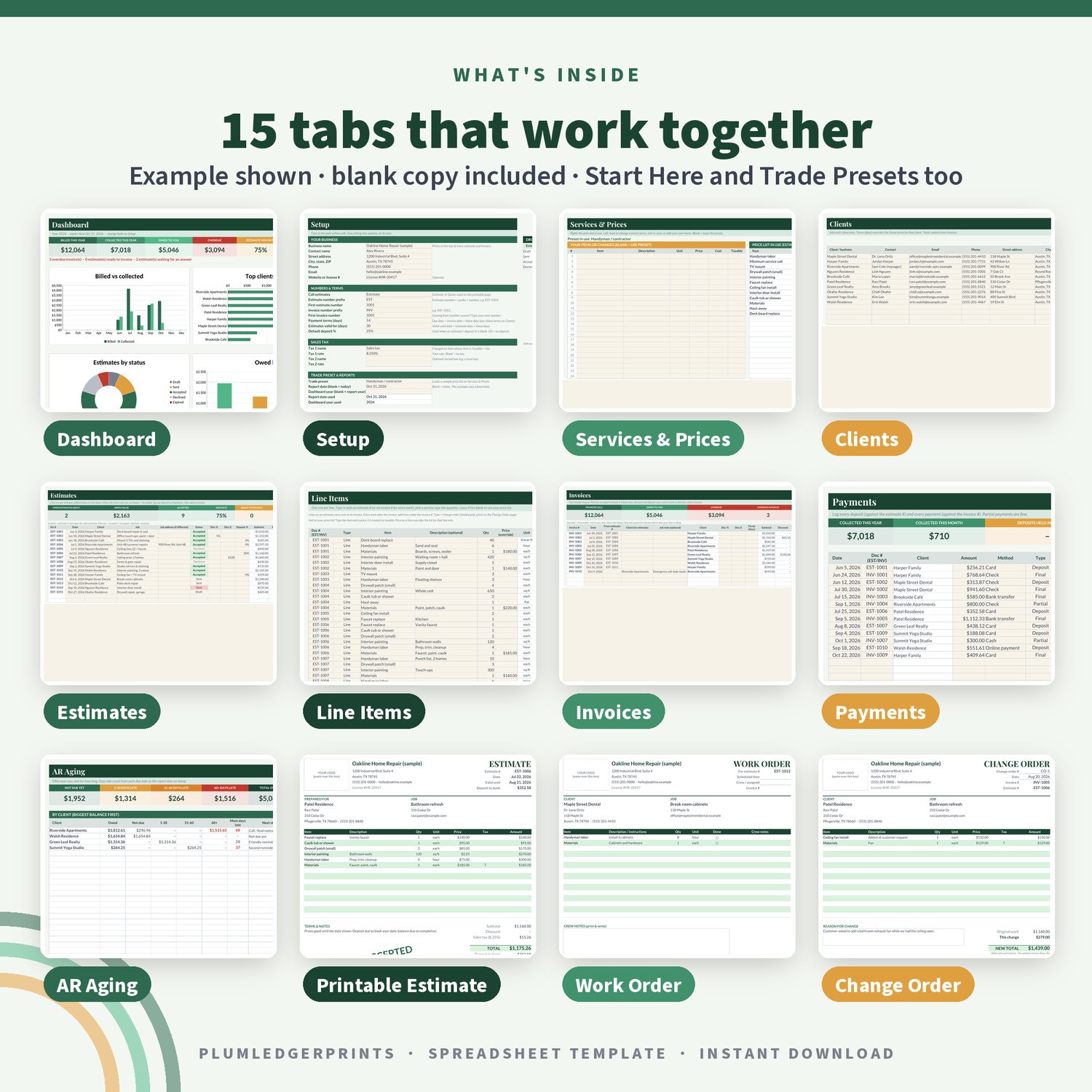
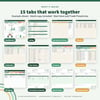
- 15 tabs: Start Here, Dashboard, Setup, Services & Prices, Clients, Estimates, Line Items, Invoices, Payments, AR Aging, Printable Estimate, Printable Invoice, Work Order, Change Order, Trade Presets
WHAT IT DOES
- Setup: your business details, "Estimate" or "Quote" wording, number prefixes, payment terms, how long estimates are valid, a default deposit %, up to 2 tax rates and your print notes
- Services & prices: up to 50 services with unit, price, your cost and whether tax applies. Start from a trade preset (cleaning, lawn & pressure washing, handyman / contractor, home bakery) and edit it, or type your own list
- Clients: up to 60 clients, with billed, paid and owed totals per client
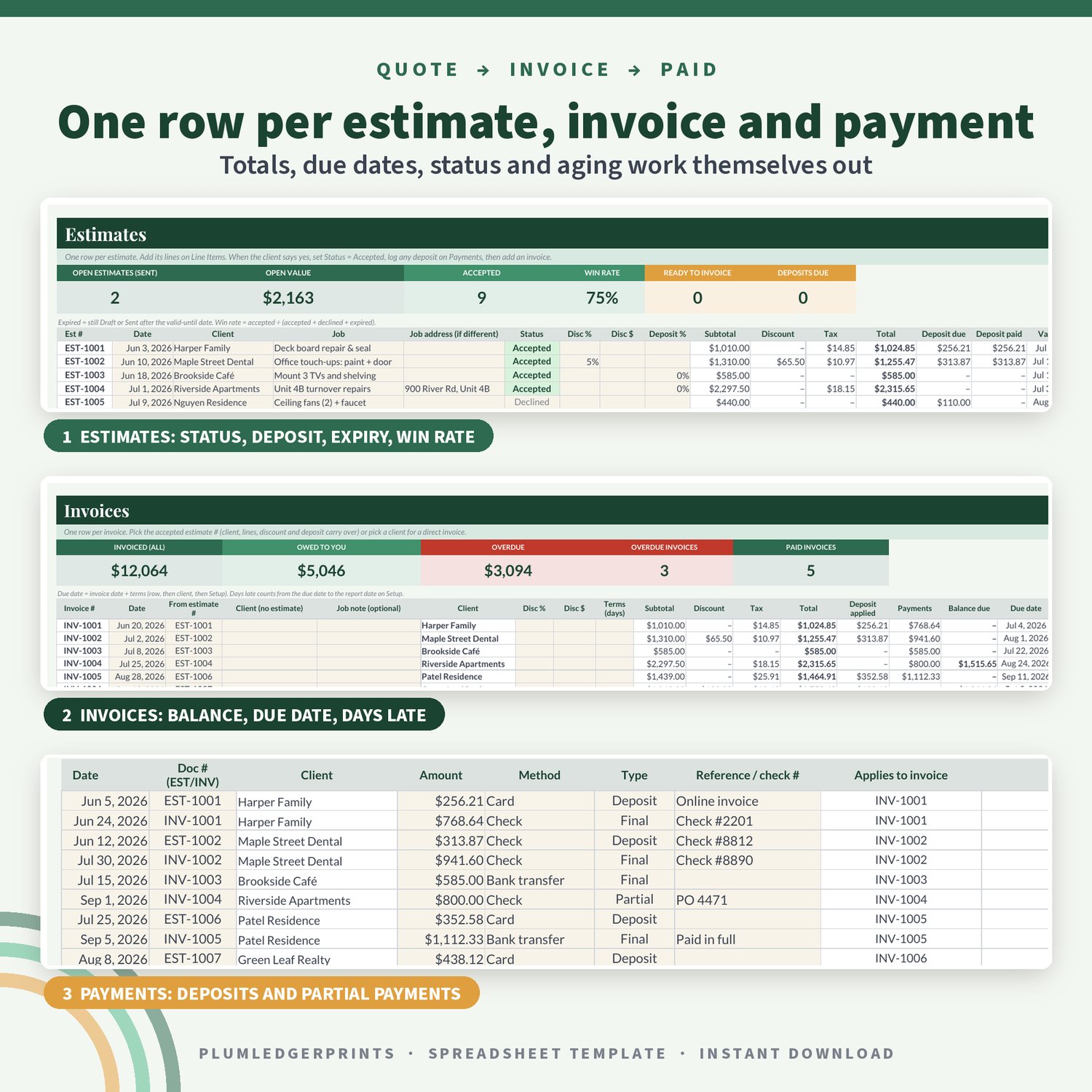
- Estimates: status (Draft, Sent, Accepted, Declined), expiry date, deposit due, total and margin. Win rate on the dashboard
- Line items: pick a service and a quantity; price, tax and amount fill in. Lines on an estimate carry over to its invoice
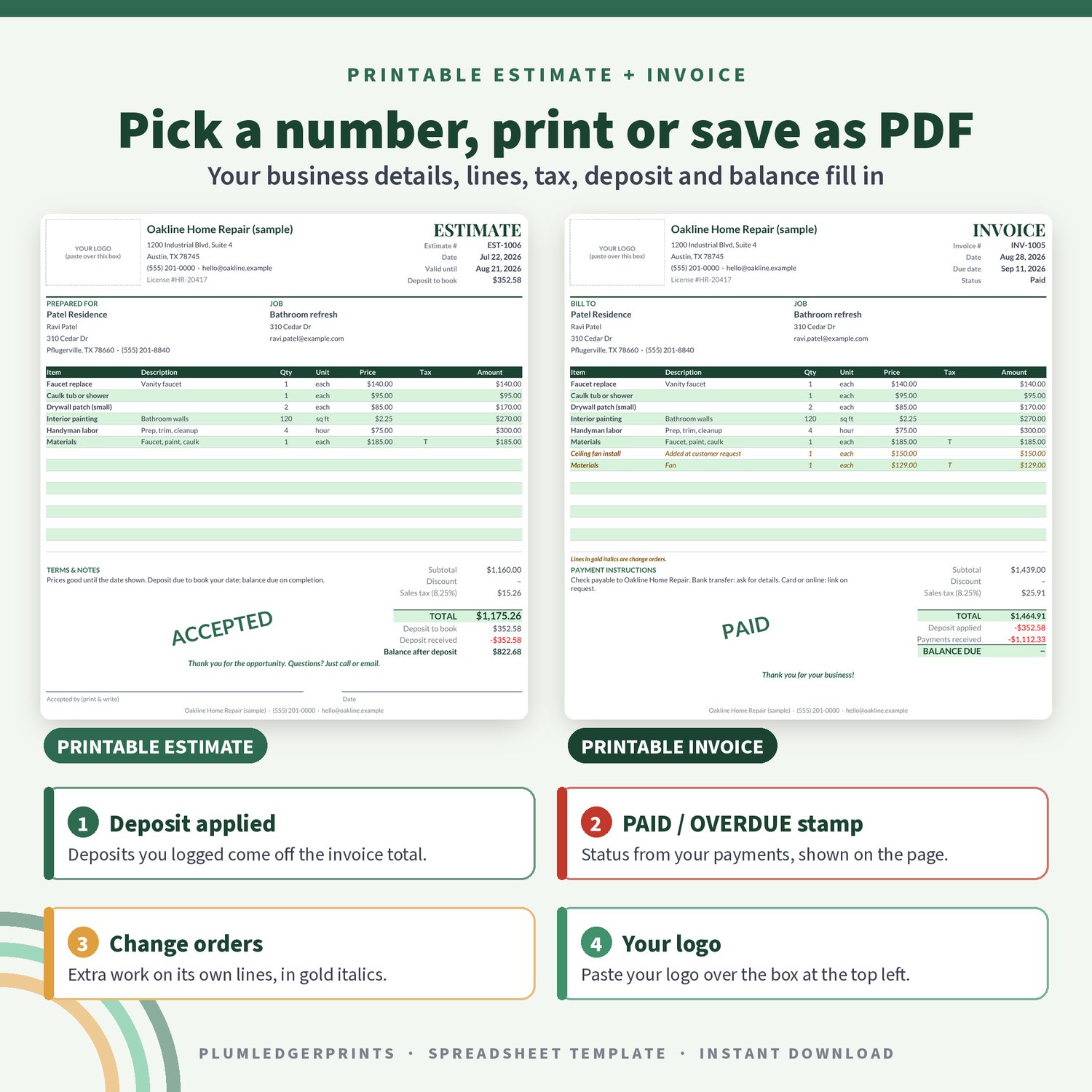
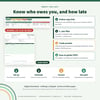
- Invoices: pick the accepted estimate number (or a client for a direct invoice). Change orders for extra work go on their own lines. Due date, deposit applied, payments, balance, status and days late are worked out for you
- Payments: log deposits against the estimate and payments against the invoice. Partial payments are fine
- AR aging: what is owed per invoice and per client, split into not due, 1-30, 31-60 and 60+ days late
- Dashboard: billed, collected, owed, overdue, estimate win rate, average days to get paid, and charts for billed vs collected by month, top clients, estimates by status and owed by age
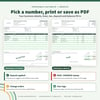
- Printables: estimate, invoice (with PAID or OVERDUE shown), work order and change order. Pick a number, then print or save as PDF
- Formula cells are locked (no password) so you can't break them by accident; pale yellow cells are for typing
GOOD TO KNOW
- It does not send invoices, remind clients or take payments. You print or save the invoice as PDF and send it your usual way.
- Capacity per file: 100 estimates, 100 invoices, 400 lines, 200 payments, 60 clients. Start a fresh copy for a new year.
- Works in Google Sheets (free Google account, 'make a copy' link in the PDF) and Microsoft Excel 365 (.xlsx included). Charts are redrawn in the online app's own style, so they look slightly different from the photos (same data).
PLEASE NOTE
- This spreadsheet is an organizing tool, not financial advice. It is not accounting, tax or legal advice either. Check your local tax and invoicing rules.
- Don't store sensitive personal data such as ID or bank numbers in it.
- For use in your own business only. Please don't resell or share the file or the link.
- Digital file only. Nothing physical will be shipped.
Designed by me with help from AI tools.