


Wall Assembly Thickness Converter
Wall Assembly Thickness Converter
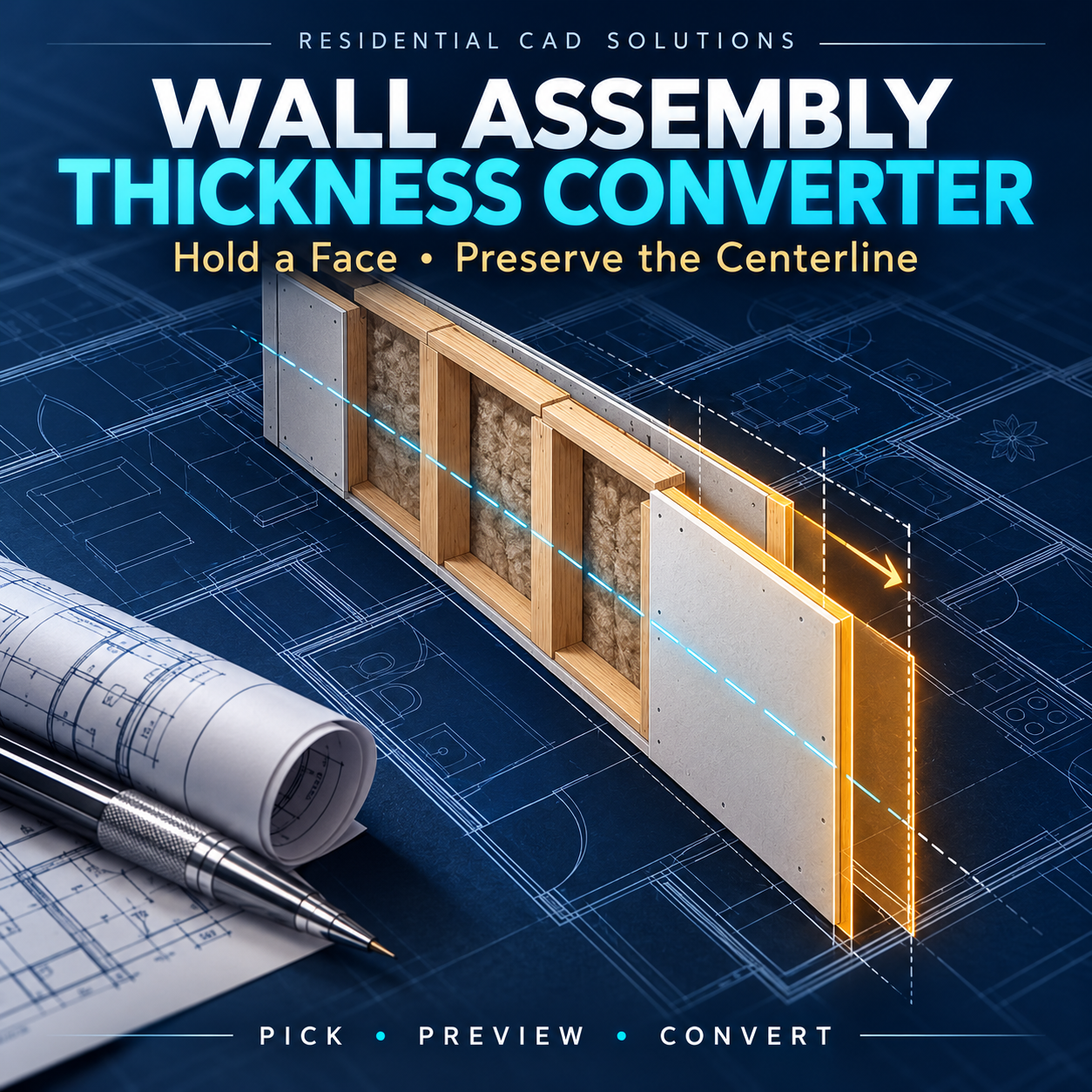
Adjust drawn wall thickness with control over what stays fixed. This AutoLISP + DCL tool helps architects, designers, engineers, and drafters convert paired straight wall-face lines to a new thickness while preserving their lengths.
Features include:
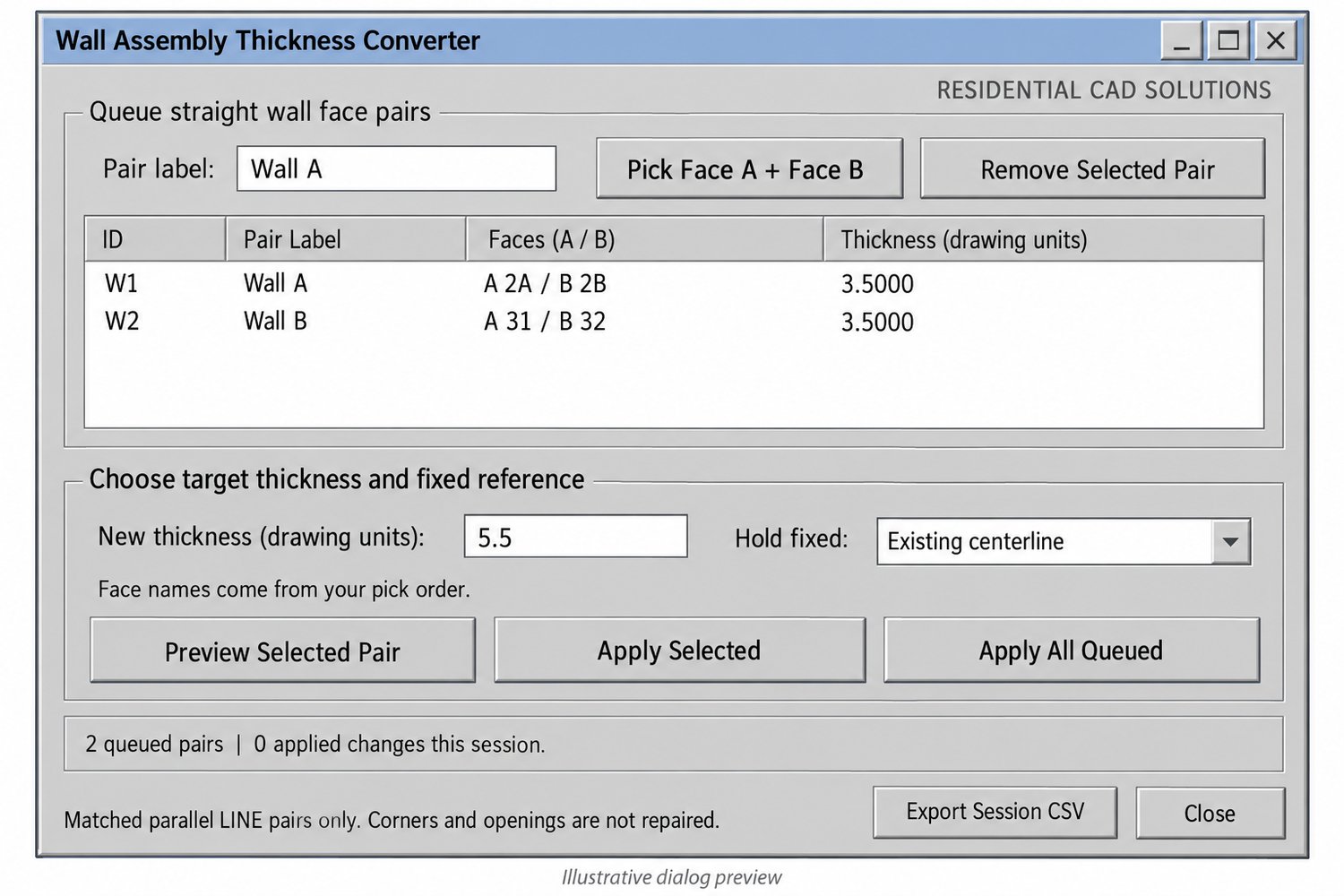
- Pick and label two wall faces as face A and face B.
- Hold either face—or the existing centerline—fixed.
- Widen or narrow walls using a custom thickness in drawing units.
- Preview proposed changes before applying them.
- Convert one pair or batch-process queued pairs.
- Retain line lengths, layers, and entity properties.
- Reject unsupported or mismatched geometry.
- Export a CSV log of applied session changes.
Your download includes: LISP program, DCL dialog file, demo DXF drawing, installation instructions, and verification examples.
Command: WATC
Requirements: Full Windows AutoCAD with Visual LISP, ActiveX, and DCL. Live version compatibility testing is pending.
Please note: Supports matched, parallel, straight LINE pairs in a horizontal plane. It changes overall drawn thickness, not individual assembly layers. Corners, intersections, openings, hatches, and annotations are not automatically repaired or coordinated. Review the drawing after conversion.