
Irregular Income Budget Spreadsheet – Freelancer & Self-Employed Budget (Excel + Google Sheets)
A budget built for pay that changes every month.
How it works: you list your essential monthly costs once. Each time you get paid, you log it. The spreadsheet puts aside the tax percentage you choose and shows whether each month covered your essentials. Good months add to your buffer and lean months take from it.
What it does:
Essentials list with a monthly total
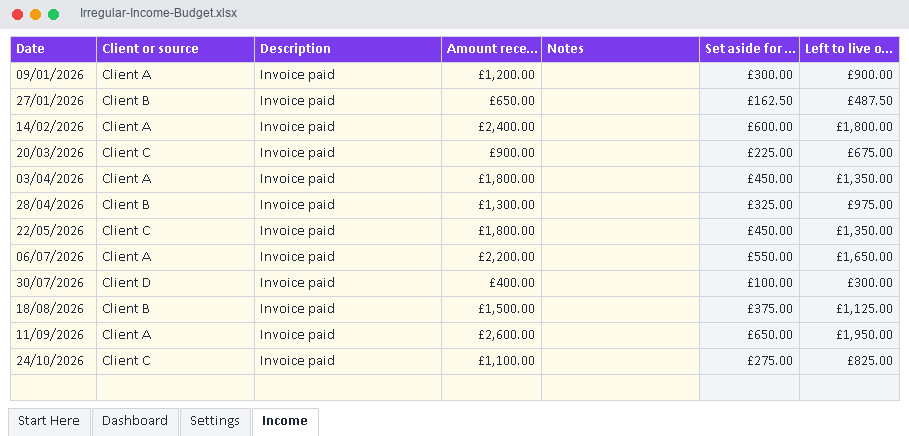
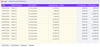
Income log with automatic tax set-aside (a percentage you choose) and money left to live on
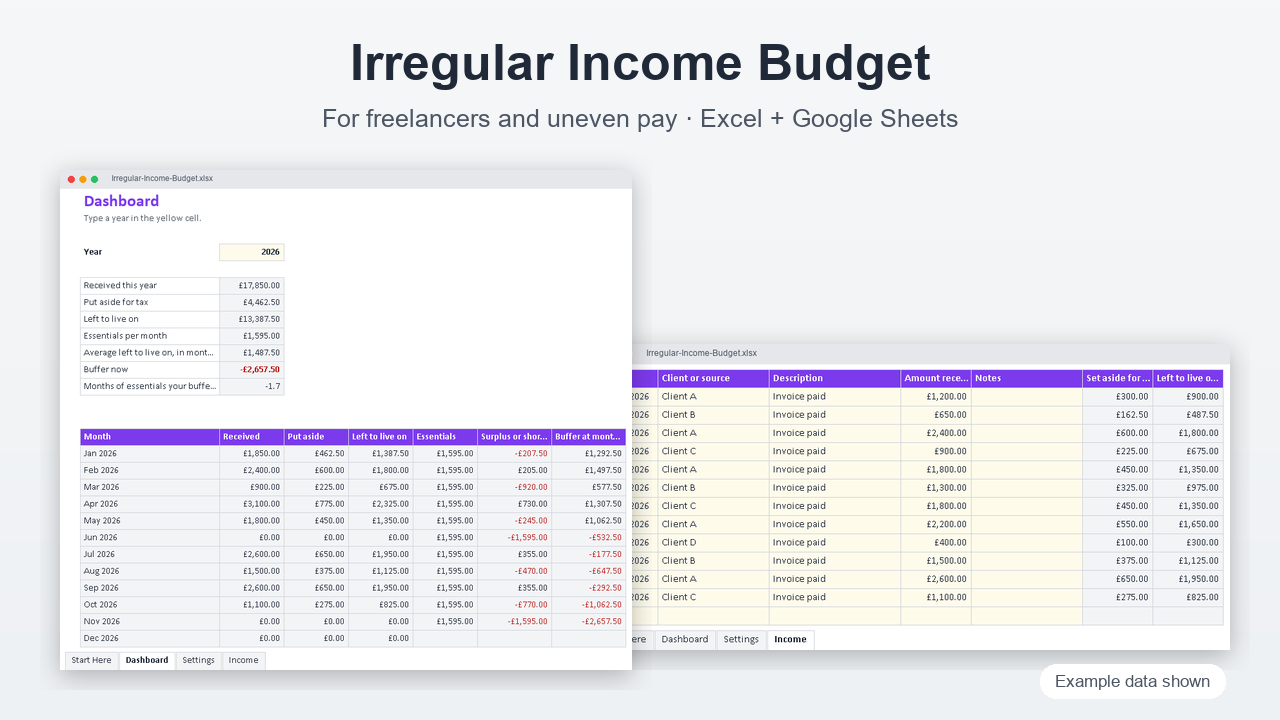
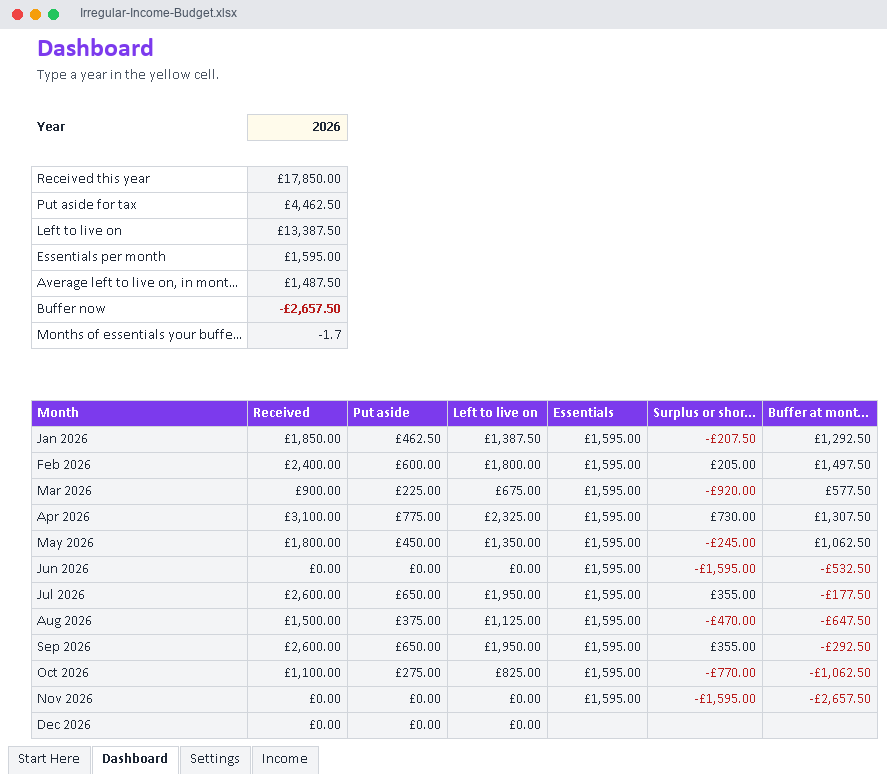
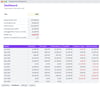
Dashboard for any year: month-by-month received, set aside, left to live on, surplus or shortfall, and buffer at month end
Your average month, your buffer now, and how many months of essentials it covers
Future months stay blank, so they don't show as a shortfall early
What you get:
Irregular-Income-Budget.xlsx – the blank workbook
Irregular-Income-Budget-EXAMPLE.xlsx – filled with example data
Instructions are on the Start Here tab.
Works in Microsoft Excel 2016 or newer (Windows and Mac), Excel for the web, and Google Sheets (upload the .xlsx to Google Drive and open it with Google Sheets). No macros.
The tax set-aside is a percentage you choose, not a tax calculation. This is not financial or tax advice.
This is a digital download. No physical item will be shipped. For personal use only.